
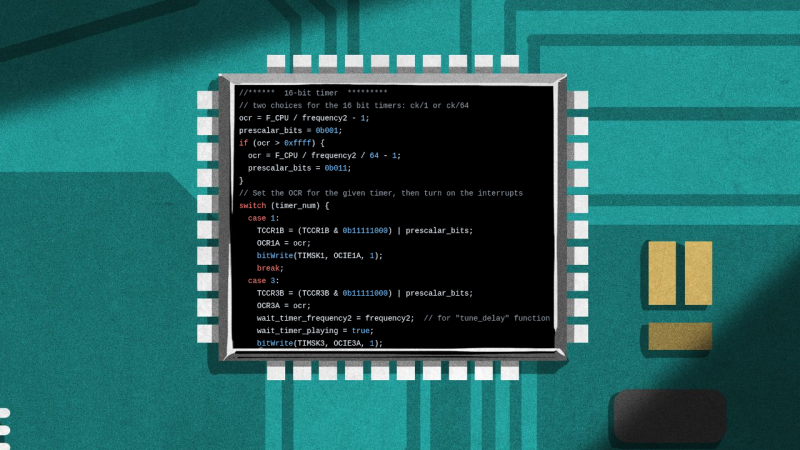
How often have you pulled out old MCU-based project that still works fine, but you have no idea where the original source code has gone? Having the binary image and the source code as separate things to keep track of usually isn’t a problem, but there’s something to be said for adding the source — and documentation — to this image if you have some flash to spare. This is basically what the Forgetfulino Arduino library by [Nader Al Khatib] does.
Essentially, the library compresses the source files and assigns it to be burned onto the flash alongside the binary. There is also a bit of code added to the firmware so that this code can be retrieved via the serial port at any time, negating the need for a firmware dump and manual disassembly. For ease of use, the library has an Arduino IDE extension that automates the process. The basic idea could also be adapted to different environments should anyone wish to take up the challenge.
You probably wouldn’t want debug builds to feature this additional payload as writing it to flash will eat up time and write cycles. But for a release build that will be put out in the (literal) field for a few years or even decades, it could be very convenient. After all, you never know when that Git repository that you relied on might go AWOL.












Another reason why I’ve mostly moved to micropython for hobby projects. The code is just on the board by design. And with $5 RP2040 and ESP32 boards that run micropython there is no reason not to except when you need more speed then it can provide, which is rare.
Agree. I haven’t found anything yet that ‘I’ do that requires more speed. Python handles it. And as you say, you can always get the source code back off the device. That said, all my projects are on the home server and periodic backups are made local and off-site, so losing data would be pretty hard. Of course you still need to know what ‘folder’ you put it in after a few years! Ha!
That said I am about to embark on kicking around freeRTOS on RP2350 boards. Get back to my ‘C’ roots for fun.
You must not be doing any real-time control or power electronics control, I can’t remember my last project where the difference in real-time performance would have been feasible.
I’d like to play with that some time, but my projects (both professional and hobby) rarely allow for such decadence.
You are right, not any more anyway! Those days are gone when I was doing RT SCADA apps for RTUs and Plant Control Systems with VRTX and other RT modules using assembly and C. Now, At home motor on, motor off, move a servo, door open, door closed, light switch on/off type inputs, read the temperature, read a distance measurement, etc… that don’t need precise response times to events. At work I am working with energy management systems which run on Windoze. It is in real-time … but not as how real-time is defined down in the SCADA IED/RTU world for control like syncing a breaker to the grid, or load shedding when an event occurs…. I do remember those fun days…
if you find yourself bit banging or responding to interrupts, you start hating those training wheels. I say that as someone who tries to learn as little as possible to get a job done
I second that.
RP2040/2350 is/are one of simplest to program with Micropython AND if one is to embark on C programming he/she can bake homegrown uf2.
There is an amazing amount of flash on a cheap NodeMCU, but I don’t know that I am forgetful enough to use this feature. I’d be concerned about mysterious dredged-up source finding its way into places it doesn’t belong. I’ve been excited, though, to put LittleFS file systems on it for locally storing sensor data when the internet disappears.
That is a great idea. I haven’t been burned by this as I put my stuff on github and have used the same laptop for microcontroller work for the last few years, but I could see the younger me getting crushed by losing the source.
In the early 2000s I was working on a piece of very flawed (recently manufactured at the time) Nortel hardware. A friend of mine had worked on this in the 80s. I asked if he had the source code, and he told me it was exactly this. Just tagged onto the end of the firmware.
Genius
This is a really good idea. My attempt at same was to put the (cloud) URL to the source code in a Serial.Print statement in the setup{}. But I’m not nearly as diligent as I should be.
I have definitely been bit by this.
At my work we’ve been doing something similar for quite long while, though, simpler than that, zipping entire source code and embedding it in the MS Word technical documentation. Most projects are quite small, and almost always .NET code, and even with all the addons/DLLs are perfectly fine living there.
Neat idea.
A quick scan of the docs seems that it stores only your local source files. Not all the associated libraries. So it’s still up to the archeologist who recovers that source, to also chase down all the associated libraries, with the correct versions. Probably the build environment too.
Nice to see it auto-comments the version numbers at least.
For Arduino, I do this:
include this liine
#include “printme.h”
in the source, and a command
PRINTME();
somewhere in the code.
Then a script print.sh generates printme.h:
awk ‘BEGIN{print “void PRINTME() { Serial.write(\”\”}{gsub(/\/,”\\”);gsub(“\””,”\\””);print $0 “\n\”}END{print “\”);}”}’ *.ino > printme.h