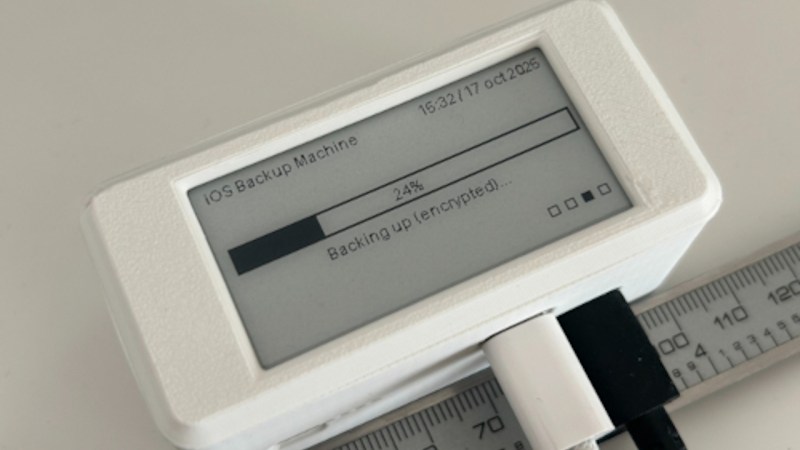
What if you find yourself as an iPhone owner, desiring a local backup solution — no wireless tech involved, no sending off data to someone else’s server, just an automatic device-to-device file sync? Check out [Giovanni]’s ios-backup-machine project, a small Linux-powered device with an e-ink screen that backs up your iPhone whenever you plug the two together with a USB cable.
The system relies on libimobiledevice, and is written to make simple no-interaction automatic backups work seamlessly. The backup status is displayed on the e-ink screen, and at boot, it shows up owner’s information of your choice, say, a phone number — helpful if the device is ever lost. For preventing data loss, [Giovanni] recommends a small uninterruptible power supply, and the GitHub-described system is married to a PiSugar board, though you could go without or add a different one, for sure. Backups are encrypted through iPhone internal mechanisms, so while it appears you might not be able to dig into one, they are perfectly usable for restoring your device should it get corrupted or should you need to provision a new phone to replace the one you just lost.
Easy to set up, fully open, and straightforward to use — what’s not to like? Just put a few off-the-shelf boards together, print the case, and run the setup instructions, you’ll have a pocket backup machine ready to go. Now, if you’re considering this as a way to decrease your iTunes dependency, you might as well check out this nifty tool that helps you get out the metadata for the music you’ve bought on iTunes.