
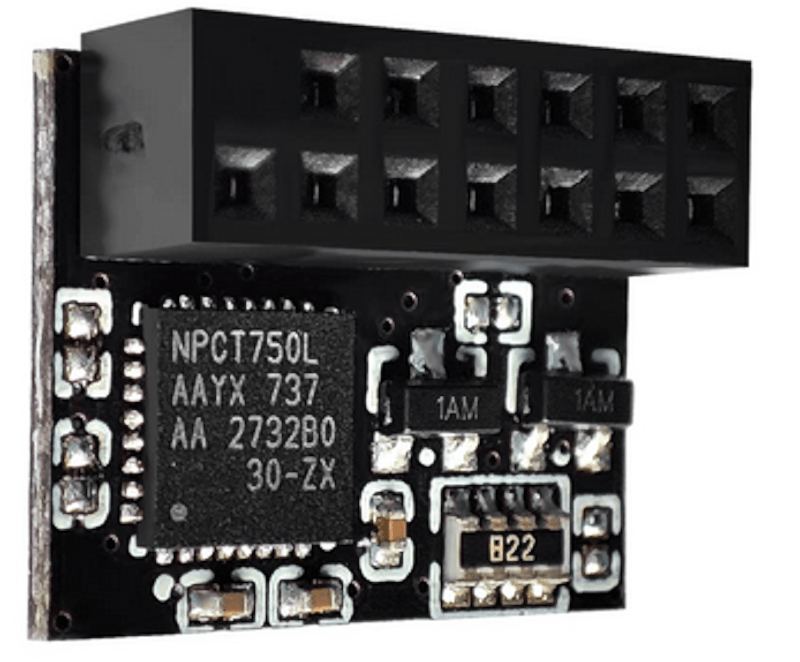
You probably don’t think about it much, but your PC probably has a TPM or Trusted Platform Module. Windows 11 requires one, and most often, it stores keys to validate your boot process. Most people use it for that, and nothing else. However, it is, in reality, a perfectly good hardware token. It can store secret data in a way that is very difficult to hack. Even you can’t export your own secrets from the TPM. [Remy] shows us how to store your SSH keys right on your TPM device.
We’ll quote [Remy] about the advantages:
The private key never leaves the device, you yourself can’t even extract it, neither can malware. It does not live on your filesystem or in an ssh-agent (in memory)…
Unlike a hardware token, the TPM is locked to your machine. In fact, in many cases, it is soldered onto the motherboard, although sometimes it is plugged in. The post notes that because of this, the TPM is not quite as secure as a hardware token that you can pull out of a USB port and lock up. But it is still more secure than just having your keys sitting on a hard drive.
One caveat: some computers wipe your TPM when you update the BIOS. The post mentions how to get around this. You’ll need some tools, of course, and it won’t work with Windows Subsystem for Linux, unsurprisingly. Once you have the tools installed, the process is pretty straightforward.
We’ll add this to our set of ssh tricks from now on.












There are quite a few free and open source HSMs you can build yourself for cheaper and that offer more safety (removable, USB form factor) that cannot be extracted either and have not 4 extra dependencies and work on stock packages of Debian and Ubuntu.
such as? sounds great in theory, but if it’s a network appliance + USB form factor…
being able to store in TPM seems to have its own advantages, despite not being appropriate for 100% of high-security scenarios. there’s always a balance of security and convenience/pragmatism.