
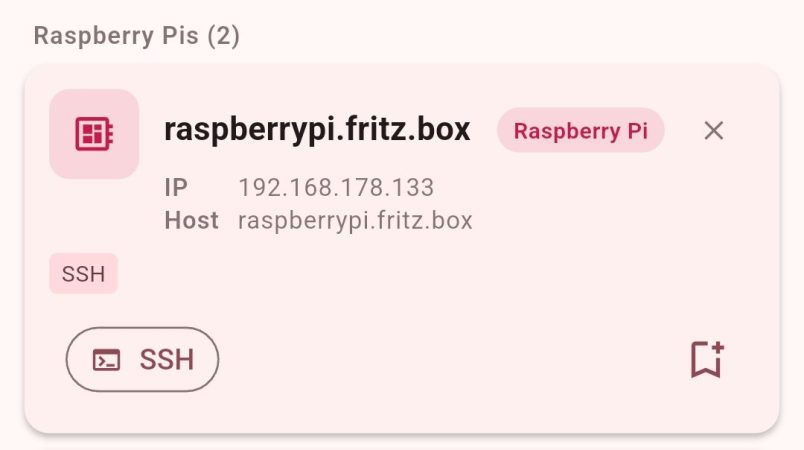
DHCP is great for getting machines on the network with a minimum of fuss. However, it can also make remote administration a pain because you never know which IP you’re supposed to be SSHing into. [Philipp] ran into this problem quite often, so decided to whip up an app to make things easier.
At it’s heart, the app is a simple network scanner—of which many already exist. However, [Philipp] had found that many options on Android were peppered with ads that made them highly undesirable to use. Thus, he whipped up his own, with a particular eye to working with the Raspberry Pi. It’s not uncommon for a hacker to have a few scattered around the home network, and it can be a real chore keeping track of where they all end up in IP land. The scanner can specifically single out the Raspberry Pi boards on the network via MAC-OUI and mDNS detection. Plus, just in case you need it, [Philipp] threw in some GPIO pinouts and electronics calculators just to make the app more useful.
If you’ve been looking for an open-source network scanner without all the ugly junk, this project might just be for you. You can also check out the source over on Github if that’s relevant to your interests. We’ve seen some interesting custom network scanners before, too. If you’re whipping up some fun packet-flinging software of your own, don’t hesitate to notify the tipsline!










