
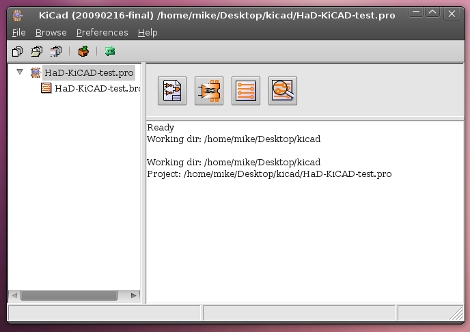
Up to this point we’ve used Eagle CAD as our exclusive PCB design and schematic layout tool. But [Brian] has inspired us to try something different thanks to his KiCAD tutorial.
KiCAD is an open source printed circuit board design tool. Since we like to rock the Linux here at Hackaday getting our hands on this was as easy as:
sudo apt-get install kicad
The version in the Ubuntu 10.04 repositories is a bit older but seemed to work just fine. [Brian] jumps right in with one of our most dreaded tasks on Eagle, designing your own parts. He knows of a nice online tool for automatic KiCAD part generation and walks through the process of building a voltage regulator and importing it for use in your own personal library From there it’s off to layout a power supply schematic for a breadboard PSU. The lesson continues with board layer, as well as the process used for exporting data for PCB fab house. We think this tutorial works well if you’re already familiar with PCB layout using a different software package but it moves a bit fast if this is your first time.
KiCAD seems like a nice tool and we’ve heard from many advocates in the comments over the years. Look for our next PCB design to be on KiCAD as we just need to use it for a while before passing judgement.









