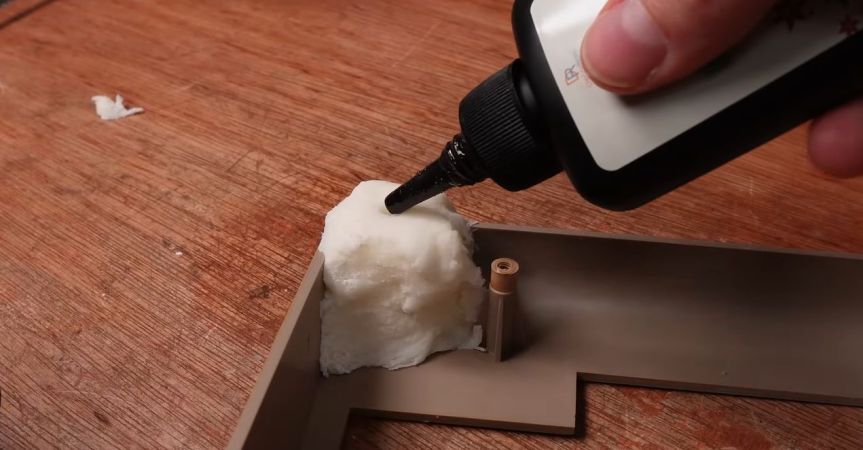
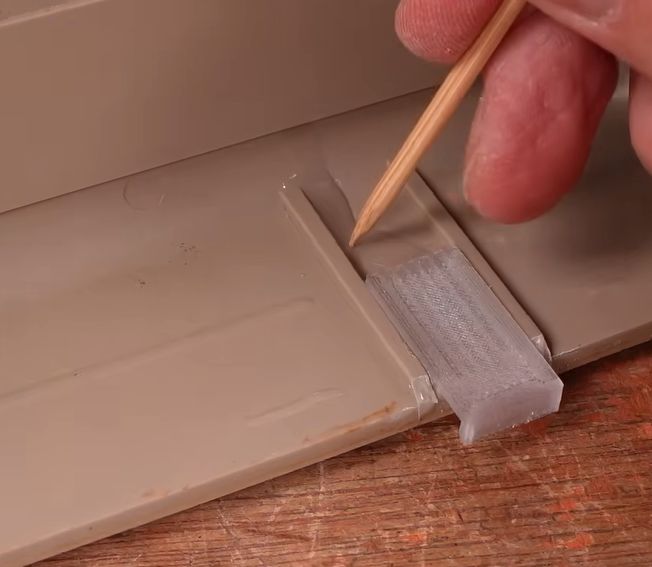
Using UV resin as glue for new case clips. (Credit: More Fun Making It, YouTube)
As computers like the venerable breadbox Commodore 64 age, their plastic doesn’t just turn increasing shades of yellow and brown, the ABS plastic also tends to get brittle. This is a problem that seems to plague many plastic cases and enclosures, but fortunately there are some ways to halt or even reverse the heavy toll of time, with the [More Fun Making It] YouTube channel exploring a number of methods, including UV-curable resin, PETG 3D-printed clips and silicone molds.
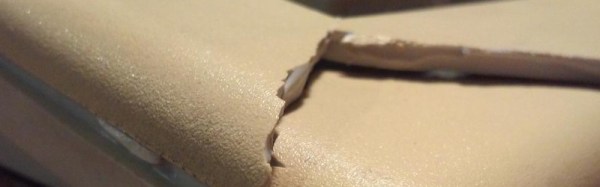
Aside from large-scale damage, screw posts tend to snap off a lot, either during shipping or when merely trying to open the case. The same is true for the clips around the edge of the C64 case, which rarely survive that long. Gluing a case clip back on with epoxy or such somewhat works, but is messy and not that durable.
Instead UV resin is used, together with newly printed clips in translucent PETG. The remnants of the old clips are removed, followed by the application of the resin. The clips are actually a modified version of a VIC-20 case clip design by [Ken Mills]. With the UV resin as glue, curing is almost instant with a UV lamp unlike the tedious process with epoxy.
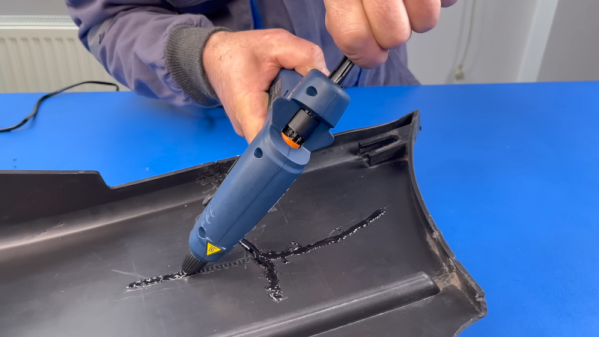
Plastic welding isn’t a new idea. But a recent video from [The Maker] shows an interesting twist. Given a broken piece of plastic, he secures it together with tape, machines out a channel around the cracks, and then melts zip ties into the channels. Honestly, although he mentions plastic welding and soldering, we aren’t sure this isn’t just simple gluing, but it did give us some ideas. Watch the video below and you’ll probably get the same ideas.
The ingenuity here isn’t necessarily using hot plastic to glue together two pieces — that’s just a hot glue gun, after all. Rather, it occurred to us that the key here was machining out the places where significant amounts of the hot plastic could bond the two pieces together. He cut the channels with a rotary tool, buffed them, and used a hot knife to give them some internal texture. But with a 3D printer, you could build these channels into parts that were made to interlock.
The first issue that needed sorting out was the broken case. This Amiga must have had one wild ride, as there were several nasty cracks in the front panel and whole chunks had been broken off. We’ve seen [Drygol] repair broken computer cases before, but it seems like each time he comes up with some new tricks to bring these massacred pieces of plastic back to like-new condition. In this case plastic welding is used to hold the parts together and fill in the gaps, and then brass mesh is added to the backside for strength. The joints are then sanded, filled in with polyester putty, and finally sprayed with custom color matched paint. While he was in the area, he also filled in a hole the previous owner had made for a toggle switch.
Before
After
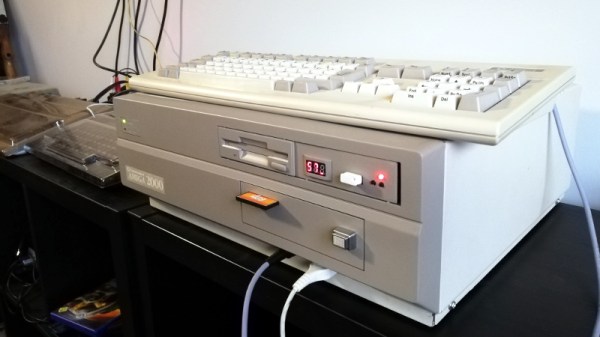
Then [Drygol] moved onto the internals. Some of the traces on the PCB had been corroded by a popped battery, a socket needed to be replaced, and as you might expect for a machine of this vintage, all of the electrolytic capacitors were suspect and needed to go. Finally, as the system didn’t have a power supply, he wired in a picoPSU. That got the 34 year old computer back up and running, and at this point, the machine was almost like new again. So naturally, it was time to start with the upgrades and modifications.
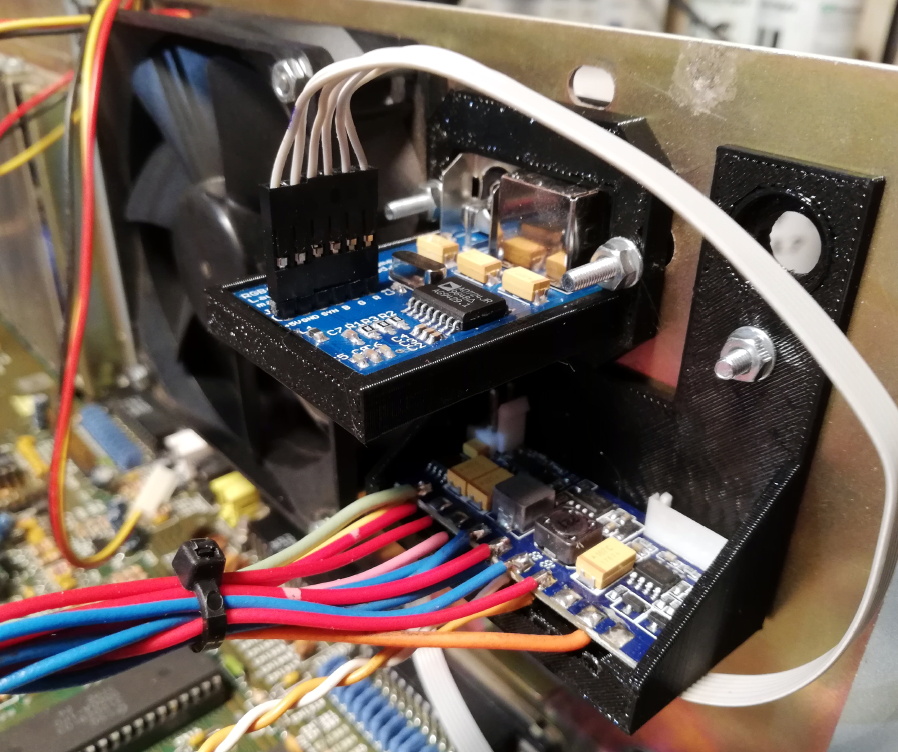
Case fan, video adapter, and picoPSU.
[Drygol] added an IDE interface and connected a CompactFlash adapter as the computer’s primary drive. For the secondary, he installed a GoTek floppy drive emulator that lets you replace a mountain of physical disks with a USB flash drive full of images. Between the two, all of the computer’s storage needs are met with nary a moving part.
The emulator was given its own 3D printed front panel to fit with the Amiga’s visual style, and he also printed out a holder for the RGB4ALL S-Video/Composite adapter installed on the rear of the machine. To help keep all this new gear cool, he finished things off with a new case fan.
When a computer case has survived several decades from being a new toy through being an unloved relic to being rediscovered and finding its way into the hands of an enthusiast, it is inevitable that it will have picked up some damage along the way. It will be scuffed, maybe cracked, and often broken. If it has faced the ordeal of an international courier after an eBay sale then the likelihood of a break increases significantly.
After a thorough cleaning, the technique is to hold the sides of the break together, run the iron along it to melt the plastic together, and scrape the overflowed plastic back into the resulting trench before it solidifies. With careful sanding, a spot of polyester putty, and some spray paint, the broken case can be returned to new condition.
There is a video showing the process, in this case repairing a crack on a Commodore 64 case.