[Ben Kurtz] is doing a little WEP cracking but in a bit of a different way than we’re used to. WEP cracking makes us think of war driving; driving around with your laptop open, looking for WiFi access points, and stopping to run some software when you find them. [Ben’s] way is similar but different in one key way, he’s using an iPhone as the frontend.
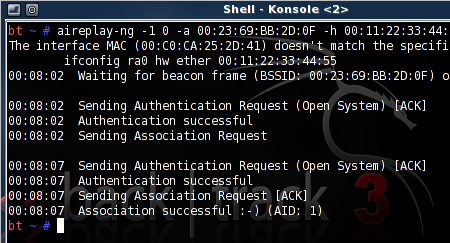
This started as a way to find a use for some leftover equipment. He threw together a Linux box and loaded up Aircrack-ng, the software we often see used in penetration testing. To remove himself from shady-looking activities in public he coded a web interface using the Python package Turbogears. It uses screen, a program often used with SSH to run services concurrently in different terminals, with the option to disconnect without stopping the processes. Now it’s just a matter of parking the hardware near an AP, and doing the work in a browser on your mobile device. You can check out the script he wrote, as well as installation instructions, in his post linked above.
[Thanks Tech B.]
[Note: Banner image not directly related to this post]