
Thanks to the Raspberry Pi, we have easy access to extremely inexpensive machines running Linux that have all kinds of GPIO as well as various networking protocols. And as the platform has improved over the years, we’ve seen more demanding applications on them as well as applications that use an incredibly small amount of power. This project combines all of these improvements and implements a media streaming server on a Raspberry Pi that uses a tiny amount of energy, something that wouldn’t have been possible on the first generations of Pi.
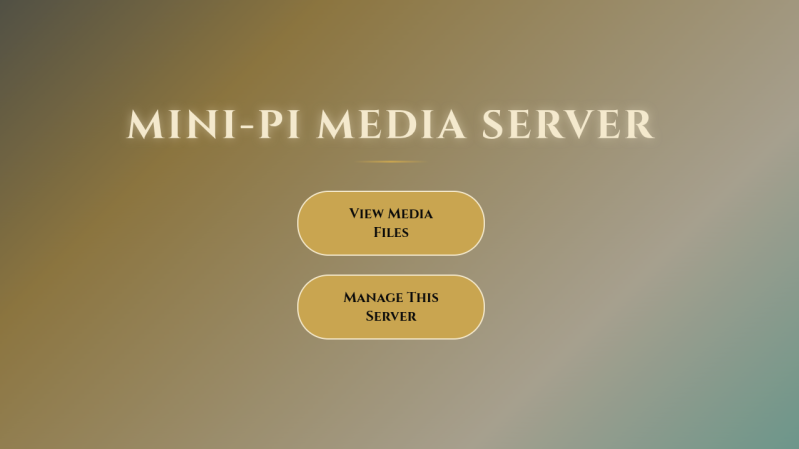
Part of the reason this server uses such low power, coming in just around two watts, is that it’s based on the Pi Zero 2W. It’s running a piece of software called Mini-Pi Media Server which turns the Pi into a DLNA server capable of streaming media over the network, in this case WiFi. Samba is used to share files and Cockpit is onboard for easy web administration. In testing, the server was capable of streaming video to four different wireless devices simultaneously, all while plugged in to a small USB power supply.
For anyone who wants to try this out, the files for it as well as instructions are also available on a GitHub page. We could think of a number of ways that this would be useful over a more traditional streaming setup, specifically in situations where power demand must remain low such as on a long car trip or while off grid. We also don’t imagine the Pi will be doing much transcoding or streaming of 4K videos with its power and processing limitations, but it would be unreasonable to expect it to do so. For that you’d need something more powerful.
Thanks to [Richard] for the tip!












ideal for blackout, III global war or UFO attack earth
Zip inside zip, no license information, weird Markdown formatting of the README.md… I hope at least the PHP code has good quality.
Hi Vazhnov,
the file is a single zip file with a directory ‘pi-setup within it.
within this folder are all of the relevant config files and setup script.
I tried to make it as a single zip file to download for easy deployment.
I also made it as a single long command to download, unzip and run the setup.sh script for easy setup
the readme on github has weird formatting that github has put in place. I am nit a github professional
I can help with the README formatting, but first please let’s clarify if the project is FOSS: https://github.com/diddy-boy/mini-pi-media-server/issues/1
ok brilliant Vazhnov, I have replied with a license
I might be impressed but I ran Plex on a PI3 years ago and could do 4 streams. The Zero is a stripped down 3 so other than ram it’s basically the same device.
Hi JMR
Thanks for the post, I agree with your post ….. to a point.
This does have a few strings to its bow, auto syncing of media from a pen drive without the user having to run any commands once setup.
very low power usage.
Remote syncing of media from a server / nas at 1am if setup / configured to.
batch conversion of MKV files to MP4 if setup.
Web based media viewing of the minidlna folder, so media can be viewed from a web page / samba or minidlna to a smart TV
This project is not to compete with the likes of Jellyfin or Plex but be a low power usage media server in more challenging environments like in a car or at a remote location without wifi.
Thanks Bryan for covering my project
Try aroz os on a zerow.
A desktop with mediaserver management focus that can also do video playback and a few light apps.. in a browser window on the device you connect to it with.
But not a “just vnc into a linux system”.
Only downer was the builtin video player didn’t do subtitles at the last point I tinkered.
But as to this article one should know theres smell test failure when it attempts to claim you know it only uses 2 watts because it’s running on a zero 2w. That’s chatbot tier logic error.
Thanks for the tip on Aroz OS.
Some of that functionality is already covered by logging into cockpit (from the main web page ‘manage server’) and selecting the file navigator. users can upload and download files, move files or delete files
Pogoplugs. And one model had a sata connector internally.
As I understand it – the Pogoplug devices have been discontinued.