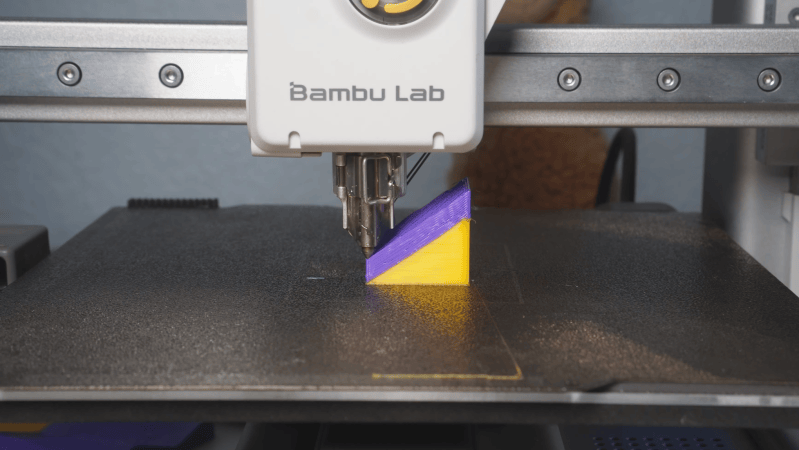
A Bambu Labs 3D printer is shown printing a cube. The cube has a division between yellow and purple plastic running at an angle through the cube. The printer is printing the purple section, and the face on which it is printing is angled at nearly 40 degrees to the print bed.

Printing Smooth Upper Surfaces With A Non-Planar Slicer

One of the most tantalizing prospects for 3D printing has been non-planar printing, which promises smoother surfaces without a staircase pattern, reduced or eliminated support structures in some incarnations, and the possibility of greater strength in others. One of the biggest limits to its adoption has been the lack of non-planar slicer programs, a gap which [Zimeng Xiong] of [Alpaca Engineering] has worked to eliminate with the non-planar PancakeSlicer.

PancakeSlicer is designed to work with standard 3-axis printers (a Bambu Labs A1 Mini in this case), so the non-planar paths available to it are limited by the print head’s clearance on each side of the nozzle. In the case of the A1 Mini, this could be substantially improved by removing the cooling shroud from the print head, relying instead on a remote static cooling system (RSCS), which blows cooling air in from the sides of the print bed. Being meant for 3-axis printers, the main goal of PancakeSlicer is to print smooth top surfaces without a stair-step pattern.

Continue reading “Printing Smooth Upper Surfaces With A Non-Planar Slicer” →

Benchy, printed upside down on [Josh's] Core R-Theta printer.

Non-planar Slicing Is For The Birds

When we say non-planar slicing is for the birds, we mean [Joshua Bird], who demonstrates the versatility of his new non-planar S4-Slicer by printing a Benchy upside down with the “Core R-Theta” printer we have featured here before.

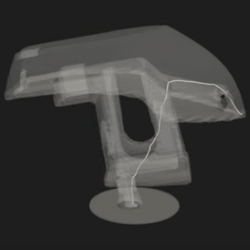
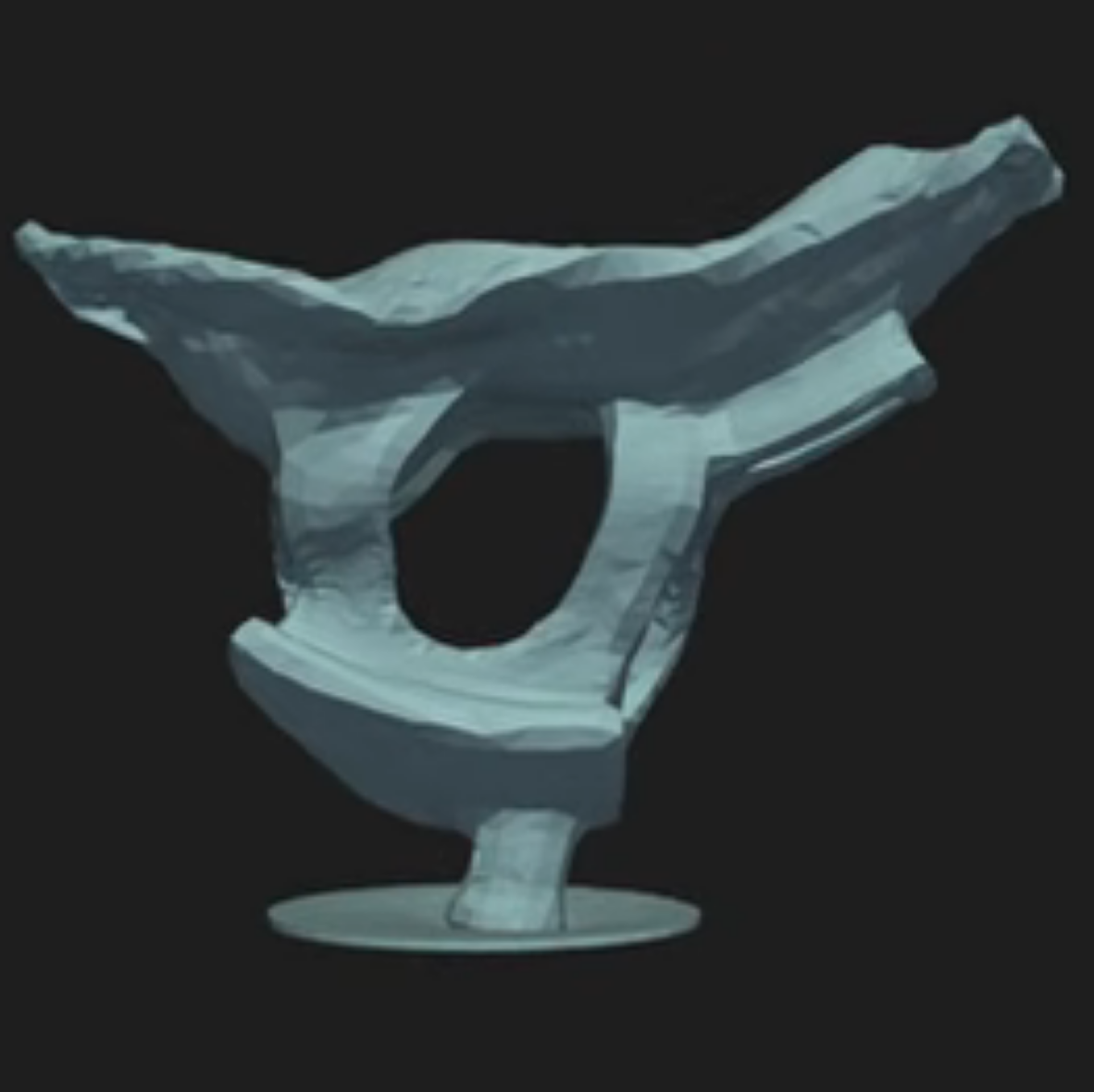
A benchy model, upside down, with the path from the end of the prow to the printbed highlighted.
S4 slicer uses the path from any point (here, Benchy’s prow) as its basis…

This non-planar slicer is built into a Jupyter notebook, which follows a relatively simple algorithm to automatically generate non-planar toolpaths for any model. It does this by first generating a tetrahedral mesh of the model and then calculating the shortest possible path through the model from any given tetrahedron to the print bed. Even with non-planar printing, you need to print from the print-bed up (or out).

Quite a lot of math is done to use these paths to calculate a deformation mesh, and we’ll leave that to [Joshua] to explain in his video below. After applying the deformation, he slices the resulting mesh in Cura, before the G-code goes back to Jupyter to be re-transformed, restoring the shape of the original mesh.

… to generate deformed models for slicing, like this.

So yes, it is G-code bending as others have demonstrated before, but in a reproducible, streamlined, and straightforward workflow. Indeed, [Josh] credits much of the work to earlier work on the S^3-Slicer, which inspired much of the logic and the name behind his S4 slicer. (Not S4 as in “more than S^3” but S4 as a contraction of “Simplified S^3”). Once again, open source allows for incremental innovation.

It is admittedly a computationally intensive process, and [Joshua] uses a simplified model of Benchy for this demo. This seems exactly the sort of thing we’d like to burn compute power on, though.

This sort of non-planar 3D printing is an exciting frontier, one which we have covered before. We’ve seen techniques for non-planar infill, or even to print overhangs on unmodified Cartesian printers,  but this is probably the first time we’ve seen Benchy given the non-planar treatment. You can try S4 slicer for yourself via GitHub, or just watch the non-planar magic in action after the break. Continue reading “Non-planar Slicing Is For The Birds” →