
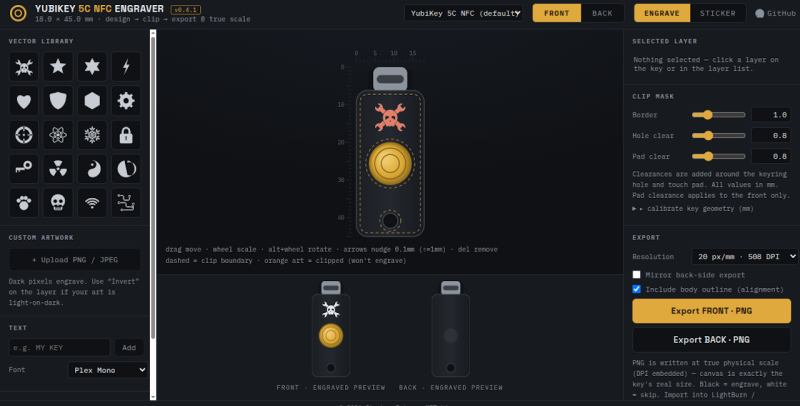
The combination of hardware required to make use of this project is specific enough that we imagine only a relatively limited number of readers will actually be able to try it out. But if you do happen to own a YubiKey and either a laser engraver capable of marking it or a fancy UV printer, [madeinoz67] has put together an awesome tool for adding some visual flair to your two-factor authentication device.
 Running it is as simple as opening a web page, because that’s exactly how it’s implemented. You can either host it yourself or just launch it right from the GitHub repository. After opening the HTML file, you’re presented with a fairly intuitive user interface that lets you draw on top of a 2D outline of the YubiKey itself so you can get a better idea of what the final product will look like.
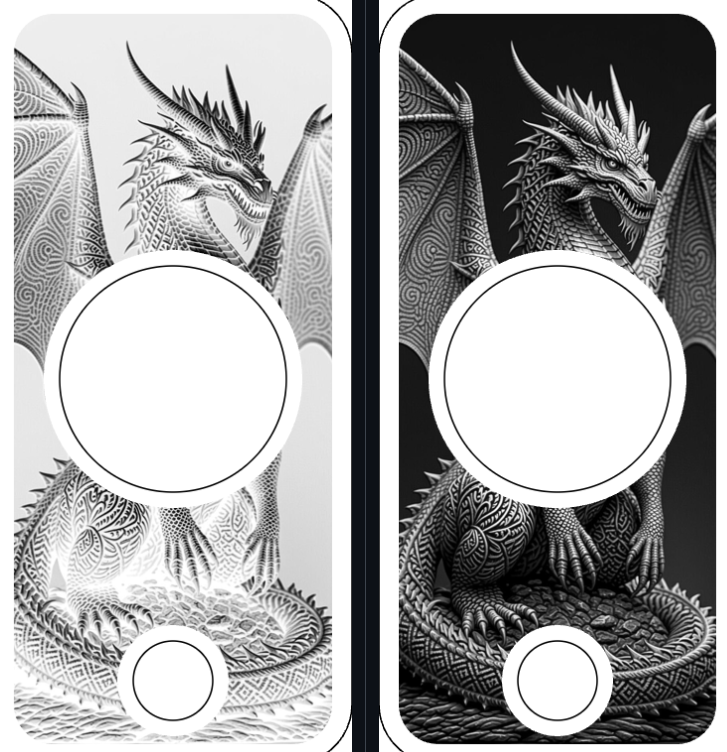
You can pick from an array of vector icons, upload your own images, and add custom text. There’s a pull-down at the top that lets you pick which specific YubiKey you want to work with, and there are different views depending on whether you plan on blasting your handiwork onto the device with a laser, doing a full-color UV print, or cutting it out of vinyl with something like a Cricut.
Even if you don’t have a YubiKey that’s begging for some custom artwork, we think there’s a lot to learn from this project. Obviously there are some very valid reasons to be concerned about how much of our modern software can only be accessed through a browser. If you’re going to use web technologies to create a piece of software, the least you could do is make it offline and self-contained like [madeinoz67] has.
Now if you’ll excuse us, we’ve got to go warm up the UV printer.












I have a few such Yubikeys… Now I need to find a makerspace or some shop that has a laser engraver that can use the output. I need some way to tell them apart sometimes.
Laser engravers can be found in the darndest places. Jewelry section of a bible bookstore for example.
My library has one.
I’ve spent countless hours looking for cases or desk stands to hold my keys. I have a few and it’s always a guessing game because marker comes off an the 3D printed cases always looks janky so this idea is PERFECT except I don’t know anyone with a engraving device. Maybe I’ll buy one myself and learn. Hmm… Thanks for the great idea!!
please this same for https://tomu.im/
I don’t think it’s unreasonable to argue that a self-contained, locally hostable, standards compliant, non-minified webpage is one of the best ways to code a project like this. It’s about as cross platform as it is possible to get, and there are multiple opensource options for running it…