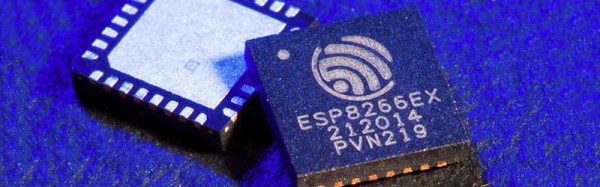
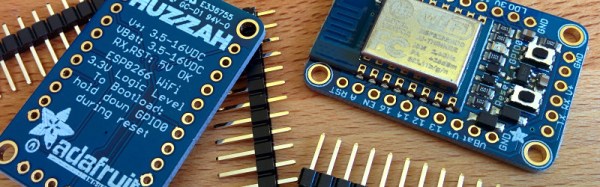
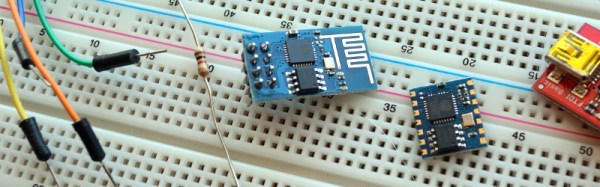
Few devices have hit the hacker/maker word with quite as large a bang as the ESP8266. [Brian] first reported a new $5 WiFi module back in August. Since then there have been an explosion of awesome projects utilizing the low-cost serial to WiFi module that is the ESP8266. This week’s Hacklet is all about some of the great ESP8266 projects we’ve found on Hackaday.io!
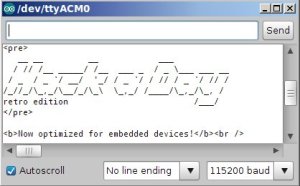 We start with [TM] and the ESP8266 Retro Browser. [TM] has a great tutorial on combining the ESP8266 with an Arduino Mega2560. [TM’s] goal was a simple one: create a WiFi “browser” to access Hackaday’s Retro Site. This is a bit more complex than one would first think, as the Arduino Mega2560 is a 5V board, and the ESP8266 are 3.3V parts. Level shifters to the rescue! [TM] was able to bring up the retro site in a terminal, but found that even “simple” websites like google send enough data back to swap the poor ESP8266!
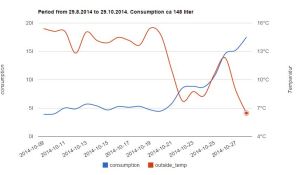 Next up is [Thomas] with the Simple Native ESP8266 Smartmeter. [Thomas] has created a device to measure run time on his oil heating system. He implemented this with some native programming on the ESP8266’s onboard Diamond Standard L106 Controller. When he was done, the ‘8266 had two new AT commands, one to start measurement and one to stop. A bit of web magic with some help from openweathermap.org allows [Thomas] to plot oil burner run time against outside temperature.
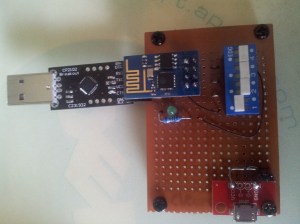 [Matt Callow] is also checking out native programming using the EspressIf sdk with his project ESP8266 Native. ExpressIf made a great choice when they released the SDK for the ESP8266 back in October. [Matt] has logged his work on building and extending the demo apps from EspressIf. [Matt] has seven demo programs which do everything from blinking an LED to connecting to thingspeak via WiFi. While the demos aren’t all working yet, [Matt] is making great progress. The best part is he has all his code linked in from his Github repo. Nice work [Matt!]
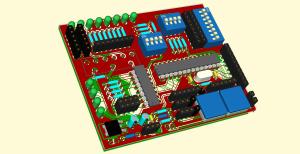 [Michael O’Toole] is working on ESP8266 Development PCBs. The devboards have headers for the ESP8266, an on-board ATmega328 for Arduino Uno compatibility, and a USB to serial converter to make interfacing easy. [Michael] also provides all the important components you need to keep an ESp8266 happy, such as programming buttons, and a 3.3V regulator. We really like that [Michael] has included a header for a graphical LCD based local console.
Want to see more ESP8266 goodness? Check out our curated ESP8266 list on Hackaday.io!
Hackaday.io Update!
Hackaday.io gets better and better every day. We’ve just pushed out a new revision which includes some great updates. Search is now much improved. Try out a search, and you’ll find you can now search by project, project log, hacker, or any combination of 11 different fields. Our text editor has been revamped as well. Update a project log to give the new look a try!
We know everyone on .io is awesome, but just in case a spammer slips in, we’ve added “report as inappropriate” buttons to projects and comments. Once a few people hit those report buttons, projects or comments get sent to the admins for moderation.
That’s all the time we have for this week’s Hacklet! As always, see you next week. Same hack time, same hack channel, bringing you the best of Hackaday.io!