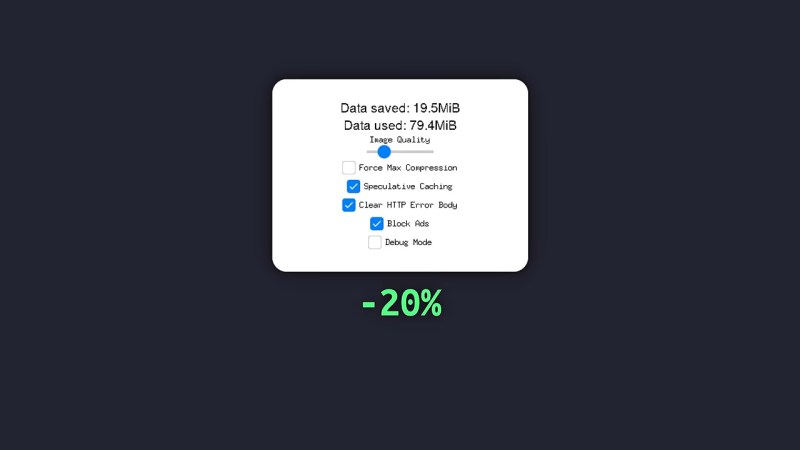
It’s no secret that the size of webpages has been slowly — or not so slowly — creeping up over the years. Does a simple website need to span multiple floppy disks? [PortalRunner’s] doesn’t — or rather, he doesn’t want to burn that much of his limited mobile data. So he built a self-hosted HTTPS proxy to compress images and websites, block ads, and save his bandwidth.
The proxy itself is based on mitmproxy rather than reinventing the wheel. The biggest gains are, of course, from knocking images down to size — since he’s only going to be looking at them on a tiny screen, he can not only apply the better compression of .webp rather than the more common .PNG and .JPEG, but also toss unneeded information by reducing the resolution. Exactly how much quality to toss is left up to the individual user in a handy config.
Likewise, if you’re willing to wait a little longer for pages to load, you can force every webpage to get the highest possible level of compression — otherwise the server is only going to do that with ridiculous Java-heavy pages that absolutely need it. As a bonus, going through your home server means this acts like a private VPN to help protect your data on the go. If you want the details, check out the GitHub link above or the video embedded below.
This project is explicitly about saving data; it won’t help older hardware get online the way the publicly hosted FrogFind search engine or private-hosted MacProxy servers do. If you really want to escape the bloat of the modern internet, a proxy can also help you go way back.
Continue reading “Debloat The Internet With A Self-Hosted Compressing Proxy”