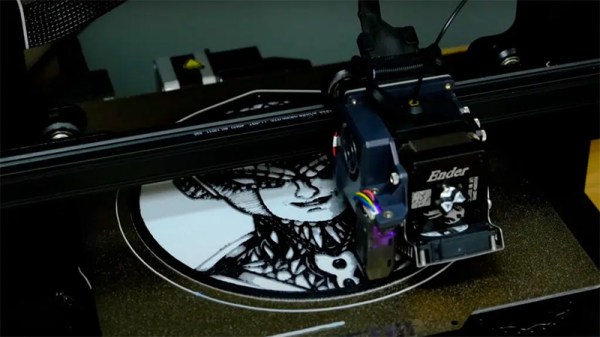
Art of 3D printer in the middle of printing a Hackaday Jolly Wrencher logo

3D Printering: That New Color Printer

Color 3D printing has gone mainstream, and we expect more than one hacker will be unpacking one over the holidays. If you have, say, a color inkjet printer, the process is simple: print. Sure, maybe make sure you tick the “color” box, but that’s about it. However, 3D printers are a bit more complicated.

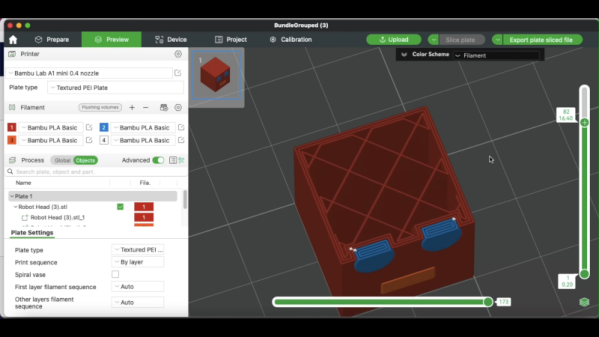
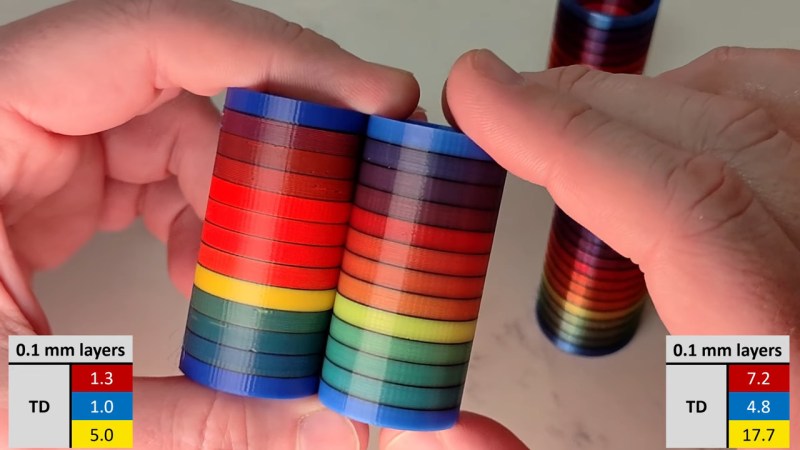
There are two basic phases to printing color 3D prints. First, you have to find or make a model that has different colors. Even if you don’t make your own models (although you should), you can still color prints in your slicer.

The second task is to set the printer up to deal with those multiple colors. There are several different ways to do this, and each one has its pros and cons. Of course, some of this depends on your slicer, and some depends on your printer. For the purposes of this post, I’ll assume you are using a Slic3r fork like Prusa or OrcaSlicer. Most of the lower-priced printers these days work in roughly the same way. Continue reading “3D Printering: That New Color Printer”

Tinkercad In Color

Tinkercad is famous for having lots of colors in the interface. But once you export an STL, that file is notoriously monochrome. If you are printing with a single color printer, no problems. But if you have a color printer, what do you do? [CHEP] shows some options, including a relatively new one, in the video below.

The simple way is to “paint” the STL inside your slicer. But as [CHEP] shows, that is a pain and also has some undesirable side effects. A better approach is to export each part (or, at least, each part of the same color) into separate STL files, which you can then import together in the slicer. You still have to paint, but you don’t have to select different faces, and the resulting coloring is more what you’d expect.

Continue reading “Tinkercad In Color”

SLM Co-extruding Hotend Makes Poopless Prints

Everyone loves colourful 3D prints, but nobody loves prime towers, “printer poop” and all the plastic waste associated with most multi-material setups. Over the years, there’s been no shortage of people trying to come up with a better way, and now it’s time for [Roetz] to toss his hat into the ring, with his patent-proof, open-source Roetz-End. You can see it work in the video below.

The Roetz-End is, as you might guess, a hot-end that [Roetz] designed to facilitate directional material printing. He utilizes SLM 3D printing of aluminum to create a four-in-one hotend, where four filaments are input and one filament is output. It’s co-extrusion, but in the hot-end and not the nozzle, as is more often seen. The stream coming out of the hot end is unmixed and has four distinct coloured sections. It’s like making bi-colour filament, but with two more colours, each aligned with one possible direction of travel of the nozzle.

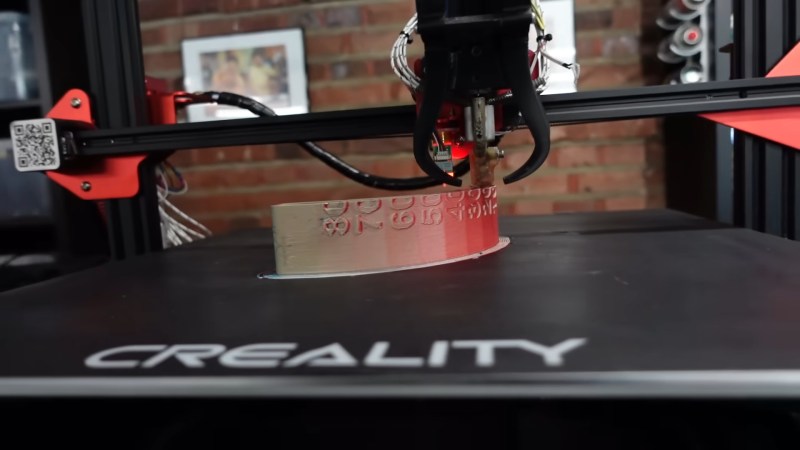
What you get is ‘directional material deposition’: which colour ends up on the outer perimeter depends on how the nozzle is moving, just like with bi-color filaments– though far more reliably. That’s great for making cubes with distinctly-coloured sides, but there’s more to it than that. Printing at an angle can get neighboring filaments to mix; he demonstrates how well this mixing works by producing a gradient at (4:30). The colour gradients and combinations on more complicated prints are delightful.

Is it an MMU replacement? Not as-built. Perhaps with another axis– either turning the hot-end or the bed to control the direction of flow completely, so the colours could mix however you’d like, we could call it such. That’s discussed in the “patent” section of the video, but has not yet been implemented. This technique also isn’t going to replace MMU or multitool setups for people who want to print dissimilar materials for easily-removable supports, but co-extruding materials like PLA and TPU in this device creates the possibility for some interesting composites, as we’ve discussed before.

As for being “patent-proof” — [Roetz] believes that through publishing his work on YouTube and GitHub into the public domain, he has put this out as “prior art” which should block any entity from successfully filing a patent. It worked for Robert A. Heinlein with the waterbed, but that was a long time ago. Time will tell if this is a way to revive open hardware in 3D printing.

It’s certainly a neat idea, and we thank [CityZen] for the tip.

Continue reading “SLM Co-extruding Hotend Makes Poopless Prints”

Full Color 3D Printing With PolyDye And Existing Inkjet Cartridges

The PolyDye system installed on an Elegoo Neptune 2 printer. (Credit: Teaching Tech, YouTube)

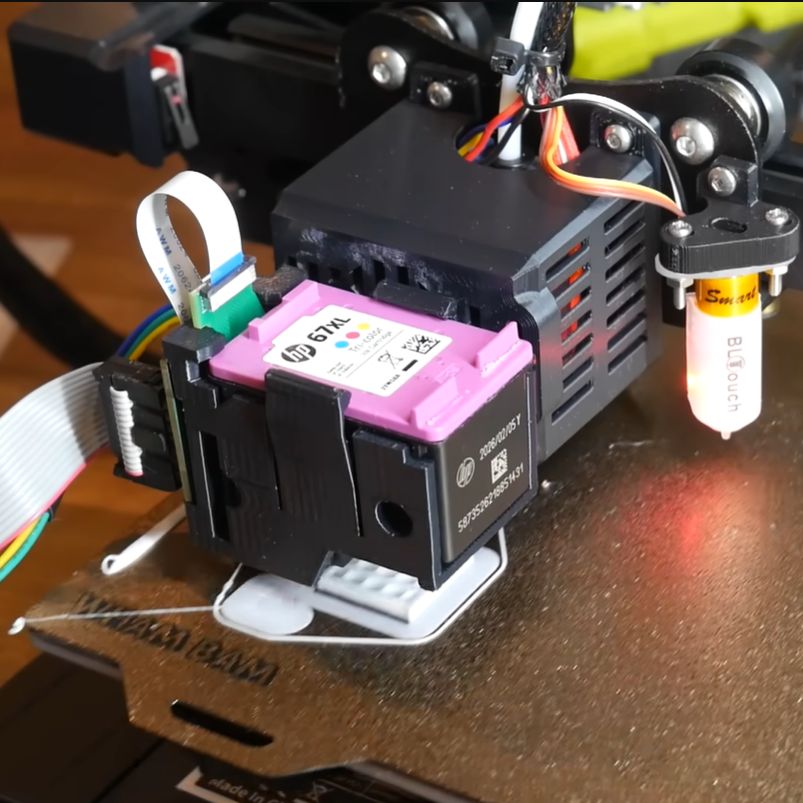
Being able to 3D print FDM objects in more than one color is a feature that is rapidly rising in popularity, assisted by various multi-filament systems that allow the printer to swap between differently colored filaments on the fly. Naturally, this has the disadvantage of being limited in the number of colors, as well as wasting a lot of filament with a wipe tower and filament ‘poop’. What if you could print color on the object instead? That’s basically what the community-made PolyDye project does, which adds an inkjet cartridge to an existing FDM printer.

In the [Teaching Tech] video the PolyDye technology is demonstrated, which currently involves quite a few steps to get the colored 3D model from the 3D modelling program into both OrcaSlicer (with custom profile) and the inkjet printing instructions on the PolyDye SD card. After this the 3D object will be printed pretty much as normal, just with each layer getting a bit of an ink shower.

Although it could theoretically work with any FDM printer, currently it’s limited to Marlin-based firmware due to some prerequisites. The PolyDye hardware consists of a main board, daughter board, printed parts (including inkjet cartridge holder) and some wiring. A Beta Test unit is available for sale for $199, but you should be able to DIY it with the files that will be added to the GitHub project.

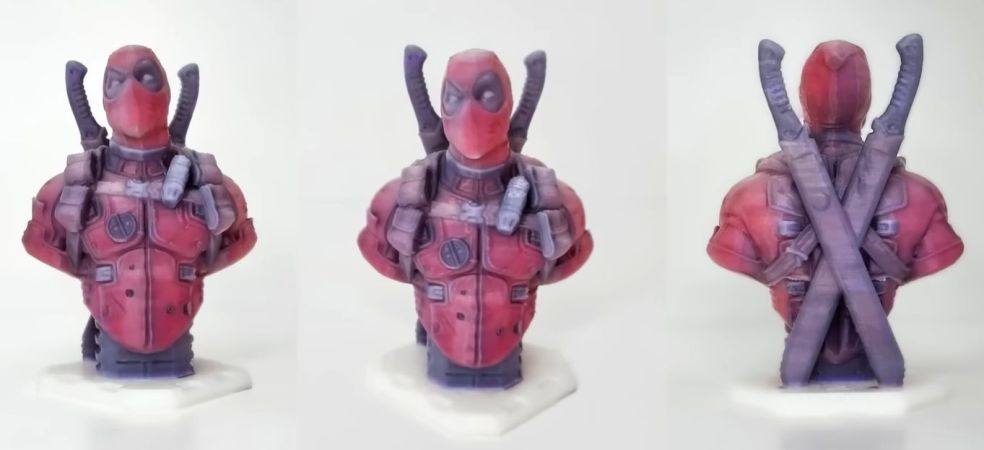
Even for a work-in-progress, the results are quite impressive, considering that it only uses off-the-shelf translucent filament and inkjet cartridges as consumables. With optimizations, it could give multi-filament printing a run for its money.

Continue reading “Full Color 3D Printing With PolyDye And Existing Inkjet Cartridges”

Multicolor Resin Prints: Give It A Shot

[Thomas TEMPE] has been making two-color resin prints. While printing in multiple colors is old hat for FDM printers, the way resin printers work makes it a more difficult proposition. [Thomas] has a simple solution. First, he prints an item with a cavity where he would like the second color. Then, after printing, he fills the cavity with a different color resin using a syringe and cures it. Simple, really.

Of course, it is all about technique. For fine lines, you’ll want a smaller needle, and you flood the area with the alternate resin and wipe away the excess. For wider lines, you simply fill the cavity from a larger syringe.

Continue reading “Multicolor Resin Prints: Give It A Shot”

A 2D Image Makes A 3D Print

When you imagine 3D printed art, it’s easy to envision the different kinds of sculptures and figurines posted online. While these projects take plenty of time and creativity on their own, [César Galera] shows us a different way to make 3D printed art by turning 2D images into fully textured 3D prints.

This project follows a similar technique that stems from lithophanes, which produces an image from light that passes through the object. [César] instead details in the video below the break how to use the ItsLitho tool to build completely opaque black and white images using a multicolored printer.

Lithophanes are built (or printed) by mapping topography to make light easier or harder to pass through in certain places. Areas that appear darker are thicker with more layers, and areas that appear lighter have less. It’s a nifty optical illusion, but these kinds of art blocks aren’t actually multicolored themselves.

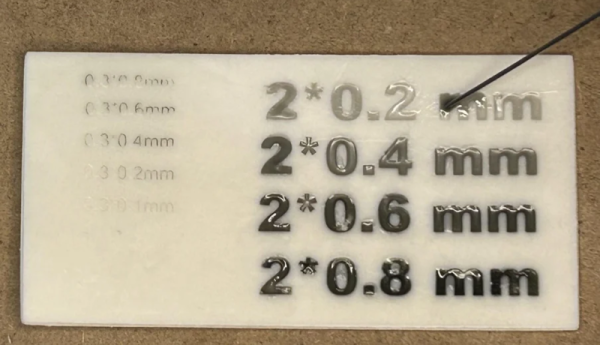
The trick is to develop the 3D model using the lithophane tool first to create the different elevations (ensuring that the lowest elevation is still thick enough to be opaque), but retain the different colors on the model when it’s exported. Multi-colored 3D printers will then be able to add gray and black filament as it prints higher and higher elevation. If you don’t have a multi-colored printer, you can add pauses on the 3D print file to switch out filaments after a few layers to achieve a similar effect.

We’re always on the lookout to see the different things we can print, and being able to turn digital artwork into a 3D model is a great example!

Continue reading “A 2D Image Makes A 3D Print”

Automated Hotend Swapping For Less Wasteful Multicolor Printing

Multicolor printing on FDM machines can be tricky to get working flawlessly, and purging hotends when changing colors can end up wasting a lot of filament and material. To solve this problem for the popular Prusa i3 and Ender 3 printers, [BigBrain3D] developed the Swapper3D, an automated system that swaps the entire hotend when the material is changed, eliminating the need for purging almost entirely. Video after the break.

The Swapper3D works very similarly to the tool-changing systems on CNC machines, and is just as satisfying to watch. A large circular carousel on the side of the machine holds up to 25 hotends, and in practice, a pair of robotic arms pop out the previous hotend, cut the filament, and load up the specified hotend from the carousel. This means you can have a separate hotend for each color or type of filament. Since most existing hotends also integrate the heating element, [BigBrain3D] created a special hotend assembly that can be robotically removed/inserted into the heater block.

The Swapper3D is designed to be used with existing filament changers like the Prusa MMU and the Mosaic Palette. Using these systems involves a lot of purging, to the point where you sometimes end up using more filament during purging than you need for the actual part. On one five-color demo print, the Swapper3D reduced the print time by 45% and the filament used by a massive 86%. It also helps to eliminate problems like stringing and color fading in multicolor prints. With those advantages, it looks like the Swapper3D might be a worthwhile upgrade if you do a lot of multi-color printing, even though it adds quite a bit of complexity to the printer.

For larger, more expensive machines, swapping the entire toolhead is becoming more popular, with even E3D stepping into the fray.

Continue reading “Automated Hotend Swapping For Less Wasteful Multicolor Printing”