Ore Formation: A Surface Level Look

The past few months, we’ve been giving you a quick rundown of the various ways ores form underground; now the time has come to bring that surface-level understanding to surface-level processes.

Strictly speaking, we’ve already seen one: sulfide melt deposits are associated with flood basalts and meteorite impacts, which absolutely are happening on-surface. They’re totally an igneous process, though, and so were presented in the article on magmatic ore processes.

For the most part, you can think of the various hydrothermal ore formation processes as being metamorphic in nature. That is, the fluids are causing alteration to existing rock formations; this is especially true of skarns.

There’s a third leg to that rock tripod, though: igneous, metamorphic, and sedimentary. Are there sedimentary rocks that happen to be ores? You betcha! In fact, one sedimentary process holds the most valuable ores on Earth– and as usual, it’s not likely to be restricted to this planet alone. Continue reading “Ore Formation: A Surface Level Look”
UEFI On ARM? More Likely Than You Think

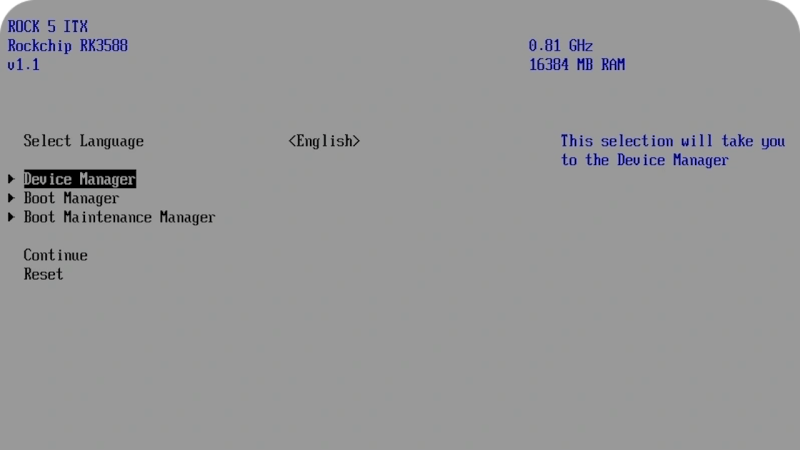
Now, Rock 5 ITX+ is no x86 board, sporting an ARM Rockchip RK3588 on its ITX form-factor PCB, but reading this blog post’s headline might as well give you the impression. [Venn] from the [interfacinglinux.com] blog tells us about their journey bringing up UEFI on this board, thanks to the [EDK2-RK3588] project. Why? UEFI is genuinely nice for things like OS switching or system reconfiguration on the fly, and in many aspects, having a system management/configuration interface for your SBC sure beats the “flash microSD card and pray” traditional approach.

In theory, a UEFI binary runs like any other firmware. In theory. For [Venn], the journey wasn’t as smooth, which made it very well worth documenting. There’s maybe not a mountain, but at least a small hill of caveats: having to use a specific HDMI port to see the configuration output, somehow having to flash it onto SPI flash chip specifically (and managing to do that through Gnome file manager of all things), requiring a new enough kernel for GPU hardware acceleration… Yet, it works, it really does.

Worth it? From the looks of it, absolutely. One thing [Venn] points out is, the RK3588 is getting a lot of its features upstreamed, so it’s aiming to become a healthy chip for many a Linux goal. From the blog post comments, we’ve also learned that there’s a RPi UEFI port, even if for a specific CPU revision of the Model 5B, it’s still a nifty thing to know. Want to learn more about UEFI? You can start here or here, and if you want a fun hands-on example, you could very well start by running DOOM.

New Browser-based CAD System Is Best Friends With Triangle Meshes

Who’s interested in a brand new, from-scratch boundary representation (BREP) kernel? How about one that has no topological naming problem, a web-native parametric CAD front end to play with, and has CAD-type operations making friends with triangle meshes? If you’re intrigued, check out [mmiscool]’s BREP project.

Functioning (let alone feature-filled, or efficient) CAD systems are not a software project we see a whole lot of. Ones that represent models as genuine BREP structures but cleverly use mesh-based operations where it makes sense? Even less so.

In theory, CAD programs are simple: allow a user to define features, keep track of what they are and how they relate to one another, and perform operations on them as requested. In practice, it’s significant work. Chains of operations and dependencies easily become complex, volatile things and there is really no room for error.

Read [Arya Voronova]’s best practices for using FreeCAD to get a few hints as to what goes on behind the scenes in a modern CAD program, and the kinds of challenges the back end has to deal with, like the topological naming problem (TNP). A problem [mmiscool]’s implementation completely avoids, by the way.

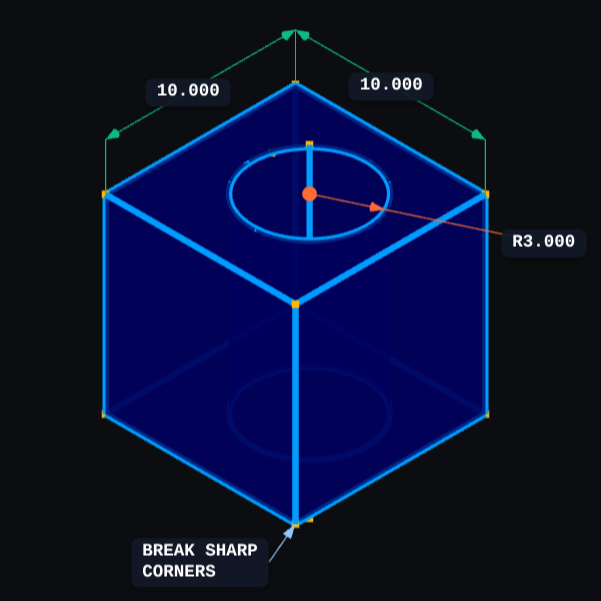
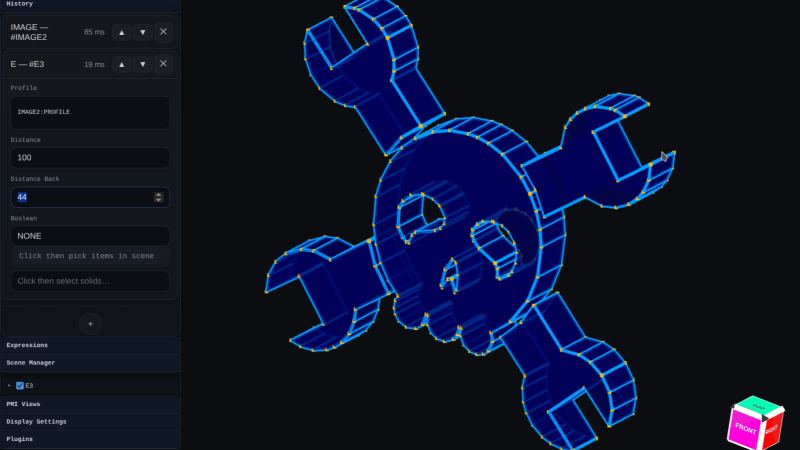
There is a live demo at BREP.io which acts as a playground for the state of the project. You can get started by clicking the + button towards the top on the left panel to add features and operations to the history (like add a cube, then add chamfers or fillets, or extrude a face, and so on).

[mmiscool] points out that all computation is done client-side; even complex operations like fillets, lofts, and multi-body booleans execute directly in the browser with no need to be offloaded to a back end. BREP’s development is being documented on Hackaday.io and there is a video embedded below that gives an overview. Why don’t you give it a spin?

Continue reading “New Browser-based CAD System Is Best Friends With Triangle Meshes”