SolidCraft Is Parametric, Automation-friendly CAD For Desktop And Browser

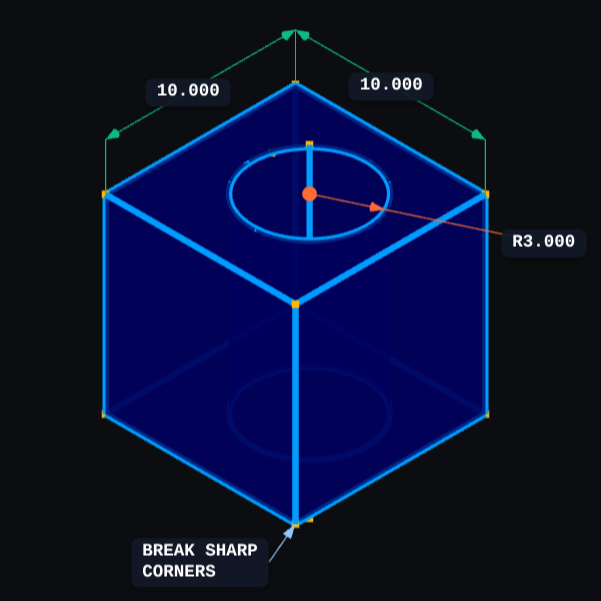
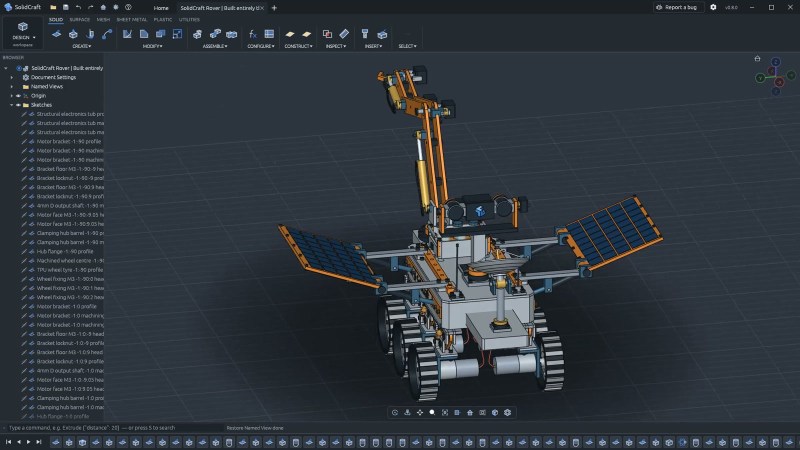
If you’re looking to try a new, open source 3D modeling CAD suite, especially one with automation-friendly interfaces, take a look at SolidCraft. It’s under development but there’s support for all the usual features like sketches, solid modeling, and constraints as well as a full parametric feature timeline.
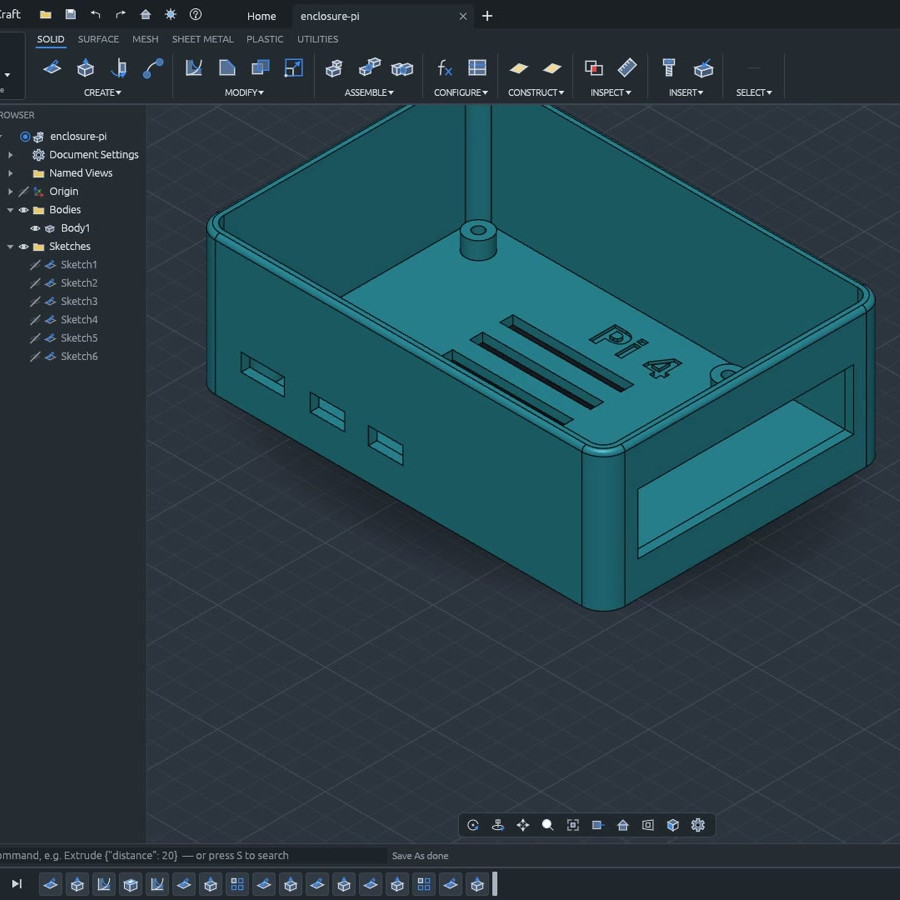
SolidCraft offers desktop, browser-based, headless CLI, and MCP interfaces.

A parametric timeline essentially means the model exists not as a single discrete object, but as the sum of a sequence of operations. One advantage of this is being able to set things up so that if one changes a value (like wall thickness), all the features that depend on that change automatically get rebuilt as a result. But there’s more!

Written entirely in Rust, SolidCraft can run as a desktop app or as a web app in a browser. Everything the user can do in SolidCraft is a command with JSON parameters, and it offers a built-in headless command line interface and even an MCP (Model Context Protocol) server built specifically to give AI agents a way to use the program, should one be interested in experimenting with that sort of thing.

SolidCraft is still in early development, but so far quite a few features seem to work as they should. Check out the development roadmap for details, and there’s a live online demo if you’re in the mood to click around and get a feel for things.

We have seen quite a few open-source, browser-based CAD efforts over the years and it’s encouraging to see developers continuing to explore fresh ideas and features in the CAD landscape.
Tips To Model Your Next CNC Cabinet In CAD Before Buying Anything

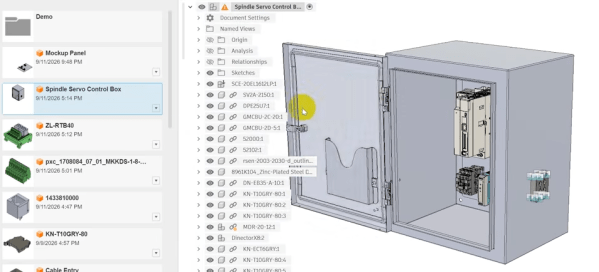
[Clough42] has started a new CNC control cabinet build, and uses it as an opportunity to demonstrate why he models the whole thing out in CAD before ordering parts or physically building anything. One may wonder why to bother, and the simple answer is to ensure there are no surprises or waste. [Clough42] has built plenty of these cabinets and there’s always something that isn’t as expected.

Modeling out an entire cabinet sounds like it should be easy, because today one can obtain 3D models for components from industrial suppliers with ease. In practice, it’s a process fraught with little gotchas.

For example, a STEP file of a component can lack convenient geometric snap points. An enclosure will be a single entity, without a separate door (and certainly not articulated at the hinge). [Clough42] shows ways to deal with all of these, and more, in Fusion 360. With a few simple techniques laying out an entire cabinet in CAD can be easy.

Planning before buying or building is a form of prototyping, and prototyping helps surface problems so they can be avoided before they become costly. This concept extents to design work as well; model everything out to avoid simple goofs like a screwdriver handle trapped by its surrounding bits.

Continue reading “Tips To Model Your Next CNC Cabinet In CAD Before Buying Anything” →

New Browser-based CAD System Is Best Friends With Triangle Meshes

Who’s interested in a brand new, from-scratch boundary representation (BREP) kernel? How about one that has no topological naming problem, a web-native parametric CAD front end to play with, and has CAD-type operations making friends with triangle meshes? If you’re intrigued, check out [mmiscool]’s BREP project.

Functioning (let alone feature-filled, or efficient) CAD systems are not a software project we see a whole lot of. Ones that represent models as genuine BREP structures but cleverly use mesh-based operations where it makes sense? Even less so.

In theory, CAD programs are simple: allow a user to define features, keep track of what they are and how they relate to one another, and perform operations on them as requested. In practice, it’s significant work. Chains of operations and dependencies easily become complex, volatile things and there is really no room for error.

Read [Arya Voronova]’s best practices for using FreeCAD to get a few hints as to what goes on behind the scenes in a modern CAD program, and the kinds of challenges the back end has to deal with, like the topological naming problem (TNP). A problem [mmiscool]’s implementation completely avoids, by the way.

There is a live demo at BREP.io which acts as a playground for the state of the project. You can get started by clicking the + button towards the top on the left panel to add features and operations to the history (like add a cube, then add chamfers or fillets, or extrude a face, and so on).

[mmiscool] points out that all computation is done client-side; even complex operations like fillets, lofts, and multi-body booleans execute directly in the browser with no need to be offloaded to a back end. BREP’s development is being documented on Hackaday.io and there is a video embedded below that gives an overview. Why don’t you give it a spin?

Continue reading “New Browser-based CAD System Is Best Friends With Triangle Meshes” →

MicroCAD Programs CAD

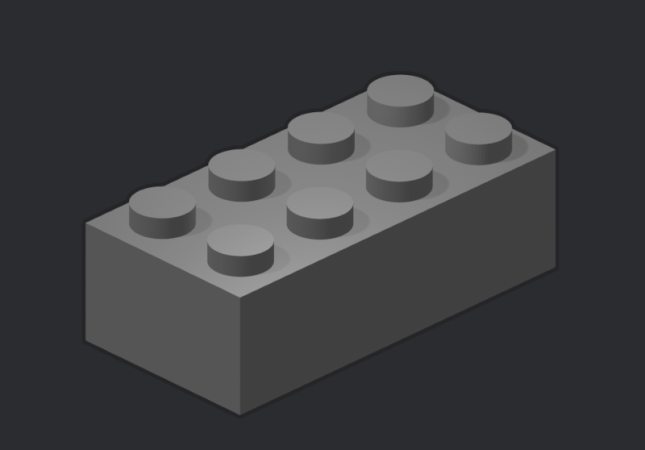
We love and hate OpenSCAD. As programmers, we like describing objects we want to 3D print or otherwise model. As programmers, we hate all the strange things about OpenSCAD that make it not like a normal programming language. Maybe µCAD (or Microcad) is the answer. This new entry in the field lets you build things programmatically and is written in Rust.

In fact, the only way to get it right now is to build it from source using cargo. Assuming you already have Rust, that’s not hard. Simply enter: cargo install microcad. If you don’t already have Rust, well, then that’s a problem. However, we did try to build it, and despite having the native library libmanifold available, Rust couldn’t find it. You might have better luck.

Continue reading “MicroCAD Programs CAD” →

SolidWorks Certification… With FreeCAD?

There are various CAD challenges out there that come with bragging rights. Some, like the Certified Solid Works Professional Exam (CWSP) might actually look good on a resume. [Deltahedra] is apparently not too interested in padding his resume, nor does he have much interest in SolidWorks, and so decided to conquer the CWSP with FreeCAD in the name of open source — and to show us all how he did it. 

Because these CAD exams are meant to show your chops with the program, the resulting video makes an awesome FreeCAD tutorial. Spoiler alert: he’s able to model the part, though it takes him about 15 minutes. After modeling the part, the CWSP exam needs you to find the mass of the part, which [Deltahedra] does with the FCInfo macro — which, of course, he shows us how to install and use. The second and third questions are similar: change some variables (it is a parametric modeling software, after all) and find the new mass. In a second exercise, he needs to modify the model according to a new drawing. Modifying existing models can sometimes be more difficult than creating them, but [Deltahedra] and FreeCAD pass with flying colors once again.

If you’re at all curious about what FreeCAD can do, this video is a really impressive demonstration of FreeCAD’s part modeling workbench. We’ve had a few FreeCAD guides of our on on Hackaday, like this one on reverse engineering STLs and this one on best practices in the software, but if you’d asked us before the release of v1.0 we’d never have guessed you could use it for a SolidWorks exam in 2025. So while there are kudos due to [Deltahedra], the real accolades belong to the hardworking team behind FreeCAD that has brought it this far. Bravo!

Continue reading “SolidWorks Certification… With FreeCAD?” →

Open Source CAD In The Browser

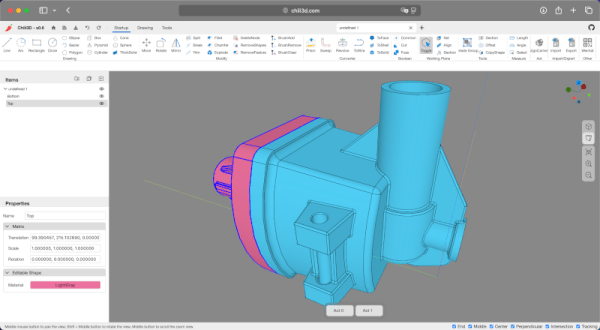
Some people love tools in their browsers. Others hate them. We certainly do like to see just how far people can push the browser and version 0.6 of CHILI3D, a browser-based CAD program, certainly pushes.

If you click the link, you might want to find the top right corner to change the language (although a few messages stubbornly refuse to use English). From there, click New Document and you’ll see an impressive slate of features in the menus and toolbars.

The export button is one of those stubborn features. If you draw something and select export, you’ll see a dialog in Chinese. Translated it has the title: Select and a checkmark for “Determined” and a red X for “Cancelled.” If you select some things in the drawing and click the green checkmark, it will export a brep file. That file format is common with CAD programs, but you’ll need to convert, probably, if you want to 3D print your design.

The project’s GitHub repository shows an impressive slate of features, but also notes that things are changing as this is alpha software. The CAD kernel is a common one brought in via WebAssembly, so there shouldn’t be many simple bugs involving geometry.

We’ve seen a number of browser-based tools that do some kind of CAD. CADmium is a recent entry into the list. Or, stick with OpenSCAD. We sometimes go low-tech for schematics.

ChatGPT Makes A 3D Model: The Secret Ingredient? Much Patience

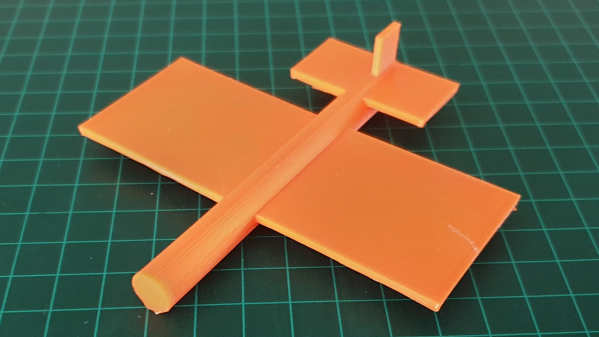
ChatGPT is an AI large language model (LLM) which specializes in conversation. While using it, [Gil Meiri] discovered that one way to create models in FreeCAD is with Python scripting, and ChatGPT could be encouraged to create a 3D model of a plane in FreeCAD by expressing the model as a script. The result is just a basic plane shape, and it certainly took a lot of guidance on [Gil]’s part to make it happen, but it’s not bad for a tool that can’t see what it is doing.

The first step was getting ChatGPT to create code for a 10 mm cube, and plug that in FreeCAD to see the results. After that basic workflow was shown to work, [Gil] asked it to create a simple airplane shape. The resulting code had objects for wing, fuselage, and tail, but that’s about all that could be said because the result was almost — but not quite — completely unlike a plane. Not an encouraging start, but at least the basic building blocks were there. Continue reading “ChatGPT Makes A 3D Model: The Secret Ingredient? Much Patience” →