Cryo-EM: Freezing Time To Take Snapshots Of Myosin And Other Molecular Systems

Using technologies like electron microscopy (EM) it is possible to capture molecular mechanisms in great detail, but not when these mechanisms are currently moving. The field of cryomicroscopy circumvents this limitation by freezing said mechanism in place using cryogenic fluids. Although initially X-ray crystallography was commonly used, the much more versatile EM is now the standard approach in the form of cryo-EM, with recent advances giving us unprecedented looks at the mechanisms that quite literally make our bodies move.

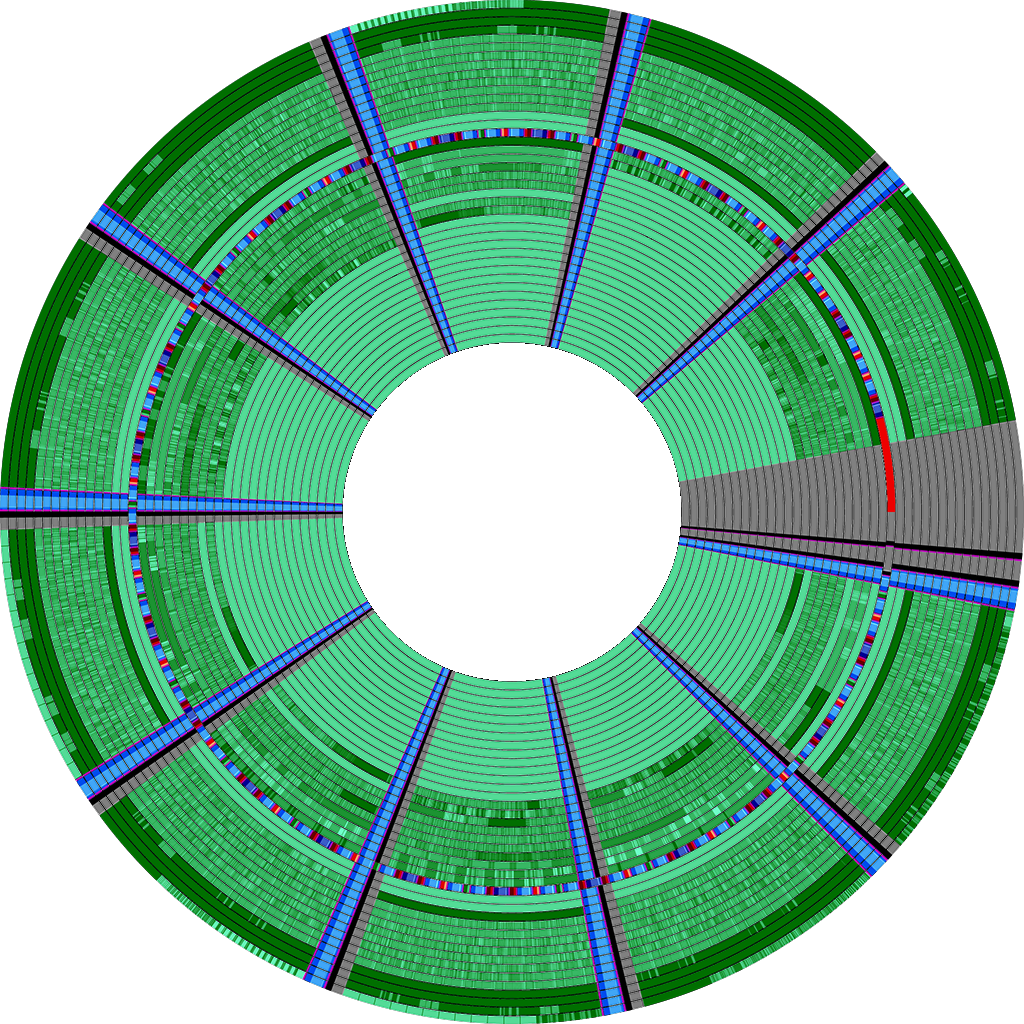
Myosin-5 working stroke and walking on F-actin. (Credit: Klebl et al., 2024)

The past years has seen many refinements in cryo-EM, with previously quite manual approaches shifting to microfluidics to increase the time resolution at which a molecular process could be frozen, enabling researchers to for example see the myosin motor proteins go through their motions one step at a time. Research articles on this were published previously, such as by [Ahmet Mentes] and colleagues in 2018 on myosin force sensing to adjust to dynamic loads. More recently, [David P. Klebl] and colleagues published a research article this year on the myosin-5 powerstroke through ATP hydrolysis, using a modified (slower) version of myosin-5. Even so, the freezing has to be done with millisecond accuracy to capture the myosin in the act of priming (pre-powerstroke).

The most amazing thing about cryo-EM is that it allows us to examine processes that used to be the subject of theory and speculation as we had no means to observe the motion and components involved directly. The more we can increase the time resolution on cryo-EM, the more details we can glimpse, whether it’s the functioning of myosins in muscle tissue or inside cells, the folding of proteins, or determining the proteins involved in a range of diseases, such as the role of TDP-43 in amytrophic lateral sclerosis (ALS) in a 2021 study by [Diana Arseni] and colleagues.

As our methods of freezing these biomolecular moments in time improve, so too will our ability to validate theory with observations. Some of these methods combine cryogenic freezing with laser pulses to alternately freeze and resume processes, allowing processes to be recorded in minute detail in sub-millisecond resolution. One big issue that remains yet is that although some of these researchers have even open sourced their cryo-EM methods, commercial vendors have not yet picked up this technology, limiting its reach as researchers have to cobble something together themselves.

Hopefully before long (time-resolved) cryo-EM will be as common as EM is today, to the point where even a hobby laboratory may have one lounging around.

Exploring The Bendix G-15’s Typewriter

The Bendix Corporation’s Bendix G-15 was introduced in 1956 as an affordable system for industrial and scientific markets. As with any computer system, a range of peripheral devices for input and output were available, which includes an electric typewriter. Produced by IBM, this typewriter was heavily modified by Bendix, with the version that [Usagi Electric] got their mittens on being equipped with a gigantic 28″ platen. With just power applied to the machine it will even still work as a regular electric typewriter, but it can do much more.

The bits that make an IBM electric typewriter into a Bendix G-15 accessory. (Credit: Usagi Electric)

Most typewriters for the G-15 have a much smaller platen, as can be seen in the brochures for the system. The typewriter is connected together with other peripherals like plotters, card punches and tabulators via a coupler which uses a 5-bit interface. For the encoding on this interface no standard encoding is used, but rather 4 bits are used as data followed by 1 bit to indicate a command. In addition a number of other signal lines are used with the Bendix G-15, which allows control over the punch card reader and run status on the computer from the comfort of the typewriter’s desk.

In addition to the added electronics that communicate with the Bendix G-15, there are also solenoids and sensors which interface with the typewriter’s keyboard. This is what allows for command keys on the typewriter to be recorded separately along with the regular number and letter keys, in addition to the Bendix G-15 using the typewriter to automatically type on the paper. After a good cleaning session the typewriter’s basic functionality is restored, with the hope that once the Bendix G-15 over at the Usagi Farm can power up its DC circuit both will happily chat with each other. Color us excited.

Continue reading “Exploring The Bendix G-15’s Typewriter”

How DEC’s LANBridge 100 Gave Ethernet A Fighting Chance

Alan Kirby (left) and Mark Kempf with the LANBridge 100, serial number 0001. (Credit: Alan Kirby)

When Ethernet was originally envisioned, it would use a common, shared medium (the ‘Ether’ part), with transmitting and collision resolution handled by the carrier sense multiple access with collision detection (CSMA/CD) method. While effective and cheap, this limited Ethernet to a 1.5 km cable run and 10 Mb/s transfer rate. As [Alan Kirby] worked at Digital Equipment Corp. (DEC) in the 1980s and 1990s, he saw how competing network technologies including Fiber Distributed Data Interface (FDDI) – that DEC also worked on – threatened to extinguish Ethernet despite these alternatives being more expensive. The solution here would be store-and-forward switching, [Alan] figured.

After teaming up with Mark Kempf, both engineers managed to convince DEC management to give them a chance to develop such a switch for Ethernet, which turned into the LANBridge 100. As a so-called ‘learning bridge’, it operated on Layer 2 of the network stack, learning the MAC addresses of the connected systems and forwarding only those packets that were relevant for the other network. This instantly prevented collisions between thus connected networks, allowed for long (fiber) runs between bridges and would be the beginning of the transformation of Ethernet as a shared medium (like WiFi today) into a star topology network, with each connected system getting its very own Ethernet cable to a dedicated switch port.

On Cloud Computing And Learning To Say No

Do you really need that cloud hosting package? If you’re just running a website — no matter whether large or very large — you probably don’t and should settle for basic hosting. This is the point that [Thomas Millar] argues, taking the reader through an example of a big site like Business Insider, and their realistic bandwidth needs.

From a few stories on Business Insider the HTML itself comes down to about 75 kB compressed, so for their approximately 200 million visitors a month they’d churn through 30 TB of bandwidth for the HTML assuming two articles read per visitor.

This comes down to 11 MB/s of HTML, which can be generated dynamically even with slow interpreted languages, or as [Thomas] says would allow for the world’s websites to be hosted on a system featuring single 192 core AMD Zen 5-based server CPU. So what’s the added value here? The reduction in latency and of course increased redundancy from having the site served from 2-3 locations around the globe. Rather than falling in the trap of ‘edge cloud hosting’ and the latency of inter-datacenter calls, databases should be ideally located on the same physical hardware and synchronized between datacenters.

In this scenario [Thomas] also sees no need for Docker, scaling solutions and virtualization, massively cutting down on costs and complexity. For those among us who run large websites (in the cloud or not), do you agree or disagree with this notion? Feel free to touch off in the comments.

PumpkinOS

PumpkinOS: A Modern Reimplementation Of PalmOS For Today’s Platforms

In a world where the personal digital assistant (PDA) has become yet another retro computing system, it’s always nice when experiencing the software for such platforms can be done in a way that does not involve hunting down original hardware of questionable functionality. Here PumpkinOS is a PalmOS-compatible project by [migueletto] which runs as a regular application on modern systems and allows for  original PalmOS applications for the Motorola 68k to run on x86 and ARM host systems.

On start-up the Launcher shows up first, just like with PalmOS, from which the four standard PalmOS applications (AddressBook, MemoPad, ToDoList and DateBook) can be launched. Due to endianness issues (m68k being Big Endian), files created by these applications cannot be shared between PumpkinOS and PalmOS, and as noted on the GitHub page, it’s still a far from finished project. That said, it appears to be able to run quite a few original PalmOS applications from sites like PalmDB, and compatibility should get better over time.

The author maintains a development blog as well, for those who are interested in the more in-depth details of this project.

A Brief History Of Keyboard Encoding

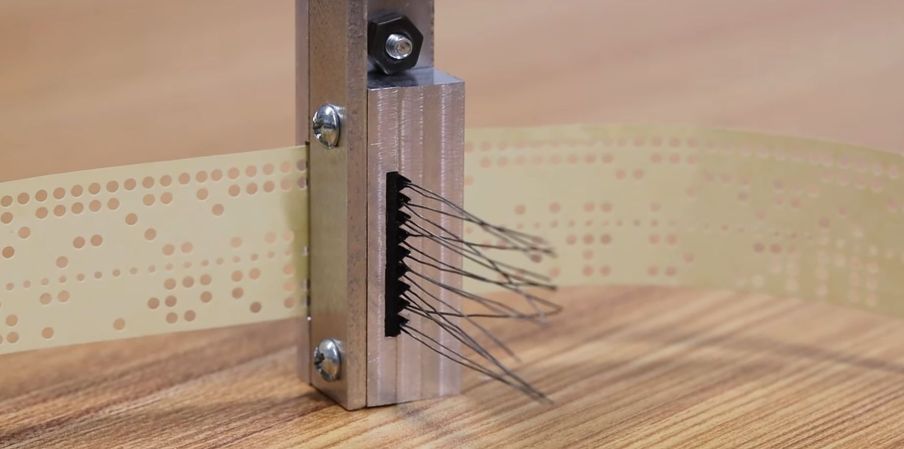
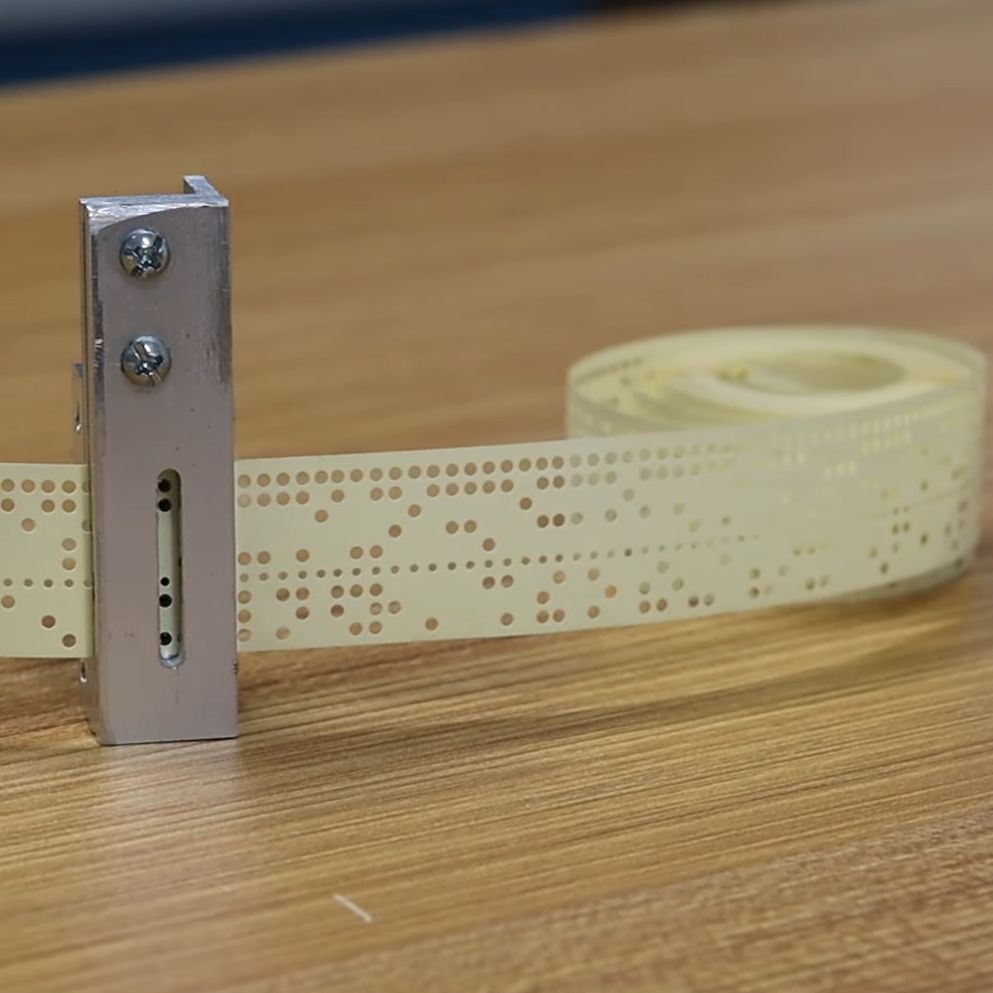
Photoelectric encoder keyboard configured as ASCII

While typing away on our DIN, PS/2, USB or Bluetooth keyboards one of the questions which we rarely concern ourselves with is that of how the keyboard registers which keys we’re pressing. One exception here is when the keyboard can only register a limited number of simultaneous keypresses (rollover). Even though most keyboards today use a matrix which connects the keys, there are many configuration choices even here, which much like other keyboard configurations come with their own advantages and disadvantages. As a good primer we can look at this article by [Daniel Beardsmore] as he takes us through both historical and current-day keyboards.

Especially before  it was realistic to just put an entire microcontroller with a look-up table into every keyboard, more inventive approaches were required to not only register keypresses, but also encode them for the host computer. The photoelectric approach of the 1960s was one such encoding method, before diode matrices became popular, along with more exotic encoding switches that contained their code already hard-wired on their multitude of pins. One inevitable limitation with these was that of a lack of multi-key support, leading to the development of matrix scan technology around 1970.

Matrix scanning keyboards allow for multiple key presses at the same time, tackle debouncing of keys and were at the forefront of what gives us the ubiquitous and generally boringly reliable keyboards which we use today.

The Rise And Fall Of Silicon Graphics

Maybe best known as the company which brought a splash of color to corporate and scientific computing with its Indigo range of computer systems, Silicon Graphics Inc. (later SGI) burst onto the market in 1981 with what was effectively one of the first commercial graphics operations accelerator with the Geometry Engine. SGI’s founder – James Henry Clark was quite possibly as colorful a character as the company’s products, with [Bradford Morgan White] covering the years leading up to SGI’s founding, its highlights and its eventual demise in 2009.

The story of SGI is typical of a start-up that sees itself become the market leader for years, even as this market gradually changes. For SGI it was the surge in commodity 3D graphics cards in the 1990s alongside affordable (and cluster-capable; insert Beowulf cluster jokes here) server hardware that posed a major problem. Eventually it’d start offering Windows NT workstations, drop its MIPS-based systems in a shift to Intel’s disastrous Itanium range of CPUs and fall to the last-ditch effort of any struggling company: a logo change.

None of this was effective, naturally, and ultimately SGI would file (again) for Chapter 11 bankruptcy in 2009, with Rackable Systems snapping up its assets and renaming itself to SGI, before getting bought out by HPE and sunsetting SGI as a brand name.