USB Apple ][ Disk Emulator

One of the most commonly frustrating things about having an old Apple ][ lying around in your basement or attic is the lack of software. While at one time in the late 80s you may have had your own copy of Oregon Trail, that disk is either lost or non-functional, and it’s pretty hard to get new disk images onto 5 1/4″ disks.

To solve this problem for himself, [Eric] came up with an Apple disk emulator. A project like this has been done many, many times over the last few decades, but [Eric] put his own twist on it: he doesn’t use a microcontroller. Instead, he used a simple USB FTDI device to talk to the Apple disk drive.

The FTDI device in question is a UM232H chip that takes a USB connection and turns it into an SPI bus. Of course the Apple ][ disk doesn’t speak SPI, so [Eric] needed to do a little logic conversion with a 74LS251 multiplexer and a 74LS161 counter.

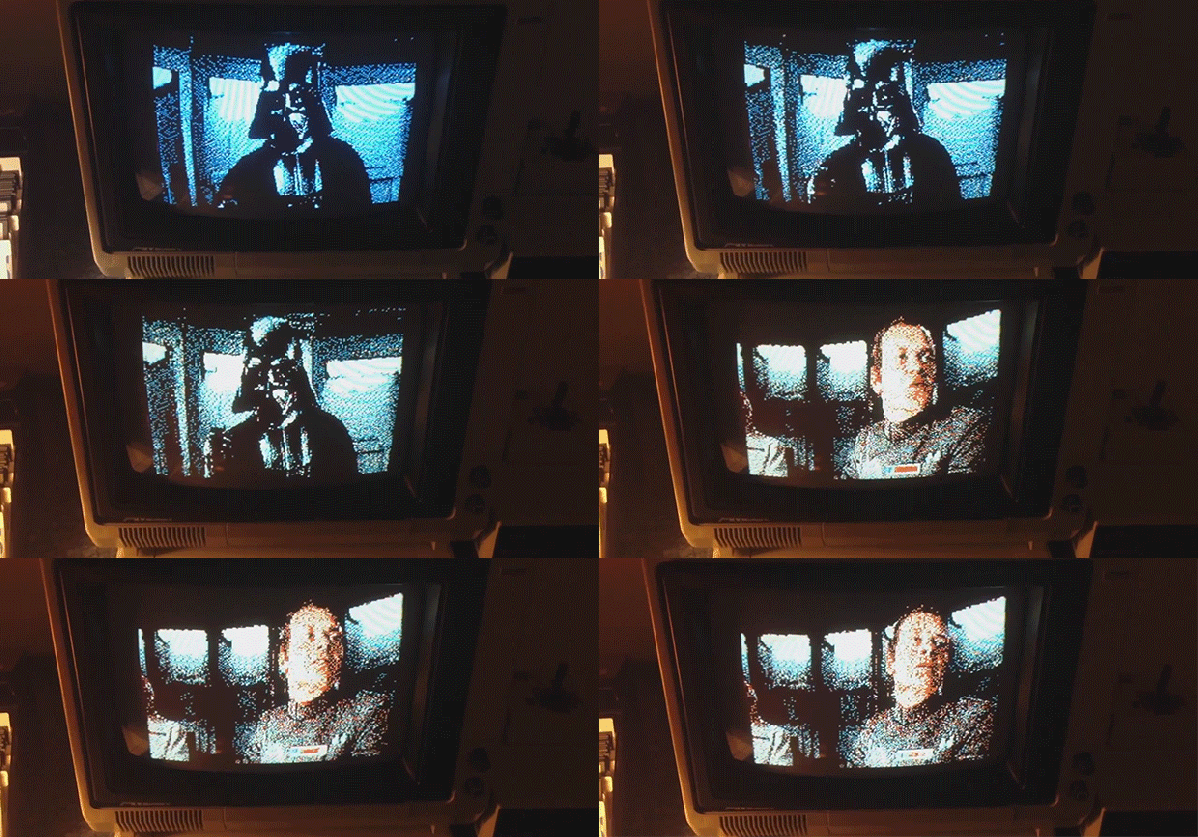
In the video after the break, you can see [Eric] loading Apple disk images on a IIc from his new Intel Mac. It’s a neat build, but it’s not done yet: [Eric] plans on adding a microcontroller with an SD card, allowing just about every Apple ][ game every made to fit in your pocket. Yes, [Eric]’s project is quite similar to the A][ pocket serial host we saw just a bit ago, but this will hopefully have a lower component count.

Continue reading “USB Apple ][ Disk Emulator”

Pocket Serial Host Acts As An Apple II Disk Drive

apple-II-pocket-serial-host

[Osgeld] is showing off what he calls a sanity check. It’s the first non-breadboard version of his Pocket Serial Host. He’s been working on the project as a way to simplify getting programs onto the Apple II he has on his “retro bench”. When plugged in, the computer sees it as a disk drive.

The storage is provided by an SD card which is hidden on the underside of that protoboard. This makes it dead simple to hack away at your programs using a modern computer, then transfer them over to the retro hardware. The components used (starting at the far side of the board) are a DB9 serial connector next to a level converter to make it talk to the ATmega328 chip being pointed at with a tool. The chip below that is a level converter to get the microcontroller talking to the RTC chip seen to the right. The battery keeps that clock running when there’s no power from the 5V and 3.3V regulators mounted in the upper right.

The video after the break shows off this prototype, the breadboard circuit, and a demonstration with the Apple II.

Continue reading “Pocket Serial Host Acts As An Apple II Disk Drive”

Building A Linear Motor

linear-motor

We admit that this project doesn’t have very many details available, but it was just too neat for us to pass up. It’s a small linear motor which [ligonapProduktion] built after seeing a very brief description of a commercially available version.

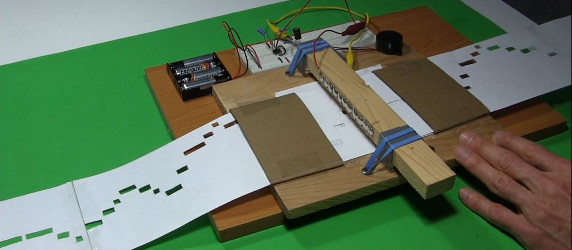
The video after the break shows him testing the motor. In this screenshot he’s holding the center shaft while the coil assembly moves back and forth. But it works with a stationary coil moving the rod as well. The motor is basically a modified solenoid. There are sixteen neodymium magnets inside the shaft. The set of four coils is driven by an ATtiny44. Just like a stepper motor, energizing the coils in the correct order pushes against the rare earth magnets creating motion.

We’re not sure if he has any use in mind for this build. For us we just like to see the concept in practice (we feel the same way about a homopolar motor build).

Continue reading “Building A Linear Motor”

How A Dial-up Modem Handshake Works

If you’re old enough to have used a dial-up modem we’d bet you can do an imitation of the sounds it made while connecting. Those not-so-beautiful sounds heralded the dawning of a technological era. But few actually know what each of those distinct sounds were doing. Now’s your chance to learn. This post explains each step in the dail-up handshake process.

This may be the most useful infographic we’ve ever seen. Normally we just seem them as gimmicks, but [Oona Räisänen] really put together something special with this one. Her blog post includes an audio clip so that you can play back the full handshake sounds. The main box on the graphic shows the audio spectrum from that clip, with an explanation below it. But you’ll also want to read through her full write-up for a more narrative description.

The part we found the most interesting is that these modems needed to disable the echo suppression used by the telephone system in order to operate at full-duplex. Apparently land lines disabled the speaker while you were talking so that you didn’t hear your own voice. This was a problem if the modem was trying to send and receive at the same time.

[via Reddit]

TV Show Inspires This Smaller Pong Paddles Hardware Hack

smaller-pong-paddles

When we read “smaller paddles” we immediately thought of the physical controllers that you hold in your hands. But this hack alters the size of the virtual Pong paddles displayed on the TV screen.

We remember quite well the episode of That 70’s Show where Red and Kelso take apart their Pong machine to hack it. The video after the break which [Blues Image] put together shuffles scenes from that episode in with images of his hack. The characters are adamant that the game is too easy and reducing the size of the virtual paddles is the only thing that will make it fun again. After building his own hardware from the original schematics, [Blue Image] figured this challenge was worth a try.

His solution is in the form of two man-in-the-middle boards which insert a way to reroute the pins without altering the main board. One of the chips is used to draw the paddles, the other checks for collisions with the ball. By changing the pin-out the paddles are reduced from fifteen pixels down to seven.

Continue reading “TV Show Inspires This Smaller Pong Paddles Hardware Hack”

3D Printing Vacuum Tube Sockets

tubes

With the popularity of 3D printers and the current cult of vacuum tubes, it’s shocking we haven’t seen someone do this before.

[Peter] printed his own sockets for a few vacuum tubes he had lying around. After designing them on his computer, [Peter] printed them out on his local hackerspace’s 3D printer.

After printing out the plastic parts, [Peter] needed to add a few strips of metal for a conductor. He used a few pieces of an ATX power supply; a little difficult to fit, but something that works all the same.

So far, [Peter] has whipped up a few sockets for UX5 and VT76 tubes, UX6, B7G (7 pin mini), and B9D  Magnoval tubes. No Nixie sockets yet, but it’s enough diversity to build your own tube amp using the most common designs. Now if we could only make our own transformers with laser cutters and 3D printers…

Magic Eye Spectrum Analyzer

its goddamned magic


If Nixies aren’t cool enough, maybe it’s time to step it up to magic eye tubes.

Magic eye tubes are, like Nixies and Dekatrons, display tubes. Unlike the alphanumeric characters of Nixies or rotating points of light in a Dekatron, Magic eye tubes are either bar graph or ‘Pac-Man’ displays that were used to show the signal strength of a radio station on very expensive radio sets.

After doing a few experiments with tubes, [sylvain] thought it would be cool to do something with magic eye tubes. He sourced eight vertical ‘bar graph’ magic eye tubes and built an audio spectrum analyzer.

One of the more difficult things to do was to compute the power levels for each frequency band. There are a few graphic equalizer ICs available, but [sylvian] decided to go the old-school, harder way by putting an FFT algorithm on an ATMega624.

An impressive piece of work that would look amazing next to a nice tube stereo system.