
Between-Device Sharing Still Sucks

Once upon a time, computing was simple. You had files on a floppy disk. If you wanted to take them to a different computer, you ejected the disk from one machine and put it in another. It wasn’t fast, but it was easy and intuitive. Besides, you probably only had one computer of your own, anyway.

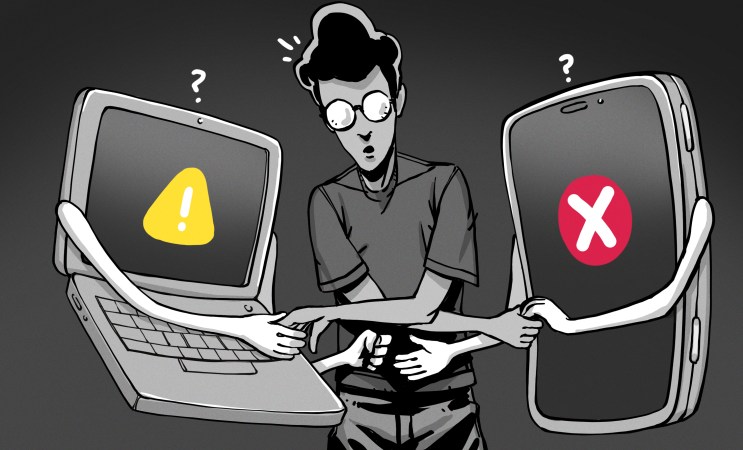
Life has since gotten a lot more complex. You’ve got a desktop, a laptop, a work laptop, your personal and business phones, and a smart watch to boot. You live amongst a swirling maelstrom of terabytes of data. Despite all the technical advances that got you here, it’s still a pain to get a file from one device to another, even when they’re sitting on the same desk. Why?!
Continue reading “Between-Device Sharing Still Sucks”

Bring Back That Aged Scanner, In Your Browser

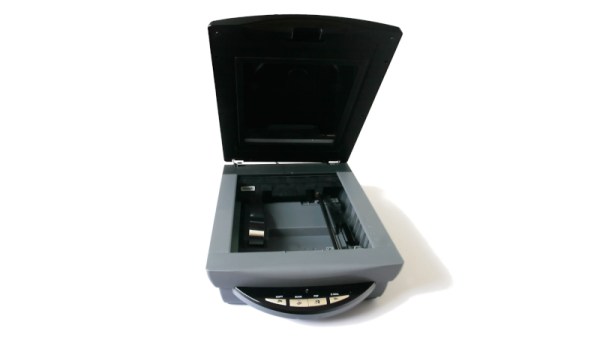
We have probably all at some point had to replace a peripheral not because it is faulty, but because it is no longer supported by our operating system. It’s especially bad for Windows users, but for older hardware this is increasingly a part of the Linux experience too. [George MacKerron] is here with what may prove to be a valuable technique to keep these devices active. He’s running a minimalist x86 computer in the browser, with just enough OS to support the device.

In this case the hardware is a USB scanner, and the resulting software takes a WebAssembly x86 emulator and adds a bit of glue software allowing it to use WebUSB to talk to the real-world hardware. It runs a minimal Alpine Linux environment with SANE — something that’s normal for Linux users but which has never been there on a Windows machine. The result is something which needs no installation, but can be run on any machine with a powerful enough web browser.

While such an approach might at first seem like overkill, we’re told it runs surprisingly quickly. In this case it’s for scanner, but we can see it could find a use with many other pieces of aged hardware.

If WebAssembly is new to you, we gave it a primer a few years ago.


Header image: Fir0002/Flagstaffotos, GFDL 1.2.

DecayDock Keeps Track Of Spoilage

Many of us have suffered the common experience of buying a great deal of (now very expensive) food, only to have it go off before it can be consumed. [ptallthings93] has whipped up a simple device to try and tackle this problem.

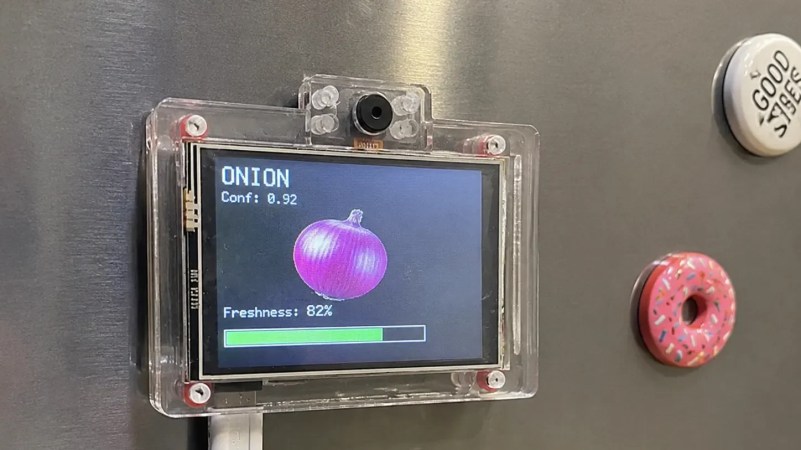
The result is DecayDock, which lives on a fridge and tries to keep track of what’s going on inside. It achieves this with the use of an ESP32-CAM module, which combines the capable microcontroller with a camera for image detection work. With the aid of an Edge AI model, it’s able to detect common food items that are held in front of the camera, which are in turn added to an internal inventory. The items are tracked over time based on expected shelf lives, and the freshness of various items in the fridge is displayed on an attached LCD screen with a green/yellow/red color coding system.

The system is only making estimates—it’s not able to actually identify when the cheese has gone moldy or the milk has gone sour. Still, if you struggle to remember what you should be prioritizing to use in your fridge, it might be a handy aid.

Ultimately, we never really saw smart fridges dominate the market, even though the idea has long been a popular one in futurist circles. Perhaps none of them thought that nobody really wants to stand staring down at a screen on the fridge all day. In reality, some areas of the home are best left unsmartified.









