Combined Crypto, Anglo-American Style

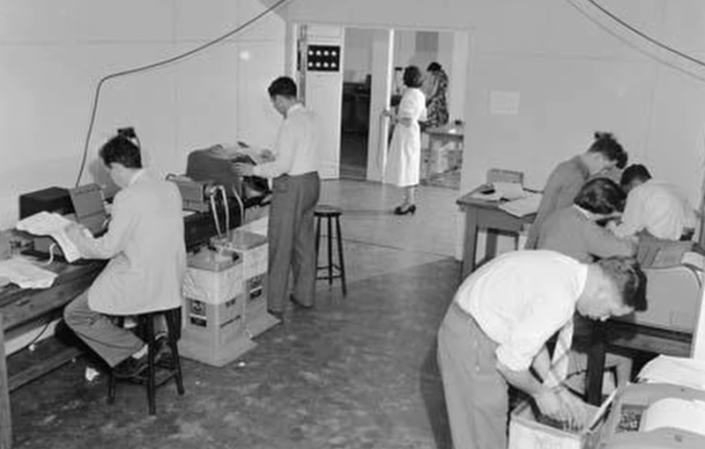
If you think about military crypto machines, you probably think about the infamous Enigma machine. However, as [Christos T.] reminds us, there were many others and, in particular, the production of a “combined cipher” machine for the US and the UK to use for a variety of purposes.

The story opens in 1941 when ships from the United States and the United Kingdom were crossing the Atlantic together in convoys. The US wanted to use the M-138A and M-209 machines, but the British were unimpressed. They were interested in the M-134C, but it was too secret to share, so they reached a compromise.

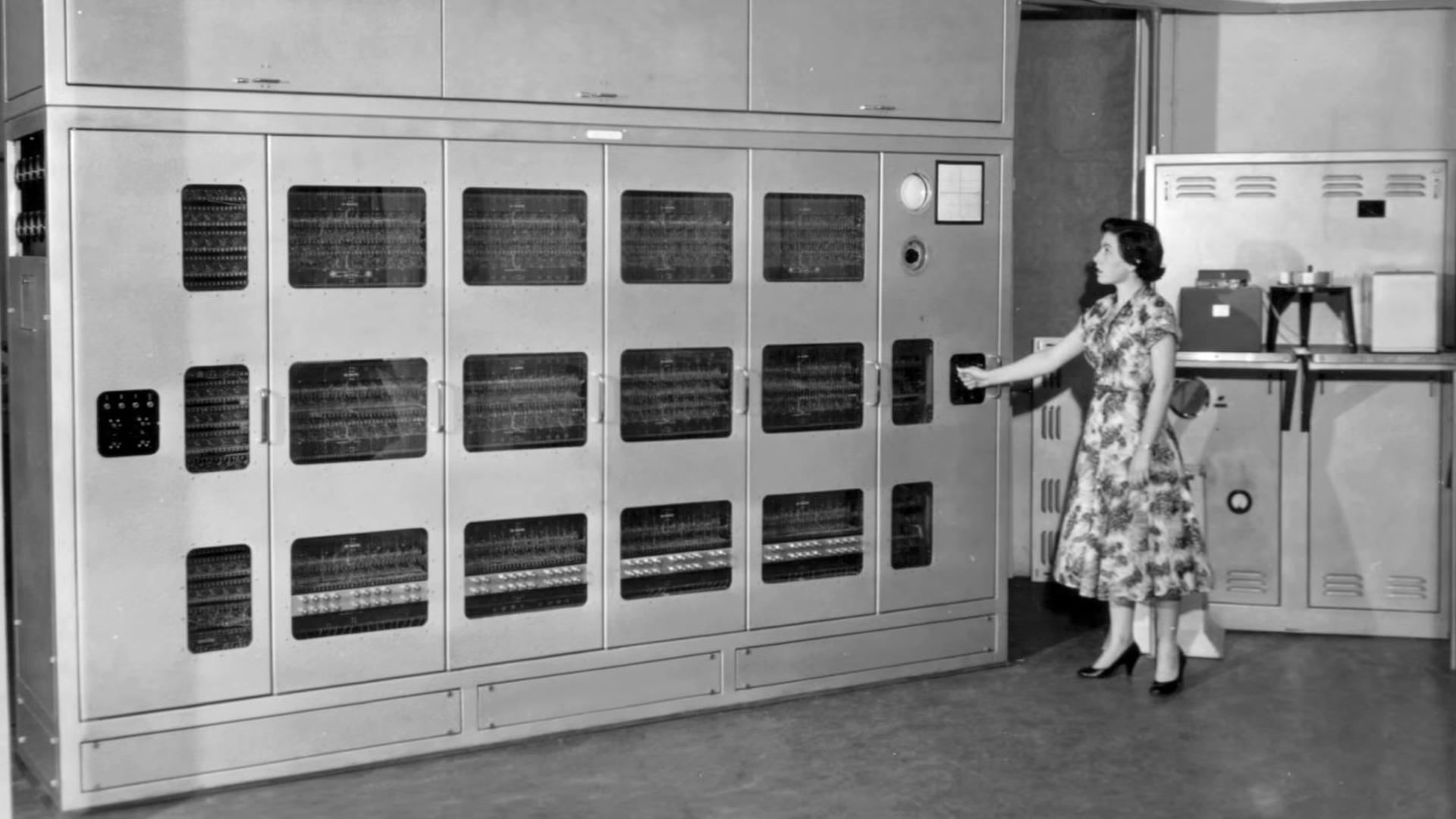
Starting with a British Typex, a US Navy officer developed an attachment with additional rotors and converted the Typex into a CCM or Combined Cipher Machine. Two earlier verisons of the attachment worked with the M-134C. However the CSP 1800 (or CCM Mark III) was essentially the same unit made to attach to the Typex. Development cost about $6 million — a huge sum for the middle of last century.

Continue reading “Combined Crypto, Anglo-American Style”

Plastic Gear Repair

We’ve seen several methods of repairing plastic gears. After all, a gear is usually the same all the way around, so it is very tempting to duplicate a good part to replace a damaged part. That’s exactly what [repairman 101] does in the video below. He uses hot glue to form a temporary mold and casts a resin replacement in place with a part of a common staple as a metal reinforcement.

The process starts with using a hobby tool to remove even more of the damaged gear, making a V-shaped slot to accept the repair. The next step is to create a mold. To do that, he takes a piece of plastic and uses hot glue to secure it near a good part of the gear. Then, he fills the area with more hot glue and carefully removes it.

Continue reading “Plastic Gear Repair”

Ptychography For High Resolution Microscopy

Nowadays, if you have a microscope, you probably have a camera of some sort attached. [Applied Science] shows how you can add an array of tiny LEDs and some compute power to produce high-resolution images — higher than you can get with the microscope on its own. The idea is to illuminate each LED in the array individually and take a picture. Then, an algorithm constructs a higher-resolution image from the collected images. You can see the results and an explanation in the video below.

You’d think you could use this to enhance a cheap microscope, but the truth is you need a high-quality microscope to start with. In addition, color cameras may not be usable, so you may have to find or create a monochrome camera.

Continue reading “Ptychography For High Resolution Microscopy”

Speaking Computers From The 1970s

Talking computers are nothing these days. But in the old days, a computer that could speak was quite the novelty. Many computers from the 1970s and 1980s used an AY-3-8910 chip and [InazumaDenki] has been playing with one of these venerable chips. You can see (and hear) the results in the video below.

The chip uses PCM, and there are different ways to store and play sounds. The video shows how different they are and even looks at the output on the oscilloscope. The chip has three voices and was produced by General Instruments, the company that initially made PIC microcontrollers. It found its way into many classic arcade games, home computers, and games like Intellivision, Vectrex, the MSX, and ZX Spectrum. Soundcards for the TRS-80 Color Computer and the Apple II used these chips. The Atari ST used a variant from Yamaha, the YM2149F.

There’s some code for an ATmega, and the video says it is part one, so we expect to see more videos on this chip soon.

General instruments had other speech chips, and some of them are still around in emulated form. In fact, you can emulate the AY-3-8910 with little more than a Raspberry Pi.

Continue reading “Speaking Computers From The 1970s”

Inexpensive Powder Coating

[Pete] had a friend who would powder coat metal parts for him, but when he needed 16 metal parts coated, he decided he needed to develop a way to do it himself. Some research turned up the fluid bed method and he decided to go that route. He 3D printed a holder and you can see how it all turned out in the video below.

A coffee filter holds the powder in place. The powder is “fluidized” by airflow, which, in this case, comes from an aquarium pump. The first few designs didn’t work out well. Eventually, though, he had a successful fluid bed. You preheat the part so the powder will stick and then, as usual, bake the part in an oven to cure the powder. You can expect to spend some time getting everything just right. [Pete] had to divert airflow and adjust the flow rate to get everything to work right.

With conventional powder coating, you usually charge the piece you want to coat, but that’s not necessary here. You could try a few other things as suggested in the video comments: some suggested ditching the coffee filter, while others think agitating the powder would make a difference. Let us know what you find out.

This seems neater than the powder coating guns we’ve seen. Of course, these wheels had a great shape for powder coating, but sometimes it is more challenging.

Continue reading “Inexpensive Powder Coating”

Tech In Plain Sight: Shopping Cart Locks

The original locking wheel.

Shopping carts are surprisingly expensive. Prices range up to about $300 for a cart, which may seem like a lot, but they have to be pretty rugged and are made to work for decades. Plastic carts are cheaper, but not by much.

And carts have a way of vanishing. We’ve seen estimates that cart theft costs hundreds of millions of dollars worldwide annually. To stem the tide, stores sometimes pay a reward to people to round up carts off the street and return them to the store — it’s cheaper than buying a new one. That led [Elmer Isaacks] to patent a solution to this problem in 1968.

The [Isaacks] system used lots of magnets. A cart leaving the store had a brake that would be armed by running over a magnet. Customers were expected to follow a path surrounded by magnets to prevent the brake from engaging. If you left the track, a rod passing through the wheel locked it.

A third magnet would disarm the brake when you entered the store again. This is clever, but it has several problems. First, you have to insert magnets all over the place. Second, if someone knows how the system works, a simple magnet will hold the brake off no matter what. Continue reading “Tech In Plain Sight: Shopping Cart Locks”

Linux Fu: USB Everywhere

It is a common problem: I have a USB device on a computer out in the shop, and I want to use it from the comfort of my office. What to do? Well, you could remote desktop into the distant machine. But, honestly, I always find any remote desktop more than ssh clunky and somewhat undesirable. Fortunately, Linux can do virtually anything if you only know how to do it. So, this time, I’ll show you how to transport a USB device over your network. Of course, I have a network that reaches out to the shop. It should be a simple matter to tell my desktop machine that one of its USB devices lives across the network. Well, it wasn’t that simple, but it is doable.

The Tools

The whole thing involves a program called usbip. That should be the end of it, but of course, it isn’t. In order for this to work, both machines on the network will need some kernel modules and a daemon on the server: the machine with the USB devices to share.

You may be able to install usbip from your package manager. On Ubuntu, it is in the linux-tools-common package, so a simple apt-get might give you everything you need. I wasn’t so lucky. Continue reading “Linux Fu: USB Everywhere”