An Open Source Electromagnetic Resonance Tablet

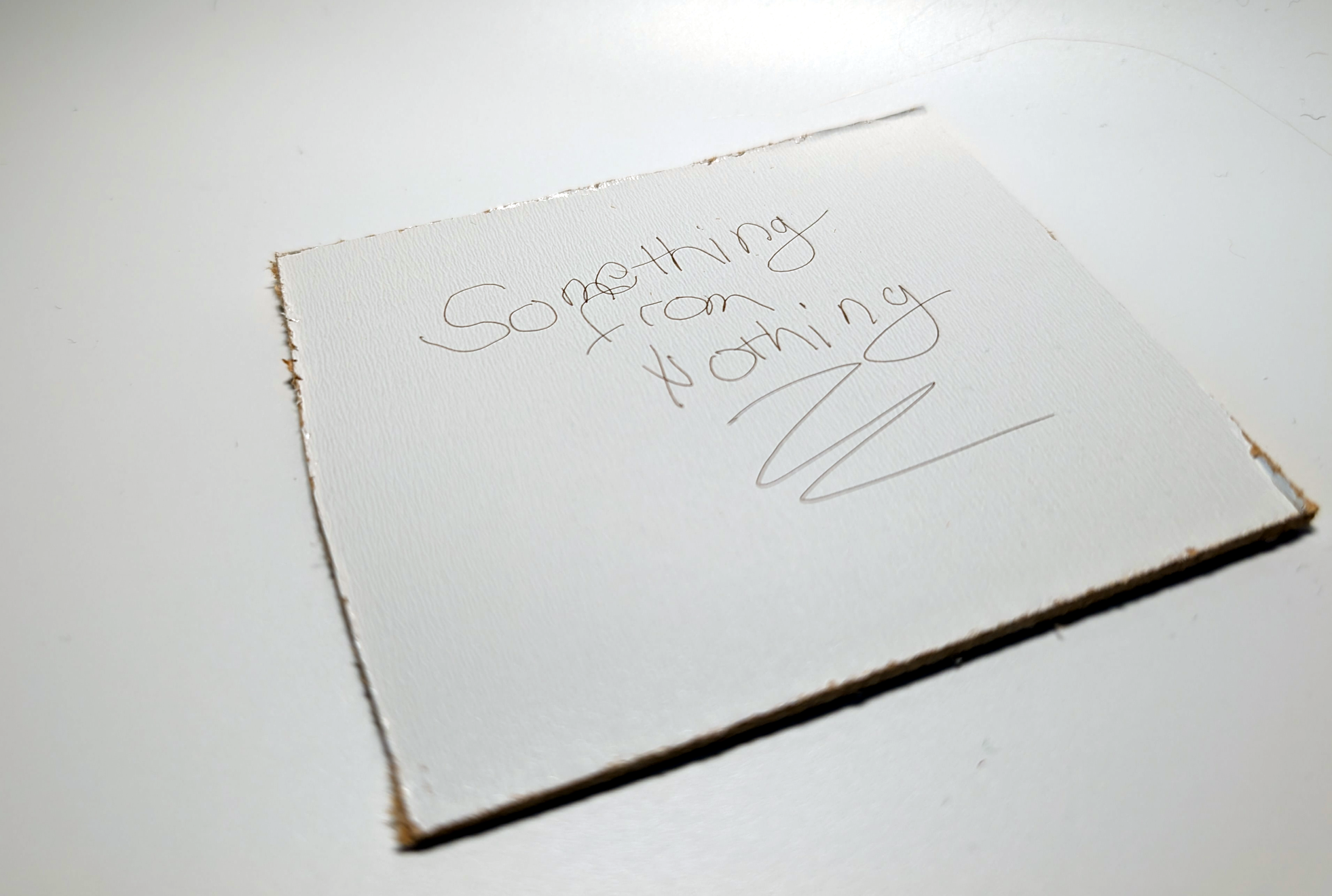
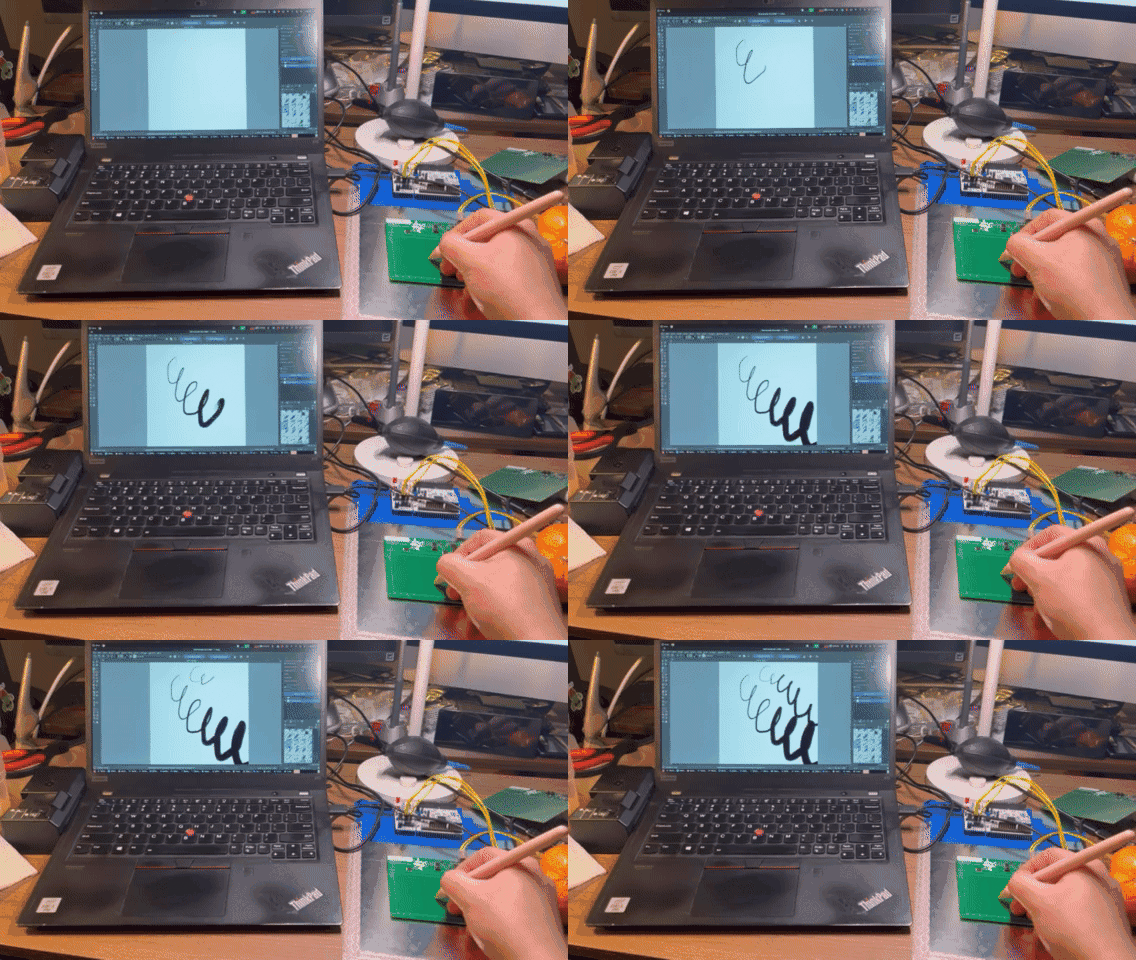
Drawing tablets have been a favorite computer peripheral of artists since its inception in the 1980s. If you have ever used a drawing tablet of this nature, you may have wondered, how it works, and if you can make one. Well, wonder no longer as [Yukidama] has demonstrated an open source electromagnetic resonance (EMR) drawing tablet build!

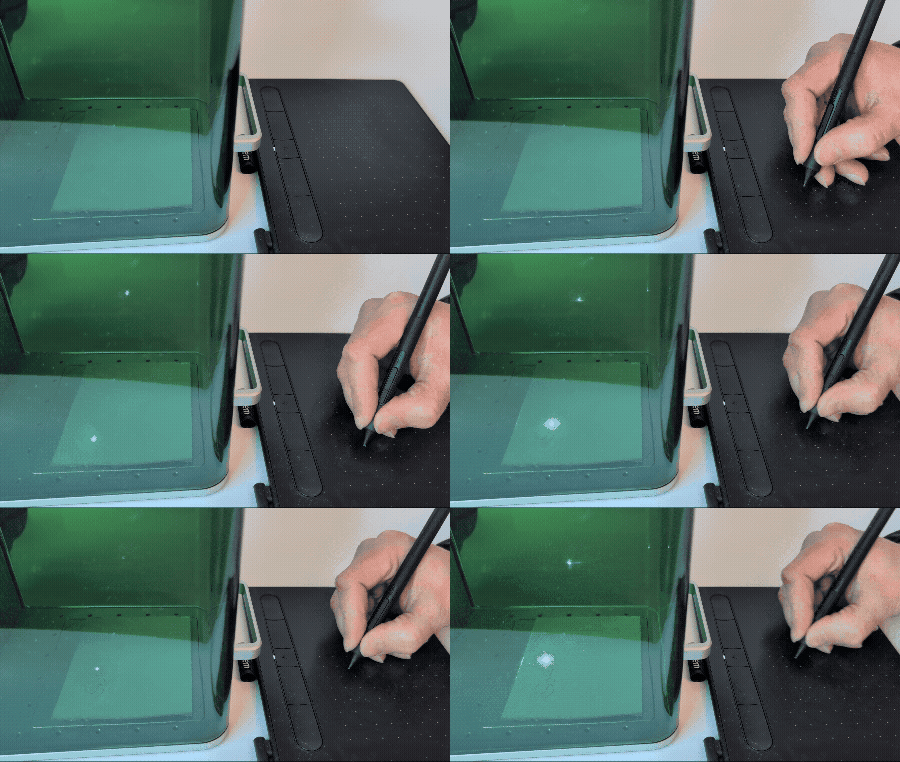
The principle of simple EMR tablets is quite straight forward. A coil in the tablet oscillates from around 400 kHz to 600 kHz. This induces a current inside a coil within the pen at its resonant frequency. This in turn, results in a voltage spike within the tablet around the pen’s resonant frequency. For pressure sensing, a simple circuit within the pen can shift its resonant frequency, which likewise is picked up within the tablet. The tablet’s input buttons work in similar ways!

But this is merely one dimensional. To sample two dimensions, two arrays of coils are needed. One to sample the horizontal axis, and one the vertical. The driver circuit simply sweeps over the array and samples every coil at any arbitrary speed the driver can achieve.

Finally, [Yukidama] made a last demo by refining the driver board, designed to drive a flexible circuit containing the coils. This then sits behind the screen of a Panasonic RZ series laptop, turning the device into a rather effective drawing tablet!

If tablets aren’t your style, check out this drawing pen. 

Continue reading “An Open Source Electromagnetic Resonance Tablet”

DeltaPen: Drawing, Painting And Taking Notes Without The Drawing Tablet

Over the decades, a lot of attempts have been made to try and make pens and pencils “smart”. Whether it’s to enable a pen to also digitally record what we’re writing down on paper, to create fully digital drawings with the haptics of inks and paints, or to jot down some notes on a touch screen, past and present uses are legion.

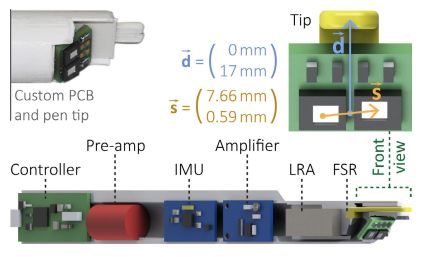
DeltaPen internal components and their function. (Credit: SIP, Guy Luethy et al.)

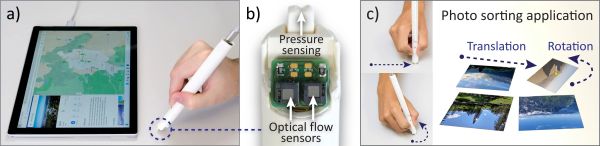
Where SIP Lab’s DeltaPen comes in as an attempt at a smart pen that acts more like the pen of a drawing tablet, just minus the tablet.

This project is related to the decidedly more clumsy Flashpen which we featured previously. Due to the use of new flow sensors, the underlying surface (e.g. a desk) can be tracked without needing to be level with it, which allowed for the addition of a pressure-sensitive tip.

In addition the relative motion of the pen is measured, and there is haptic feedback, which allow for it to be used even for more delicate applications such as drawing. The results of trials with volunteers across a range of tasks is described in their presented paper (PDF).

Continue reading “DeltaPen: Drawing, Painting And Taking Notes Without The Drawing Tablet”

Digital Painting On An IPad With Real Brushes

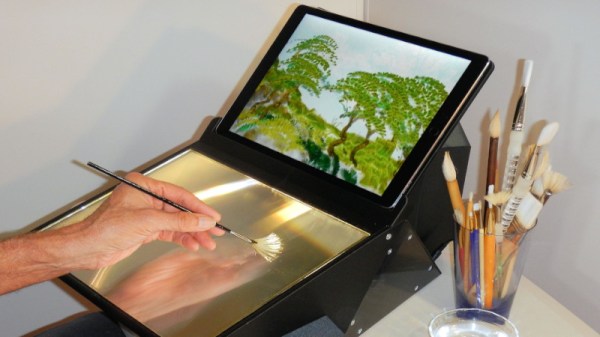
Drawing tablets are a great way to make digital art, and iPads and other tablets are similarly popular in this area. However, they all typically involve using some sort of special stylus for input. [Richard Greene] developed another method, with Light Strokes for the iPad letting one “paint” with real paint brushes instead!

The system uses a Fresnel prism in view of the iPad’s camera. This allows the camera to see only the parts of a paint brush, sponge, or other implement, as they make contact with the surface of the prism itself. This is via the principle known as total internal reflection.

Thus, simply wetting a paintbrush, sponge, or even a finger, allows one to paint quite authentically on the surface of the prism. The corresponding Light Strokes app on the iPad turns this into the pretty pixels of your creation. The app also allows one to experiment with all manner of fancy brush effects, too.

The build requires some finesse, with the lamination of the special Fresnel film onto glass using liquid optically clear adhesive, or LOCA. A series of mirrors are then assembled in an enclosure, allowing the iPad to be mounted with the camera having a good view of the glass painting area.

The project takes advantage of a simple physical effect in order to create a great artistic tool. Alternatively, if you prefer to draw directly, consider whipping up your own screen-based drawing tablet. Video after the break.

Continue reading “Digital Painting On An IPad With Real Brushes”

Rescuing A Wacom Digitizer From A Broken Lenovo Yoga Book

The Lenovo Yoga Book is a interesting thing, featuring a touch-surface keyboard that also doubles as a Wacom tablet. [TinLethax] sadly broke the glass of this keyboard when trying to replace a battery in their Yoga Book, but realised the Wacom digitizer was still intact. Thus began a project to salvage this part and repurpose it for the future.

The first step was to reverse engineer the hardware; as it turns out, the digitizer pad connects to a special Wacom W9013 chip which holds the company’s secret sauce (secret smoke?). As the GitHub page for [TinLethax]’s WacomRipoff driver explains, however, the chip communicates over I2C. Thus, it was a simple enough job to hook up a microcontroller, in this case an STM32 part, and then spit out USB HID data to a host.

It hasn’t all been smooth sailing, and it’s not 100% feature complete, but [TinLethax] was able to get the digitizer working as a USB HID input device. It appears the buttons and pressure sensitivity are functional, too.

If you’ve got a disused or defunct Yoga Book lying around, you might just consider the same mods yourself. We’ve seen some other great hacks in this space, too. Video after the break.

Continue reading “Rescuing A Wacom Digitizer From A Broken Lenovo Yoga Book”

Improved Graphics-to-Drawing Tablet Conversion

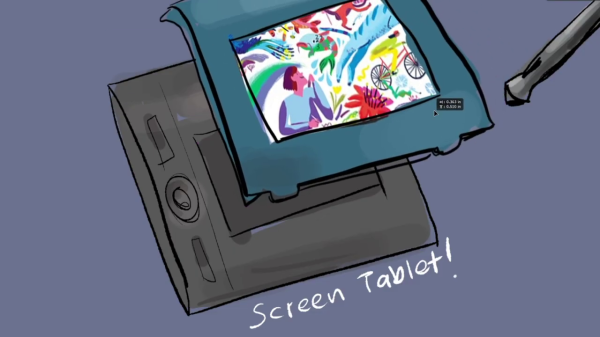
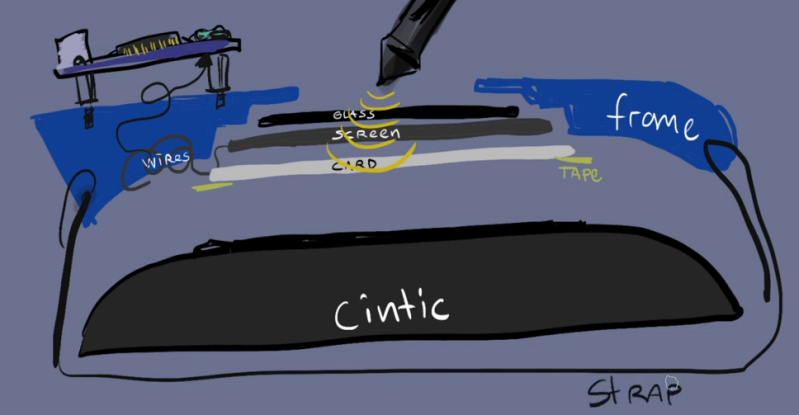
[Akaki Kuumeri] had an old Wacom Intuos digitizing graphics tablet collecting dust, and figured out how to non-destructively transform it into a drawing tablet. He was inspired by an old Hackaday post of a similar hack, but it required literally hacking a big hole into your Wacom tablet. Not wanting to permanently ruin the Wacom tablet,  [Akaki] instead designed a 3D printed frame which he holds in place with a pair of straps. The design files are available on Thingiverse. He names the project, incorrectly as he later points out, WacomOLED (it rhymes with guacamole, we think).

As for the screen, he buys an old third-generation iPad and removes its Retina display panel and the foil backing, which would otherwise block the stylus’s connection to the tablet. Toss in an HDMI driver board to connect the display to your computer, and presto — you have made your own a drawing tablet. Even if you don’t need a drawing tablet, [Akaki]’s hack is still interesting, if only to remind us that we can put custom HDMI displays into any project for $65 using this technique.

In the end, [Akaki] notes that unless you already have a non-graphical digitizing tablet laying around, it’s probably cheaper to just buy a iPad. This is not [Akaki]’s first go at user input devices — we wrote about his Smash Brothers game controller and flight controller yoke project last year.

Do any of you use a graphics tablet in your day to day workflow? Let us know in the comments below.

Continue reading “Improved Graphics-to-Drawing Tablet Conversion”