Selective Ironing Adds Designs To 3D Prints

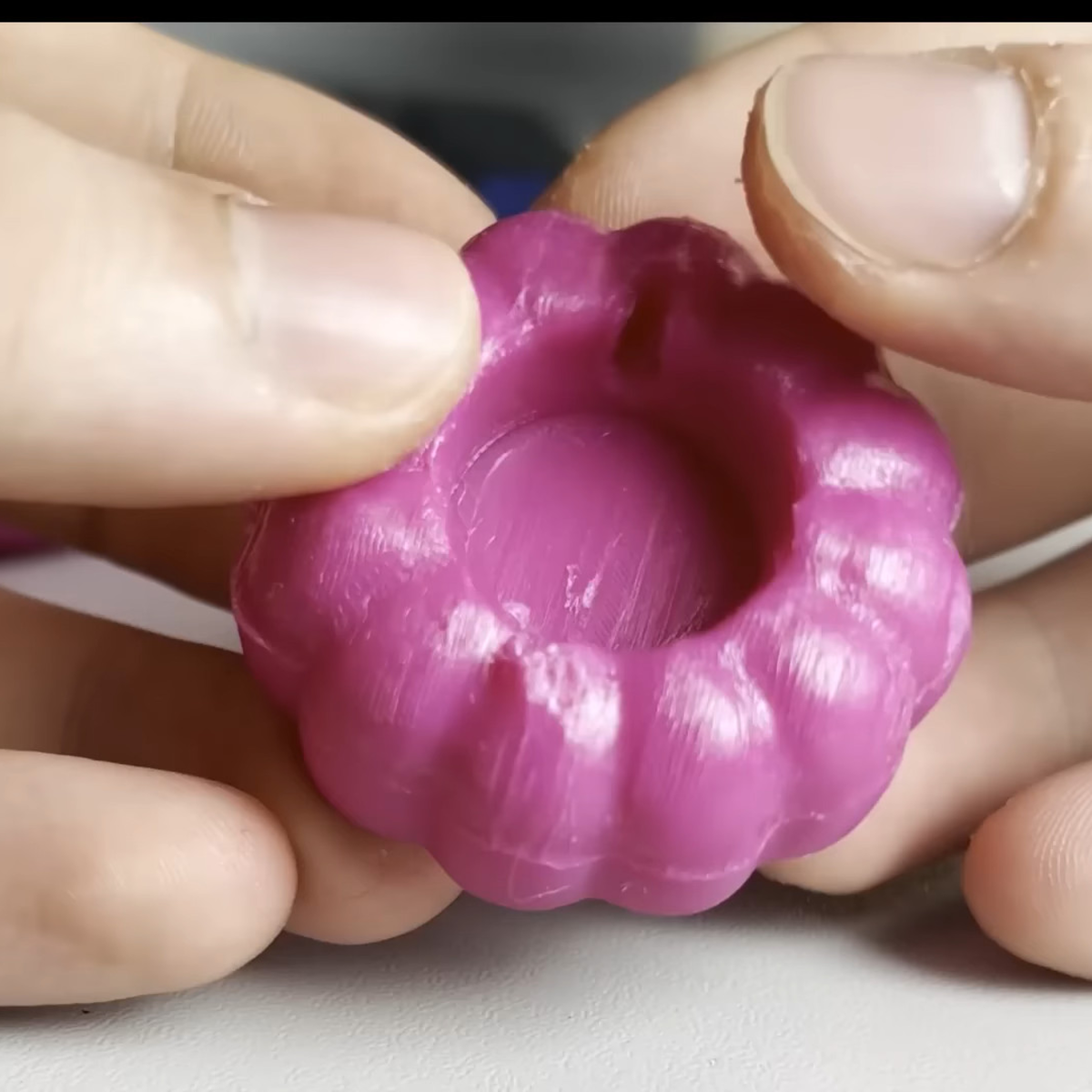
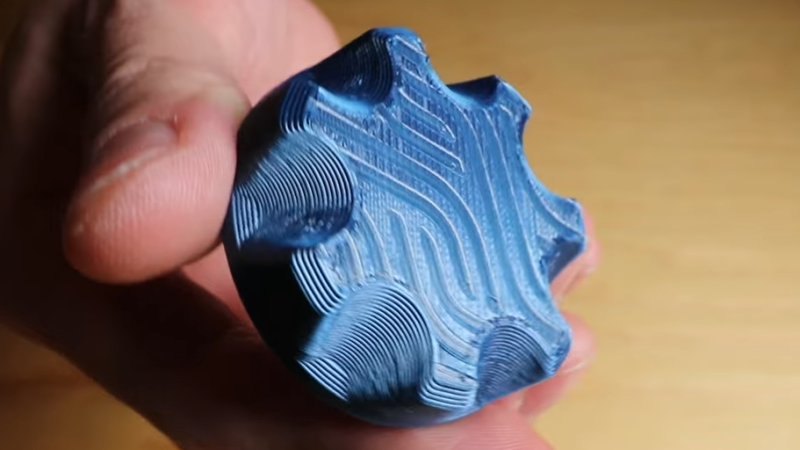
While working on a project that involved super-thin prints, [Julius Curt] came up with selective ironing, a way to put designs on the top surface of a print without adding any height.

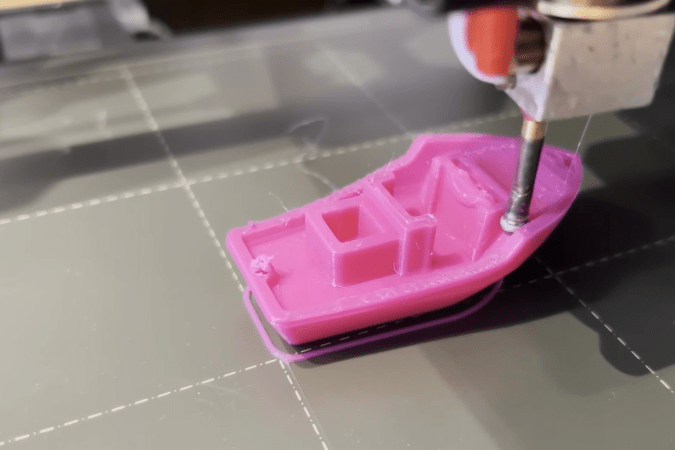
For those unfamiliar, ironing is a technique in filament-based 3D printing that uses the extruder to smooth out top surfaces after printing them. The hot nozzle makes additional passes across a top surface, extruding a tiny amount in the process, which smooths out imperfections and leaves a much cleaner surface. Selective ironing is nearly the same process, but applied only in a certain pattern instead of across an entire surface.
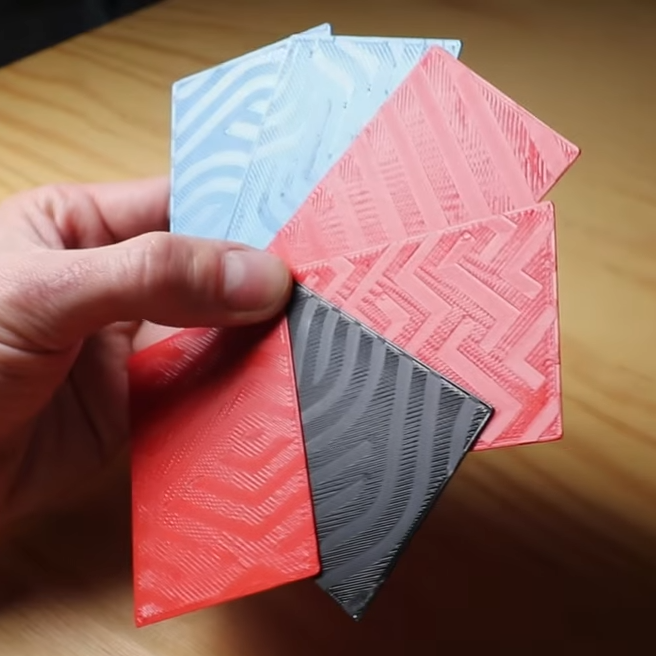
Selective Ironing can create patterns by defining the design in CAD, and using a post-processing script.

While conceptually simple, actually making it work was harder than expected. [Julius] settled on using a mixture of computer-aided design (CAD) work to define the pattern, combined with a post-processing script. More specifically, one models the desired pattern into the object in CAD as a one-layer-tall feature. The script then removes that layer from the model while applying the modified ironing pattern in its place. In this way, one can define the pattern in CAD without actually adding any height to the printed object. You can see it in action in the video, embedded below.

We’ve seen some interesting experiments in ironing 3D prints, including non-planar ironing and doing away with the ironing setting altogether by carefully tuning slicer settings so it is not needed. Selective Ironing is another creative angle, and we can imagine it being used to embed a logo or part number as easily as a pattern.

Selective Ironing is still experimental, but if you find yourself intrigued and would like to give it a try head over to the GitHub repository where you’ll find the script as well as examples to try out.

Continue reading “Selective Ironing Adds Designs To 3D Prints”
Stop Ironing 3D Prints

If you want smooth top surfaces on your 3D printed parts, a common technique is to turn on ironing in your slicer. This causes the head to drag through the top of the part, emitting a small amount of plastic to smooth the surface. [Make Wonderful Things] asserts that you don’t need to do this time-consuming step. Instead, he proposes using statistical analysis to identify the optimal settings to place the top layer correctly the first time, as shown in the video below.

The parameters he thinks make a difference are line width, flow ratio, and print speed. Picking reasonable step sizes suggested that there were 19,200 combinations of settings to test. Obviously, that’s too many, so he picked up techniques from famous mathematician [George E. P. Box] and also used Bayesian analysis to reduce the amount of printing required to converge on the perfect settings.

Did it work? Judging from the video, it appears to have done so. The best test pieces looked as good as the one that used traditional ironing. Compared to ironing, the non-ironed parts saved about 34% of print time. Not bad.

Of course, there are variations on traditional ironing, so your results may vary.

Continue reading “Stop Ironing 3D Prints”

Smooth! Non-Planar 3D Ironing

Is 2025 finally the year of non-planar 3D printing? Maybe it won’t have to be if [Ten Tech] gets his way!

Ironing is the act of going over the top surface of your print again with the nozzle, re-melting it flat. Usually, this is limited to working on boring horizontal surfaces, but no more! This post-processing script from [Tenger Technologies], coupled with a heated, ball-shaped attachment, lets you iron the top of arbitrary surfaces.

At first, [Ten Tech] tried out non-planar ironing with a normal nozzle. Indeed, we’ve seen exactly this approach taken last year.  But that approach fails at moderate angles because the edge on the nozzle digs in, and the surrounding hot-end parts drag.

[Ten Tech]’s special sauce is taking inspiration from the ball-end mill finishing step in subtractive CNC work: he affixed the round tip of a rivet on the end of a nozzle, and insulating that new tool turned it into an iron that could smooth arbitrary curvy top layers.

One post-processing script later, and the proof of concept is working. Check out the video below to see it in action. As it stands, this requires a toolhead swap and the calibration of a whole bunch of new parameters, but it’s a very promising new idea for the community to iterate on. We love the idea of a dedicated tool and post-processing smoother script working together in concert.

Will 2025 be the year of non-planar 3DP? We’ve seen not one but two superb multi-axis non-planar printer designs so far this year: one from [Joshua Bird] and the other from [Daniel] of [Fractal Robotics]. In both cases, they are not just new machines, but are also supported with novel open-source slicers to make them work. Now [Ten Tech]’s ironer throws its hat in the ring. What will we see next?

Thanks to [Gustav Persson] for the tip!

Continue reading “Smooth! Non-Planar 3D Ironing”