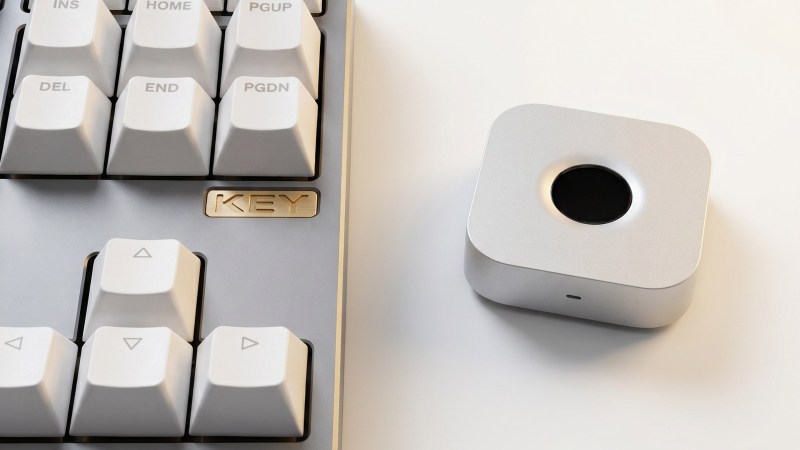
Once upon a time, there was a bit of a fad for fingerprint authentication in laptops and desktop computers. It has long since faded, but [superdog] wanted just such a device for Linux and Mac machines. Thus, it was time to build one.
[superdog] designed the device, nicknamed immurok, as a tool for people who use external keyboards, and do lots of terminal work on Mac and Linux machines. Repeat password requests can interrupt one’s flow when hustling at the keys, so immurok was designed to ease this pain.
The device is based on a WCH CH592F microcontroller, which comes with Bluetooth connectivity out of the box. This allows immurok to connect wirelessly to the machine of your choice, advertising itself as a standard Bluetooth HID keyboard device. Fingerprint-wise, scanning is done with an R559S capacitive sensor, which verifies the match locally so there’s no transmitting biometric data anywhere. On the computer side, Linux is setup to use a CLI/TUI app plus PAM integration to handle authorization for system logins and sudo in the terminal. On the Mac platform, it’s used with a menu bar app, with PAM integration for admin prompts. There’s also a separate helper path for using it with the lock screen.
If you’re sick of entering your password all the time and wish unlocking your PC was more like unlocking your phone, this might be the project for you. We’ve seen similar projects before, too. If you’re whipping up fun gear for biometric auth, don’t hesitate to let us know on the tipsline.