Tiny Neural Network Library In 200 Lines Of Code

Neural networks have gone mainstream with a lot of heavy-duty — and heavy-weight — tools and libraries. What if you want to fit a network into a little computer? There’s tinn — the tiny neural network. If you can compile 200 lines of standard C code with a C or C++ compiler, you are in business. There are no dependencies on other code.

On the other hand, there’s not much documentation, either. However, between the header file and two examples, you should be able to figure it out. After all, it isn’t much code. The example in the repository directs you to download a handwriting number recognition dataset from the Internet. Once it trains that data, it shows you the expected output from the first item in the data set and then processes the first item and shows you the result.

Continue reading “Tiny Neural Network Library In 200 Lines Of Code”
Forth Version 1 Runs Again

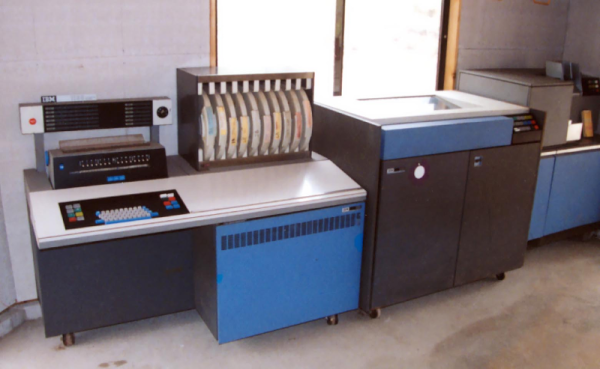
Some people love Forth and some people hate it. However, you usually think of Forth as something running on a little computer such as an 8-bit microcomputer. When [Chuck Moore] developed the system back in the 1960s though, it ran on an IBM 1130. [Carl Claunch] took a scanned listing of the original code and got it running once again.

There are actually a few blog posts with details. Luckily, Forth is pretty simple — especially the core parts. However, there are a lot of differences from a modern Forth. The most obvious is that the dot keyword starts a definition and does not print the top of stack. However, internal details are different too — the system, for example, stores characters in packed EBCDIC — an ASCII-like code used by IBM computers.

Continue reading “Forth Version 1 Runs Again”

Making Pictures Worth 1000 Words In Python

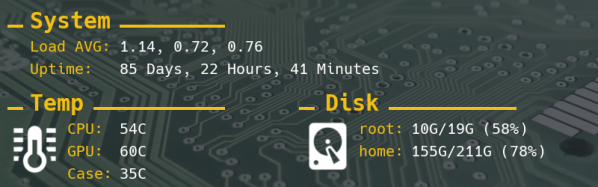
In a previous post, I showed how you could upload images into a Discord server from Python; leveraging the popular chat platform to simplify things like remote monitoring and push notifications on mobile devices. As an example, I showed an automatically generated image containing the statistics for my Battlefield 1 platoon which gets pushed to member’s devices on a weekly basis.

Automatically generated stats posted to Discord

The generation of that image was outside the scope of the original post, but I think it’s a technique worth discussing on its own. After all, they say that a picture is worth 1000 words. So that means a picture that actually contains words must be worth way more. Like, at least 2000, easy.

Being able to create images from your textual data can lend a bit of flair to your projects without the need to create an entire graphical user interface. By putting a text overlay on a pre-rendered image, you can pull off some very slick visuals with a minimum amount of system resources. So long as you have a way of displaying an image file, you’re good to go.

In this post I’ll quickly demonstrate how to load an image, overlay it with text, and then save the resulting image to a new file. This technique is ideal in situations where a display doesn’t need to be updated in real-time; visuals can be generated at regular intervals and simply displayed as static images. Possible uses include weather displays, “magic” mirrors, public signage, etc. Continue reading “Making Pictures Worth 1000 Words In Python”

CUDA Is Like Owning A Supercomputer

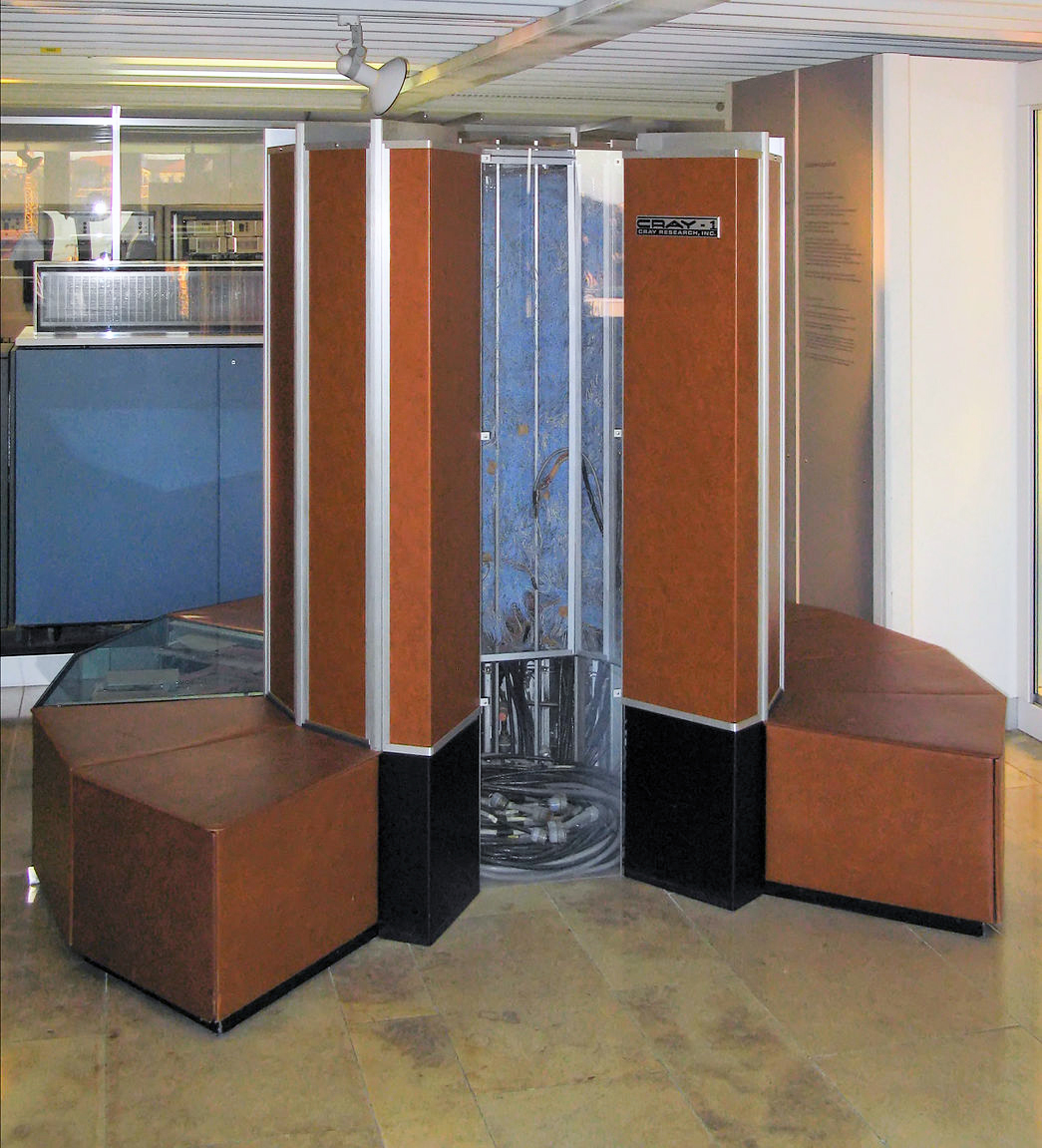
The word supercomputer gets thrown around quite a bit. The original Cray-1, for example, operated at about 150 MIPS and had about eight megabytes of memory. A modern Intel i7 CPU can hit almost 250,000 MIPS and is unlikely to have less than eight gigabytes of memory, and probably has quite a bit more. Sure, MIPS isn’t a great performance number, but clearly, a top-end PC is way more powerful than the old Cray. The problem is, it’s never enough.

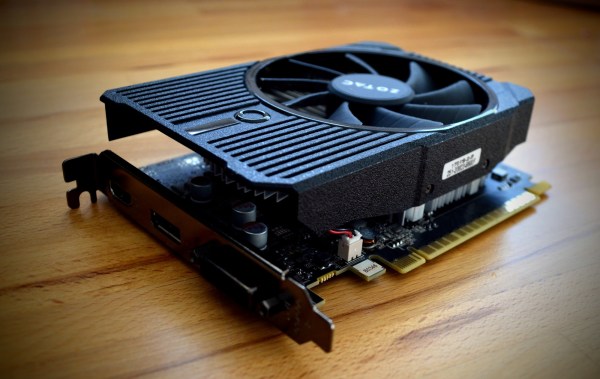
Today’s computers have to processes huge numbers of pixels, video data, audio data, neural networks, and long key encryption. Because of this, video cards have become what in the old days would have been called vector processors. That is, they are optimized to do operations on multiple data items in parallel. There are a few standards for using the video card processing for computation and today I’m going to show you how simple it is to use CUDA — the NVIDIA proprietary library for this task. You can also use OpenCL which works with many different kinds of hardware, but I’ll show you that it is a bit more verbose.
Continue reading “CUDA Is Like Owning A Supercomputer”

Up AlphaGoer Five

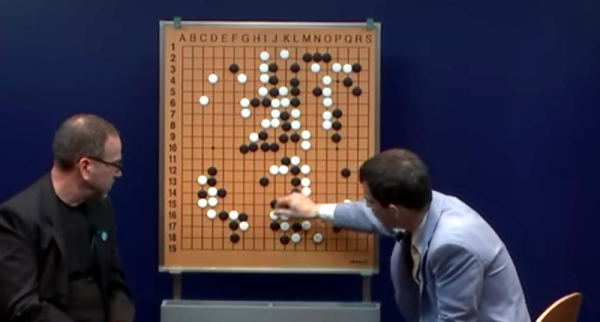
AlphaGo is the deep learning program that can beat humans at the game Go. You can read Google’s highly technical paper on it, but you’ll have to wade through some very academic language. [Aman Agarwal] has done us a favor. He took the original paper and dissected the important parts of in in plain English. If the title doesn’t make sense to you, you need to read more XKCD.

[Aman] says his treatment will be useful for anyone who doesn’t want to become an expert on neural networks but still wants to understand this important breakthrough. He also thinks people who don’t have English as a first language may find his analysis useful. By the way, the actual Go matches where AlphaGo beat [Sedol] were streamed and you can watch all the replays on YouTube (the first match appears below).

Continue reading “Up AlphaGoer Five”

Controlling OctoPrint On The Go

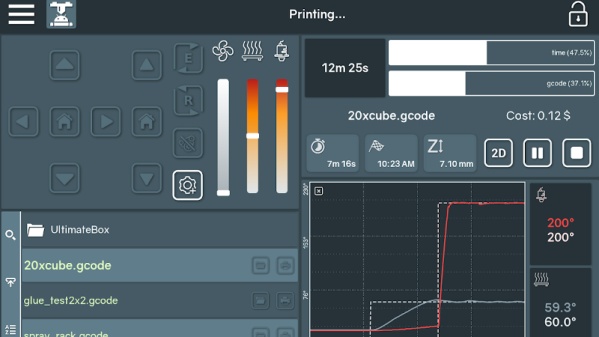
Not too long ago I took the plunge into the world of OctoPrint by shoehorning a Raspberry Pi Zero into a PrintrBot Play, and I have to say, the results were quite impressive. OctoPrint allows you to run your 3D printer untethered from your computer, but without all the downsides of printing off of an SD card. Generally running off of a Raspberry Pi, OctoPrint serves up a very capable web interface that gives you full control over slicing and printing from essentially any device with a modern browser.

That’s all well and good if you’ve got your laptop with you, or you’re sitting at your desktop. But what if you’re out of the house? Or maybe out in the garage where you don’t have a computer setup? OctoPrint is still happily serving up status information and a control interface, you just don’t have a computer to access it. Luckily, there are options for just that scenario.

In this post we’re going to take a look at a couple of options for controlling and monitoring OctoPrint from your mobile device, which can help truly realize its potential. Personally I have an incredible amount of anxiety when leaving a 3D printer running a long job, and in the past I’ve found myself checking every 10 minutes or so to see if it was done. Now that I can just glance at my phone and see an ETA along with status information about the machine, it’s given me the confidence to run increasingly longer and complex prints. Continue reading “Controlling OctoPrint On The Go”

Retrocomputing For The Forgotten

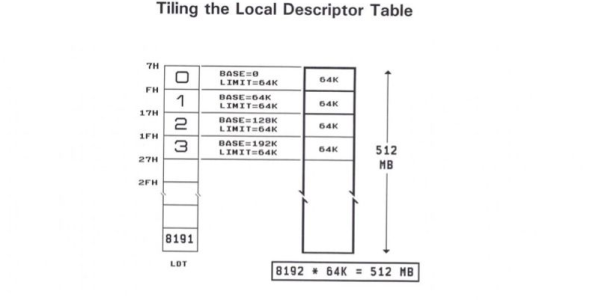
The world runs on marketing hype. Remember the public relations swirl around the Segway? Before it rolled out we were led to believe it was going to be remembered as fire, the wheel, and Segway. Didn’t really happen. Microsoft and IBM had done something similar with OS/2, which you may not even remember as the once heir-apparent to MS-DOS. OS/2 was to be the operating system that would cure all the problems with MS-DOS just as IBM’s new Microchannel Architecture would cure all the problems surrounding the ISA bus (primarily that they couldn’t stop people from cloning it). What happened? OS/2 died a slow agonizing death after the Microsoft/IBM divorce. But for whatever reason [Ryan C. Gordon] decided to write a Linux emulation layer for OS/2 call 2ine (twine).

We like retrocomputing projects even if they aren’t very practical, and this one qualifies. The best analog for 2ine is it is Wine for OS/2, which probably has something to do with the choice of name. You might be ready to click away since you probably don’t have any OS/2 programs you want to run, but wait! The good news is that the post has a lot of technical detail about how Linux and OS/2 programs load and execute. For that reason alone, the post is well worth a read.

Continue reading “Retrocomputing For The Forgotten”