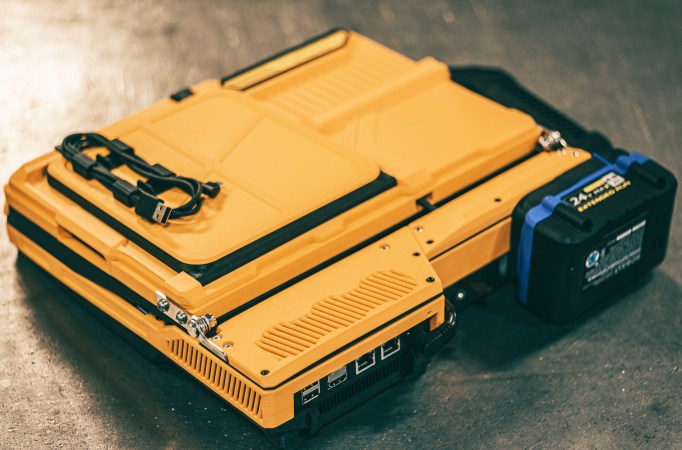
There are two kinds of cyberdeck: the kind someone makes on a lark and operates purely on ‘rule of cool’, and the kind designed to do practical work. The Slurptop by [Slurpburgers] is decidedly in the second category — but that doesn’t mean it lacks for coolness. What’s cooler than a power-tool battery?
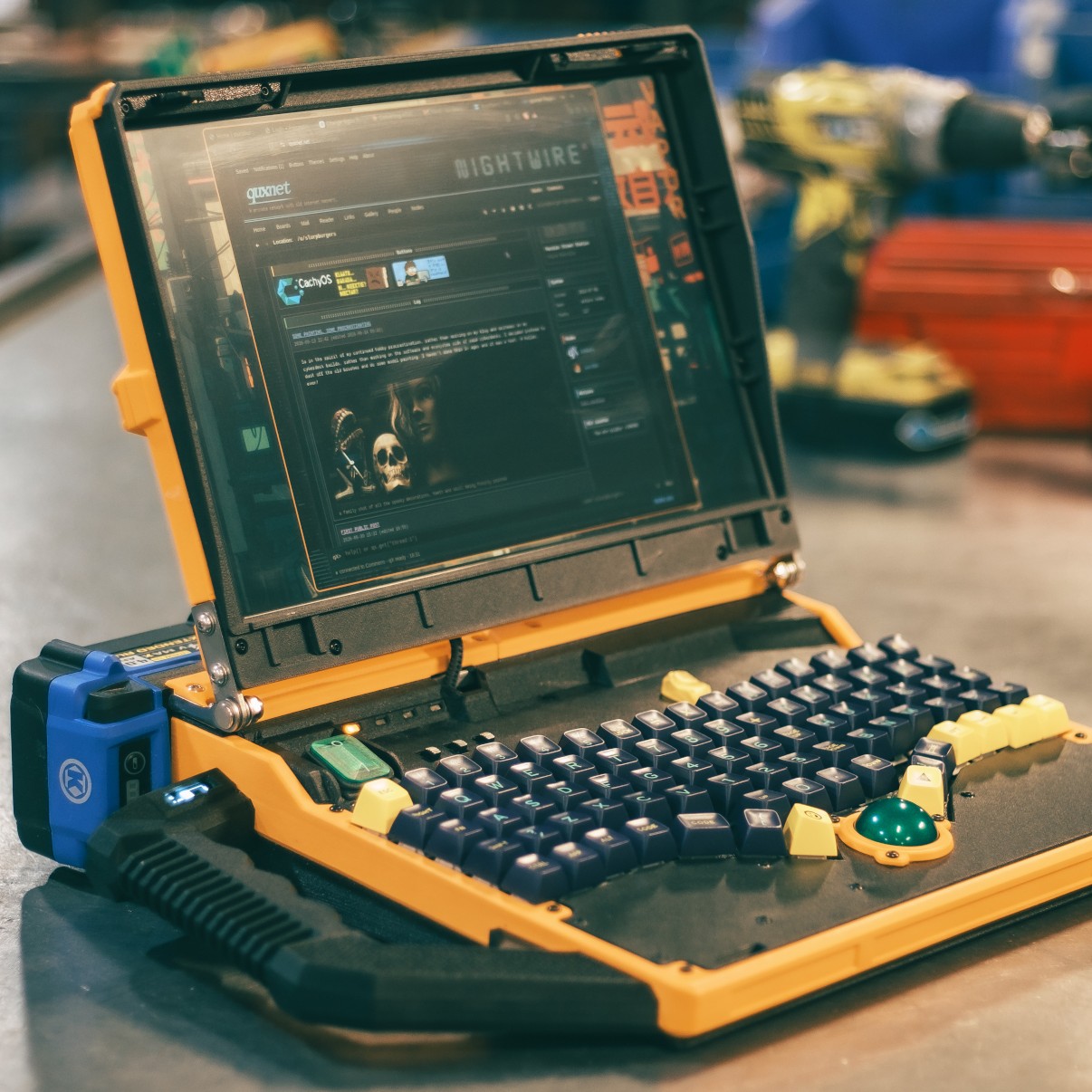
That last feature might make this closer to the Neuromancer definition of cyberdeck than most featured on these pages. You still can’t jack it into your cortex, but it does have the ‘assemble from off the shelf components at need’ vibe of the original concept. It also means there should be plenty of battery power to keep working with the power-hungry x86-based GMKtec MiniPC that runs this thing.
If the battery gets low, which it will after about 4 hours or so, swapping is easy — but not hot swapping. Luckily [Slurpburgers] grabbed a module meant for Uninterruptible Power Supplies to swap over to wall current, so this device can be plugged in whenever necessary. Alas, charging must be done on the factory charger, not the device, but that swapping really adds to the ‘future of the past’ cyberpunk flare of the device in our opinion.
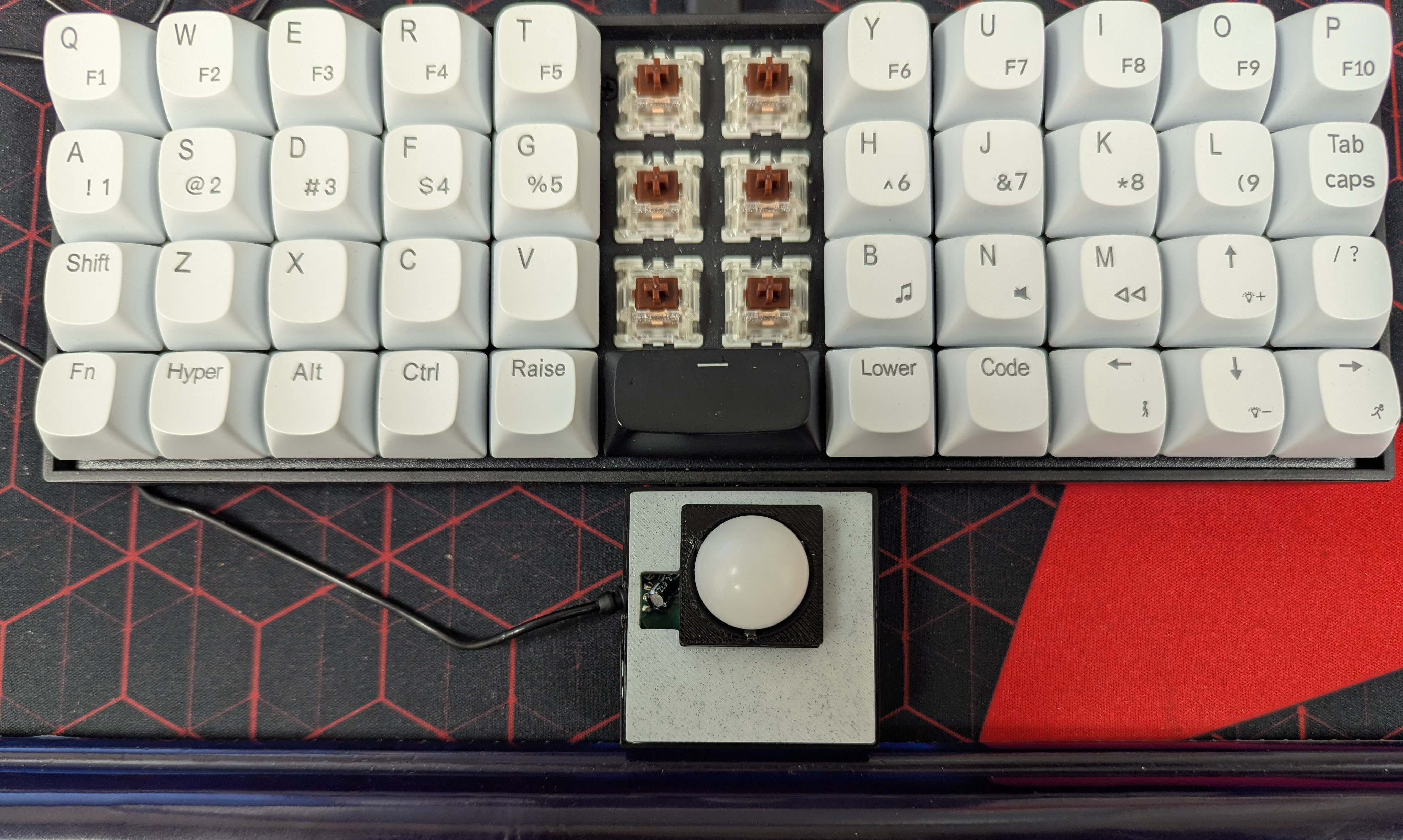
Speaking of the past, why did we ever stop putting mechanical keyboards and trackballs onto laptops? The inputs on this thing are glorious, and this writer’s hands envy the ergonomic curve of it while typing away on an old HP Pavilion’s sad and squishy low-profile keys. The trackball itself is a minor hack, being made using the guts of an old gaming mouse. Not everyone will approve of every design choice here, but that’s the point of doing it yourself — so like [Slurpburger], you can have it your way.
This is hardly the first time we’ve seen a clacky laptop but we can’t recall a cyberdeck made with tool batteries before.
Thanks to [JohnU] for the tip!