M.A.S.K.-Inspired Cyberdeck For All Your Portable Computing Needs

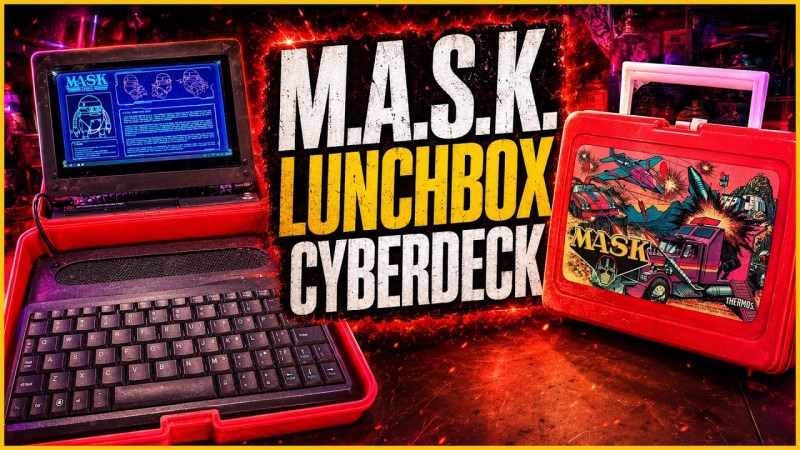
There are infinite varieties of cyberdeck you could make, each with their own inspirations. Today, [RadioactiveArtist] shows us a M.A.S.K. lunchbox cyberdeck faithful to the 80s show.

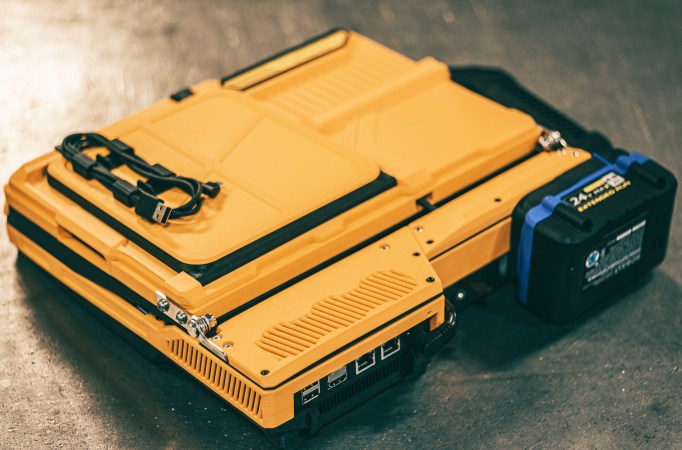
To know why putting a cyberdeck in a lunchbox is exactly the kind of thing you would see in the show, [RadioactiveArtist] briefly explains what both are (but we’ll skip the former): M.A.S.K. is a cartoon running from ’85 to ’86 where ordinary objects transform to reveal a hidden purpose–and this cyberdeck does just that by hiding in M.A.S.K. merchandise: the lunch box.

Like any cyberdeck build, it starts as a pile of components on a desk. It’s made from a Raspberry Pi 5, a cute little 75% keyboard, stereo speakers, a card reader with some USB 3 ports and of course a battery made with four 18650 cells. After testing the electronics on the bench, [RadioactiveArtist] test-fits them in the lunch box before revealing the plan: keyboard and speakers on the bottom, thinner half, the rest on top, and the screen on a second hinge so it can flip up when opened.
Continue reading “M.A.S.K.-Inspired Cyberdeck For All Your Portable Computing Needs”

Get A Handle On This Compact Pi Portable

Between the speed and reliability of modern desktop 3D printers and the abundance of powerful single-board computers, there’s never been a better time to build a personal computing device that bucks traditional forms for something more bespoke. Whether you want to go all in on Gibsonian cyberdeck aesthetic or a distraction-free writing device to take notes on, there’s no shortage of examples out there that you can turn to for inspiration.

A recent entry into the field, the Don’t Panic Cyberdeck from [Paul Rickards], is a particularly approachable specimen for those looking to experiment with alternative computing experiences. While the final product certainly stands out among the throngs of nearly identical laptops, it doesn’t take a huge investment in time or money to put one of your own together.

Which is not to say the project is simplistic, exactly. Rather, as [Paul] released the design under the Creative Commons license and was kind enough to provide not only a detailed Bill of Materials but assembly instructions, the community is able to benefit from the sleepless nights he no doubt put into it.

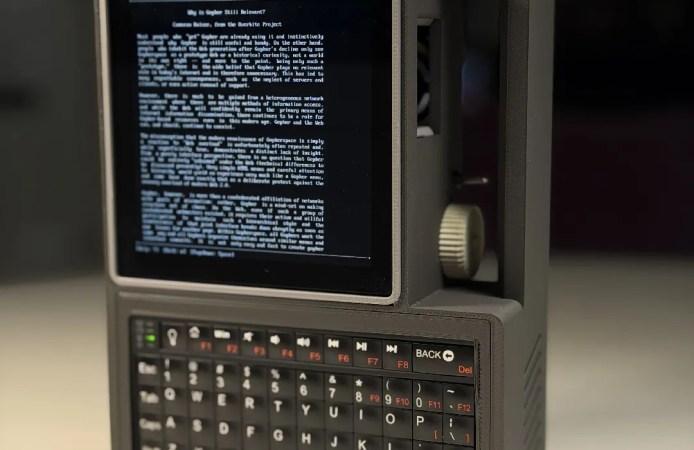
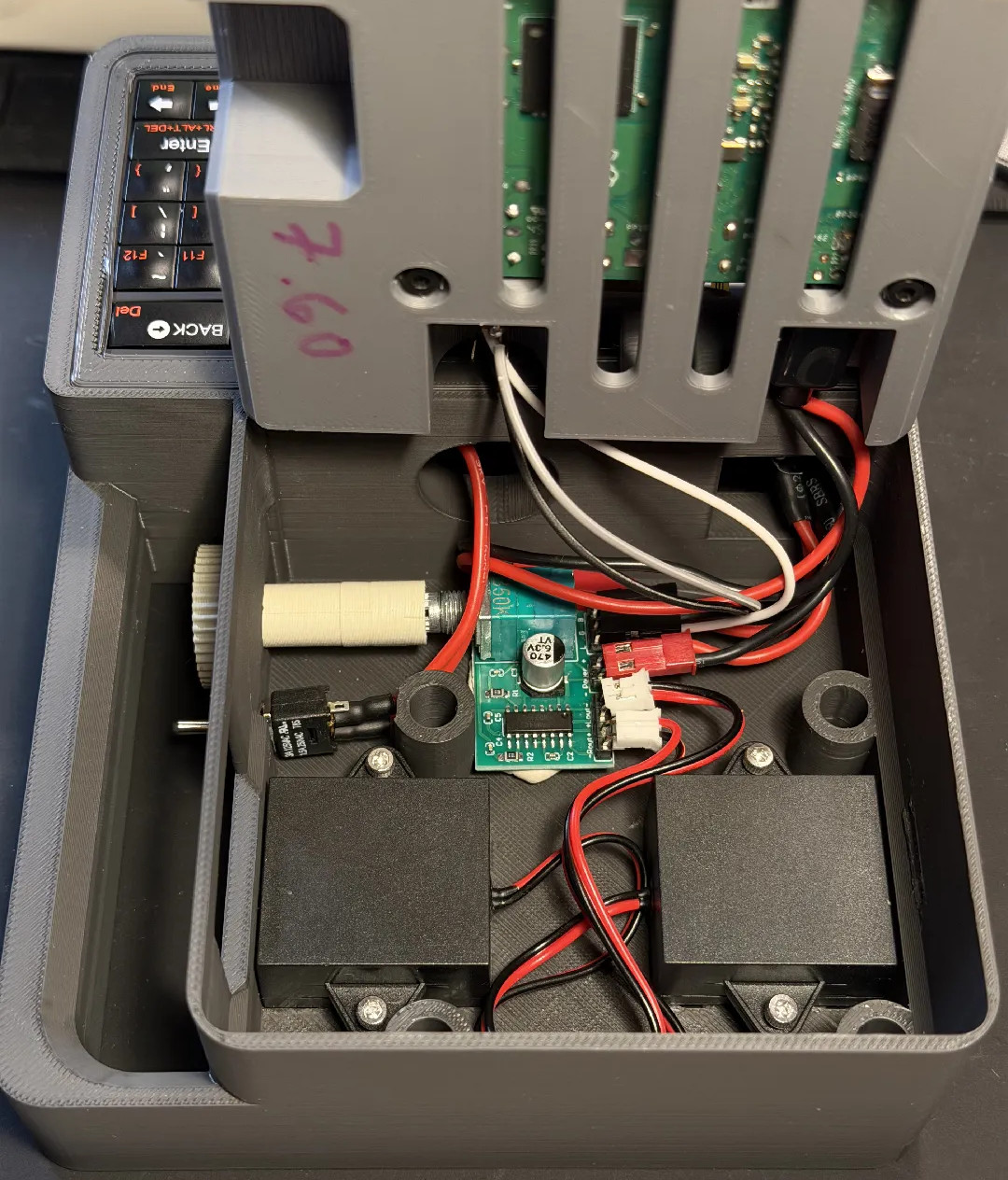
In it’s baseline configuration, the Don’t Panic uses a Raspberry Pi 3A+, a Pimoroni HyperPixel 4.0 Square LCD (touch optional), and a Rii 518BT keyboard. Those core components would be enough to get you up and running, but if you want battery power you’ll also need to add a LX-2BUPS UPS board and a pair of 18650 cells. Audio might be nice as well, and for that [Paul] recommends a PAM8403 breakout board. He’s even got a printable volume knob that slips over the board’s potentiometer and peeks outside the case.

Of course, the best cyberdeck builds are customized to meet their owner’s specific needs, so your loadout doesn’t need to match [Paul]’s exactly. Except the handle, anyway. That feature is non-negotiable. Mainstream computers have far too few handles for our liking.

Reflective LCD Slabtop Terminal Runs Homebrewed Solar OS

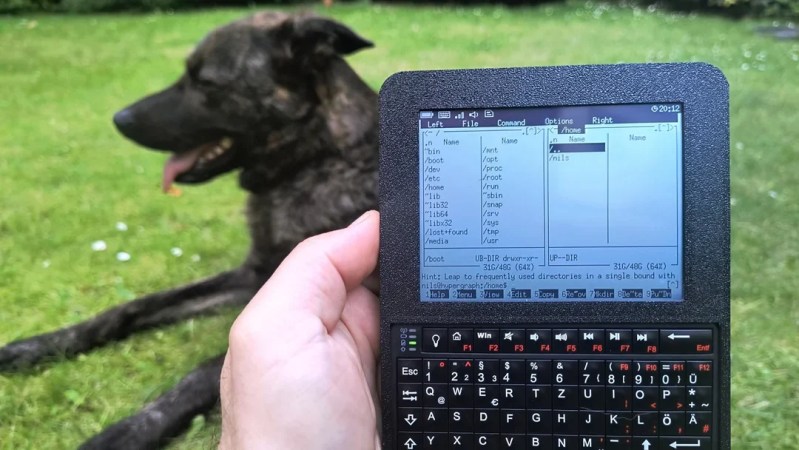
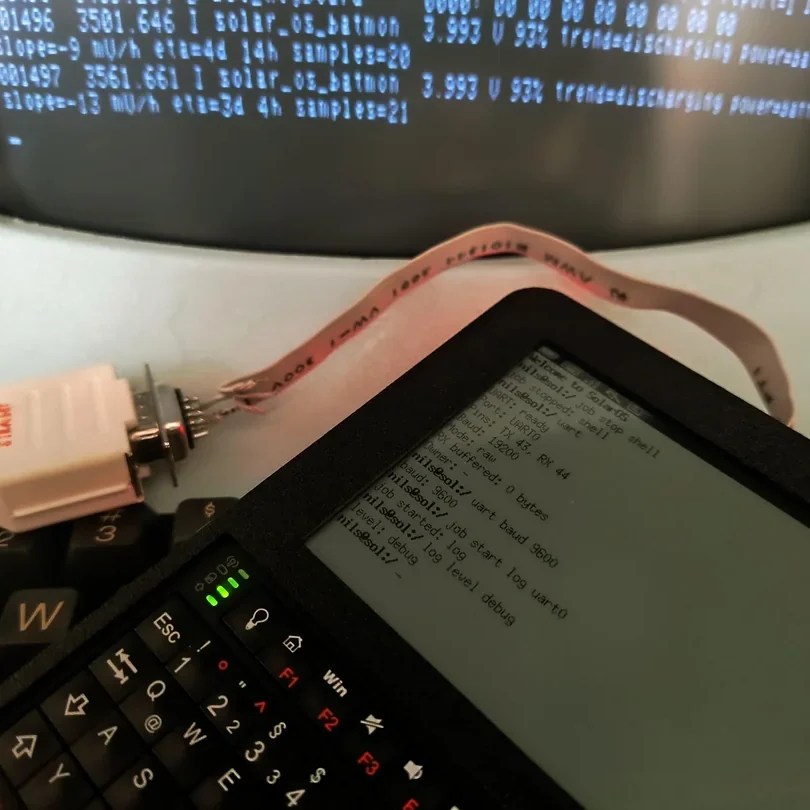
Have you ever spotted something in a catalog or on a website and just known you had to build a project around that one part? That’s how [nilseuropa] felt about the Waveshare ESP32-S3-RLCD-4.2, which — as you might guess from the name — pairs an ESP32-S3 with a reflective LCD. With a screen reminiscent of a palmtop of yore, [nilseuropa] wanted a personal device, and needed something to run on it. That’s where Solar OS comes in.

Physically he’s paired the Waveshare board with a mini keyboard and put them together in a handsome 3D printed case with a battery. The slabtop form-factor was more for ease-of-creation than any preference; in the project’s reddit thread [nils] is reaching out for help making something cooler, possibly of the palmtop form-factor. He also describes some of the thinking behind his operating system.

You had us at “terminal”.

He’s not starting entirely from scratch: it’s based on FreeRTOS and the ESP-IDE toolset. Right now all applications are built with the OS into a single binary, while the SD card on the Waveshare board handles persistent storage. The interface is pure text, with all applications launched via shell commands. That doesn’t mean you have to go back to your PC to add anything, however.

The system is user-programmable, with Python and Lua scripting as “first class citizens”, having access to the hardware through the Solar OS APIs. As for the applications built into the firmware, it looks like along with the serial terminal, you get quite a lot: an orthodox file manager à la Norton Commander, networking tools that include a web browser and chat client, MP3 player, image viewer, text editor, games, and more.

While they are obviously pretty niche projects, we do appreciate that there’s a growing collection of homebrew operating systems that you can run on your bespoke computing device.

Making An Ultra Minimal Cyberdeck

The cool thing about cyberdecks is that you get to design them to suit your personal tastes. [NickZero] wanted an ultra-minimal build, and set about putting together just that.

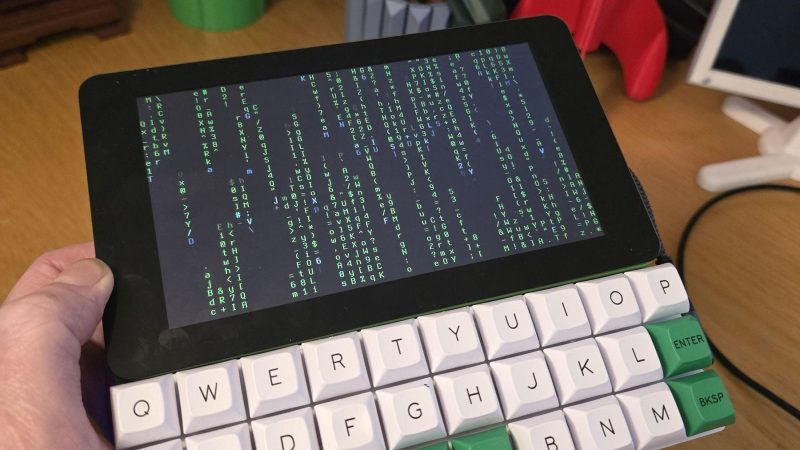
The build is based around a Raspberry Pi Zero 2W, which has a lighter power draw than the full-fat models at the trade-off of some processing power. Since it’s a W model, it has the benefit of wireless connectivity baked in from the factory. The Pi is paired with a Gherkin 30% layout keyboard kit, which neatly matches the 7″ Waveshare touch display in width. Power is courtesy of a juicy 4000 mAh lithium-ion cell, which is taken care of by an Adafruit Powerboost 1000 charger module. Everything is then laced up together inside a nifty 3D printed case.

It’s a simple cyberdeck, and one that’s probably quite satisfying to use when you get used to the fact that there are no number or modifier keys on the ultra-cut-down keyboard. It’s also a great example of how a bunch of off-the-shelf gear can nonetheless be assembled into quite a cohesive whole. In much the opposite way, we’ve seen some maximalist cyberdeck builds lately, too.

Continue reading “Making An Ultra Minimal Cyberdeck”

Sliding-Screen Cyberdeck Has Chunky, Rugged Design

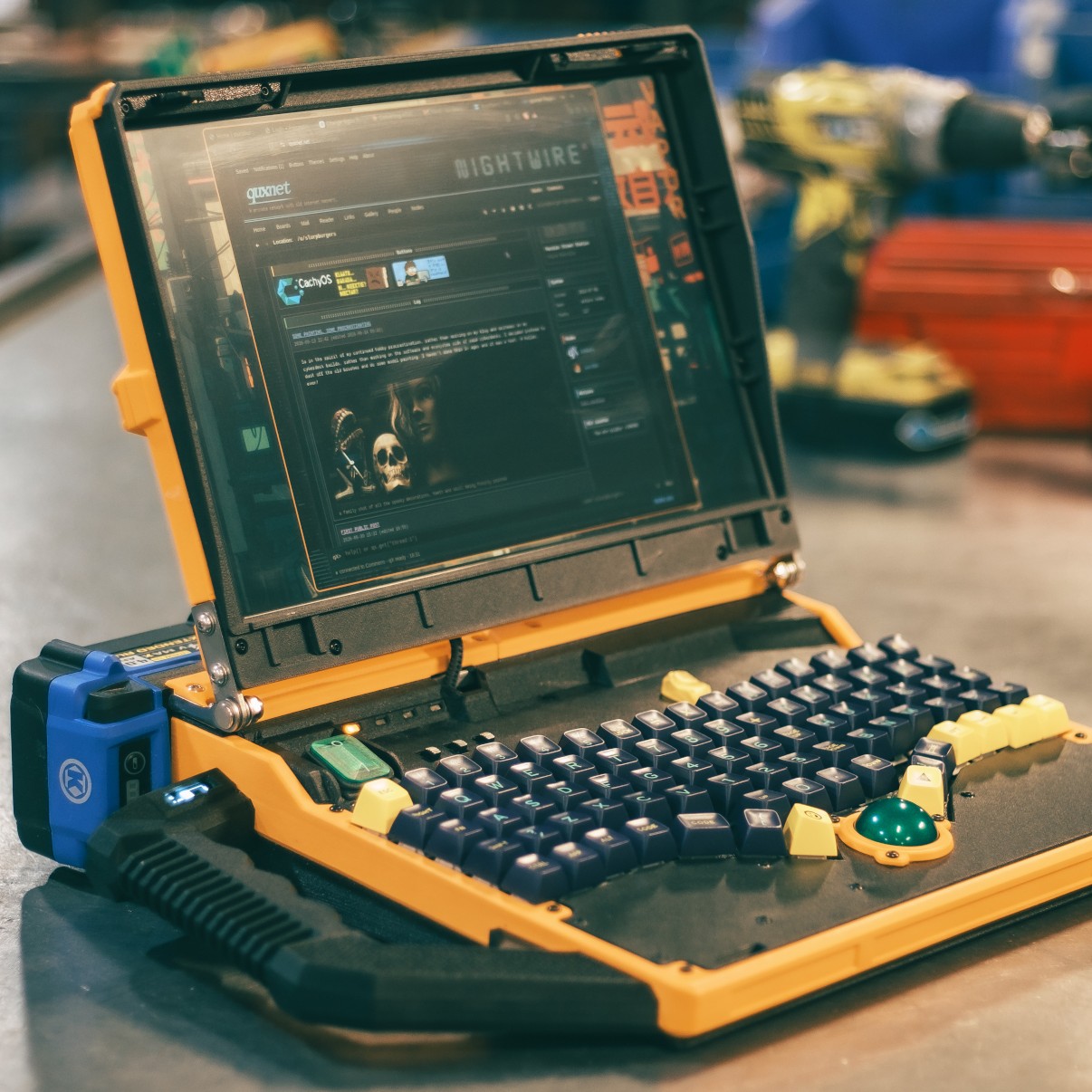
[Jankbu] needed a new computer, but had little interest in purchasing a modern laptop off the shelf. Instead, it was time to build a cyberdeck with a neat modular design to suit his exact needs.

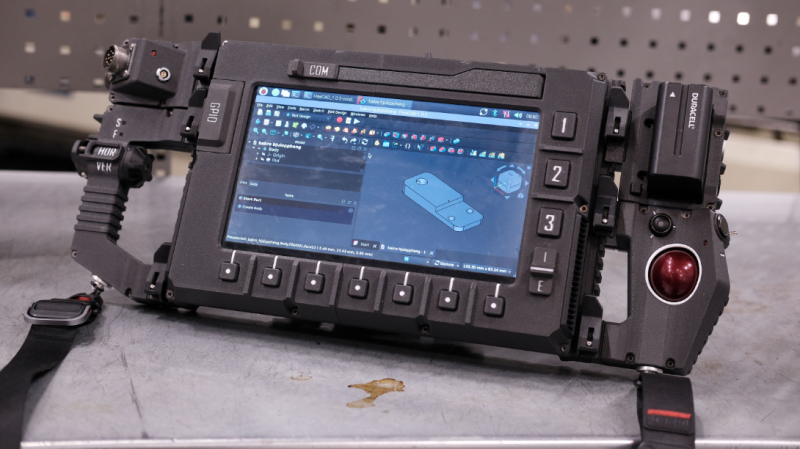
The heart of the build is a Raspberry Pi 5, which provides a good amount of computing power for regular tasks. It’s wrapped up in a 3D-printed enclosure with rail mounts on the back, along with a NOS 450 TKL mechanical keyboard, offering full-travel keys in a compact layout. The 10.1″ IPS touchscreen display is mounted on sliding rails to cover the keyboard when it’s not needed. A smattering of buttons live around the screen, in a manner akin to so many industrial controllers. On either side, the deck has large grab handles, with one side featuring custom horizontal and vertical scroll controls, while the other rocks a trackball.  Power is via NP-F batteries, which are more commonly used to run Sony camcorders.

Unlike so many cyberdecks, [Jankbu] didn’t just build the device to look cool—it also serves a practical purpose. It’s great for running Freecad, and the rail mounts on the rear make it perfect for mounting around the workshop during a job as needed. Files are on Github for those eager to learn more.

What’s fun about this build is that it’s not just a show piece, it’s something that gets used every day. That’s a testament to [Jankbu’s] well-reasoned design, that considered what the device was for before it was put together. We’ve featured plenty of other fantastic cyberdecks in the past, too. Video after the break.

Continue reading “Sliding-Screen Cyberdeck Has Chunky, Rugged Design”

A Cyberdeck That Runs Linux…in An Altoids Tin

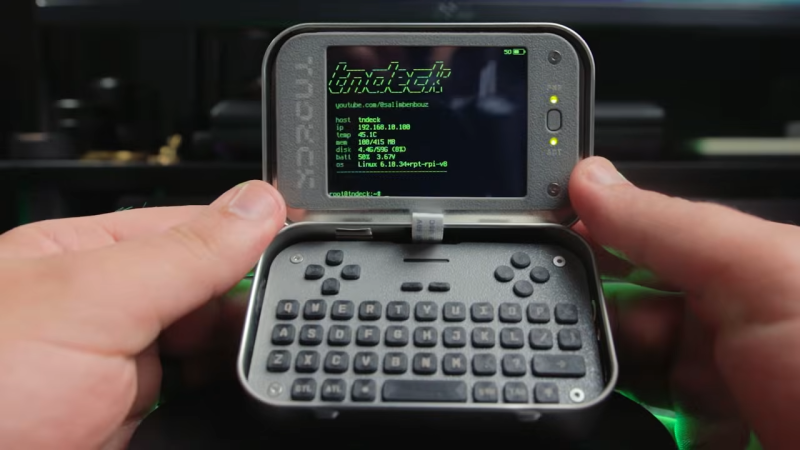
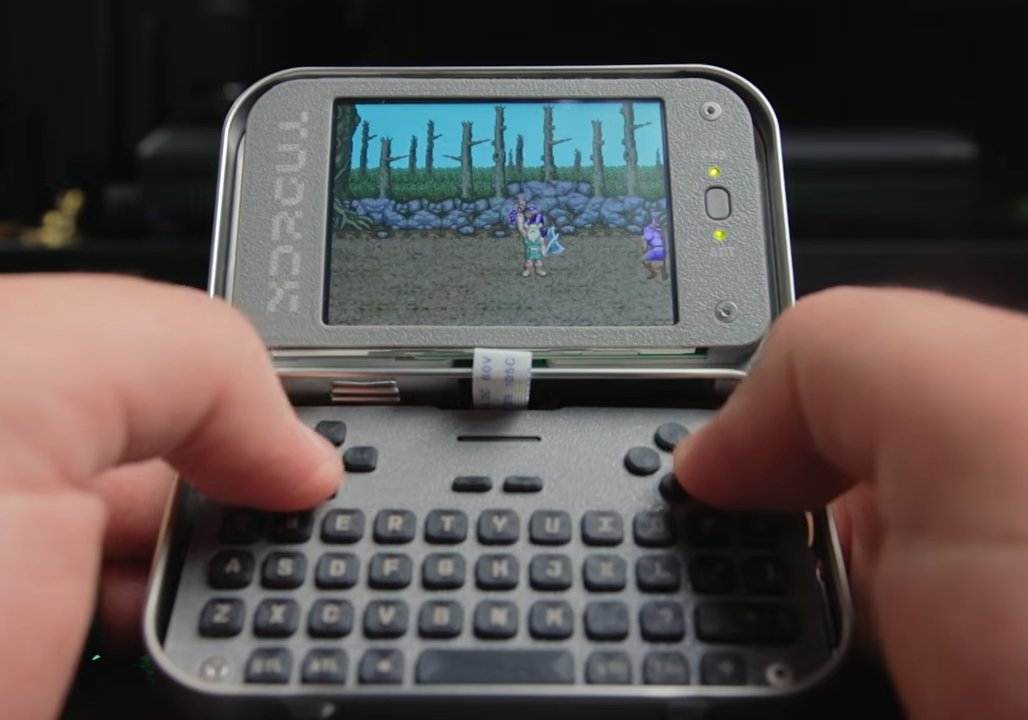
In the time Hackaday has been in existence we must have brought you plenty of projects housed in Altoids tins, as well as a sizeable number of cyberdecks. But until today with [Exercising Ingenuity]’s build, we’ve never brought you a project that combines the two. It’s a fully functional computer that runs Linux, and with its Altoids tin enclosure, looks for all the world like a miniature clamshell laptop.

Hardware wise it’s a Pi Zero with a UPS PHAT and an SPI display, but perhaps it’s arguably the home-made keyboard that really sets it apart. There’s a full-size USB port as well, and a selection of GPIOs are broken out to a header. It wasn’t all plain sailing though, the Altoids hinges needed modifying to make it close, and he driver for the SPI screen required an older version of Raspberry Pi OS. We will forgive it those foibles.

It’s fair to say we’ve not seen anything quite like this, in that there have been plenty of tiny laptops but never one as integrated as this. There’s a demo video with details of the build, that we’ve placed below.

Continue reading “A Cyberdeck That Runs Linux…in An Altoids Tin”

The clutch-purse cyberdeck, complete with pearls for the chain.

Mermaid Clutch-Purse Cyberdeck Is Unappologetically Girly

We feature a lot of DIY portable computers — rehash the “is that a cyberdeck” in the comments to your heart’s content — but how many of them are explicitly girly? Certainly, none of the ones that come to mind oozed the distilled femme energy of [cc] AKA [bossbratox]’s project, playfully titled “Mermaid in the Shell”.

The build started with a frame clutch purse, which, given that it comes with nice hinges and latches, is really a brilliant starting point for a project case. The fact that you can find them shaped like pink seashells really seals the deal for this particular project. A ZitaoTech BB Q10 keyboard — in white, naturally — pairs with a 3.5″ touchscreen as the interface for a Raspberry Pi 3A+. You might be thinking, “great, another toy with an old Pi inside. What can you really do with a Pi3 in 2026?” Well, admittedly, for full-fat desktop Linux, the 3A+ is looking a bit long in the tooth and short in the RAM.

Continue reading “Mermaid Clutch-Purse Cyberdeck Is Unappologetically Girly”