Custom Clamshell Cyberdeck Shows Off Underlighting

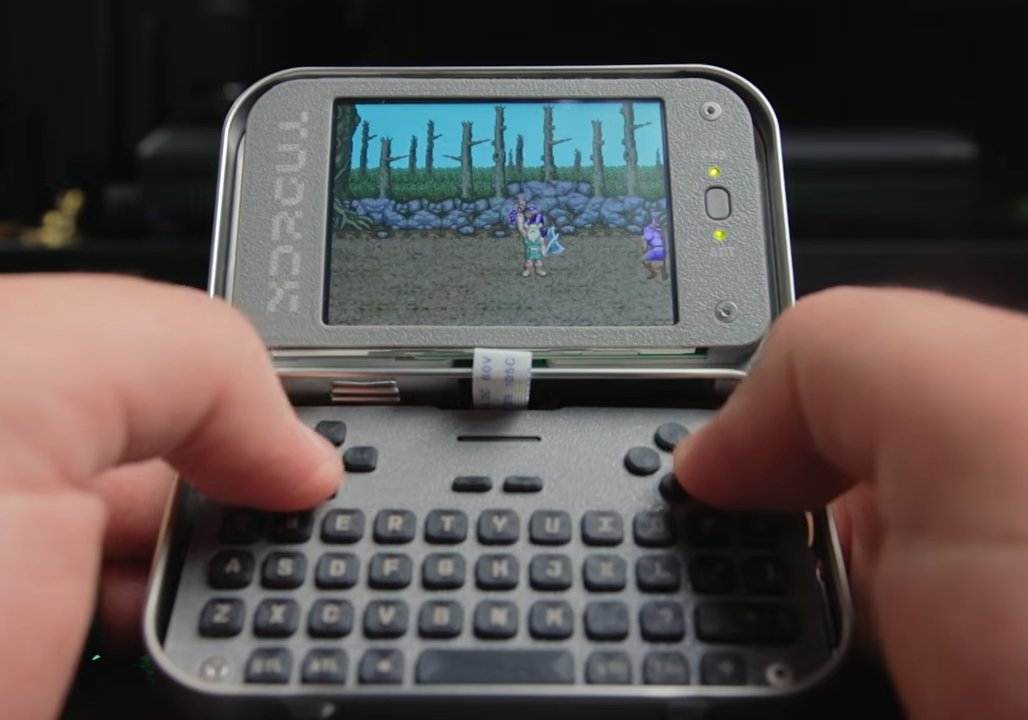
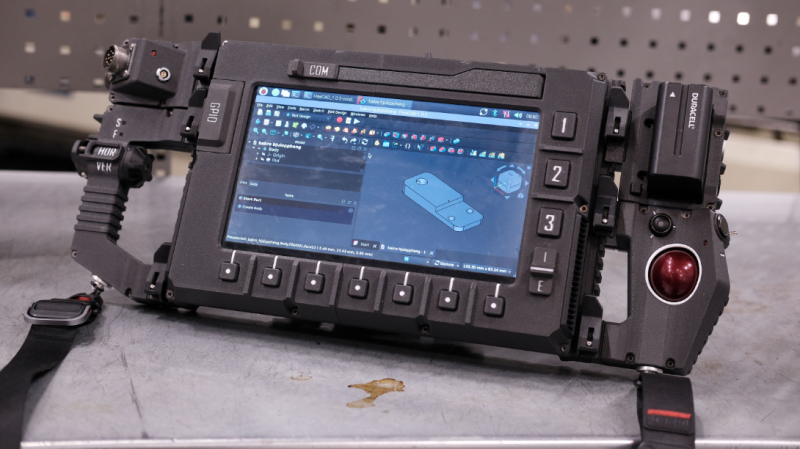
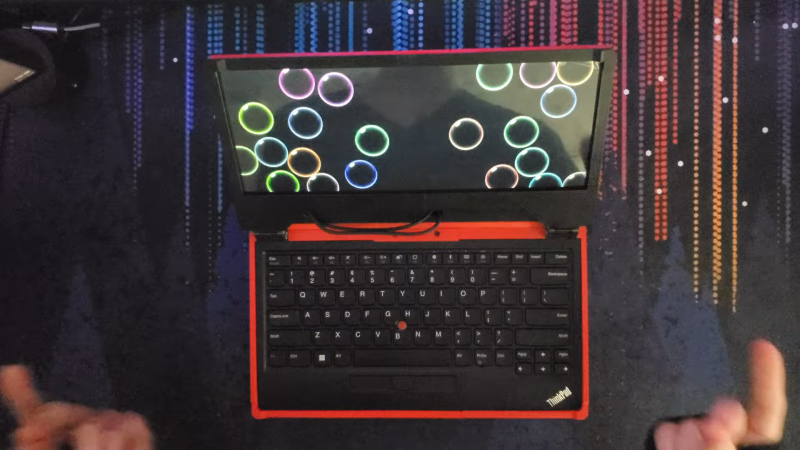
Cyberdecks are great projects, and [Salim Benbouziyane]’s scratch-built CM Deck is a fantastic specimen. It’s a clamshell-style cyberdeck with custom split keyboard, trackpad, optional external WiFi antenna, and some slick underlighting thanks to a translucent bottom shell. There’s even a hidden feature that seems super handy for a cyberdeck: a special USB-C port that, when plugged in to another host (like another computer), lets the cyberdeck act as an external keyboard and trackpad for that downstream machine.

The CM Deck is built around the Raspberry Pi Compute Module 5, which necessitates a custom PCB but offers more design freedom.

Notably, the CM Deck is custom-built around the Raspberry Pi Compute Model 5. When we first peeped the CM5 the small size was striking, but of course that comes at the cost of having no connectors, supporting hardware, or heat management. That’s something [Salim] embraced because it meant being able to put connectors exactly where he wanted them, and not have to work around existing hardware. A custom PCB let him to lay out his cyberdeck with greater freedom, less wasted space, and ultimately integrate a custom-built keyboard (with RP2040 and QMK firmware).

Even the final enclosure is custom-made, with 3D printing being used to validate the design and PCBway providing finished plastic shells in addition to manufacturing the PCBs. [Salim] admits that doing so was an indulgence, but his delight at the quality of the translucent purple undercarriage is palpable.

[Salim]’s video (embedded below) is a deep dive into the whole design and build process, and it’s a great watch for anyone interested in the kind of work and decisions that go into making something like this. Experienced folks can expect to nod in sympathy when [Salim] highlights gotchas like doing CAD work based on the screen’s drawings, only to discover later that the physical unit doesn’t quite match.

The GitHub repository contains the design files for everything, so give it a browse if you’re interested. [Salim] is no stranger to clean builds, so take a moment to admire his CRT-style Raspberry Pi terminal as well.

Continue reading “Custom Clamshell Cyberdeck Shows Off Underlighting”

An Event Badge Re-Imagined As A Cyberdeck

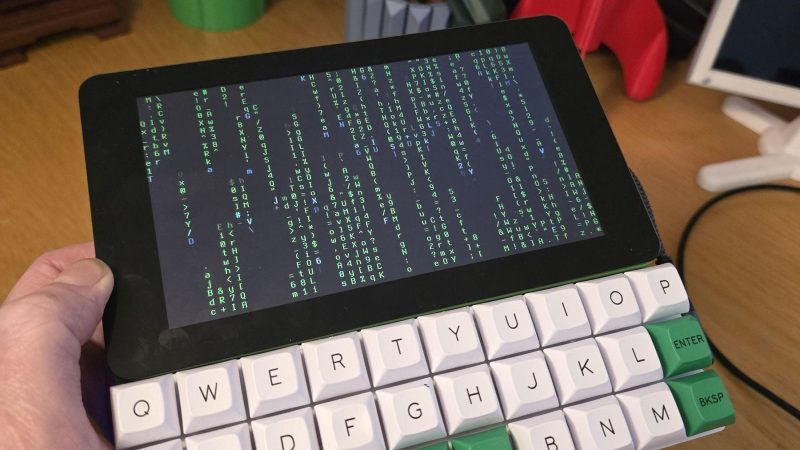
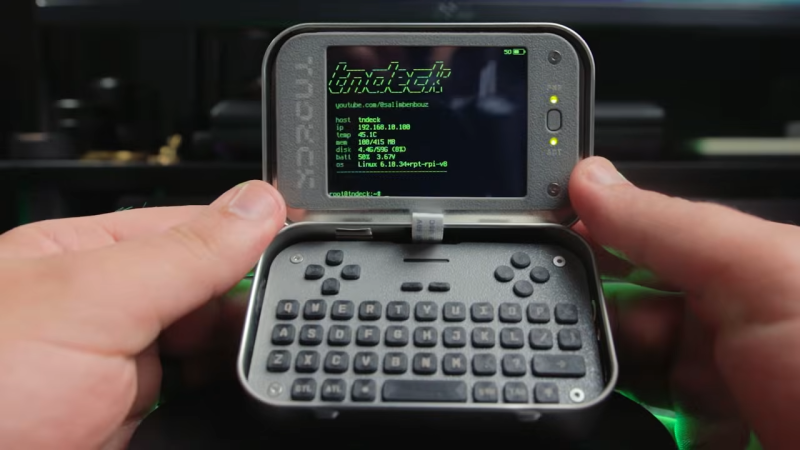
We’re used to handheld Linux devices of varying usefulness appearing on a regular basis, but there’s something about the one in a video from [Rootkit Labs] which sets it aside from the herd. It’s a fork of a conference badge.

The WHY2025 badge had pretty capable hardware, with an ESP32-P4, a really nice screen, and the lovely SolderParty keyboard. Here it’s been forked, to become a carrier board for their previous project, the Flipper Blackhat. This is a Linux add-on for the Flipepr Zero, and it seems that plenty of people wanted it in a more useful context. The result is something that looks a lot like a WHY badge, but running Linux.

It’s a great shame when badges end up lying unused after the event, and ones like the WHY 2025 badge are a serious effort to make something that endures. Here, the badge endures in spirit by being forked and re-engineered, and we like it a lot. The full video is below the break.

Continue reading “An Event Badge Re-Imagined As A Cyberdeck”

Illustrated Kristina with an IBM Model M keyboard floating between her hands.

Keebin’ With Kristina: The One With The Cipher-Capable Typewriter

I must confess that my mouth froze in an O when I saw [Jeff]’s Typeframe PX-88 Portable Computing System, and I continue to stare in slack-jawed wonder as I find the words to share it with you. Let me give it a shot.

[Jeff] tells us that he designed Typeframe for his spouse to use as a writer deck. That’s good spousing, if you ask me. Amazingly, this is [Jeff]’s first project of this type and scope, and somehow it’s an elegant, yet easy build that’s quite well documented to boot. Whatever Typeframe’s design may borrow, it seems to give back in spades.

The Typeframe PX-88 Portable Computing System.
Image by [Jeff] via Typeframe.net
Use Typeframe for what you will — cyberdeck, writer deck, travel PC — this baby can handle whatever you throw at it. And of course, it’s open source from front to back.

This Raspberry Pi 4B-based productivity machine has all sorts of neat features. The touch screen flips upward at an angle, so you don’t have to hunch over it or carry a mouse around. Want to sit back a bit while you work? The aesthetically spot-on keyboard is detachable. Yeah.

If that’s not enough to get you interested, Typeframe is designed for simple construction with minimal soldering, and the sliding panels make maintenance a breeze.

A little more about that keyboard — this is Keebin’, after all. It’s an MK Point 65, which boasts hot-swap sockets under those DSA Dolch keycaps. See? Minimal soldering. In fact, the only things you have to solder to make the Typeframe your own are the power switch and the status light. Incredible.

Continue reading “Keebin’ With Kristina: The One With The Cipher-Capable Typewriter”

Have A Slice Of Bumble Berry Pi

[Samcervantes] wanted a cyberdeck. Specifically, he wanted a Clockwork Pi uConsole, but didn’t want to wait three months for it. There are plenty of DIY options, but many of them are difficult to build. So [Sam] did the logical thing: he designed his own. The Bumble Berry Pi is the result.

The design criteria? A tactile keyboard was a big item. Small enough to fit in a pants pocket, but big enough to be useful. What’s more is he wanted to recycle some old Pi 3Bs instead of buying new hardware.

Continue reading “Have A Slice Of Bumble Berry Pi”

Building A Clamshell Writer Deck

Most of us do our writing on computers these days, but the modern computing environment does present a lot of distractions. That’s let to the concept of the writer deck, a simplified device intended more specifically for word processing tasks. [Ashtf] has built a great example of the form with a modified version of the PocketMage device.

The PocketMage is a clamshell PDA device that [Ashtf] has been working on for some time. It’s powered by an ESP32, hooked up to a nice e-ink display. In its basic form, it’s not the ideal device for doing serious writing work, mostly because of its tiny keyboard. However, [Ashtf] has since added external keyboard support, which completely changes the game. With the use of a small USB C to USB A adapter, you can hook up any conventional USB keyboard that you like to best attain your maximum typing speed.

The result is a compact, simple device that lets you type away without distractions. If your latest fanfic isn’t coming along quickly enough because you keep losing focus to social media, perhaps this is a route you might like to go. [Ashtf] also included Markdown support so you can create richer documents on the device while operating in what is still fundamentally a text-only environment.

It’s neat to build custom devices that suit your own personal productivity needs. If you dig the PocketMage, you might like to check out the design files on Github. We’ve featured some other fun writer decks before, too. Video after the break.

Continue reading “Building A Clamshell Writer Deck”

Handheld PC Build Is Pleasantly Chunky

The cool thing about building your own computer is that you don’t have to adhere to industry norms of form and function. You can build whatever chunky, awesome thing your heart desires, and that’s precisely what [Rahmanshaber] did with the MutantC cyberdeck.

The build is based around a Raspberry Pi Compute Module 4. If you’re unfamiliar with the Compute Module, it’s basically a Raspberry Pi that has been designed specifically for easy integration into a larger carrier PCB. In this case, the carrier PCB interfaces all the other necessary gear to make this a fully functional computer. The PCB is installed inside a vaguely-rectangular 3D-printed enclosure, with a 5-inch TFT LCD on a sliding mount. Push the screen up, and it reveals a small-format keyboard for text entry. There’s also a hall-effect joystick and a couple of buttons for mouse control to boot. [Rahmanshaber] has designed the computer to run off a couple of different battery packs—you can use a pair of 18650 cells if you like, or switch to lager 21700 cells if you want greater capacity for longer running time.

If you want a portable Raspberry Pi cyberdeck, you might find this to be a great inspiration. We’ve featured many other designs in this vein before, too. Video after the break.

Continue reading “Handheld PC Build Is Pleasantly Chunky”

Mini Laptop Needs Custom Kernel

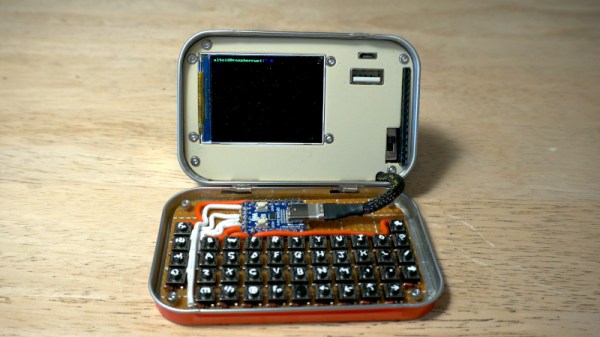
These days, you rarely have to build your own Linux kernel. You just take what your distribution ships, and it usually works just fine. However, [Andrei] became enamored with a friend’s cyberdeck and decided that he’d prefer to travel with a very small laptop. The problem is, it didn’t work well with a stock kernel. So, time to build the kernel again.

Of course, he tried to simply install Linux. The installer showed a blank screen. You might guess that you need to add ‘nomodeset’ to the kernel options. But the screen was still a bit wacky. [Andrei] likens troubleshooting problems like this to peeling an onion. There are many layers to peel back, and you are probably going to shed some tears.

Continue reading “Mini Laptop Needs Custom Kernel”