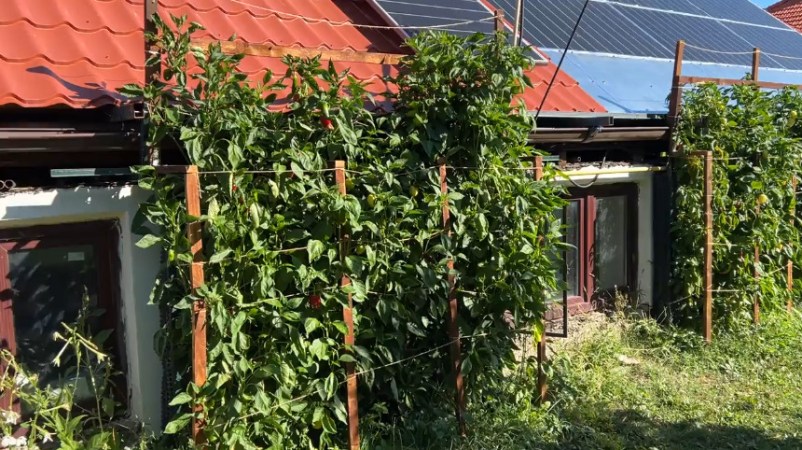
Unless it’s automated or using some other form of high-tech trickery, a vegetable garden isn’t exactly the sort of thing you’d expect to see on Hackaday. Be that as it may, the bountiful crop of peppers [Mihai Oltean] grew on the side of his house was done the old fashioned way, with nary a transistor in sight. So what’s the catch?
Well, in this case, it’s more about the journey than the end result. The produce sprouting in [Mihai]’s garden may be common enough, but the method in which he designed the garden itself is worth a closer look. To our knowledge, it’s the first time somebody sat down and wrote out all the code to generate a 3D model of a vertical garden in OpenSCAD.
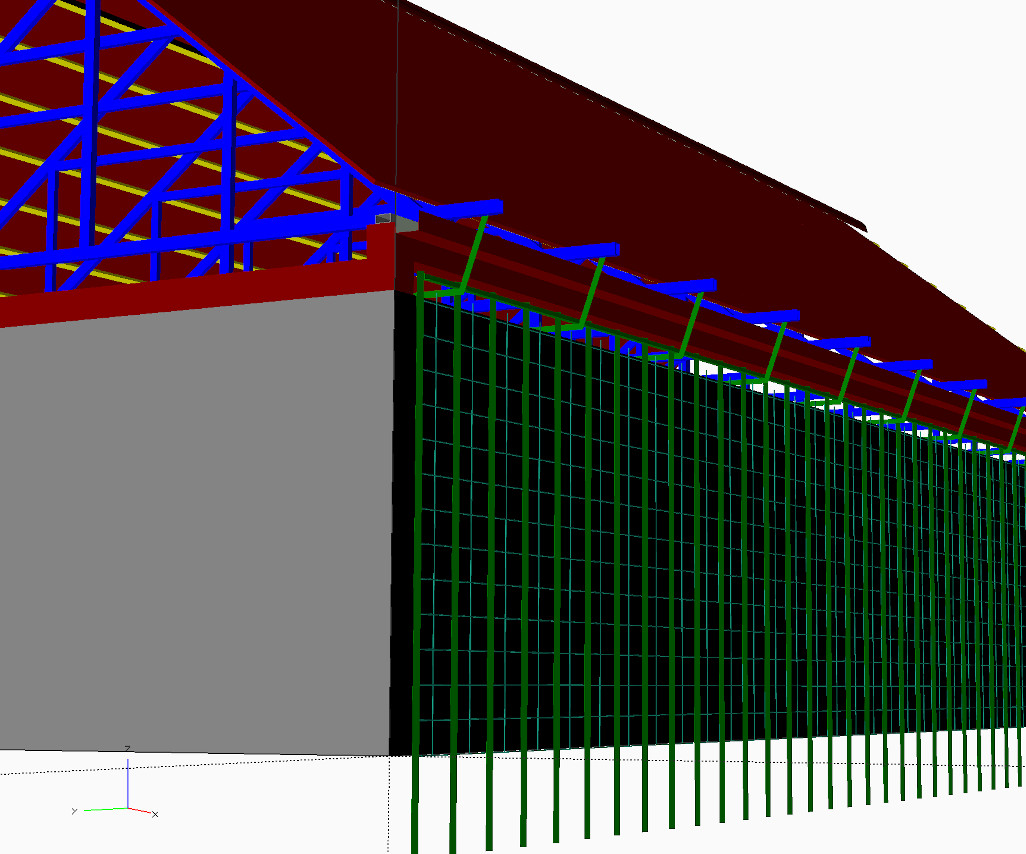 Usually, we see OpenSCAD used to produce design files for 3D printing or occasionally 2D CNC operations. But that’s not what’s happening here. The goal was to simply plan out how all the parts of the system would come together, and [Mihai] felt comfortable tackling it in the code-centric workflow offered by OpenSCAD. We know the feeling well.
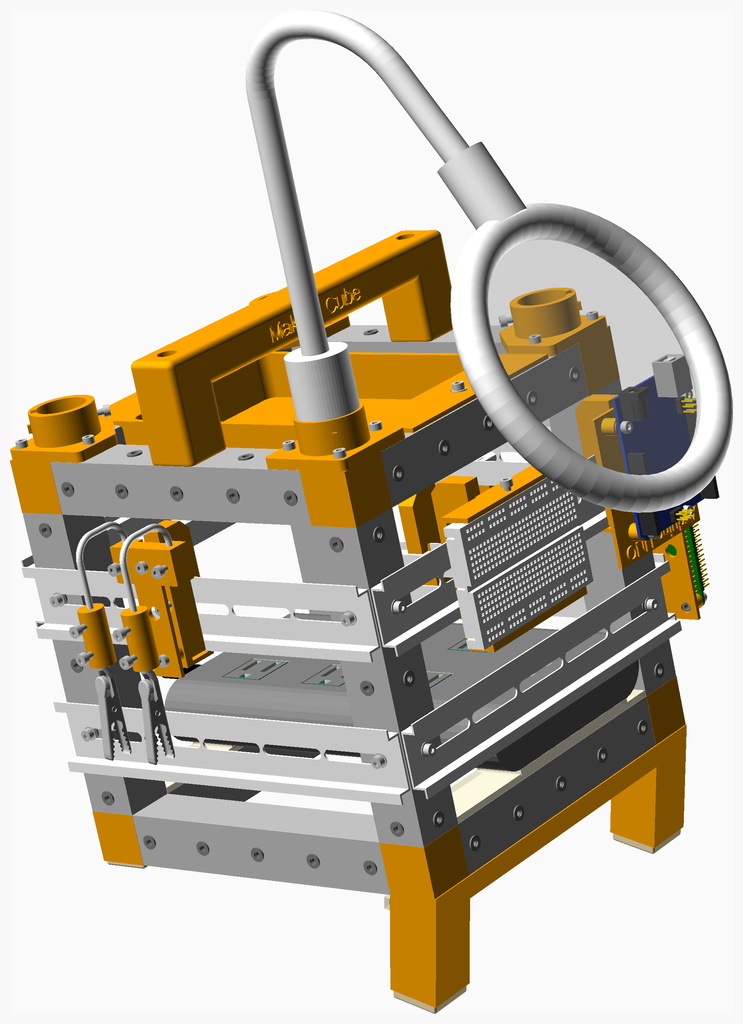
Though the code isn’t necessarily being used to produce parts for manufacture, [Mihai] does bring in a bunch of virtual components to stand in for their corporeal counterparts. We’re partial to using a parts library such as NopSCADlib for this kind of thing, but from the looks of the GitHub repo, [Mihai] decided to implement his own versions of the screws, nuts, washers, and sections of metal extrusion used to construct the garden wall.
We recently covered the advantages of “building” a complex multi-part project like a CNC control cabinet virtually in your CAD tool of choice before bending metal on the real thing. This project is a fantastic example of that concept, as it shows that the technique isn’t limited to electronic components.