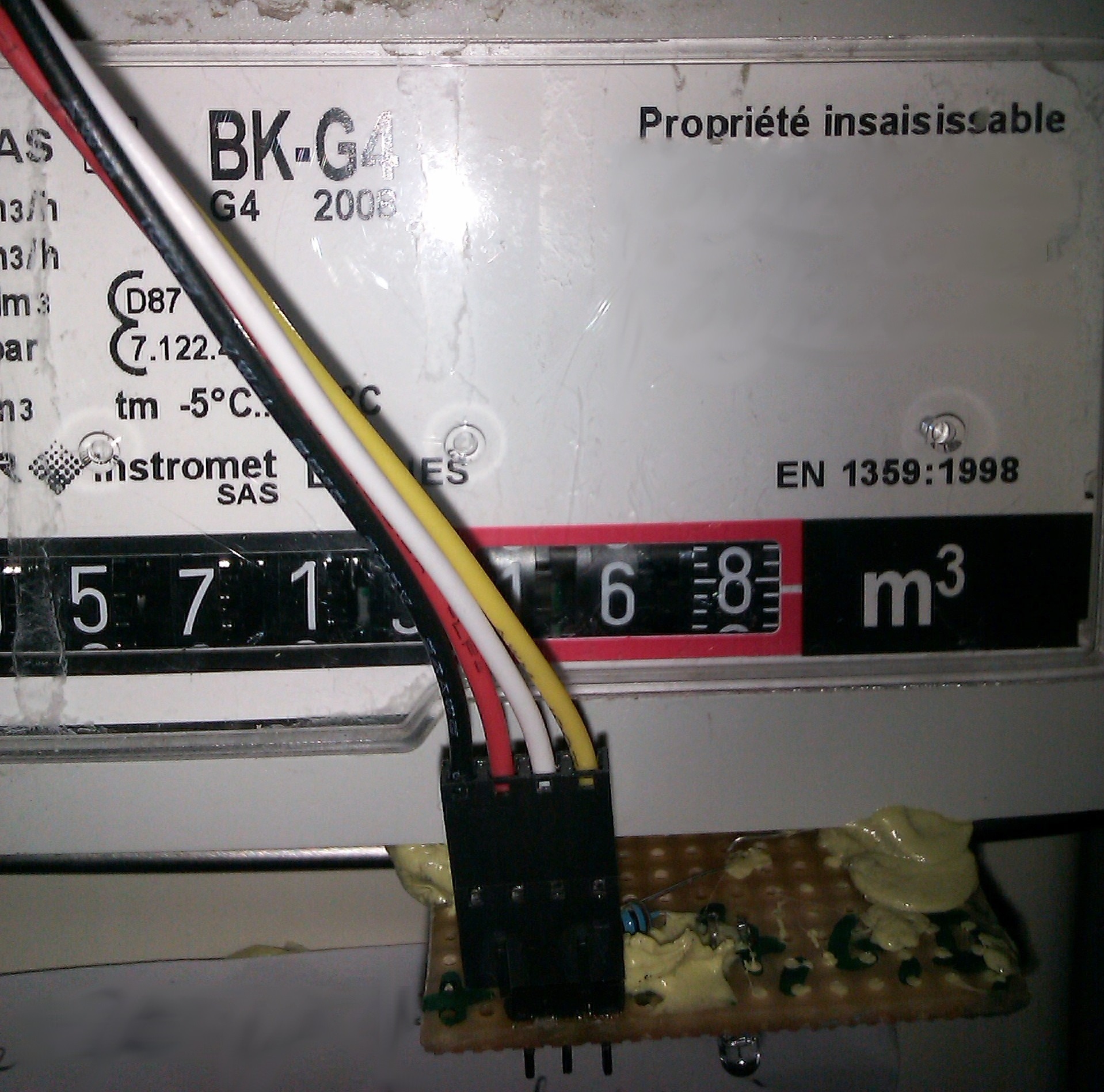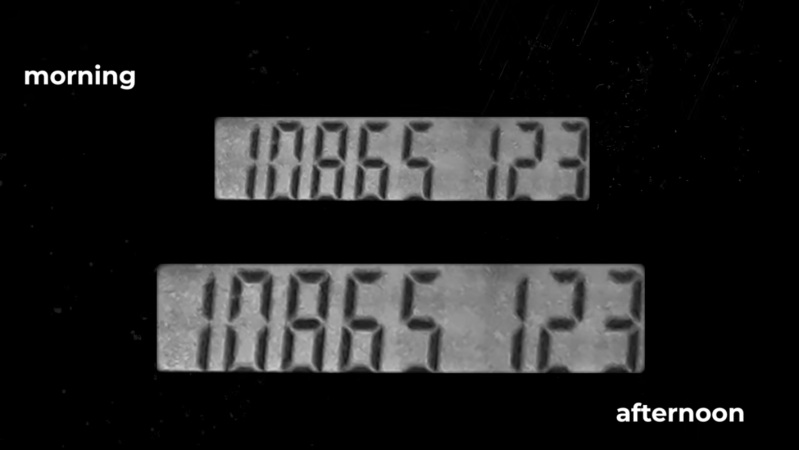
In an ideal world, the role of technology would be to make all of our lives easier. And although all the ads suddenly appearing in our smart TVs and gaming systems might make it seem otherwise, some technology can still improve our lives if we work hard at it. For [Cian], that meant training a neural network to read his gas meter so he wouldn’t have to do it himself.
The root issue here is twofold, first that [Cian]’s gas company hasn’t upgraded their own technology to modern, remote-readable meters, and second that the meter can’t be read by a gas employee because it’s hidden in the depths of [Cian]’s basement. This latter fact requires him to delve into Moria-like depths to get to the meter, so the solution here was to place a Raspberry Pi in this location instead. With a camera pointed at the meter, it’s not quite capable of discerning digits on its own so a neural network was trained in order to get accurate readings of the dial. And, finally, since the machine is networked already [Cian] set it up to automatically notify the gas company of its reading so he is now completely out of the loop.
For automating tedious tasks like these, the Raspberry Pi with something like OpenCV as a computer vision tool is a fairly mature platform for light machine learning duties like these. We’ve seen license plate readers as well as neighborhood traffic surveys built on these platforms to help automate human labor away, making our lives easier one single-board computer at a time.
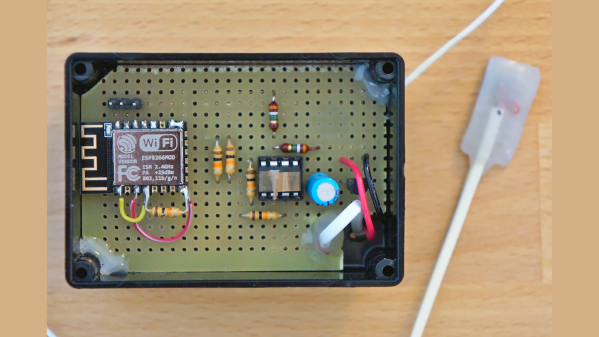
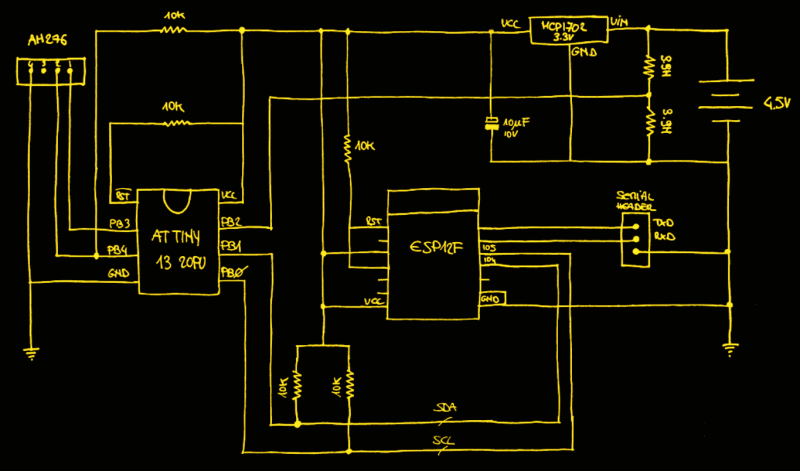
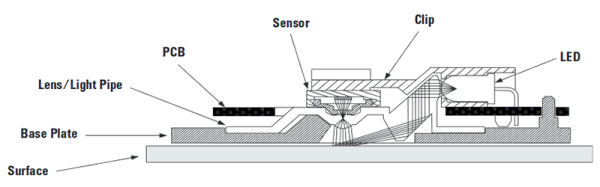
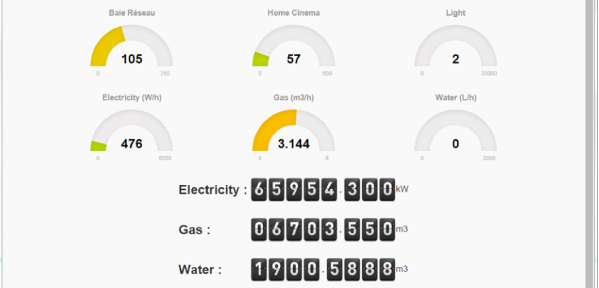
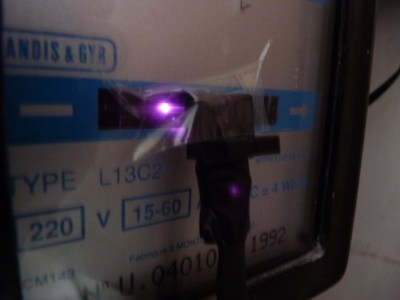 So he figured out a way to extract data from the existing meters. For the Electricity meter, he thought of using current clamps, but punted that idea considering them to be suited more for instantaneous readings and prone for significant drift when measuring cumulative consumption. Eventually, he hit upon a pretty neat hack. He took a slot type opto coupler, cut it in half, and used it as a retro-reflective sensor that detected the black band on the spinning disk of the old electro-mechanical meter. Each turn of the disk corresponds to 4 Watt-hours. A little computation, and he’s able to deduce Watt-hours and Amps used. The sensor is hooked up to an Arduino Pro-mini which then sends the data via a nRF24L01+ module to the main circuit located inside his house. The electronics are housed in a small enclosure, and the opto-sensor looks just taped to the meter. He has a nice tip on aligning the infra-red opto-sensor – use a camera to check it (a phone camera can work well).