
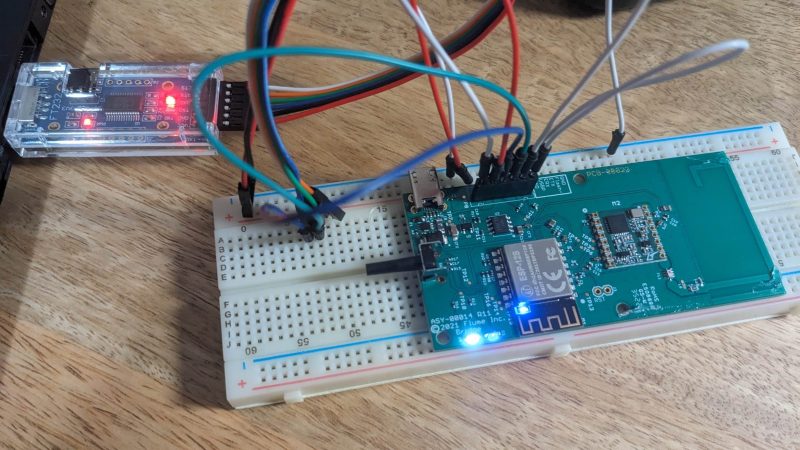
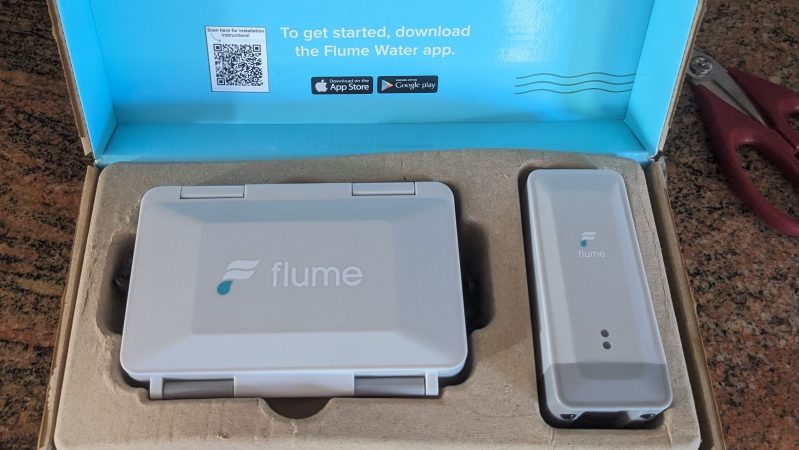
[Stephen] had an interesting piece of hardware at home—namely, a Flume water monitor. It’s a smart device which reports usage data to Flume’s servers, and the water utility in turn. He’d previously determined how the device worked mechanically to monitor water flow, but he had a greater goal—figuring out how to sniff the reported data as it passed through his network on its way to Flume servers.
The Flume rig has a sensor installed in the water line, which communicates to a bridge device that then hooks up to the Internet. [Stephen] had an early win, figuring out how to trick the bridge unit of the Flume water sensor into sending data in plaintext. This was as simple as corrupting the public key in the device’s flash. However, this wasn’t a perfect solution—as the corrupt key stopped the device from authenticating with Flume’s servers. Further diving into the LibHydrogen encryption implementation, however, revealed that the device was apparently authenticating without using session keys, relying only on a static device secret key which can be harvested from the onboard flash. This allowed [Stephen] to build a tool to sit in between the bridge and the Flume servers, forwarding traffic seamlessly while decrypting and saving it locally at the same time.
With this setup, [Stephen] was able to locally log water flow and status data from the sensor. It does come with a caveat, that the man-in-the-middle setup could block the hardware from receiving firmware updates in future. It’s also worth checking out [Stephen’s] earlier work on demystifying the Flume hardware, too. The relay tool is available on GitHub for the curious.
We love seeing hackers figure out how to interface utility meters and similar devices, in legal and appropriate manners, of course. If you’re tinkering in this realm yourself, feel free to let us know on the tipsline!
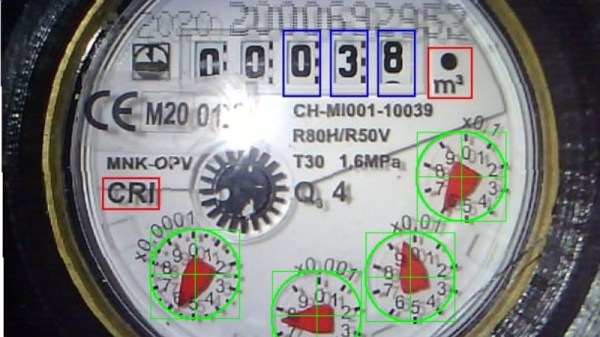
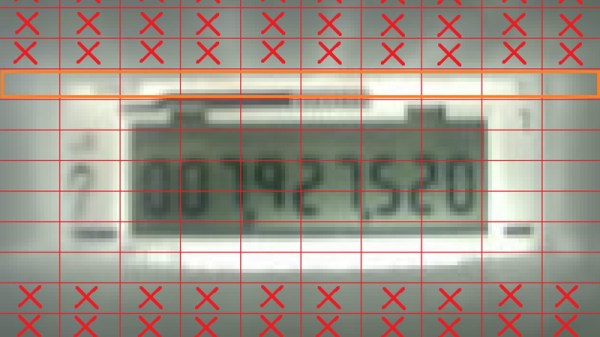
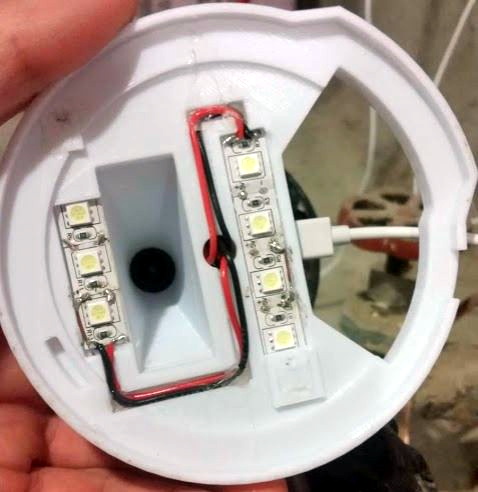
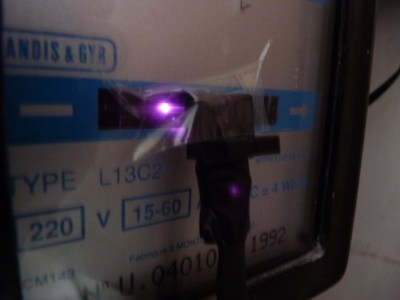 So he figured out a way to extract data from the existing meters. For the Electricity meter, he thought of using current clamps, but punted that idea considering them to be suited more for instantaneous readings and prone for significant drift when measuring cumulative consumption. Eventually, he hit upon a pretty neat hack. He took a slot type opto coupler, cut it in half, and used it as a retro-reflective sensor that detected the black band on the spinning disk of the old electro-mechanical meter. Each turn of the disk corresponds to 4 Watt-hours. A little computation, and he’s able to deduce Watt-hours and Amps used. The sensor is hooked up to an Arduino Pro-mini which then sends the data via a nRF24L01+ module to the main circuit located inside his house. The electronics are housed in a small enclosure, and the opto-sensor looks just taped to the meter. He has a nice tip on aligning the infra-red opto-sensor – use a camera to check it (a phone camera can work well).








