IKEA Storage Box Just Happens To Make Great Printer Cover

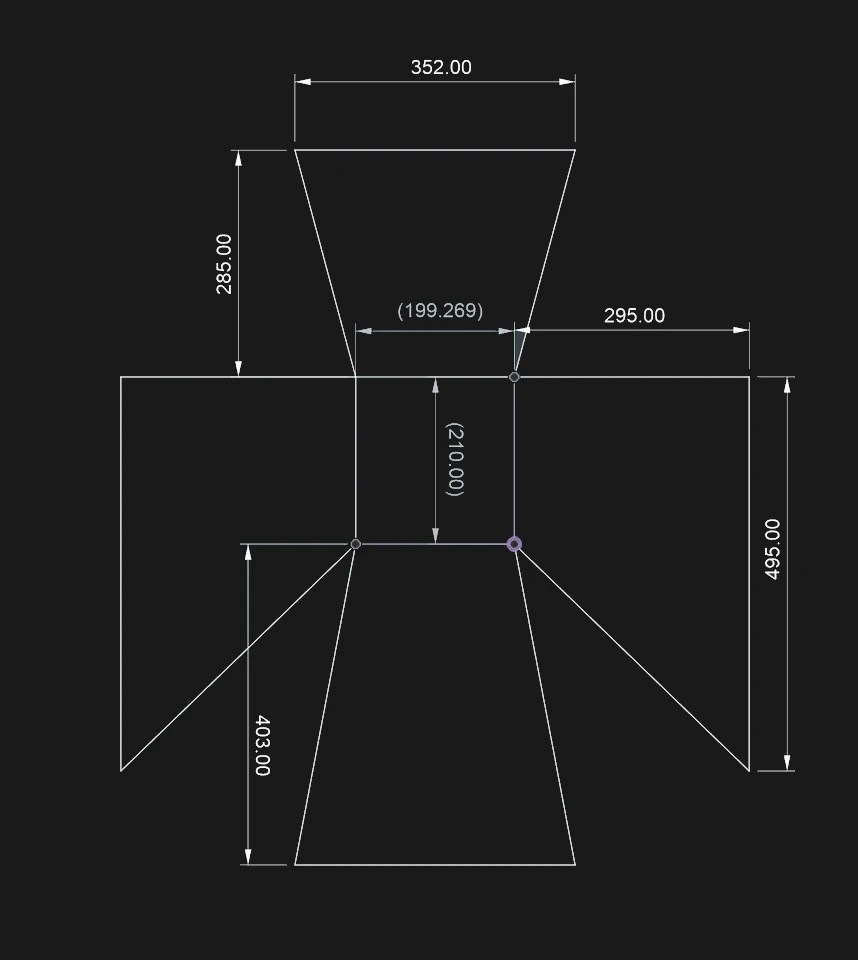
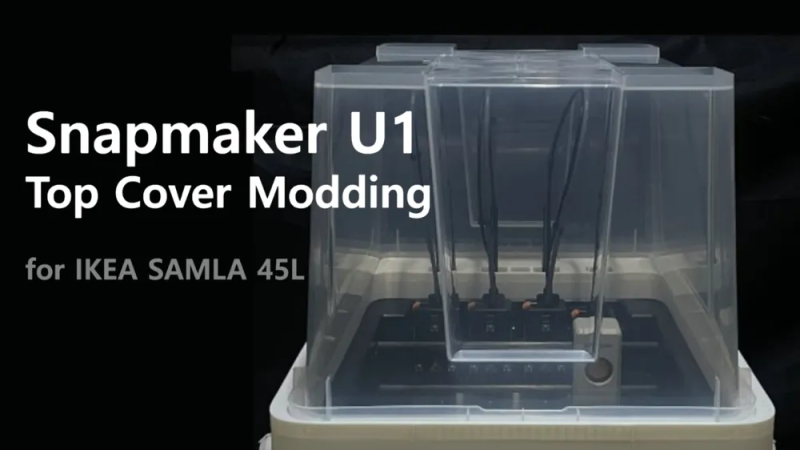
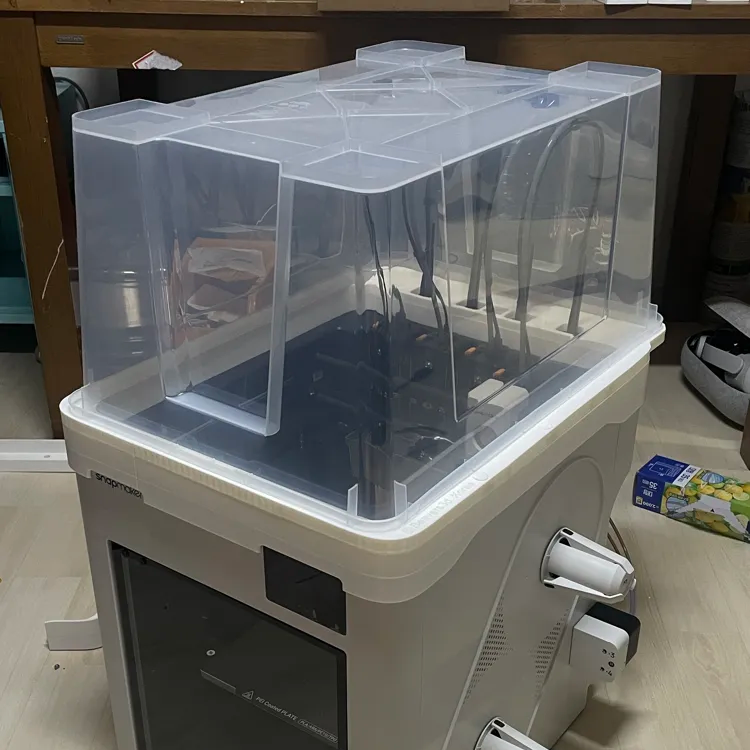
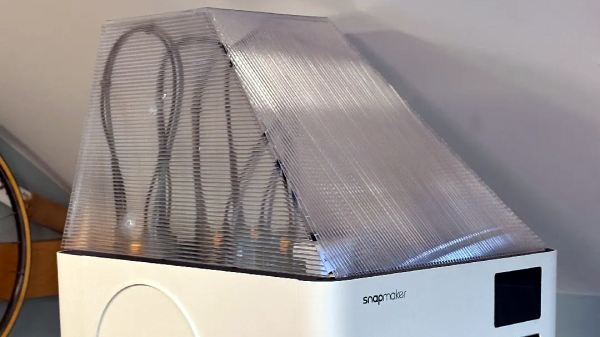
The Snapmaker U1 3D printer is an impressive machine for the price, but [Beaver Works] found the optional factory-offered top cover a wee bit expensive for his tastes. The solution? 3D print a fixture and use a clear 45 L Samla storage box from IKEA as an effective and affordable cover for the machine.

Why a cover?  A cover helps retain heat and block drafts, which can help improve print quality. A cover also keeps the machine’s insides dust and debris-free, not to mention serving as a decent barrier to curious fingers or paws.

This is a great use of an off-the-shelf product that performs at least as well as any bespoke solution. The nature of printer enclosures makes them trickier than one might think, with the size and weight of materials often driving costs up for something that seems relatively simple in concept. Getting one by 3D printing the fixtures and purchasing the bulky part locally and affordably is a great alternative. IKEA even sells the box’s lid separately, so one can buy just the box and isn’t stuck with an unused lid afterward.

Integrating off-the-shelf components into a design is often risky because much of it is outside the designer’s control. Availability can change, and a manufacturer might alter dimensions or design elements without any notice. But IKEA’s storage products are pretty well standardized and work really well for this purpose.

On the off chance you need a design tweak, [Beaver Works] has provided STEP files for the 3D-printed parts, something we always love to see.

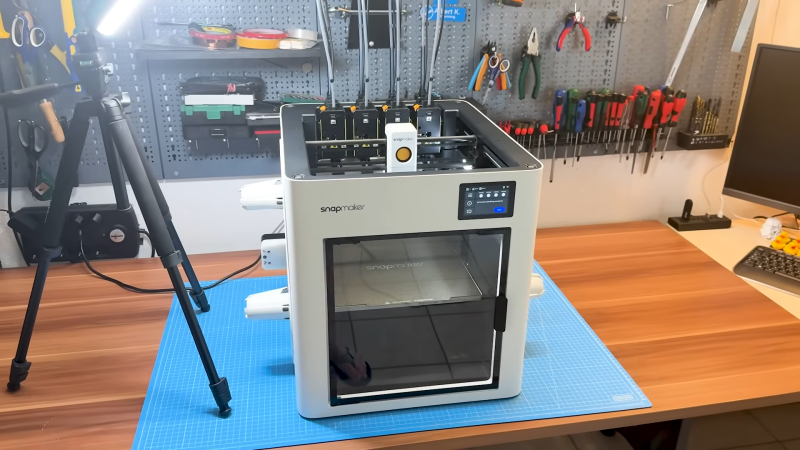
A preproduction U1 sitting on a workbench

A Tool-changing 3D Printer For The Masses

Modern multi-material printers certainly have their advantages, but all that purging has a way to add up to oodles of waste. Tool-changing printers offer a way to do multi-material prints without the purge waste, but at the cost of complexity. Plastic’s cheap, though, so the logic has been that you could never save enough on materials cost to make up for the added capital cost of a tool-changer — that is, until now.

Currently active on Kickstarter, the Snapmaker U1 promises to change that equation. [Albert] got his hands on a pre-production prototype for a review on 247Printing, and what we see looks promising.

The printer features the ubiquitous 235 mm x 235 mm bed size — pretty much the standard for a printer these days, but quite a lot smaller than the bed of what’s arguably the machine’s closest competition, the tool-changing Prusa XL. On the other hand, at under one thousand US dollars, it’s one quarter the price of Prusa’s top of the line offering. Compared to the XL, it’s faster in every operation, from heating the bed and nozzle to actual printing and even head swapping. That said, as you’d expect from Prusa, the XL comes dialed-in for perfect prints in a way that Snapmaker doesn’t manage — particularly for TPU. You’re also limited to four tool heads, compared to the five supported by the Prusa XL.

The U1 is also faster in multi-material than its price-equivalent competitors from Bambu Lab, up to two to three times shorter print times, depending on the print. It’s worth noting that the actual print speed is comparable, but the Snapmaker takes the lead when you factor in all the time wasted purging and changing filaments.

The assisted spool loading on the sides of the machine uses RFID tags to automatically track the colour and material of Snapmaker filament. That feature seems to take a certain inspiration from the Bambu Labs Mini-AMS, but it is an area [Albert] identifies as needing particular attention from Snapmaker. In the beta configuration he got his hands on, it only loads filament about 50% of the time. One can only imagine the final production models will do better than that!

In spite of that, [Albert] says he’s backing the Kickstarter. Given Snapmaker is an established company — we featured an earlier Snapmaker CNC/Printer/Laser combo machine back in 2021— that’s less of a risk than it could be.

Continue reading “A Tool-changing 3D Printer For The Masses”

3D Printer? Laser Cutter? CNC? Yes, Please

Most of us have, or, would like to have a 3D printer, a laser engraver, and a CNC machine. However, if you think about it naively, these machines are not too different. You need some way to move in the XY plane and, usually, on the Z axis, as well.

Sure, people mount extruders on CNCs, or even lasers or Dremel tools on 3D printers. However, each machine has its own peculiarities. CNCs need rigidity. 3D printers should be fast. Laser engravers and CNCs don’t typically need much Z motion. So common sense would tell you that it would be tough to make a machine to do all three functions work well in each use case. [Stefan] thought that, too, until he got his hands on a Snapmaker 2.0.

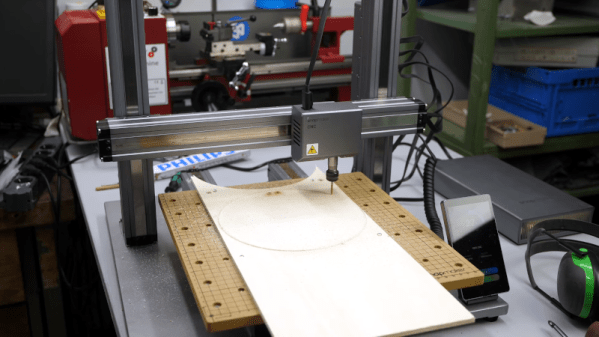
As you can see in the video below, the machine uses different tool heads for each function. The motion system stays the same and, curiously, there are three identical linear motion modules, one for each axis.

Continue reading “3D Printer? Laser Cutter? CNC? Yes, Please”