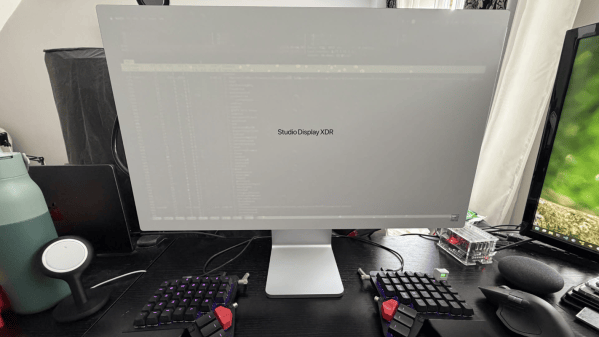
Displays in general are a lot more complicated now than they used to be, but even still, you’d be forgiven for not expecting a monitor to slow down your internet connection. Yet that’s exactly what [Oscar] ran into recently, and fortunately for us, he was good enough to document how he figured out what was going on.
This bug might not have been discovered at all except for the fact that [Oscar] enjoys a 2.5 Gbps symmetric internet connection. When running a speed test he found he was getting the advertised speed for upload, but download was somehow limited to 600 Mbps. This was only with the USB-C to 2.5G Ethernet adapter he uses plugged into the monitor, which is acting as a hub. When it was plugged directly into the computer there were no dropped packets and he was able to get full speed. But the curious thing was the operating system was not noticing the dropped packets, so something was going on before the monitor was getting involved.
A driver update brought the speed to around 1.1 Gbps which was an improvement, but there was still a problem. Then [Oscar] tried using Ethernet flow control, which asks the sender of the packets to pause briefly if the receiver is dropping frames, rather than losing those frames completely. This also improved things, but still not completely. And it had the feeling of a workaround as well. What he’s settled on having been the problem in a nutshell is that the buffer on the 2.5 Gbps card would fill before the data would transfer through the hub to the computer, and if it overflows it will drop packets.
The solution was to upgrade to a 5 Gbps card with a larger buffer, and after that there were no more dropped frames. We might consider upgrading to fiber for faster speeds though.