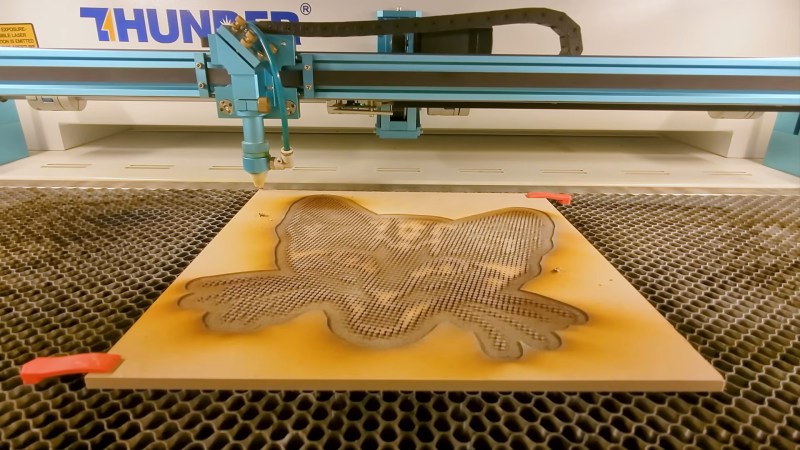
One of four MDF half-tone blocks coming off the laser cutter.

Laser Cutter Plus CYMK Spraypaint Equals Full-Color Prints

This is one of those fun hacks that come about from finding a product and going “I wonder if I could…” — in this case, artist/YouTuber [Wesley Treat] found out his favourite vendor makes spray cans in CYMK colours– that is the Cyan, Yellow, Magenta and blacK required for subtractive printing. Which got him wondering: can I make full-colour prints with this paint?
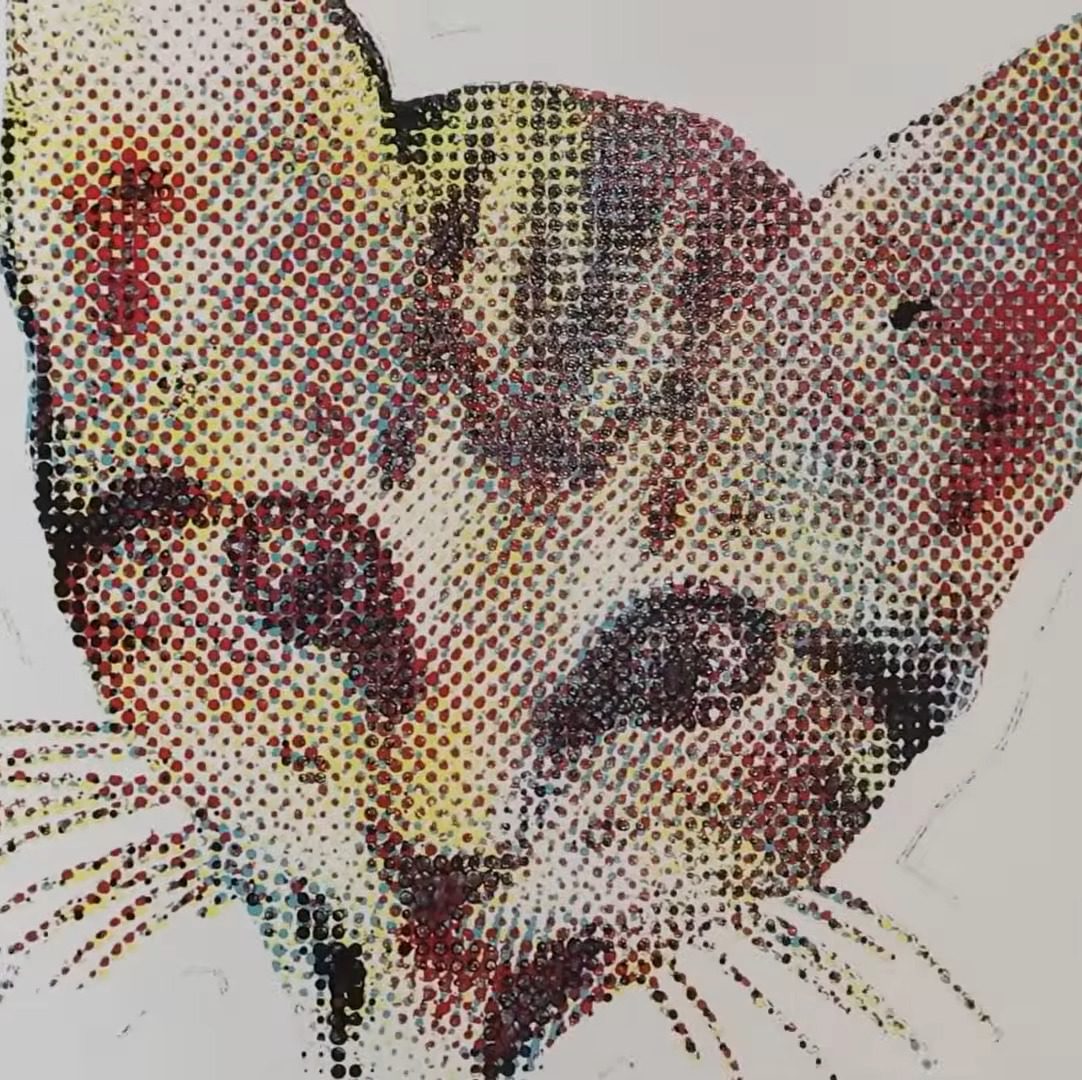
MDF block print
The MDF-based print, with naive half-tone dots.

His answer was “yes”, and the process to do so is fairly simple. First, split the image into colour channels, generate a half-tone pattern for each one, and carve it out of MDF on the laser. Then spray the MDF with the appropriate colour spray paint. Press the page against each block in turn, and voila! A full colour print block print, albeit at very low DPI compared to your average inkjet.

Now, you might be wondering, why half-tone instead of mixing? Well, it turns out that these CYMK paints are too opaque for that to work in a block-printing process. At least with a naive spray technique; [Weseley] does admit a very fine mist might be able to make that work. The second question is why not just hook the rattle cans into a CNC machine for a paint-based mega inkjet? That’s a great question and we hope someone tries it, but [Weseley] evidently likes block-printing so he tried that first.
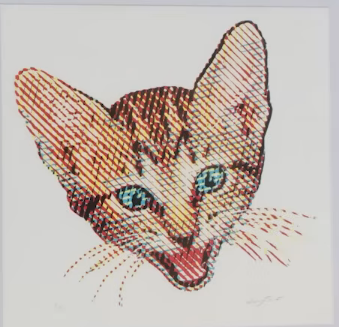
The Mylar stencil print, with a more artistic half-tone pattern.

Laser-ablating enough MDF away to make decent print blocks took too long for [Weseley]’s tastes, however, so he switched to using mylar stencils. Instead of spraying a block and pressing onto it, the paint is sprayed through the stencil. The 10 mil Mylar not only cuts faster, but can support finer detail. Though the resulting prints lose some of the artistic flair the inconsistencies block printing brings, it probably looks better.

If you prefer to skip the manual paint-can-handling, perhaps we can interest you in a spray-can plotter. If you do like manually flinging paint, perhaps you could try this dot-painting spray can attachment, for a more self-directed half-tone.

Thanks to [Keith Olson] for the tip.

Continue reading “Laser Cutter Plus CYMK Spraypaint Equals Full-Color Prints”
3D Print A Stenciling Frame For Your PCB

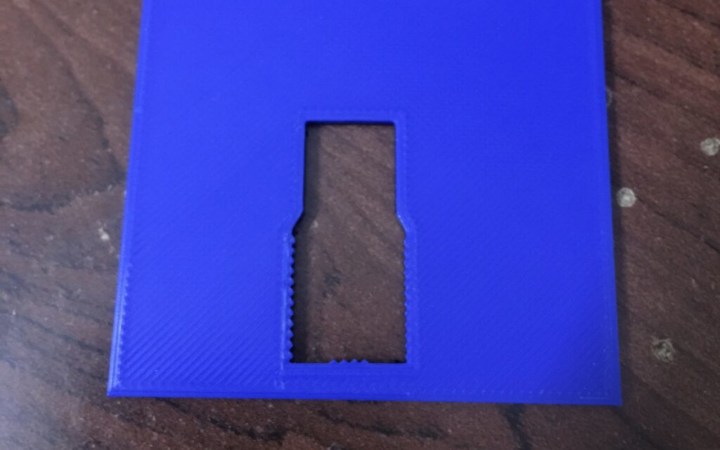
For many a hacker, stenciling a board for the first time is a game-changing experience – the solder joints you get, sure do give your PCB the aura of a mass-manufactured device. Now, you might not get a perfect print – and neither did [Atul R]. Not to worry, because if you have a 3D printer handy, he’s showing you how to design a 3D-printed frame using Blender and TinkerCAD, making your solder paste print well even if you’re trying to rest a giant stencil on top of a tiny board.

[Atul]’s situation was non-characteristic – the project is a 2mm thick PCB designed to plug right into a USB port, so the usual trick of using some scrap PCBs wouldn’t work, and using a 3D-printed frame turned out to be key. To get it done, he exported a .wrl from KiCad, processed it in Blender, and then designed a frame with help of TinkerCAD. These techniques, no doubt, will translate into your CAD of choice – especially if you go with .step export instead of .wrl.

This kind of frame design will get you far, especially for boards where the more common techniques fail – say, if you need to assemble a double-sided board and one side is already populated. Don’t have a stencil? You could surely make a 3D printed stencil, too, both for KiCad boards and for random Gerber files. Oh, and don’t forget this 3D-printable stencil alignment jig, while you’re at it – looks like it ought to save you quite a bit of trouble.

Laser Etched Stencils

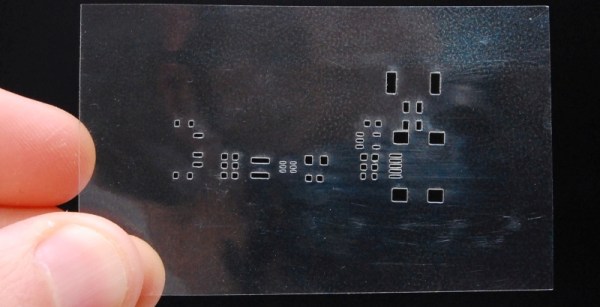
Cutting SMT Stencils With A Laser

Prototyping your own PCBs? At a loss for how to apply your SMT electronics? Well — do you have access to a laser? [Felix] shows us a definitive way to use a laser cutter to engrave SMT stencils with ease.

The real trick here is to engrave — not to cut. Typically if you’re using enough power to cut straight through the plastic, you’re going to get melting and burning of the edges — which won’t work well for a SMT stencil. So what [Felix] found is to engrave at approximately 20-30W @ 400-450mm/s. He’s using Mylar as the material.

The results are pretty awesome — but if you’re without a laser, he also has an excellent tutorial on DIY metal SMT stencils by chemically etching soda can metal!

Continue reading “Cutting SMT Stencils With A Laser”