Light Graffiti With Servos And Python

servo-laser-light-graffiti

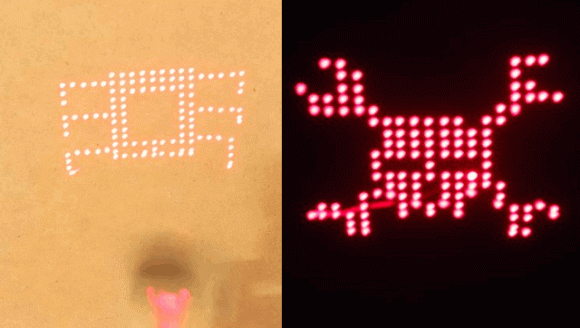
Light Graffiti is can be lots of fun if you have a decent amount of artistic ability, and a keen sense of timing. If you don’t have the necessary skills, you can always compensate by using Python-controlled servos to move everything automatically. The Python code can be found here, and makes use of the Python Image Library to process the images into a “drawable” form. A [pyMCU] with firmware capable of simultaneous servo control was used to move the laser fixture around.

One of the more difficult aspects of this experiment was getting the timing correct between each laser pulse. The timing routine involes a bit of geometry, calculating the distance between each using trig. As explained in the article, this may be a bit of overkill.  It still didn’t compare to the trig involved in a previous experiment drawing a circle with this laser-servo fixture.  Be sure to check out the video of this laser-setup in action after the break.  I’ve been quite pleased with the results, and look forward to what can be done with it in the future!

Thanks to [pyMCU] for letting me have a few of these boards to play with!

Continue reading “Light Graffiti With Servos And Python”

Homebuilt Laser Cutter Ideas

Laser-Cutter

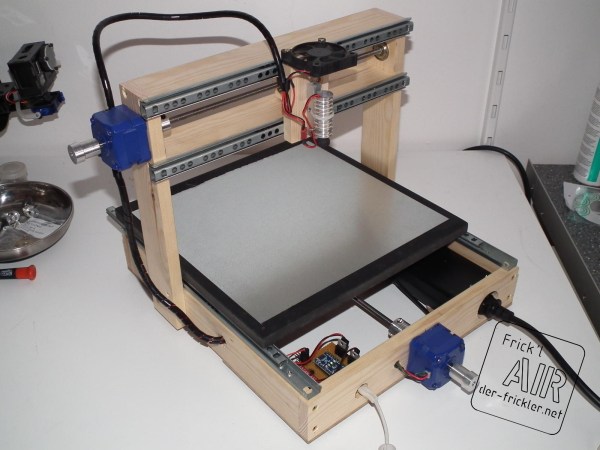
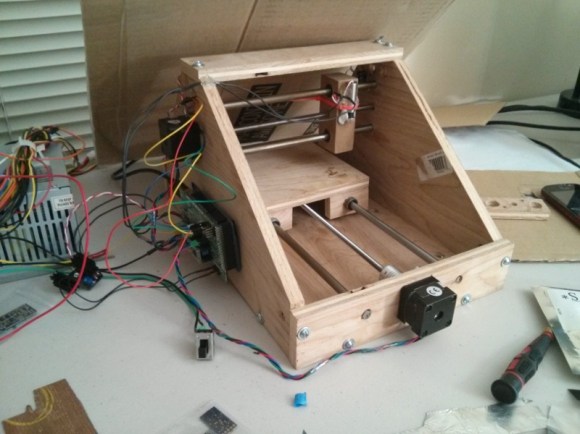
[Wuzabear] wrote in to tell us about this “DIY Laser Cutter for PCB Stencils.” While a full BOM and step-by-step build instructions aren’t provided for the frame, pictures of the build are available, and some different options for construction are discussed. One other option that was especially interesting would be to use a ready-built RepRap or other 3D printer to act as the laser motion controller. Apparently this has been experimented with, and we’d love to see any versions that or readers have come up with!

Besides some different ideas and resources for the moving parts of the cutter, there is some information on how to hook up a laser for this purpose, as well as  for the software and calibration required. It should be noted that you should always wear the appropriate safety goggles if you’re working with a high-powered laser. Although any machine-tool can be dangerous, lasers provide some safety issues that should be treated with extreme caution.

Hackaday Links: March 20th, 2013

Giant fresnel lens is dangerous fun

giant-fresnel-lens-is-dangerous-fun

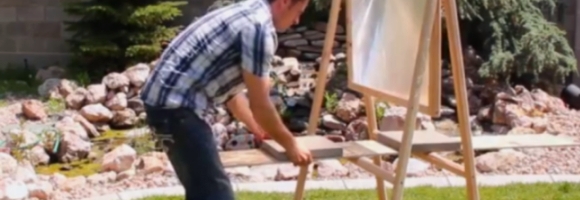
Here’s an interesting, and rather dangerous, use for those old big screen TVs that are frequently listed for FREE on Craigslist. With the lens from the old TV built into an adjustable wooden frame, [Grant] was able to melt a stack of pennies, instantly burn wood, melt spots in concrete, and serve his family a cooked egg… Cool.

Projection mapping app helps create hologram like performance stage

projection-mapping-app-creates-live-desktop-stage

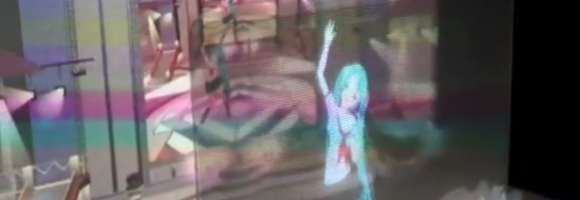
[Aimino] used an iPad, a mobile projector, and a mosquito screen to create a trippy hologram like stage. It might not seem like much at first, but it’s actually a pretty interesting effect. Watching the video makes me wonder what other applications this could have in the near future.

The world’s strongest magnet

worlds-strongest-magnet

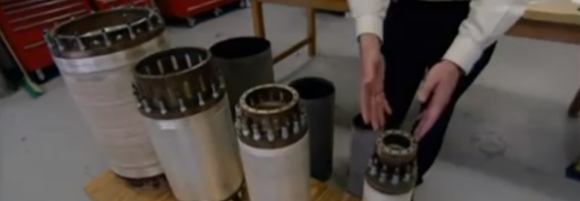
At a cost of over $14 million dollars and weighing in at 35 tons, the 45 Tesla Hybrid is the strongest DC magnet on Earth. It’s powerful enough that the film crew couldn’t even safely get in to take footage of it.  Over half of their camera tapes were wiped clean just while being in the same facility that houses it!

Virtual Body chair uses 4 of our 5 senses

virtual-body-chair

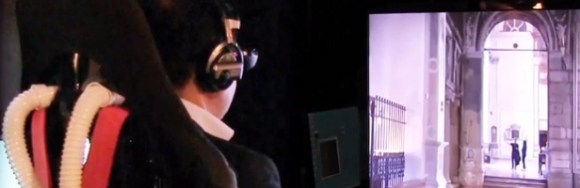
Created in the hopes of providing a VR experience for seniors with mobility problems who can no longer travel the world, Tokyo Metropolitan University’s Ikei Laboratory presents the ‘Virtual Body’ exhibition. Included are a 3D monitor, a pair of headphones, a fan to create breezes and spread scents, a chair that moves and vibrates, and moving foot pedals.

Iron Man laser gauntlet pops balloons with ease

functional-iron-man-laser-gauntlet

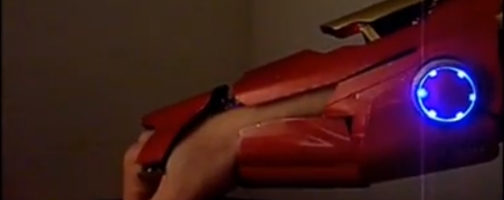
If you’re an Iron Man fan with disposable income, you might want to check out this functional full metal laser gauntlet. Built from scratch using no blueprints or guides, [AnselmoFanZero] sells them for around $3K USD.

High Contrast Laser Etching

high-contrast-laser-etching

The problem with laser etching dark materials is that the areas burnt away by the intense light don’t really stand out from the rest of the surface. [The 5th Fool] is taking a roundabout way of correcting this by topping his laser engravings with contrasting paint. The technique is still pretty simple and we think it looks great!

Basically he’s etching a layer of painter’s tape which becomes a stencil. But the surface it is masking also gets etched so the paint has an area below to the surface which it can fill in. We figure this will help with durability issues.

After etching the painters tape the design gets a few coatings of a high-contrast paint color and is left to dry. To remove the stencil, duct tape is applied to the entire area. This helps quite a bit in removing the tiny bits of tape from an intricate design.

Laser Spirograph

laser-spirograph

Here’s a weekend junk bin project if we’ve ever seen one. [Pat] used a quartet of computer fans to make his laser Spirograph. Deciding to try this simple build for yourself will run you through a lot of basics when it comes to interfacing hardware with a microcontroller. In this case it’s the Arduino Nano.

The Spirograph works by bouncing a laser off of mirrors which are attached to the PC fans. When the fans spin the slight alignment changes cause the laser dot to bob and weave in visually pleasing ways. You can catch twenty minutes of the light show in the clip after the break.

Three of the fans have mirrors attached, the housing of the fourth is used to host the laser diode and make assembly easier. A TC4469 motor driver is used to connect the fans to the Arduino. The light show can be manually controlled by turning the trio of potentiometers which are read using the Arduino’s ADC.

If you manage your way through this build perhaps you’ll move on to a setup that throws laser light all over the room.

Continue reading “Laser Spirograph”

Improved Hourglass Entropy

improved-hour-glass-entropy

[Wardy] built himself a high quality entropy source with parts he had lying around. It’s based on the hourglass entropy project we saw in a links post earlier this month. Just like that project, he is bouncing a laser off of the falling sand and reading the result. But he brings a few innovations to the party, and has test results to back up his work.

The first change is an obvious one; motorize the hourglass so that you don’t need to flip it by hand. We thought this might mess with the laser alignment but the clip after the break proved us wrong. He changed up the sensor, using an LED connected to the base of an NPN transistor. The next change was to mount the light sensor at an angle to the laser rather than straight on. This picks up reflections of the laser and not the direct beam itself, resulting in a wider range of readings.

He used an Ethernet shield to get the system on the network. It’s pushing 420k random numbers per second and was tested with the DieHarder suite. It didn’t get a very high score, but it did pass the test.

Continue reading “Improved Hourglass Entropy”

Hackaday Links: January 5, 2013

Do not aim laser at remaining eye

laser

Over on the reddits, [CarbonGod] thought he had a slightly overpowered laser pointer. His red laser pointer had a label that said it outputs less than 5 mW. The only problem is it melted black plastic and heated a thermocouple up to 140°F. [CarbonGod] is begging, borrowing, or stealing a power meter from an engineer friend, but until then we’ve got measurements from [The_Sourgrapes]. His lasers put out 105 mW (red), 56 mW (blue), and 53 mW (green).

While <5 mW lasers are fairly safe, these lasers that are labeled as having < 5 mW of output are not. Now if we only knew where to buy these overpowered lasers…

 It’s impossible to find this video in HD

rickroll

[Zach] created a physical rickroll device. It’s an Arduino and an MP3 shield hooked up to an ultrasonic sensor. When someone walks within six feet of the device, the Arduino starts playing Never Gonna Give You Up. When that person walks away, the song is paused only to start again when something else is detected by the ultrasonic sensor. There’s a hilarious video of [Zach] triggering his physical rickroll device, or you can check it out on the build page.

Hey, you! Write some code!

react

[William] wrote in to tell us about a project called ReactOS. The goal of the project is to create a free and open source operating system that is binary comparable with Windows XP. Yes, this project has been around for a very long time, but with Microsoft dropping support for XP, the ReactOS team could really use a few devs to get a beta out soon. If you know a bunch of low-level Windows stuff but haven’t ever contributed to an open source project, check out the developer’s wiki.

I’m [Johnny Knoxville] and this is electrostatic discharge

ouch

It looks like [Mehdi] is making a few instructional videos for EEs and those tinkering around with electricity. So far he has tutorials for making proper wiring connections, what not to do with ESD, how to take capacitors for granted, and demonstrating how electricity can kill you.

Penitent man shall pass…. Penitent man shall pass…

[youtube=http://www.youtube.com/watch?v=Cj8wXlSXGk0&w=470]

If gift giving were a contest, [Bradley] would win. His sister’s favorite movie is Indiana Jones and the Last Crusade, so when he needed to wrap a gift (a coffee cup, fittingly), he went all out. All the challenges required to obtain the Holy Grail are present in this present including the breath of God (needs more circular saws), the name of God (why was the letter ‘J’ even in the movie?), and the Leap of Faith (sand included).

Coming up for his sister’s birthday, a face-melting hair dryer.