Roll Your Own Presence Sensor

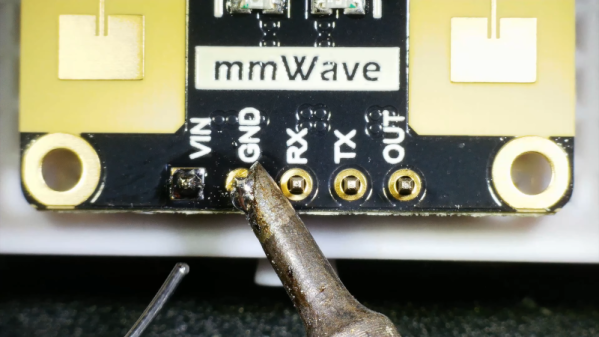
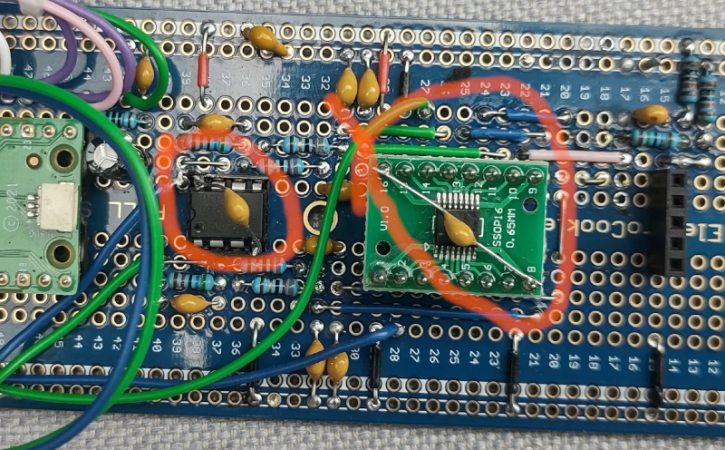
[Mellow_Labs] wanted an Everything Presence Lite but found it was always out of stock. Therefore, he decided to create his own. The kit uses a millimeter wave sensor as a super-sensitive motion tracker for up to three people. It can even read your heart rate remotely. You can see a video of the project below.

There are a few differences from the original kit. Both use the C4001 24 GHz human presence detection sensor. However, the homebrew version also includes a BME680 environmental sensor.

Continue reading “Roll Your Own Presence Sensor”

A Modern Take On An Old Language

Some old computer languages are destined to never die. They do, however, evolve. For example, Fortran, among the oldest of computer languages, still has adherents, not to mention a ton of legacy code to maintain. But it doesn’t force you to pretend you are using punched cards anymore. In the 1970s, if you wanted to crunch numbers, Fortran was a good choice. But there was another very peculiar language: APL. Turns out, APL is alive and well and has a thriving community that still uses it.

APL has a lot going for it if you are crunching serious numbers. The main data type is a multidimensional array. In fact, you could argue that a lot of “modern” ideas like a REPL, list types, and even functional programming entered the mainstream through APL. But it did have one strange thing that made it difficult to use and learn.

[Kenneth E. Iverson] was at Harvard in 1957 and started working out a mathematical notation for dealing with arrays. By 1960, he’d moved to IBM and a few years later wrote a book entitled “A Programming Language.” That’s where the name comes from — it is actually an acronym for the book’s title. Being a mathematician, [Iverson] used symbols instead of words. For example, to create an array with the numbers 1 to 5 in it and then print it, you’d write:

⎕←⍳5

Since modern APL has a REPL (read-eval-print loop), you could remove the box and the arrow today.

What Key Was That?

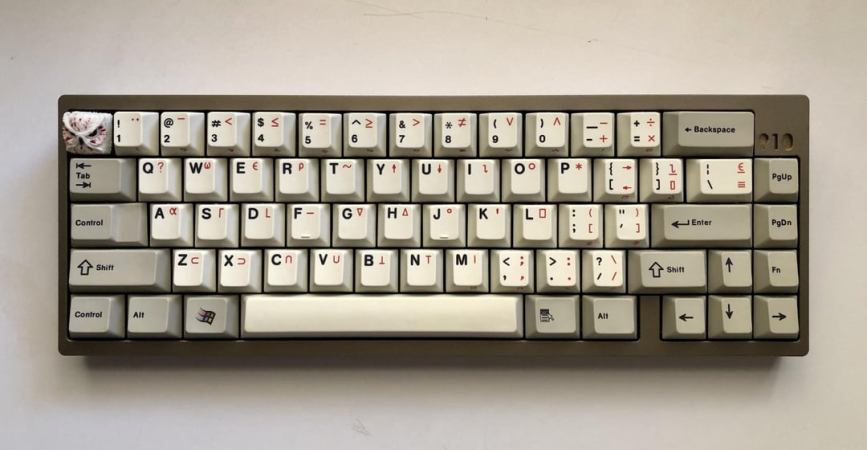
Wait. Where are all those keys on your keyboard? Ah, you’ve discovered the one strange thing. In 1963, CRTs were not very common. While punched cards were king, IBM also had a number of Selectric terminals. These were essentially computer-controlled typewriters that had type balls instead of bars that were easy to replace.

Continue reading “A Modern Take On An Old Language”

UC Berkeley Prints Glass Nanoparticles

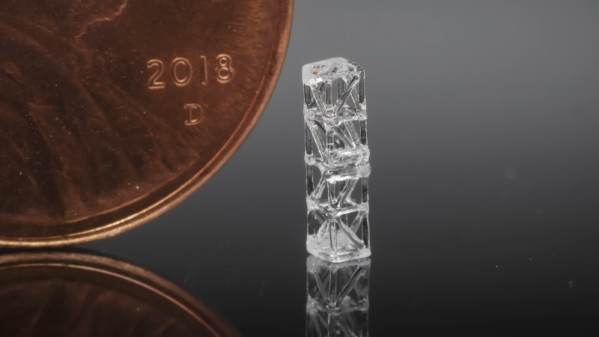
In a recent video, [Joel] of 3D Printing Nerd interviews a researcher at University of California, Berkeley about their work with glass 3D printing technology. A resin is impregnated with tiny glass nanoparticles and produces green parts. An oven burns away the resin and then another heating step produces the actual silica glass part. You can see a video about the process below.

As you might expect with glass, the temperatures are toasty. The first burn is at 1100 C and the fusing burn is at 1300 C. The nanoparticles are about 40 nanometers across. The resulting parts are tiny with very small feature sizes. The technology to do this has been around for a few years, and the University continues researching this form of computed axial lithograph (CAL) 3D printing. These parts are so small that it uses an adaptation called microCAL that produces much smaller parts at high precision. However, the equipment available today won’t produce very large objects. The video talks about the uses for some of these small glass items.

We wonder how much the firings in the ovens change the tiny tolerances. They obviously work, so either they account for that or it doesn’t shrink much.

If you want your own 3D printed glass, a laser system might be more practical. If you just want transparent plastic, your FDM printer can do that. Really.

Continue reading “UC Berkeley Prints Glass Nanoparticles”

Handheld Oscilloscope Meter Reviewed

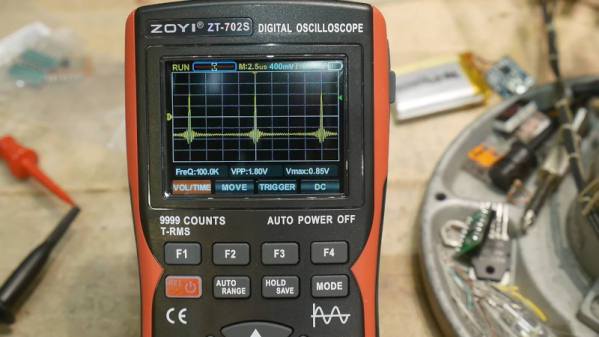
We live in a time where there’s virtually no excuse not to have some kind of oscilloscope. As [IMSAI Guy] shows in a recent video, for what you might expect to pay for a decent meter, you can now get one that includes a scope. There are several options out there but it is hard to know how much to spend to get the best possible product. The Zoyi ZT-702S that he looks at costs under $80. But is it worth it?

Scopes that connect to your PC are often very inexpensive. You can also find little toy scopes that use a microcontroller and a little LCD screen. Even though the specs on these are usually appalling, they will still let you visualize what’s happening in a circuit. Sure, you want an expensive bench scope with lots of channels sometimes, but often, you just need to see a signal in broad strokes. Having a scope and a meter together is very handy.

Continue reading “Handheld Oscilloscope Meter Reviewed”

Laser Cutters: Where’s The Point?

It is funny how when you first start doing something, you have so many misconceptions that you have to discard. When you look back on it, it always seems like you should have known better. That was the case when I first got a low-end laser cutter. When you want to cut or engrave something, it has to be in just the right spot. It is like hanging a picture. You can get really close, but if it is off just a little bit, people will notice.

The big commercial units I’ve been around all had cameras that were in a fixed position and were calibrated. So the software didn’t show you a representation of the bed. It showed you the bed. The real bed plus whatever was on it. Getting things lined up was simply a matter of dragging everything around until it looked right on the screen.

Today, some cheap laser cutters have cameras, and you can probably add one to those that don’t. But you still don’t need it. My Ourtur Laser Master 3 has nothing fancy, and while I didn’t always tackle it the best way, my current method works well enough. In addition, I recently got a chance to try an XTool S1. It isn’t that cheap, but it doesn’t have a camera. Interestingly, though, there are two different ways of laying things out that also work. However, you can still do it the old-fashioned way, too. Continue reading “Laser Cutters: Where’s The Point?”

Pi Pico SDR On A Breadboard

How hard is it to make a fully standalone SDR? [101 Things] shows you how to take a breadboard, a PI Pico, and two unremarkable chips to create a capable radio. You can see the whole thing in the video below.

The design uses a standard Tayloe demodulator. There’s also an encoder and an OLED display for a user interface. You might also want to include some PC speakers to get a bit more audio out of the device.

Continue reading “Pi Pico SDR On A Breadboard”

Inside The Mecanum Wheel

If you make anything that moves, like a robot, you quickly realize that turning can be a pain. That’s why there are a number of designs for wheels that can go in different directions. One of the most common is the Mecanum wheel. [Jeremy] explains how they work by filming them from below on a transparent table. You can see the enlightening video below.

If you haven’t done anything with omni wheels before, it is disconcerting to see wheels rotating one way causing the vehicle to move at a right angle to the rotation. But this is very useful when you build robots or — as he shows at the start of the video — a forklift.

Continue reading “Inside The Mecanum Wheel”