Building The Sanni Cartridge Reader To Back Up And Restore Games And Saves

Game cartridges are generally seen as a read-only medium with the contents as immutable as text chiseled into a granite slab, and with accompanying save files on the cartridge surviving for generations. The unfortunate truth is that as with any media storage, cartridges can and do fail, and save files are often just ethereal bits in battery-backed SRAM. This makes being able to copy not only the game data but also the save files off these cartridges essential. Projects like the Open Source Cartridge Reader by [sanni] make this something that everyone can do.

Intended to be a kind of Swiss Army knife of game cartridges, many game systems are supported directly, and many others via (user-created) adapters. A how-to-build tutorial is provided on the project wiki, though anyone interested in building such a system would do well to look at the expected price tag on the BOM page, which comes in at $134. A recent video by [Kytor Industries] (also included below) demonstrates how to assemble one of these systems, including some modding of the preassembled components.

The main components are the Arduino Mega 2560 Pro MCU module, a Makerbase assembly with LCD, control knob, and SD card slot, an SI5351-based clock generator, a PIC12F629 MCU (for snesCIC and handling SNES DRM) and a lot of pin headers and card edge connectors for specific cartridge types. The assembly is rounded off with a surface-mounted GBA card reader and an enclosure.

One important gotcha is that some of these cartridges run on 5V, while others use 3.3V.  N64 cartridges require the dedicated voltage switch to be set to 3.3V, lest 5V gets sent into the unsuspecting cartridge. Once everything is configured properly, the firmware is flashed onto the Mega 2560 Pro module. The Sanni reader is then ready to run. You can use it to dump ROMs onto SD cards, along with dumping and restoring save files and loading ROMs onto new cartridges.

(Thanks to [Roman] for the tip)

Continue reading “Building The Sanni Cartridge Reader To Back Up And Restore Games And Saves”

A Retro-Style Trainer For Motorola’s 1-Bit Chip

If you want to program a microcontroller today, you pop open your editor of choice, bang out some code, and flash it over USB. But back in ancient times, when your editor was a piece of paper and you didn’t even have a computer of your own, things were a bit different. In that case, you might have reached for a “trainer”: a PCB that included the chip you wanted to program along with an array of switches, LEDs, and maybe even a hex keypad for good measure. Grab yourself the programming manual (printed on paper, naturally), and you’re good to go.

So when [Nicola Cimmino] became curious about the Motorola MC14500, a 1-bit ICU (Industrial Control Unit) from the 1970s, he could think of no more appropriate way to get up close and personal with the chip than to design an era-appropriate trainer for it. The resulting board, which he’s calling the PLC14500 Nano, is festooned with LEDs that show the status of the system buses and registers. Thanks to the chip’s single-step mode, this gives you valuable insight into what’s happening inside this piece of classic silicon.

An early breadboard version of the trainer.

But just because the board looks like it could have come from the 1970s doesn’t mean you have to live in the past. There’s an Arduino Nano on the backside of the trainer that handles communicating with a modern computer. [Nicola] even provided an assembler that lets you write your code in ASM before shuttling the binary off to the board for execution.

Interested in getting your hands on one? Not a problem. The design is completely open source for anyone who wants to build one at home. In fact, [Nicola] even got his trainer OSHW Certified. He’s also selling kits on Tindie, though at the time of this writing, they’re sold out.

This project has actually been a long time coming. We covered an early breadboard prototype of the concept back in 2015. We’re glad to see that [Nicola] was finally able to bring this one across the finish line. It’s a beautiful piece of hardware, and thanks to its open-source nature, something that the whole community can enjoy and learn from.

A Love Letter To The Sphere Computer

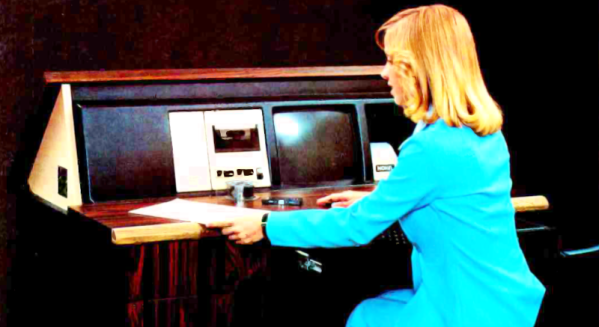
[Ben Z] loves the Sphere computer, a very early entry in the personal computer boom of the mid 1970s. The 6800 CPU was unique in its day that it was a full system — at least in theory. If you could afford the whole system, you got a nice case with a keyboard and a memory-mapped display board. You can see a great video tour of the system below the break.

The Sphere suffered from a few problems, none of which were easily foreseeable by its designer. First, the 6800 didn’t get the traction that the 8080-derived CPUs did. Second, the S-100 bus would prove to be popular but that nearly always meant an 8080-type processor in practice. Third, while an all-in-one system was the right idea, it was pricey at the time, and many people would opt for something less expensive even if it had less capability. People also wanted to leverage hardware they may have already had. It was easier to imagine hooking up a surplus TeleType, for example, to a more conventional computer than to a Sphere that expected its own display hardware and keyboard.

Continue reading “A Love Letter To The Sphere Computer”

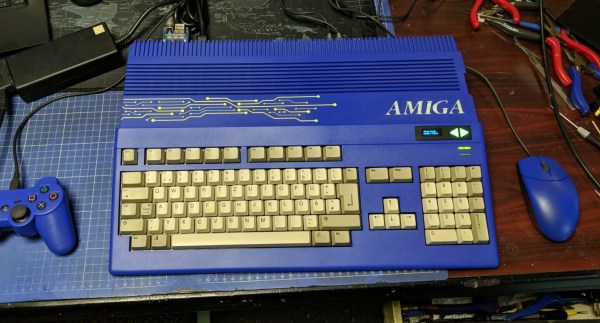
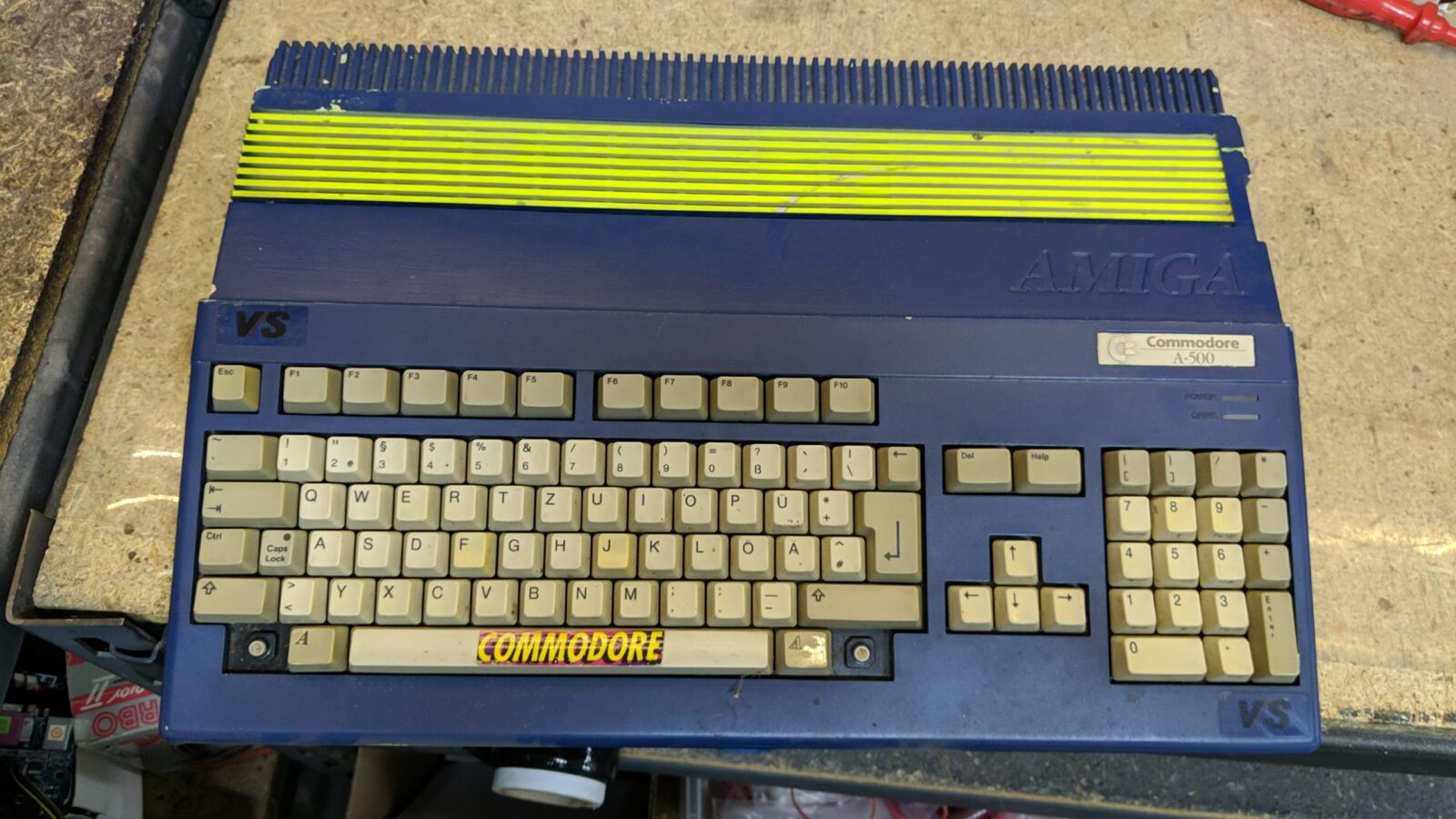
Scratch Built Amiga 2000 Stacks Up The Mods

Around these parts, we most often associate [Drygol] with his incredible ability to bring damaged or even destroyed vintage computers back to life with a seemingly endless bag of repair and restoration techniques. But this time around, at the request of fellow retro aficionado [MrTrinsic], he was given a special assignment — to not only build a new Amiga 2000 from scratch, but to pack it with so many mods that just physically fitting them into the case would be a challenge in itself.

The final product, dubbed Tesseract, took two and a half years to complete and has been documented over the course of six blog posts. The first step was to get a brand new motherboard, in this case a modern recreation designed by Floppie209, and start populating it with components. With some modifications, the new board slipped neatly into a slick metal case. Unfortunately it quickly became clear some of the mods the duo wanted to install wouldn’t work with the reverse-engineered motherboard. This was around Spring of 2021, which is the last time we checked in on the project. Continue reading “Scratch Built Amiga 2000 Stacks Up The Mods”

Pi Picos Give Casio FX9000P Its Memory Back

Is the Casio FX9000P a calculator or a computer? It’s hard to tell since Casio did make calculators that would run BASIC. [Menadue] didn’t know either, but since it had a CRT, a Z80, and memory modules, we think computer is a better moniker.

He found one of these, but as you might expect, it needed a bit of work. There were two bad video RAM chips on the device, and [Menadue] used two Raspberry Pi Picos running a program to make them think they are RAM chips. The number of wires connecting the microcontollers might raise some eyebrows, but it does appear to get the job done.

He also used more Picos to emulate memory on cartridges. Then he used a test clip and a — you guessed it — another Pico to monitor the Z80 bus signals. It is amazing that the Pico can replace what would have been state-of-the-art memory chips and a very expensive logic analyzer.

The second video mostly shows the computer in operation. The use of Picos to stand in for so much is clever. It reminded us of the minimal Z80 computer that used an Arduino for support chips. The computer itself, though, reminded us more of a cheap version of the HP9845.

Continue reading “Pi Picos Give Casio FX9000P Its Memory Back”

Assembly Language 80’s Minicomputer Style

In the days before computers usually used off-the-shelf CPU chips, people who needed a CPU often used something called “bitslice.” The idea was to have a building block chip that needed some surrounding logic and could cascade with other identical building block chips to form a CPU of any bit width that could do whatever you wanted to do. It was still harder than using a CPU chip, but not as hard as rolling your own CPU from scratch. [Usagi Electric] has a Centurion, which is a 1980s-vintage minicomputer based on a bitslice processor. He wanted to use it to write assembly language programs targeting the same system (or an identical one). You can see the video below.

Truthfully, unless you have a Centurion yourself, the details of this are probably not interesting. But if you have wondered what it was like to code on an old machine like this, you’ll enjoy the video. Even so, the process isn’t quite authentic since he uses a more modern editor written for the Centurion. Most editors from those days were more like CP/M ed or DOS edlin, which were painful, indeed.

The target program is a hard drive test, so part of it isn’t just knowing assembly but understanding how to interface with the machine. That was pretty common, too. You didn’t have a lot of help from canned routines in those days. For example, it was common to read an entire block from a hard drive, tape, or drum and have to figure out what part of it you were actually interested in instead of, say, opening a file and reading a stream of characters.

If nothing else, fast forward over to the 25-minute mark and see what a hard drive from that era looked like. Guess how much storage was on that monster? If you guessed more than 10 MB, you probably didn’t live through the 1980s. We won’t even guess what the price tag was, but you can bet it was spendy.

If you think entering programs like this is painful, try a front panel. That made paper tape seem like a great thing.

Continue reading “Assembly Language 80’s Minicomputer Style”

TRS-80 Model 100 Inspires Cool Cyberdeck Build, 40 Years Down The Line

The TRS-80 Model 100 was a strange beast. When it debuted in 1983, it resembled nothing that was available at the time, and filled a gap between desktop computers and the mostly-not-invented-yet laptop segment of the market. Collectors covet these machines, but they’re getting harder to find four decades later. So, if you want one, you just might have to roll your own.

Honestly, it doesn’t appear [Roberto Alsina]’s purpose here we to recreate the Model 100 per se, but rather to take inspiration from its oddball form factor and experiment with the latest components. The design elements from the original that [Roberto]’s creation most strongly echo are the screen with the extreme landscape aspect ratio and the somewhat compressed keyboard. The latter is based on the cheapest mechanical 65% keyboard available, while the former is a 1920×480 LCD display intended for automotive applications. The display seems like it put up a fight, between its need for a custom HDMI cable to connect it to the Radxa Zero SBC under the hood as well as the custom kernel needed to support it.

Along with a USB hub for IO and some 18650s for power, everything went into a 3D printed case with considerably sleeker lines than the Model 100. It’s worth pointing out that [Roberto] didn’t have much experience with design or 3D printing when he kicked off this project. We love to see people stretching their skills like that, and we think the results are great in this case. We’ve seen a lot of Model 100 retrofits and brain transplants, but this may be the first time we’ve seen a build quite like this.