New Raspberry Pi 400 Is A Computer In A Keyboard For $70

The newest Raspberry Pi 400 almost-all-in-one computer is very, very slick. Fitting in the size of a small portable keyboard, it’s got a Pi 4 processor of the 20% speedier 1.8 GHz variety, 4 GB of RAM, wireless, Ethernet, dual HDMI outputs, and even a 40-pin Raspberry Standard IDE-cable style header on the back. For $70 retail, it’s basically a steal, if it’s the kind of thing you’re looking for because it has $55 dollars worth of Raspberry Pi 4 inside.

In some sense, it’s getting dangerously close to fulfilling the Raspberry Pi Dream. (And it’s got one more trick up it’s sleeve in the form of a huge chunk of aluminum heat-sinked to the CPU that makes us think “overclocking”.)

We remember the founding dream of the Raspberry Pi as if it were just about a decade ago: to build a computer cheap enough that it would be within everyone’s reach, so that every school kid could have one, bringing us into a world of global computer literacy. That’s a damn big goal, and while they succeeded on the first count early on, putting together a $35 single-board computer, the gigantic second part of that master plan is still a work in progress. As ubiquitous as the Raspberry Pi is in our circles, it’s still got a ways to go with the general population.
By Gareth Halfacree  CC BY-SA 2.0

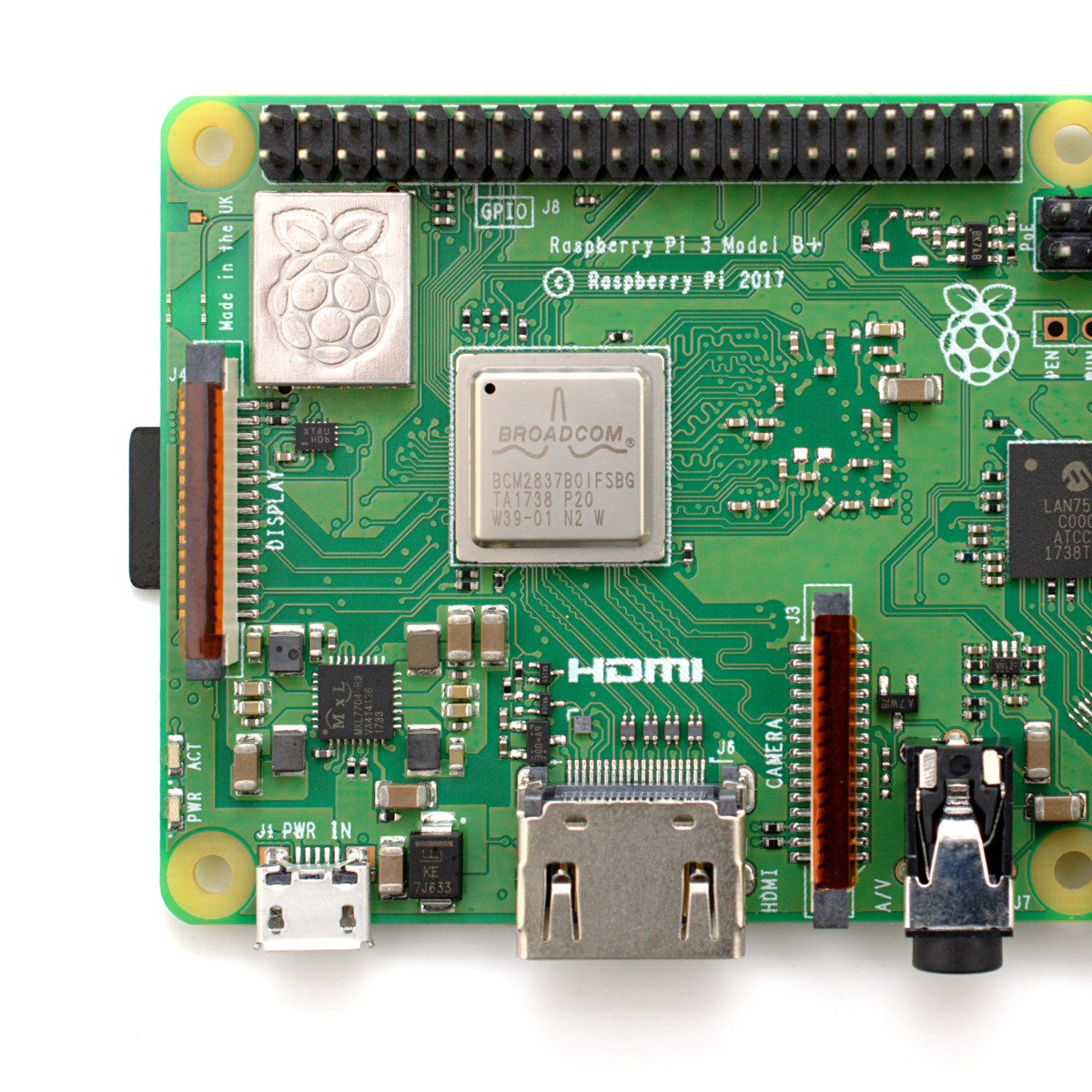
The Raspberry Pi Model B wasn’t, and isn’t, exactly something that you’d show to my father-in-law without him asking incredulously “That’s a computer?!”. It was a green PCB, and you had to rig up your own beefy 5 V power supply, figure out some kind of enclosure, scrounge up a keyboard and mouse, add in a monitor, and only then did you have a computer. We’ve asked the question a couple of times, can the newest Raspberry Pi 4B be used as a daily-driver desktop, and answered that in the affirmative, certainly in terms of it having adequate performance.

But powerful doesn’t necessarily mean accessible. If you want to build your own cyberdeck, put together an arcade box, screw a computer into the underside of your workbench, or stack together Pi Hats and mount the whole thing on your autonomous vehicle testbed, the Raspberry Pi is just the ticket. But that’s the computer for the Hackaday crowd, not the computer for everybody. It’s just a little bit too involved.
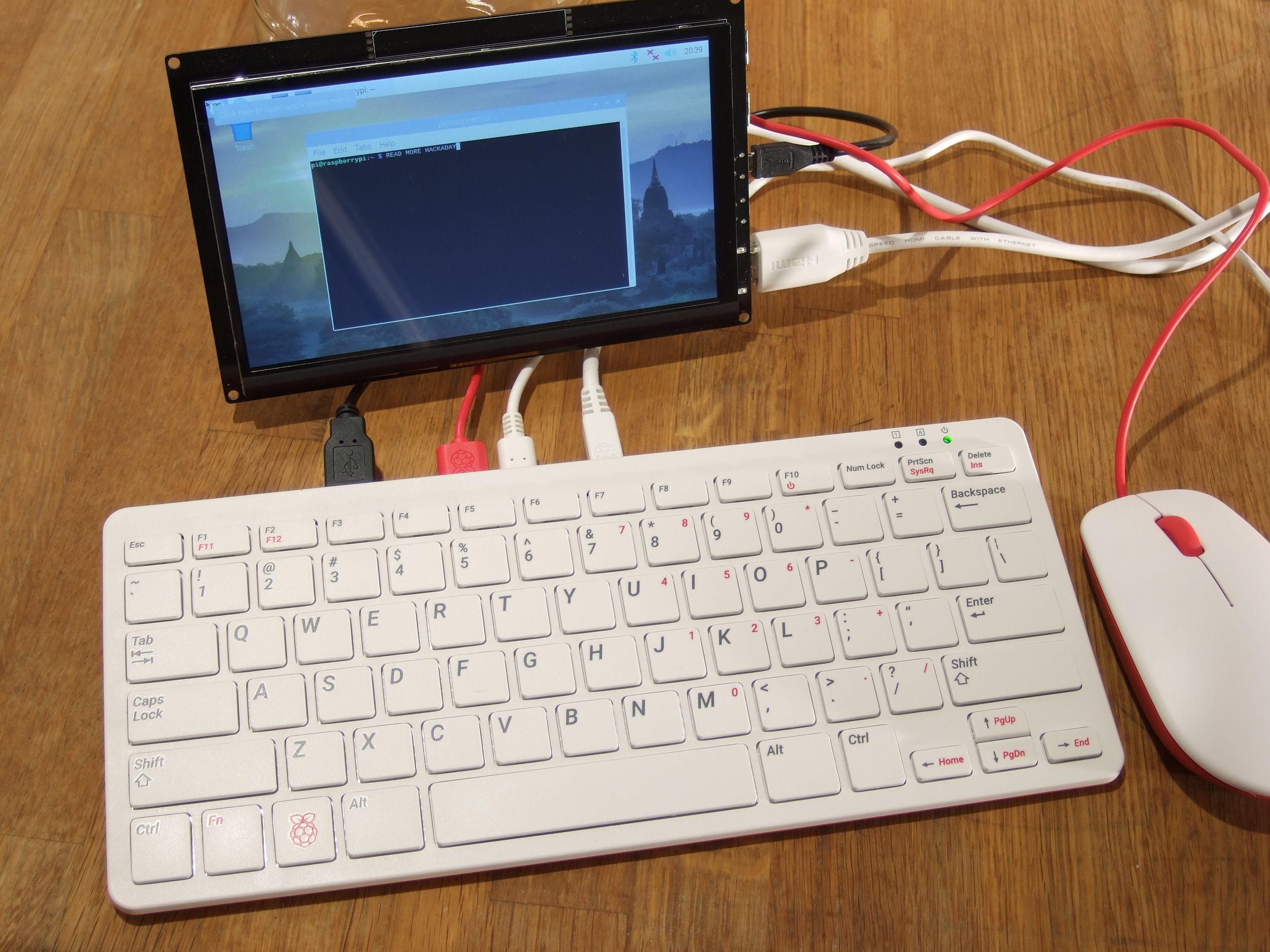
The Raspberry Pi 400, in contrast, is a sleek piece of design. Sure, you still need a power supply, monitor, and mouse, but it’s a lot more of a stand-alone computer than the Pi Model B. It’s made of high-quality plastic, with a decent keyboard. It’s small, it’s light, and frankly, it’s sexy. It’s the kind of thing that would pass the father-in-law test, and we’d suggest that might go a long way toward actually realizing the dream of cheaply available universal (open source) computing. In some sense, it’s the least Hackaday Raspberry Pi. But that’s not saying that you might not want one to slip into your toolbag.

Continue reading “New Raspberry Pi 400 Is A Computer In A Keyboard For $70”

Scratching That Itch

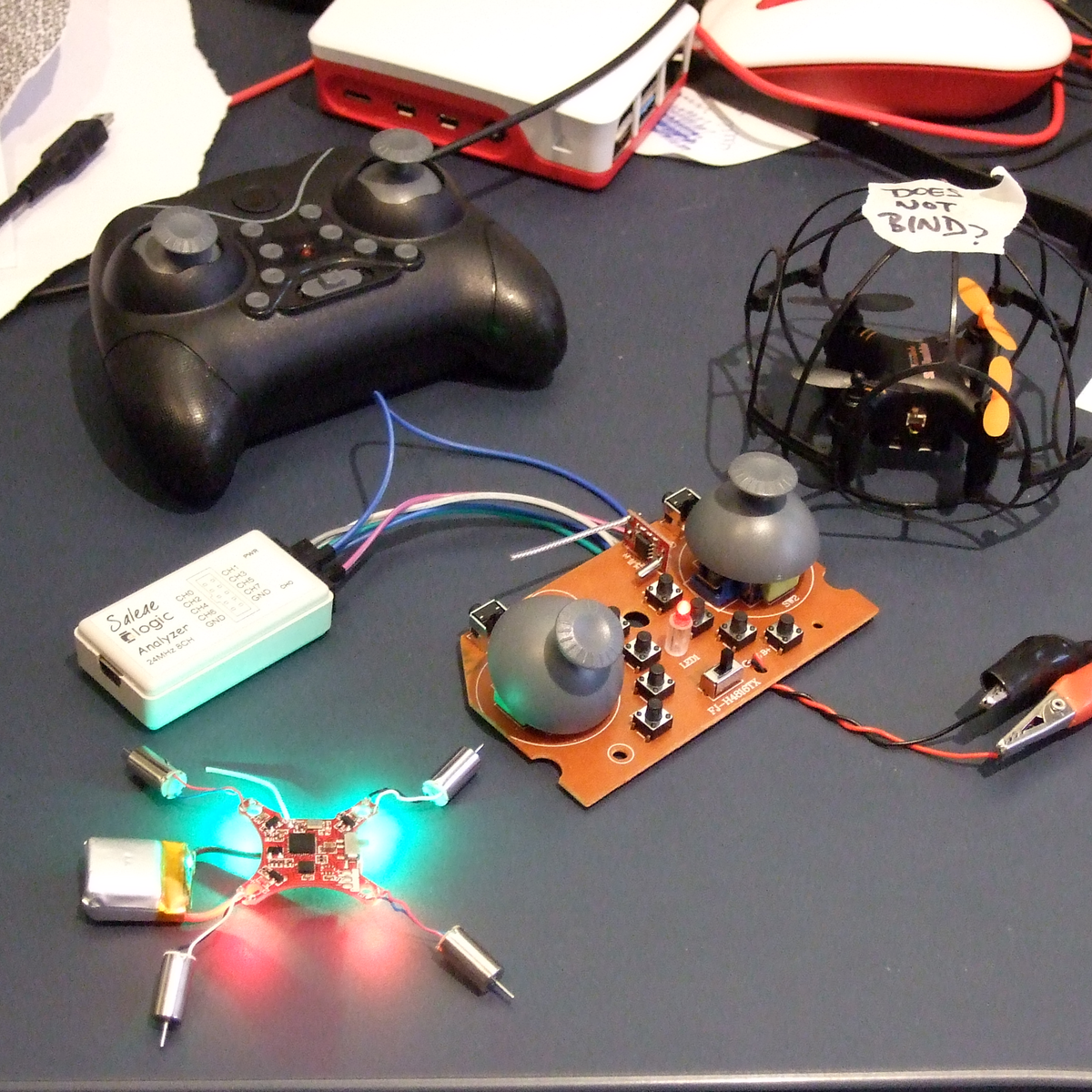
I did something silly. I bought a lot of ten “broken” cheesy indoor quadcopters on eBay — to hopefully cobble one working one together and to amuse my son. At this point, I’ve got eight working. The bad news is that they all come with dirt-cheap transmitters that aren’t really conducive to flying at all. They’d be a lot more fun if they could be controlled with a real remote. Enter the hackers.

Most all of the cheap quads are based on one of a handful of radio chipsets, although they use different protocols. An enterprising hacker could conceivably just bundle together this handful of radio modules, and the rest would be a simple matter of software. That’s exactly what Pascal Langer’s DIY Multiprotocol TX and supporting firmware does. This hobby project was so successful that compatible hardware is manufactured by more than a few Chinese companies, and non-geeks have them installed in their radios. The module lets you control virtually anything that uses 2.4 GHz. Of course, I’ve got one of them.

I opened up the cheesy drone’s transmitter, found that it used a popular chipset, and worked through all the different supported protocols that used it. No dice. But the radio module did have nicely labeled SPI lines, so I reached out to Pascal. A couple of Sigrok sessions later, he’d figured out that it was trying to bind on a different channel, I’d recompiled the firmware, and was playing with the drone’s other functions.

I just love a good SPI-sniffing session. sigrok-cli -d fx2lafw -c samplerate=4000000 -P spi:clk=D0:mosi=D1:cs=D2 -A spi="mosi transfer" --continuous | grep A0 | uniq reads the SPI lines, decodes the packets, filters out the commands, and removes duplicates, in real-time. All that’s left to do is wiggle the sticks, mash buttons, and take good notes.

None of this was hard, and certainly none of it was expensive. I got my drones under the control of my fancy-schmancy remote, and have a good foothold into controlling them algorithmically later on thanks to everyone’s previous work on reverse engineering these protocols. Support for DF Drone’s SkyTumbler will be included in the next DIY Multiprotocol TX release, and I spent about four or five pleasant hours on this project. Maybe only a handful of people will stumble on this particular protocol — or maybe it will just be me. I did it mostly just to scratch my own particular itch.

But that’s one way open source works, thrives, and grows. Here’s to you all out there, from the Deviation team, who did a lot of the early drone protocol reverse engineering, to Pascal for the DIY Module, to the Sigrok folks who made the tools accessible for me to piggyback on everyone’s previous work. Keep on hacking!

Get Over Your Fears

Some projects are just too complex, that’s for sure. But I’d be willing to bet that some things you think are too difficult actually aren’t, and it may be that all you need to get over your personal hurdle is a good demonstration. Here come three cases in point.

I was looking at the new Raspberry Pi Compute Module last weekend. They have a whole bunch of high-speed traces: things like Gigabit Ethernet, HDMI, and those crazy-fast SDI serial camera interfaces. I have no experience in high-speed design and layout at all, and frankly it gives me the willies. But the Raspberries also shipped me an IO demo board, and concomitant KiCAD design files, with the review board. Looking at it, they were just wires — maybe pairwise length-matched and impedance controlled — but also just wires. Opening up the KiCAD board file and clicking on the traces just like I do with my own designs, I’m a lot less scared. That was a revelation for me.

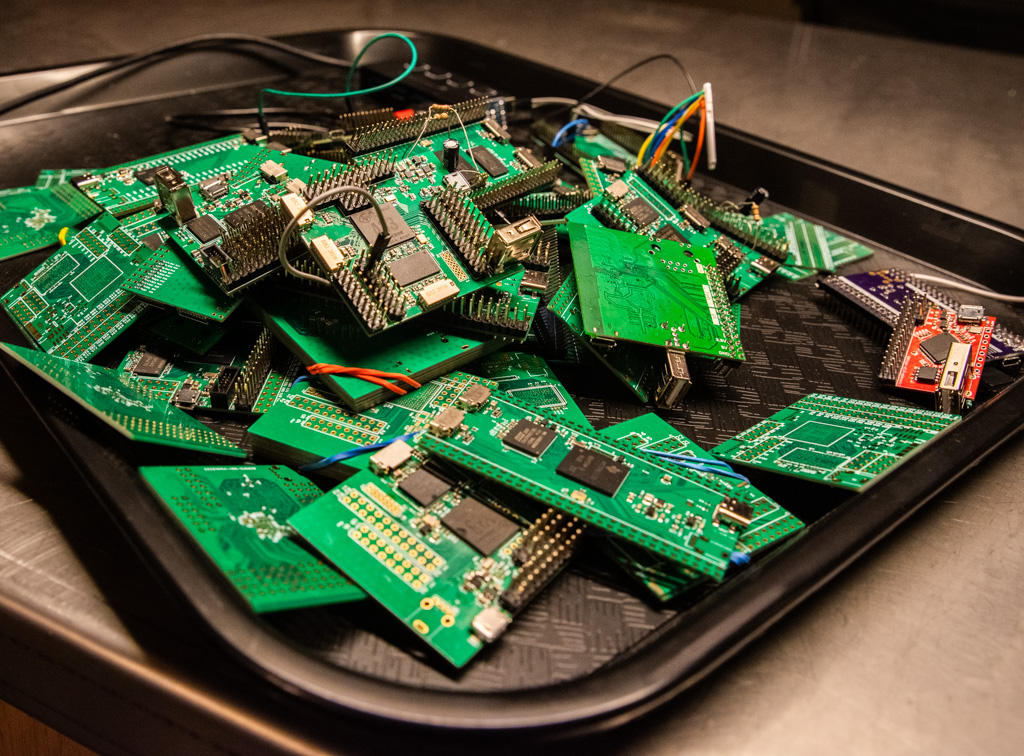
In a great writeup of his experience building ten different Linux single-board-computers from scratch, Jay Carlson had a similar effect on me. I would never have considered breaking out the hotplate for some CPU-and-DRAM action, and I’ve never had to lay out a PCB with a high density BGA chip before either. I’m not quite into Dunning-Kruger territory yet; I still have a healthy respect for the layout intricacies in fanning out a tight BGA CPU into a DRAM. But Jay’s frank assessments of what is easy and what is hard make it all seem within the realm of the doable.

As Mike and I were talking on the podcast about Jay’s work, Mike came clean about his fear of BGAs. I’ve done enough reflow-plate soldering, with parts that have a lead pitch that’s a factor of two finer than the 0.8 mm pitch BGAs in question, so it doesn’t seem implausible to me. And I’m 100% sure Mike could pull it off too, but he is in need of a BGA guru. Any good hobbyist videos out there?

Being a nerdy type, I’m much more focused on the knowledge and the inspiration, but maybe the courage is equally important — at least I think I undervalue it. I don’t need to lay out HDMI lines, or build a from-scratch Linux box, but I am no longer afraid that I couldn’t, and that’s because I’ve seen detailed examples of fellow hackers who’ve done the same. I might not get it right on the first shot, but I’m not afraid to try, and I wouldn’t have said the same before looking over other folks’ shoulders. Forza e corragio!

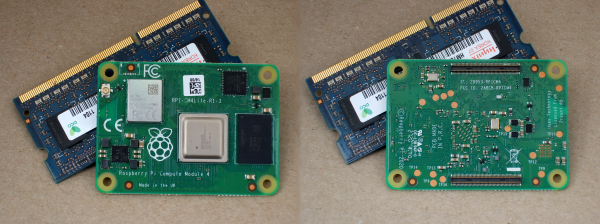
New Raspberry Pi 4 Compute Module: So Long SO-DIMM, Hello PCIe!

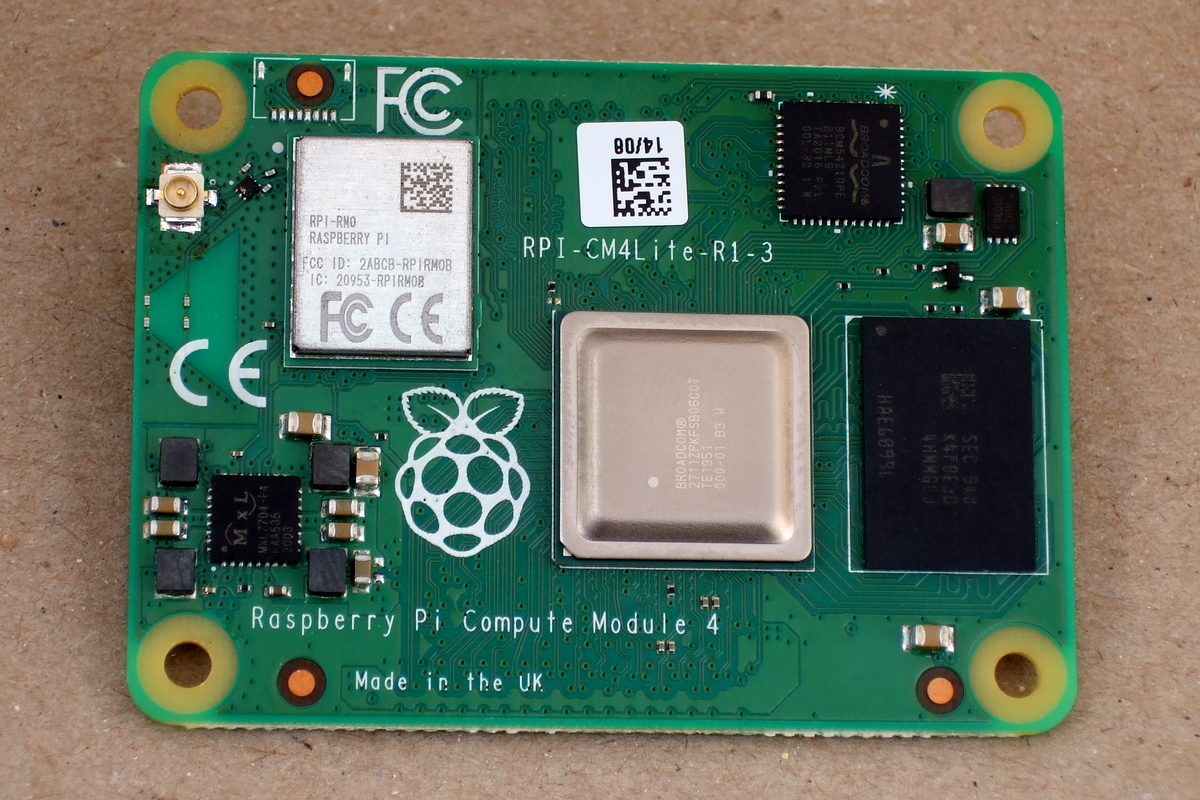
The brand new Raspberry Pi Compute Module 4 (CM4) was just released! Surprised? Nope, and we’re not either — the Raspberry Pi Foundation had hinted that it was going to release a compute module for the 4-series for a long while.

The form factor got a total overhaul, but there’s bigger changes in this little beastie than are visible at first glance, and we’re going to walk you through most of them. The foremost bonuses are the easy implementation of PCIe and NVMe, making it possible to get data in and out of SSDs ridiculously fast. Combined with optional WiFi/Bluetooth and easily designed Gigabit Ethernet, the CM4 is a connectivity monster.

One of the classic want-to-build-it-with-a-Pi projects is the ultra-fast home NAS. The CM4 makes this finally possible.

If you don’t know the compute modules, they are stripped-down versions of what you probably think of as a Raspberry Pi, which is officially known as the “Model B” form-factor. Aimed at commercial applications, the compute modules lack many of the creature comforts of their bigger siblings, but they trade those for flexibility in design and allow for some extra functionality.

The compute modules aren’t exactly beginner friendly, but we’re positively impressed by how far Team Raspberry has been able to make this module accessible to the intermediate hacker. Most of this is down to the open design of the IO Breakout board that also got released today. With completely open KiCAD design files, if you can edit and order a PCB, and then reflow-solder what arrives in the mail, you can design for the CM4. The benefit is a lighter, cheaper, and yet significantly more customizable platform that packs the power of the Raspberry Pi 4 into a low-profile 40 mm x 55 mm package.

So let’s see what’s new, and then look a little bit into what is necessary to incorporate a compute module into your own design.

Continue reading “New Raspberry Pi 4 Compute Module: So Long SO-DIMM, Hello PCIe!”

Spare Parts Express

I’ve got spare parts, and I cannot lie.

This week I’m sending out two care packages to friends and coworkers because I’ve got too many hackables on hand, and not enough time to hack them all. One is a funky keyboard, and the other is an FPGA dev board, but that’s not the point. The point is that the world is too interesting, and many of us have more projects piled up in the to-do box, with associated gear, than we’ll ever have time to complete.

Back in the before-times, we would meet up, talk about our ongoing hacks, and invariably someone would say “oh you need an X, I’ve got half a box of them” and send you one. Or maybe you’d be the one with the extra widgets on hand. I know I’ve happily been in both positions.

Either way, it’s a win for the giver, who gets to take a widget off the widget pile, for the receiver, who doesn’t have to go to the widget store, and for the environment, which has to produce fewer widgets. (My apologies to the widget manufacturers and middlemen.)

This reminded me of Lenore Edman and Windell Oskay’s Great Internet Migratory Box Of Electronics Junk back in the late aughts. Trolling through the wiki was like a trip down memory lane. This box visited my old hackerspace, and then ended up with Bunnie Huang. Good times, good people, good hacker junk! And then there’s our own Brian Benchoff’s Travelling Hacker Box and spinoffs.

These are great and fun projects, but they all end up foundering in one respect: to make sense, the value of goods taken and received has to exceed the cost of the postage, and if you’re only interested in a few things in any given box, that’s a lot of dead weight adding to the shipping cost.

So I was trying to brainstorm a better solution. Some kind of centralized pinboard, where the “have too many h-bridge drivers” folks can hook up with the “need an h-bridge” people? Or is this ad-hoc social network that we already have working out well enough?

What do you think? How can we get the goods to those who want to work on them?

Hardware Vs Software: Fight!

It’s one of the great cliches in the hacker world: the hardware type and the software type. You can tell which of these two you are quite easily. When a project is actually 20% done, but you think it’s 90% done, and you say to yourself “And the rest is a simple matter of software”, you’re a hardware type. Ask anyone who has read my code, and they’ll tell you, I’m a hardware type.

Along with my blindness to the difficulties of getting the code right, I’ve also admittedly got an underappreciation of what powers lie in the dark typing arts. But I am not too proud to tip my hat when I see an awesome application of the soft stuff. Case in point: this Go board sequencer that we ran last week. An overhead webcam parses players’ moves as they put black and white stones down while playing the game of Go, and turns this into music.

The pure software type will be saying “but there’s a webcam and a Go board”. And indeed, that’s true. There are physical elements to this project that anchor it in the shared reality of the two people playing. But a hardware project this isn’t; it’s OpenCV and Max/MSP that make it work.

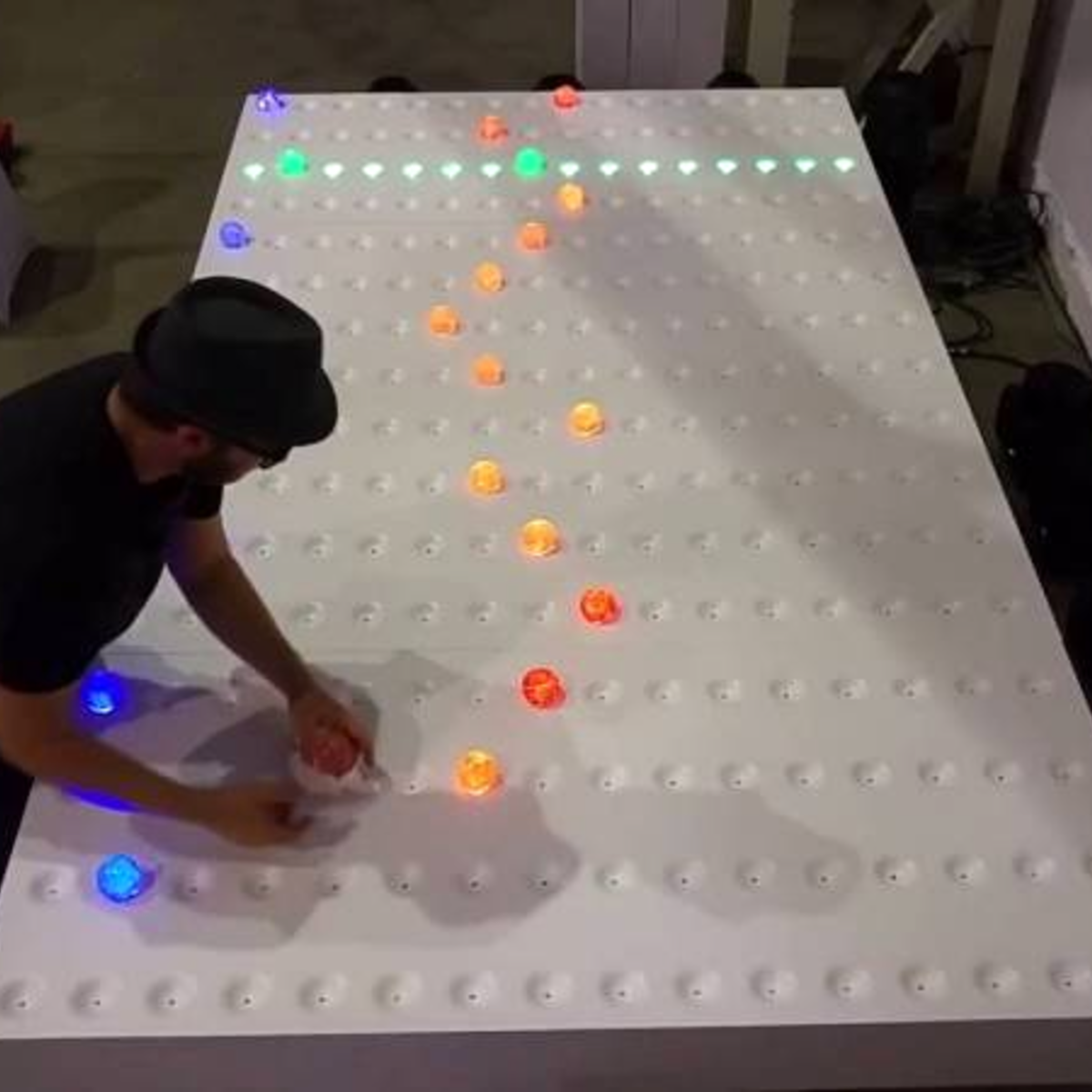
For comparison, look at the complexity of this similar physical sequencer. It’s got a 16 x 16 array of LEDs and switches and a CNC milled, primed, and painted surface that’s the size of a twin bed. Sawdust and hand-soldering: that’s a hardware project.

What I love about the Go sequencer is that it uses software just right. The piece is still physical. It could have just as easily been a VR world, where the two people would interact with each other only inside their goggles. But somehow that’s not quite as human as putting stones on a wooden board, sitting across from, and maybe even looking at, your opponent. The players aren’t forced to think about the software. They don’t feel like they’re playing a video game.

But at the same time, the software side of things makes all of the horrible hardware problems go away. Nobody is soldering a rat’s nest of 169 switches. There’s a webcam plugged into the USB port of a laptop. There’s a deep simplicity there.

Should you always trade out arcade buttons for OpenCV? Absolutely not! But is it worth considering the soft side when doing it in hardware is just too, well, hard? I’m open.

Paying It Forward

It’s all those little things. A month ago, I was working on the axes for a foam-cutting machine. (Project stalled, will pick back up soon!) A week ago, somewhere else on the Internet, people were working on sliders that would ride directly on aluminum rails, a problem I was personally experiencing, and recommended using drawer-glide tape — a strip of PTFE or UHMW PE with adhesive backing on one side. Slippery plastic tape solves the metal-on-metal problem. It’s brilliant, it’s cheap, and it’s just a quick trip to the hardware store.

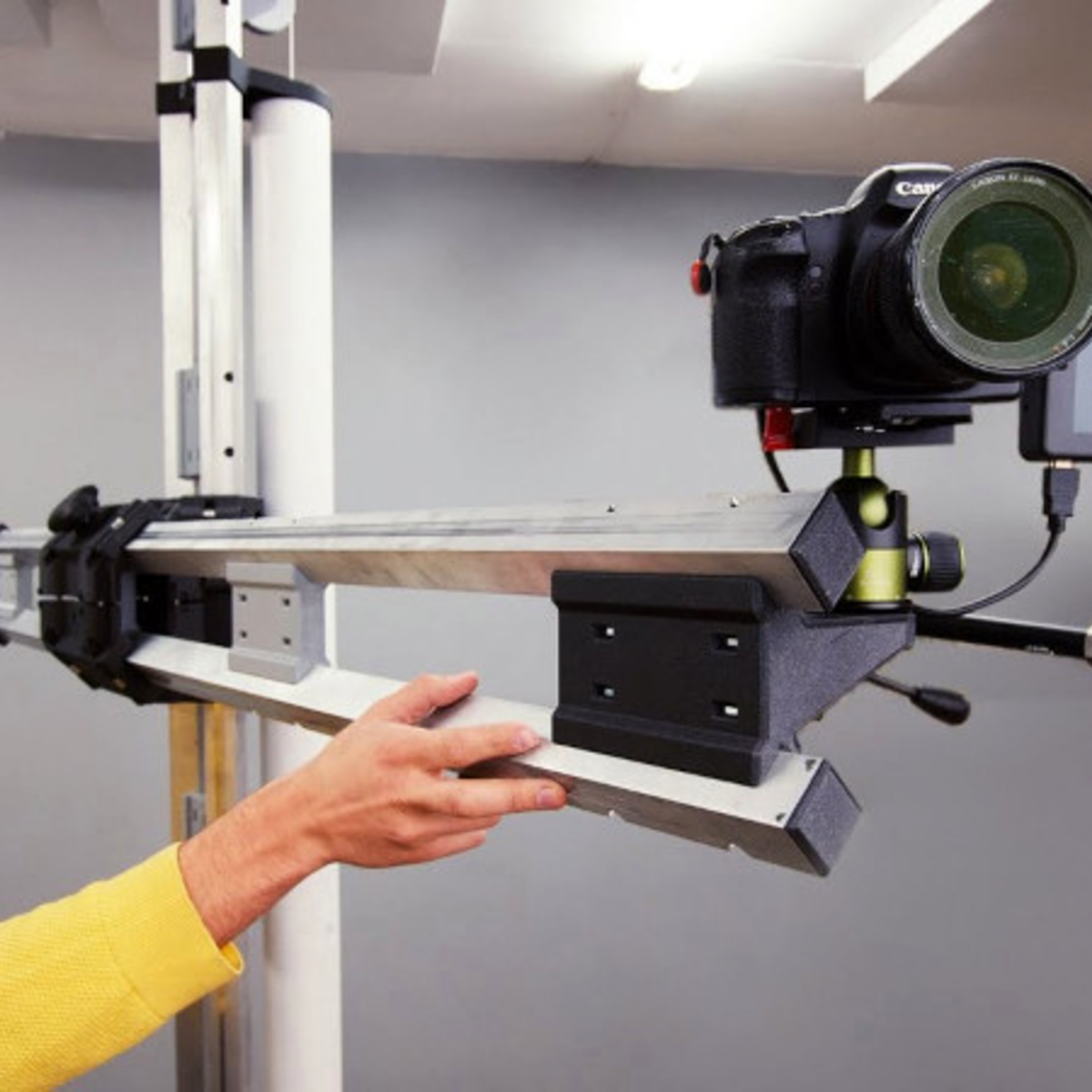
Just a few days ago, we covered another awesome linear-motion mechanical build in the form of a DIY camera rig that uses a very similar linear motion system to the one I had built as well: a printed trolley that slides on skate bearings over two rails of square-profile extruded aluminum. He had a very nice system of anchoring the spacers that hold the two rails apart, one of the sticking points in my build. I thought I’d glue things together, but his internal triangle nut holders are a much better solution because epoxy doesn’t like to stick to anodized aluminum. (And Alexandre, if you’re reading, that UHMW PE tape is just what you need to prevent bearing wear on your aluminum axes.)

Between these events, I got a message thanking me for an article that I wrote four years ago on debugging SPI busses. Apparently, it helped a small company to debug a problem and get their product out the door. Hooray!

So in one week, I got help from two different random strangers on a project that neither of them knew I was working on, and I somehow saved a startup. What kind of crazy marvelous world is this? It’s become so normal to share our ideas and experience, at least in our little corner of the Internet, that I sometimes fail to be amazed. But it’s entirely amazing. I know we’ve said it before, but we are living in the golden era of sharing ideas.

Thanks to all of you out there, and Read More Hackaday!