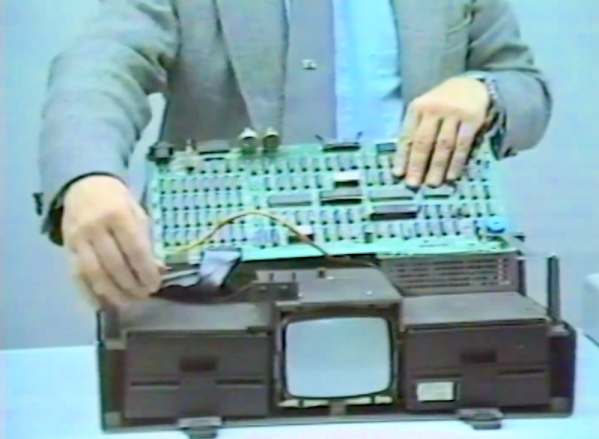
In 1987, your portable Osborne computer had a problem. Who you gonna call? Well, maybe the company that made “The Osborne Survival Kit,” a video from Witt Services acquired by the Computer History Museum. The narrator, [Mark Witt], tells us that they’ve been fixing these computers for more than three years, and they want to help you fix it yourself. Those days seem long gone, don’t they?
Of course, one thing you need to know is how to clean your floppy drives. The procedure is easy; even a 10-year-old can do it. At least, we think [William Witt] is about 10 in the video. He did a fine job, and we wonder what he’s up to these days.
The next step was taking the machine apart, but that required adult supervision. In some cases, it also took a soldering iron. As a byproduct, the video inadvertently is a nice tear-down video, too.
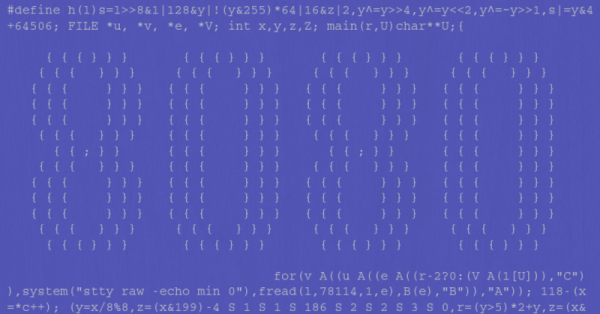
[Oscar] is no stranger to writing hard-to-read C code. While most of us do that by accident, there are those who strive to write the most unreadable code and enter it in the IOCCC — the International Obfuscated C Code Contest. One of his winning entries was a single C function that emulates an 8080. With a few support files, the plucky little emulator will run CP/M.
The emulator won best in show, but that was in 2006. Things have changed a bit and [Oscar] has updated the code so that you can continue to try it if you want to give yourself a headache reading code. The portability isn’t a CPU issue — modern CPUs will happily run code from 2006. The problem is the compiler and operating system. Compilers are much stricter these days, and Linux needs a little extra coaxing to give access to the input stream the way the faux computer needs it.
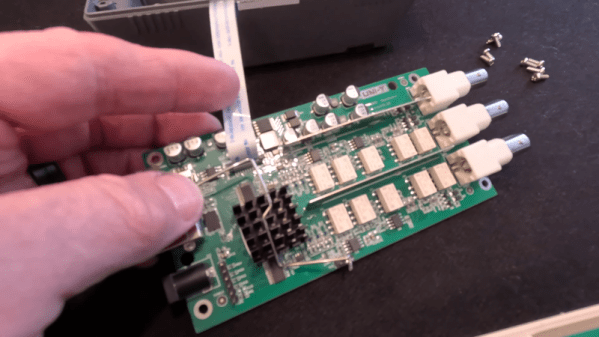
There was a time when test equipment was big and heavy. Those days are gone, and [Kiss Analog] shows us the inside of a Uni-T UTG962E arbitrary waveform generator. The device is truly tiny. You might think this is due to the dense packing of the circuit board. However, one board is packed but the other board seems to have a high degree of integration on one IC. You can check out the video below.
The main processor is some sort of ARM — we think an STM32F-series part. The markings were hard to make out under the microscope.
No need to wonder what stories Hackaday Editors Elliot Williams and Al Williams were reading this week. They’ll tell you about them in this week’s podcast. The guys revisit the McDonald’s ice cream machine issue to start. This week, DIY voice assistants and home automation took center stage. But you’ll also hear about AI chat models implemented as a spreadsheet, an old-school RC controller, and more.
How many parts does it take to make a radio? Not a crystal radio, a software-defined one. Less than you might think. Of course, you’ll also need an antenna, and you can make one from lawn chair webbing.
In the can’t miss articles, you’ll hear about the problems with the x86 architecture and how they tried to find Martian radio broadcasts in the 1920s.
Miss any this week? Check out the links below if you want to follow along, and as always, leave your comments!
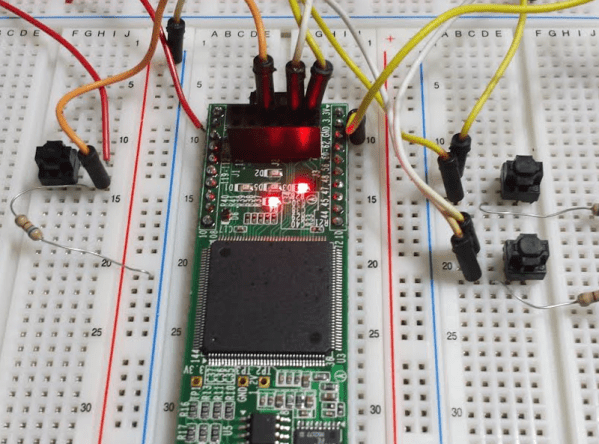
There’s an old joke about how can you find the height of a building using a barometer. One of the punchlines is to drop the barometer from the roof and time how long it takes to hit the ground. We wonder if [Alexlao512] had that in mind when he wrote a post about unconventional uses of FPGAs. Granted, he isn’t dropping any of them off a roof, but still. The list takes advantage of things we usually try to avoid such as temperature variation, metastability, and the effects of propagation delays.
For example, you probably know that hooking up an odd number of inverters into a loop forms an oscillator—the so-called ring oscillator. The post discusses how you can use an oscillator like that to measure propagation delay or even as a strain gauge. If you put pressure on the FPGA chip, the frequency of the ring oscillator will subtly vary.
We are always fascinated when someone can take something and extend it in a clever way without changing the original thing. In the computer world, that’s old hat. New computers improve, but can usually run old software. In the real world, the addition of stereo to phonograph records and color to photography come to mind.
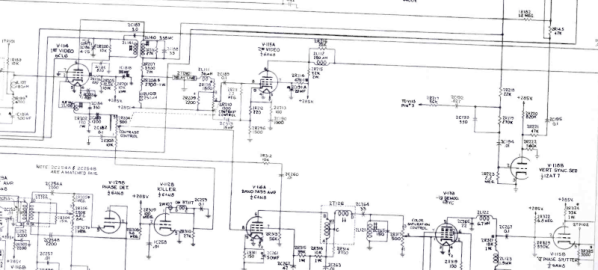
But there are few stories as strange or wide-ranging as the path to provide color TV. And it had to be done in a way that a color set could still get a black and white picture and black and white sets could still watch a color signal without color. You’d think there would be a “big bang” moment where color TV burst on the scene — no pun involving color burst intended. But there wasn’t. Instead, there was a long, twisted path with many competing interests and ideas to go from a world in black and white to one tinted with color phosphor.
Background
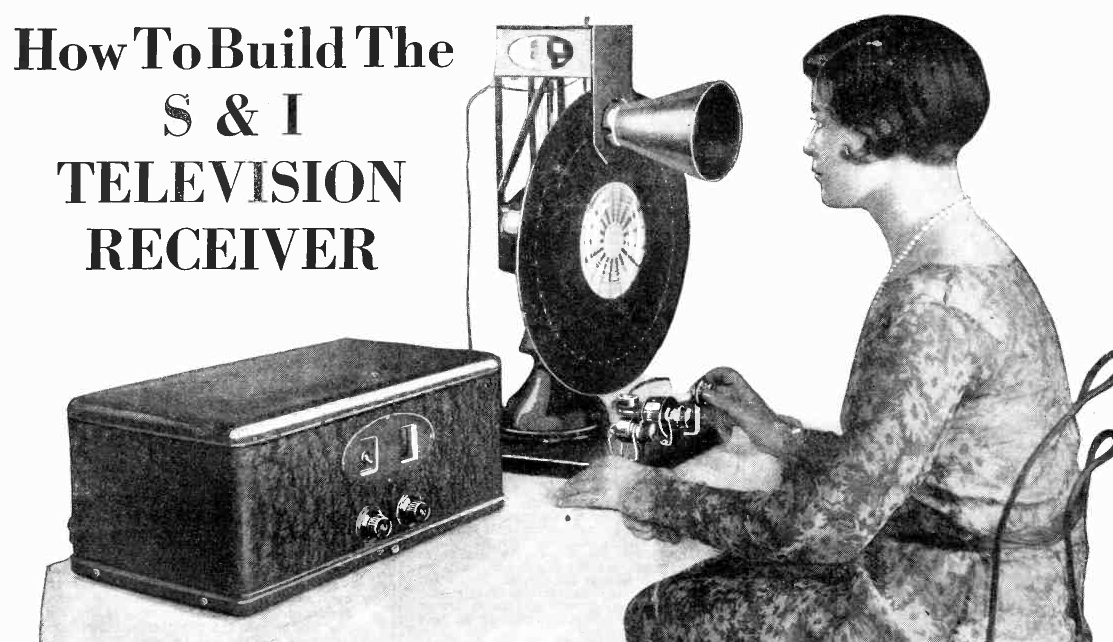
In 1928, Science and Invention magazine had plans for building a mechanical TV (although not color)
It is hard to imagine, but John Logie Baird transmitted color images as early as 1928 using a mechanical scanner. Bell Labs had a demonstration system, also mechanical, in 1929. Baird broadcast using his system in 1938. Even earlier, around 1900, there were attempts to create mechanical color image systems. Those systems were fickle or impractical, though.
Electronic scanning was the answer, but World War II froze most consumer electronics development. Baird showed an electronic color system in late 1944. However, it would be 1953 before NTSC (the National Television System Committee) adopted the standard color TV signal for the United States. It would be almost 20 years later before SECAM and PAL were standardized in other parts of the world.
Of course, these are all analog standards. The world’s gone digital now, but for nearly 50 years, analog color TV was the way people consumed TV in their homes. By 1941, NTSC produced a standard in the United States, but not for color TV. TV adoption didn’t really take off until after the war. But by 1950, the US had some 6 million TV sets.
This was both a plus — a large market — and a negative. No one wanted to obsolete those 6 million sets. Well, at least, the government regulators and consumers didn’t. But most color systems would be incompatible with those existing black and white sets. Continue reading “The Long Strange Trip To US Color TV”→
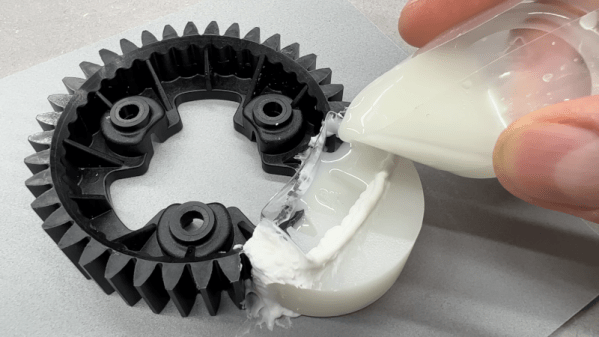
You have a broken gear you need to fix, but there’s no equivalent part available. That’s the issue [Well Done Tips] faced with a plastic gear from a lawnmower. While we’d be tempted to scan the gear, repair the damage in CAD and then 3D print a new one, we enjoyed hearing about his low-tech solution. In addition to the write up, there’s a video showing the process you can watch below.
The idea is pretty simple. Using a piece of pipe and melted candle wax, he prepared a mold of an undamaged section of the gear. Then he cast epoxy resin in place to recreate the missing pieces. There are a few tricks, like putting holes in the remaining part of the gear so the epoxy flows into the existing part. Depending on the gear’s purpose and original material, you might be able to just use it as-is. However, you could also use the repaired gear as a template to create another mold and then cast an entire gear from resin or even metal if you can cast metal.
You can argue whether resin is better or worse than PLA, but of course, it depends on the kind of resin—photopolymers are different from epoxy resins you’d use for this sort of thing. If you think you might like to make your new gear out of aluminum, you might find some inspiration in a previous post.