A Holographic Seven-Segment Clock

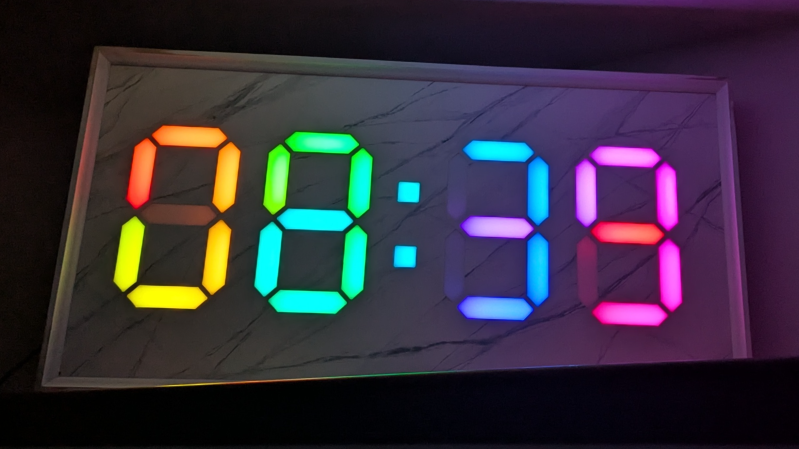
Seven-segment displays are one of the most ho-hum ways to display the time. They were cool for a little bit in the 70s, but by now, they’re a little bit old hat. That is, unless you get weird with it. This holographic seven-segment clock from [mosivers] qualifies neatly in that category.

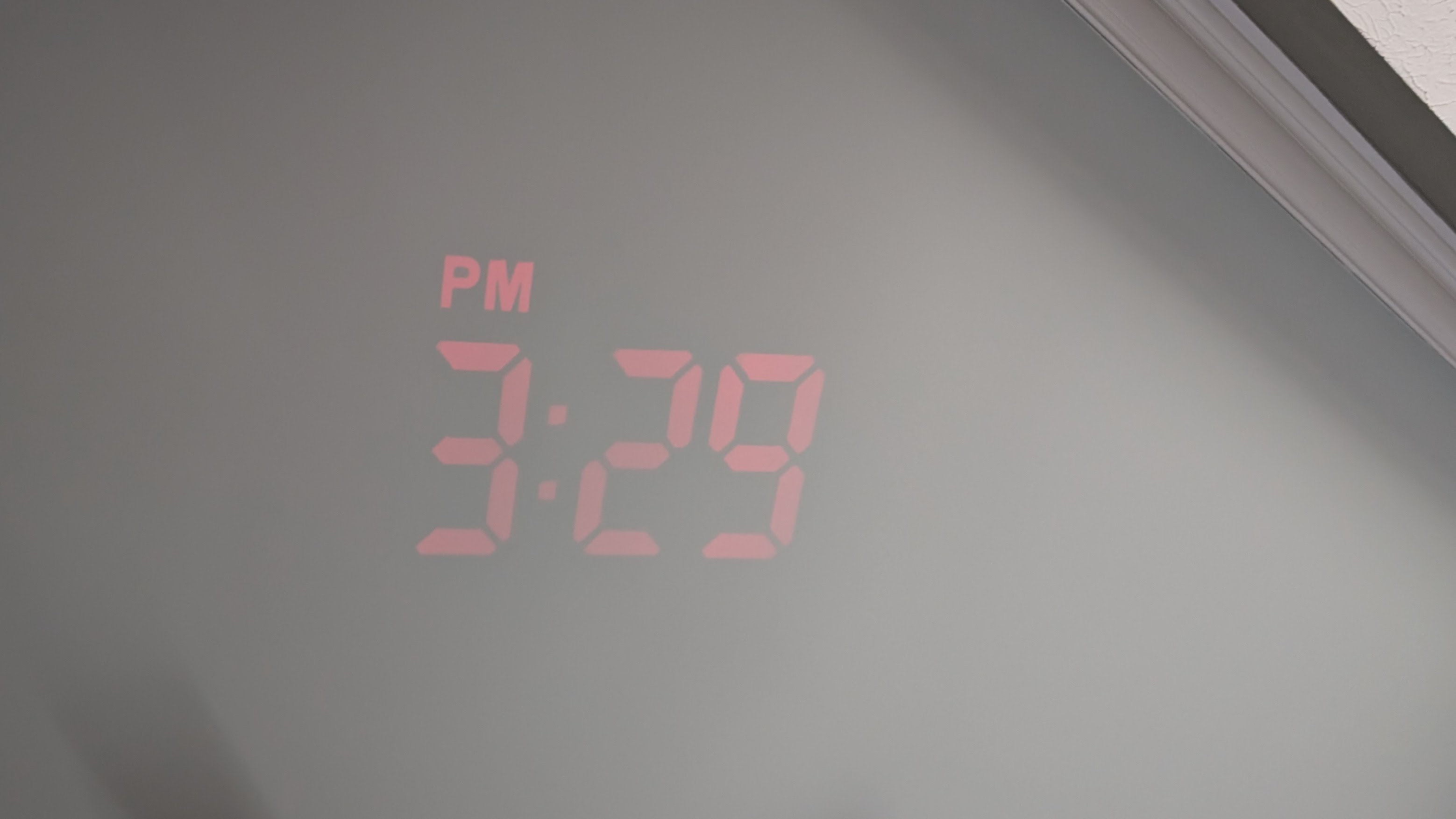
The first step was to make the holographic segment displays, because they’re not really something you can just buy off the shelf. [mosivers] achieved this by using a kit from LitiHolo, which enables you to create holograms by shooting a laser at special holographic film. Only, a few upgrades were made to use the kit with a nicer red diode laser that [mosivers] had on hand for better performance. The seven-segment layouts were carefully recorded on to the film to form the basic numerals of the clock, such that illuminating the films from different angles would light different segments of the numeral. It’s quite involved, but it’s explained well in the build video.

As for the timekeeping side of things, an ESP32 was used, setup to query a network time server to stay accurate. The microcontroller then commands a series of LEDs to light up as needed to illuminate the relevant segments of the holographic film to show the time.

Ultimately, [mosivers] built a cool clock with a look you won’t find anywhere else. It’s a lot more work than just wiring up some classic seven-segment LEDs, but we think the result is worth it. If you fancy other weird seven-segment builds, though, we’ve got plenty of others in the till.

Continue reading “A Holographic Seven-Segment Clock”

Any Old TV Can Be A Clock With Arduino

If you’ve got an old black and white TV, it’s probably not useful for much. There are precious few analog broadcasters left in the world and black and white isn’t that fun to watch, anyway. However, with a little work, you could repurpose that old tube as a clock, as [mircemk] demonstrates.

The build is based around an Arduino Nano R3. This isn’t a particularly powerful microcontroller board, but it’s good enough to run the classic TVOut library. This library lets you generate composite video on an Atmel AVR microcontroller with an absolute minimum of supporting circuitry. [mircemk] paired the Arduino with a DS3231 real-time clock, and whipped up code to display the time and date on the composite video output. He then also demonstrates how to hack the signal into an old TV that doesn’t have a specific input for composite signals.

You’ll note the headline says “any old TV can be a clock,” and that’s for good reason. Newer TVs tend to eschew the classic composite video input, so the TVOut library won’t be any good if you’re trying to get a display up on your modern-era flatscreen. In any case, we’ve seen the TVOut library put to good use before, too. Video after the break.

Continue reading “Any Old TV Can Be A Clock With Arduino”

There’s Nothing Backwards About This Laser Cut Retrograde Clock

It’s clock time again on Hackaday, this time with a lovely laser-cut biretrograde clock by [PaulH175] over on Instructables. If you’ve never heard of a ‘biretrograde clock,’ well, we hadn’t either. This is clearly a form of retrograde clock, which unlike the name implies doesn’t spin backwards but oscillates in its motion– the hands ‘go retrograde’ the same way the planets do.

The oscillating movement is achieved via a pair of cams mounted on the hour and minute shafts of a common clock mechanism. As the shafts (and thus cams) turn, the minute and hour arms are raised and drop. While that could itself be enough to tell the time, [Paul] goes one further and has the actual hands on pivots driven by a gear mechanism on the cam-controlled arms. You might think that that extra reversal is what makes this a ‘biretrograde clock’ but in the clockmaker’s world that’s just saying it’s a retrograde clock with two indicators: in this case, minute and hour.

It’s a fairly rare way to make a clock, but we’ve seen one before. That older project was 3D printed, which might be more your speed; if you prefer laser-cutting, though, [Paul]’s Instructable includes SVG files. Alternatively, you could take a different approach and use voltmeters to get the same effect.

Binary Clock Also Monitors Weather

There are two things most of us want to know on a daily basis—the weather, and what time it is. [Guitarman9119] built a single device that can provide both pieces of information with a pleasingly nerdy aesthetic.

The heart of the build is a Raspberry Pi Pico W, which is proudly displayed on the front panel of the device. It’s responsible for driving the array of LEDs that display the time in hours, minutes, and seconds in binary format. The Pi Pico W uses its wireless connection to query the WorldTime API and an IP geolocation server. This provides the local date and time, and the location is then used to query the OpenWeather service for current weather information. The weather information is thankfully not displayed in binary format, because that would be straining to read. Instead, it’s displayed in human-readable format on a small OLED display.

There’s something about the way this is built—the discrete LEDs, that weird blue color that seemed to disappear by 1984—that gives this a wonderfully old school charm. You could imagine it turning up in a college lab full of old blinkenlights gear. Video after the break.

Continue reading “Binary Clock Also Monitors Weather”

A Logical Clock That Pretends To Be Analog

[kcraske] had a simple plan for their clock build. They wanted a digital clock that was inspired by the appearance of an analog one, and they only wanted to use basic logic, with no microprocessors involved. Ultimately, they achieved just that.

Where today you might build a clock based around a microcontroller and a real-time clock module, or by querying a network time server, [kcraske] is doing all the timekeeping in simpler hardware. The clock is based around a bunch of 74-series logic chips, a CD4060 binary counter IC, and a 32.768 KHz crystal, which is easy to divide down to that critical 1 Hz. Time is displayed on the rings of LEDs around the perimeter of the clock—12 LEDs for hours, and 60 each for minutes and seconds. Inside the rings, the ICs that make up the clock are arranged in a pleasant radial configuration.

It’s a nice old-school build that reminds us not everything needs to run at 200 MHz or hook up to the internet to be worthwhile. We’ve featured some other fun old-school clocks of late, too. Meanwhile, if you’re cooking up your own arcane timepieces, we’d love to hear about it on the tipsline.

Making A Clock With A Retooled Unihiker K10

The Unihiker K10 is intended to be a small single-board solution for light AI and machine learning tasks. However, you don’t have to use it in that way if you don’t want to. [mircemk] figured out how to repurpose the device, and whipped up a simple Internet clock build to demonstrate how it’s done. 

While the Unihiker K10 is based on the common ESP32 microcontroller, out of the box, it isn’t compatible with standard Arduino libraries. However, [mircemk] had previously figured out how to get the K10 to play nice with the Arduino environment, building a simple light meter as a proof of concept. It just took a little tinkering to get everything playing nicely together, but soon enough, the TFT LCD and a light sensor were playing nicely with the K10 platform.

Moving forward, [mircemk] wanted to unlock more capability, so set about figuring out how to get WiFi and the onboard buttons working within the Arduino environment. A great way to test this was building a clock—the screen would show an analog clock face, the buttons would be used for control, and the WiFi would be used to query an NTP time server to keep it synced up and accurate.

It took a little work, particularly as the buttons are accessed through an external I/O expansion chip, but [mircemk] got there in the end. The clock may not be a particularly advanced project, but the write-up demonstrates how the K10 can readily be used with Arduino libraries for when you’re not interested in leveraging its fancier AI/ML capabilities.

We’ve seen a few good builds from [mircemk] before, too, like this neat proximity sensor. Continue reading “Making A Clock With A Retooled Unihiker K10”

Build A 3D Printed Tide Clock So You Know When The Sea Is Coming To Get You

The tides! Such a unique thing, because on Earth, we don’t just have oceans full of liquid water—we also have a big ol’ moon called Moon to pull them around. You might like to keep track of the tides; if so, this tide clock from [rabbitcreek] could come in handy.

The motions of the tides are moderately complex; it was in the late 19th century that Sir William Thomson figured out a reasonable method to predict the tides mathematically and with a mechanical contrivance of his own design. These days, though, you don’t need pulleys and ropes to build a tide clock; you can just use electronics for display and the NOAA API to get the information you need.

[rabbitcreek’s] build is based around the Xiao ESP32 S3, which is charged with using its Wi-Fi connection to query NOAA up-to-date tide height data. It then uses this information to drive the position of a servo, installed inside a 3D-printed housing. The servo rotates a little red Moon indicator around a central Earth, with our home planet surrounded by a stretched blue marker indicating the swelling of the tides as influenced by the Moon’s gravity.

If you’re a surfer or beach driver that’s always wanting to know the tidal state at a glance, this clock is for you. We’ve featured other tide clocks before, but never any projects that can actually influence the tides themselves. If you’ve figured out how to mess with gravity on a planetary scale, consider applying for a Nobel Prize—but do notify the tipsline before you do.