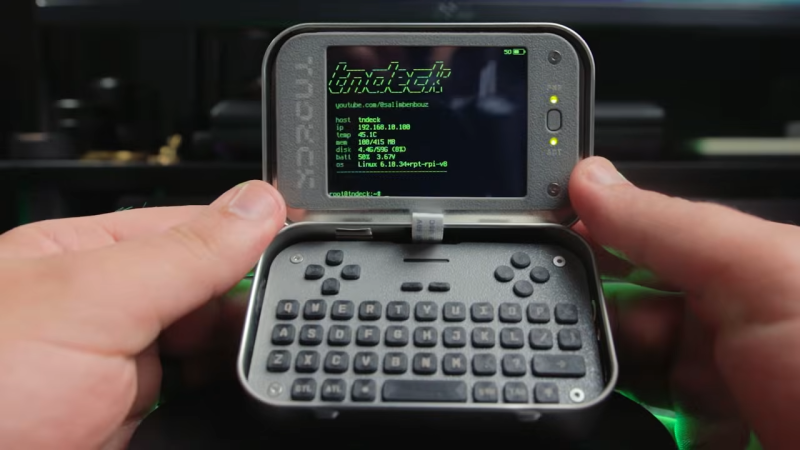
Custom Clamshell Cyberdeck Shows Off Underlighting

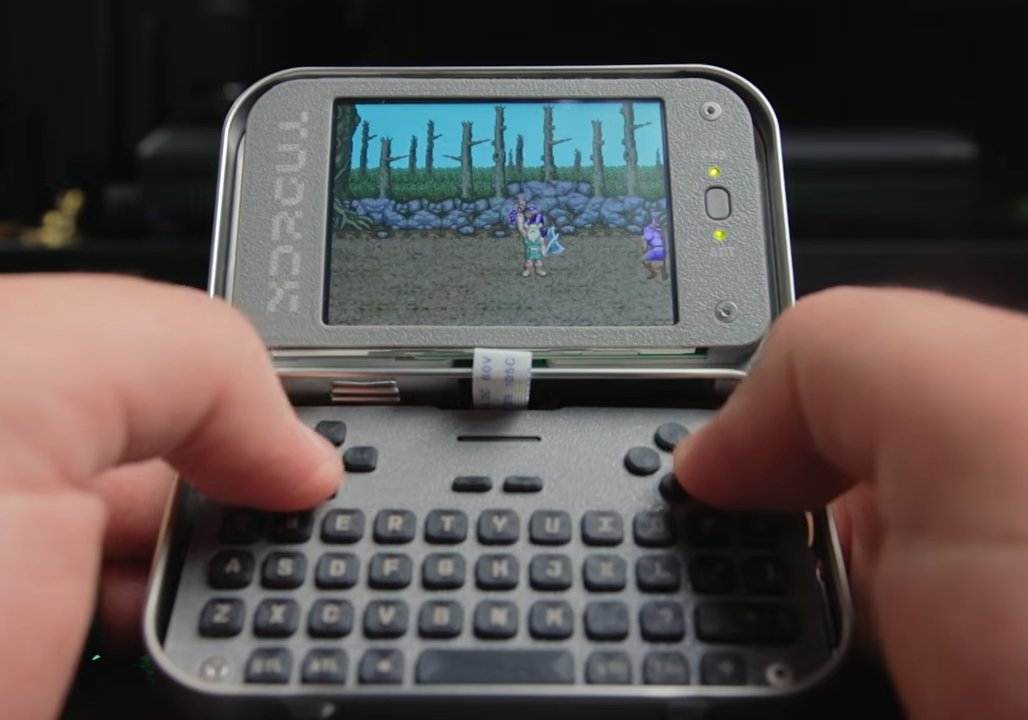
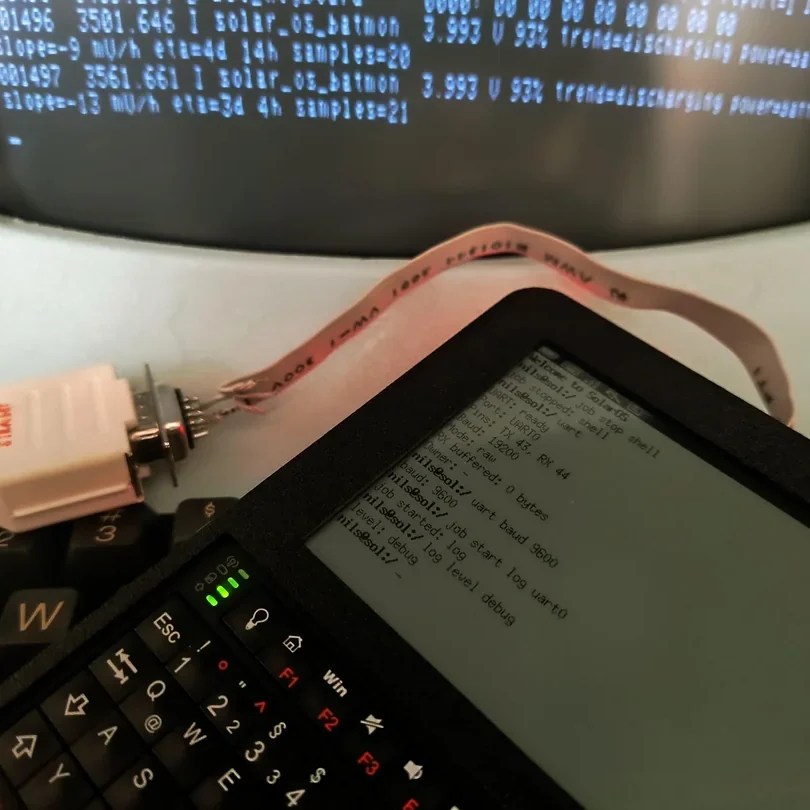
Cyberdecks are great projects, and [Salim Benbouziyane]’s scratch-built CM Deck is a fantastic specimen. It’s a clamshell-style cyberdeck with custom split keyboard, trackpad, optional external WiFi antenna, and some slick underlighting thanks to a translucent bottom shell. There’s even a hidden feature that seems super handy for a cyberdeck: a special USB-C port that, when plugged in to another host (like another computer), lets the cyberdeck act as an external keyboard and trackpad for that downstream machine.

The CM Deck is built around the Raspberry Pi Compute Module 5, which necessitates a custom PCB but offers more design freedom.

Notably, the CM Deck is custom-built around the Raspberry Pi Compute Model 5. When we first peeped the CM5 the small size was striking, but of course that comes at the cost of having no connectors, supporting hardware, or heat management. That’s something [Salim] embraced because it meant being able to put connectors exactly where he wanted them, and not have to work around existing hardware. A custom PCB let him to lay out his cyberdeck with greater freedom, less wasted space, and ultimately integrate a custom-built keyboard (with RP2040 and QMK firmware).

Even the final enclosure is custom-made, with 3D printing being used to validate the design and PCBway providing finished plastic shells in addition to manufacturing the PCBs. [Salim] admits that doing so was an indulgence, but his delight at the quality of the translucent purple undercarriage is palpable.

[Salim]’s video (embedded below) is a deep dive into the whole design and build process, and it’s a great watch for anyone interested in the kind of work and decisions that go into making something like this. Experienced folks can expect to nod in sympathy when [Salim] highlights gotchas like doing CAD work based on the screen’s drawings, only to discover later that the physical unit doesn’t quite match.

The GitHub repository contains the design files for everything, so give it a browse if you’re interested. [Salim] is no stranger to clean builds, so take a moment to admire his CRT-style Raspberry Pi terminal as well.

Continue reading “Custom Clamshell Cyberdeck Shows Off Underlighting”

An Event Badge Re-Imagined As A Cyberdeck

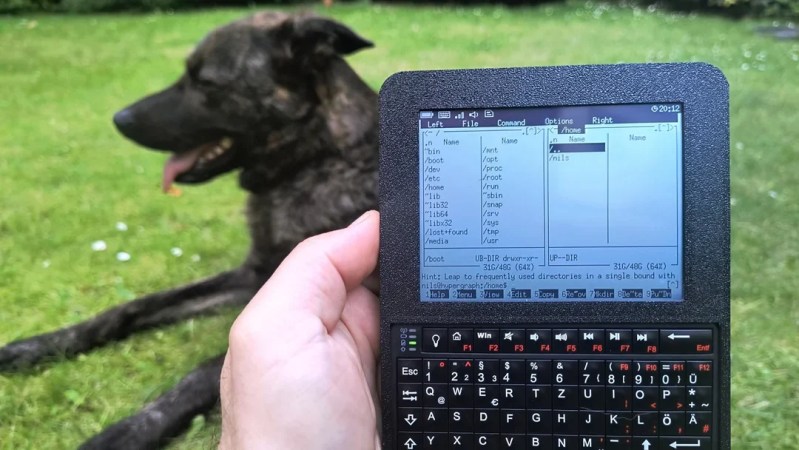
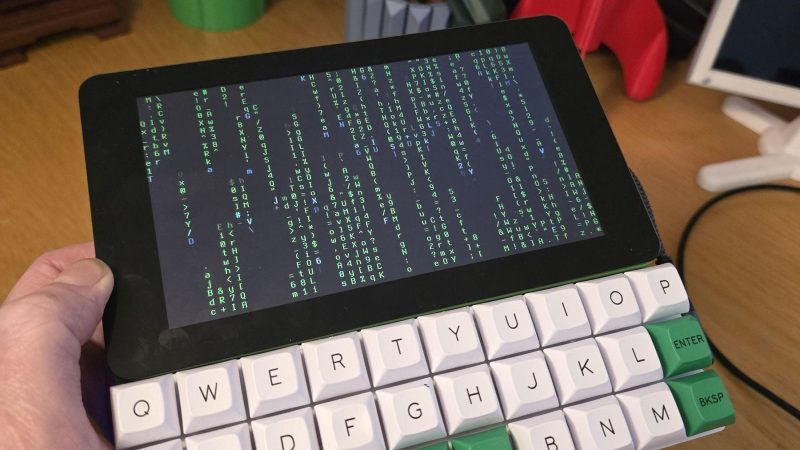
We’re used to handheld Linux devices of varying usefulness appearing on a regular basis, but there’s something about the one in a video from [Rootkit Labs] which sets it aside from the herd. It’s a fork of a conference badge.

The WHY2025 badge had pretty capable hardware, with an ESP32-P4, a really nice screen, and the lovely SolderParty keyboard. Here it’s been forked, to become a carrier board for their previous project, the Flipper Blackhat. This is a Linux add-on for the Flipepr Zero, and it seems that plenty of people wanted it in a more useful context. The result is something that looks a lot like a WHY badge, but running Linux.

It’s a great shame when badges end up lying unused after the event, and ones like the WHY 2025 badge are a serious effort to make something that endures. Here, the badge endures in spirit by being forked and re-engineered, and we like it a lot. The full video is below the break.

Continue reading “An Event Badge Re-Imagined As A Cyberdeck”

Damaged Pocket Computer Becomes Portable Linux Machine

The Sharp PC-G801 was an impressive little pocket computer when it debuted in 1988. However, in the year 2025, a Z80-compatible machine with just 8 kB of RAM is hardly much to get excited about. [shiura] decided to take one of these old machines and upgrade it into something more modern and useful.

The build maintains the best parts of the Sharp design — namely, the case and the keypad. The original circuit board has been entirely ripped out, and a custom PCB was designed to interface with the membrane keypad and host the new internals. [shiura] landed on the Raspberry Pi Zero 2W to run the show. It’s a capable machine that runs Linux rather well and has wireless connectivity out of the box. It’s paired with an ESP32-S3 microcontroller that handles interfacing all the various parts of the original Sharp hardware. It also handles the connection to the 256×64 OLED display. The new setup can run in ESP32-only mode, where it acts as a classic RPN-style calculator. Alternatively, the Pi Zero can be powered up for a full-fat computing experience.

The result of this work is a great little cyberdeck that looks straight out of the 1980s, but with far more capability. We’ve seen a few of these old pocket computers pop up before, too.

Continue reading “Damaged Pocket Computer Becomes Portable Linux Machine”

A Pentium In Your Hand

Handheld computers have become very much part of the hardware hacker scene, as the advent of single board computers long on processor power but short on power consumption has given us the tools we need to build them ourselves. Handheld retrocomputers face something of an uphill struggle though, as many of the components are over-sized, and use a lot of power. [Changliang Li] has taken on the task though, putting an industrial Pentium PC in a rather well-designed SLA printed case.

Aside from the motherboard there’s a VGA screen, a CompactFlash card attached to the IDE interface, and a Logitech trackball. As far as we can see the power comes from a USB-C PD board, and there’s a split mechanical keyboard on the top side. It runs Windows 98, and a selection of peak ’90s games are brought out to demonstrate.

We like this project for its beautiful case and effective use of parts, but we’re curious whether instead of the Pentium board it might have been worth finding a later industrial PC to give it a greater breadth of possibilities, there being few x86 SBCs. Either way it would have blown our minds back in ’98, and we can see it’s a ton of fun today. Take a look at the machine in the video below the break.

Continue reading “A Pentium In Your Hand”

Handheld PC Build Is Pleasantly Chunky

The cool thing about building your own computer is that you don’t have to adhere to industry norms of form and function. You can build whatever chunky, awesome thing your heart desires, and that’s precisely what [Rahmanshaber] did with the MutantC cyberdeck.

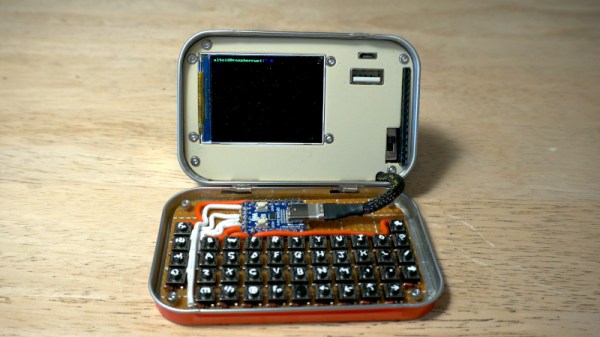
The build is based around a Raspberry Pi Compute Module 4. If you’re unfamiliar with the Compute Module, it’s basically a Raspberry Pi that has been designed specifically for easy integration into a larger carrier PCB. In this case, the carrier PCB interfaces all the other necessary gear to make this a fully functional computer. The PCB is installed inside a vaguely-rectangular 3D-printed enclosure, with a 5-inch TFT LCD on a sliding mount. Push the screen up, and it reveals a small-format keyboard for text entry. There’s also a hall-effect joystick and a couple of buttons for mouse control to boot. [Rahmanshaber] has designed the computer to run off a couple of different battery packs—you can use a pair of 18650 cells if you like, or switch to lager 21700 cells if you want greater capacity for longer running time.

If you want a portable Raspberry Pi cyberdeck, you might find this to be a great inspiration. We’ve featured many other designs in this vein before, too. Video after the break.

Continue reading “Handheld PC Build Is Pleasantly Chunky”

A Dual-Screen Cyberdeck To Rule Them All

We like cyberdecks here at Hackaday, and in our time we’ve brought you some pretty amazing builds. But perhaps now we’ve seen the ultimate of the genre, a cyberdeck so perfect in its execution that this will be the machine of choice in the dystopian future, leaving all the others as mere contenders. It comes courtesy of [Sector 07], and it’s a machine to be proud of.

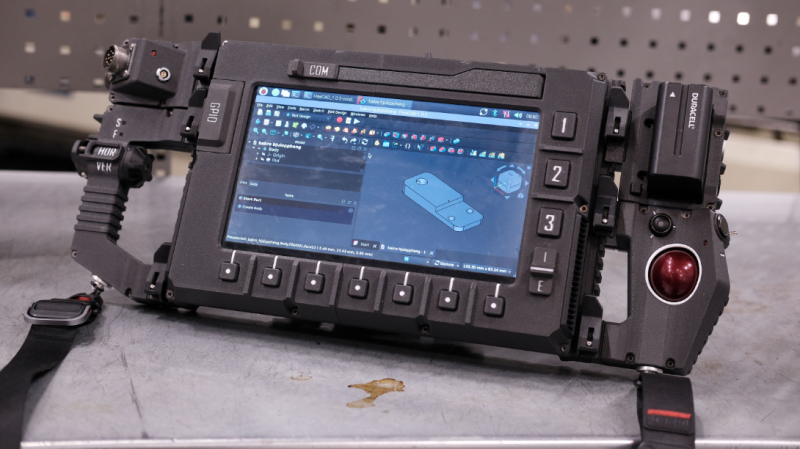
As with many cyberdecks, it uses the Raspberry Pi as its powerhouse. There are a couple of nice touchscreens and a decent keyboard, plus the usual ports and some nice programmable controls. These are none of them out of the ordinary for a cyberdeck, but what really shines with this one is the attention to detail in the mechanical design. Those touchscreens rotate on ball bearings, the hinges are just right, the connections to the Pi have quick release mechanisms, and custom PCBs and ribbon cables make distributing those GPIOs a snap.

On top of all that the aesthetics are on point; this is the machine you want to take into the abandoned mining base with you. Best of all it’s all available from the linked GitHub repository, and you can marvel as we did at the video below the break.

If you hunger for more cyberdecks, this one has some very stiff competition.

Continue reading “A Dual-Screen Cyberdeck To Rule Them All”

A hand with dark skin holds a black device. The bottom is a small keyboard and touchpad. The upper half is split with a square LCD on the left and a square, pink notepad on the right. A sketch of a woman wearing a puffy jacket is on the notepad and an illustration of a woman looking through an old timey film video camera is on the screen on the left.

KeyMo Brings A Pencil To The Cyberdeck Fight

Computers and cellphones can do so many things, but sometimes if you want to doodle or take a note, pencil and paper is the superior technology. You could carry a device and a pocket notebook, or you could combine the best of analog and digital with the KeyMo.

[NuMellow] wanted a touchpad in addition to a keyboard for his portable terminal since he felt Raspbian wouldn’t be so awesome on a tiny touchscreen. With a wider device than something like Beepy, and a small 4″ LCD already on hand, he realized he had some space to put something else up top. Et voila, a cyberdeck with a small notebook for handwritten/hand drawn information.

The device lives in a 3D printed case, which made some iterations on the keyboard placement simpler, and [NuMellow] even provided us with actual run time estimates in the write-up, which is something we often are left wondering about in cyberdeck builds. If you’re curious, he got up to 7.5 hours on YouTube videos with the brightness down or 3.5 hours with it at maximum. The exposed screen and top-heaviness of the device are areas he’s pinpointed as the primary cons of the system currently. We hope to see an updated version in the future that addresses these.

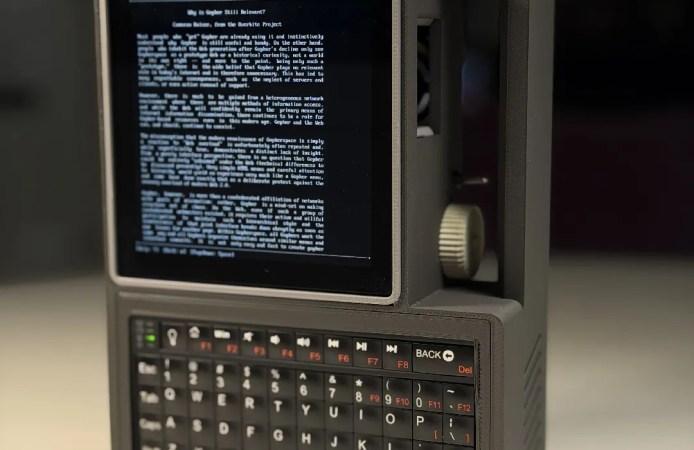
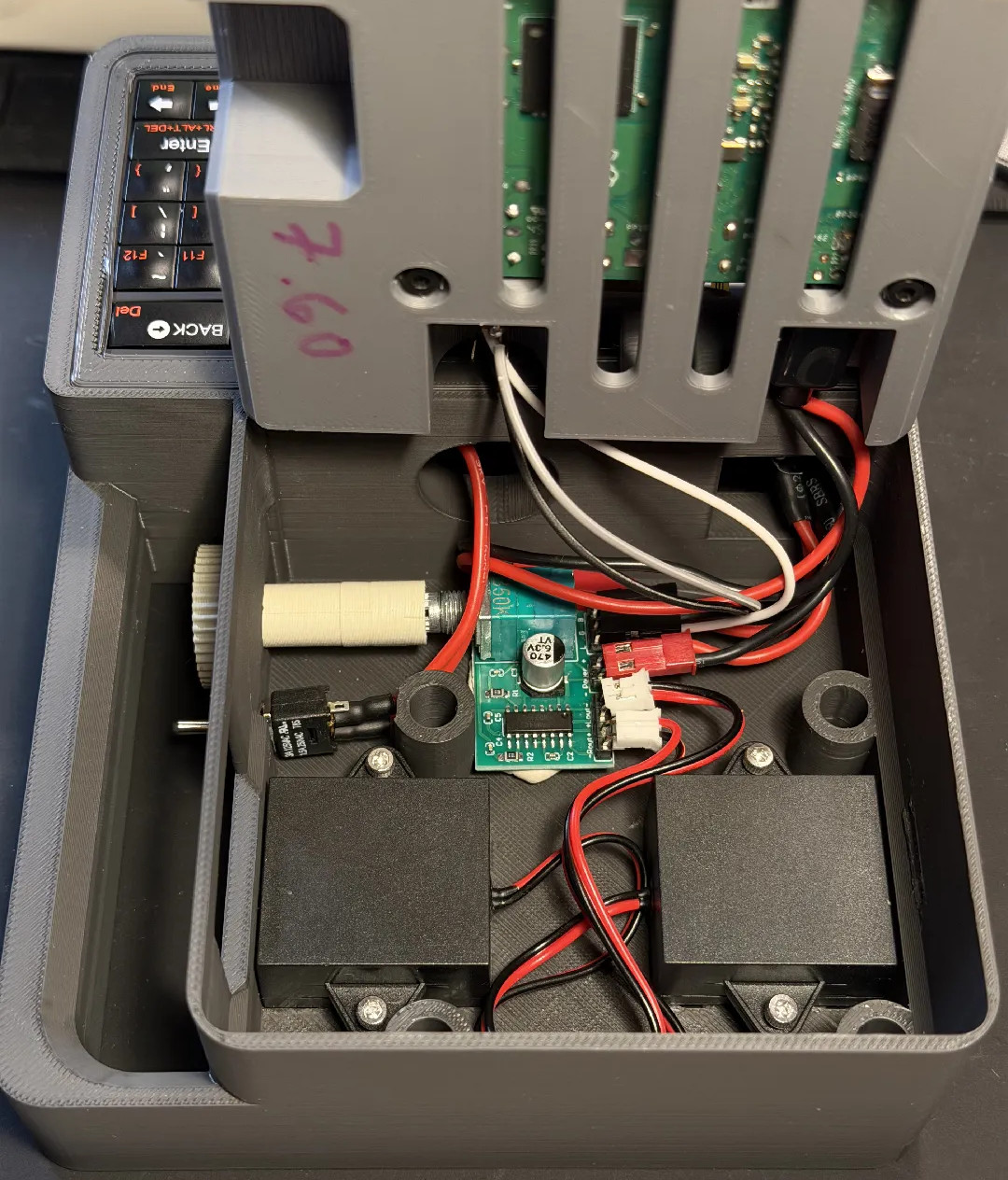
If you’d like to check out some other rad cyberdecks, how about a schmancy handheld, one driven by punch cards in a child’s toy, or this one with a handle and a giant scroll wheel?