Success With FreeDOS On A Modern Platform

Last summer we took a look at FreeDOS as part of the Daily Drivers series, and found a faster and more complete successor to the DOS of old. The sojourn into the 16-bit OS wasn’t perfect though, as we couldn’t find drivers for the 2010-era network card on our newly DOS-ified netbook. Here’s [Inkbox] following the same path, and bringing with it a fix for that networking issue.

The video below is an affectionate look at the OS alongside coding a TRON clone in assembler, and it shows a capable environment within the limitations of the 16-bit mode. The modern laptop here can’t emulate a BIOS as it’s UEFI only, and after trying a UEFI-to-BIOS emulator with limited success, he hits on a different approach. With just enough Linux to support QEMU, he has a lightweight and extremely fast x86 BIOS platform with the advantage of legacy emulation of network cards and the like.

The point of Daily Drivers is wherever possible to use real hardware and not an emulator, as it’s trying to be the machine you’d use day to day. But we can see in a world where a BIOS is no longer a thing it becomes ever more necessary to improvise, and this approach is better than just firing up an emulator from a full-fat Linux desktop. If you fancy giving it a try, it seems less pain than the route we took.

You can read our look at FreeDOS 1.4 here.

Continue reading “Success With FreeDOS On A Modern Platform”

Jenny’s Daily Drivers: FreeDOS 1.4

When I was a student, I was a diehard Commodore Amiga user, having upgraded to an A500+ from my Sinclair Spectrum. The Amiga could do it all, it became my programming environment for electronic engineering course work, my audio workstation for student radio, my gaming hub, and much more.

One thing that was part of my course work it couldn’t do very well, which was be exactly like the PCs in my university’s lab. I feel old when I reflect that it’s 35 years ago, and remember sitting down in front of a Tulip PC-XT clone to compile my C code written on the Amiga. Eventually I cobbled together a 286 from cast-off parts, and entered the PC age. Alongside the Amiga it felt like a retrograde step, but mastering DOS 3.3 was arguably more useful to my career than AmigaDOS.

It’s DOS, But It’s Not MS-DOS

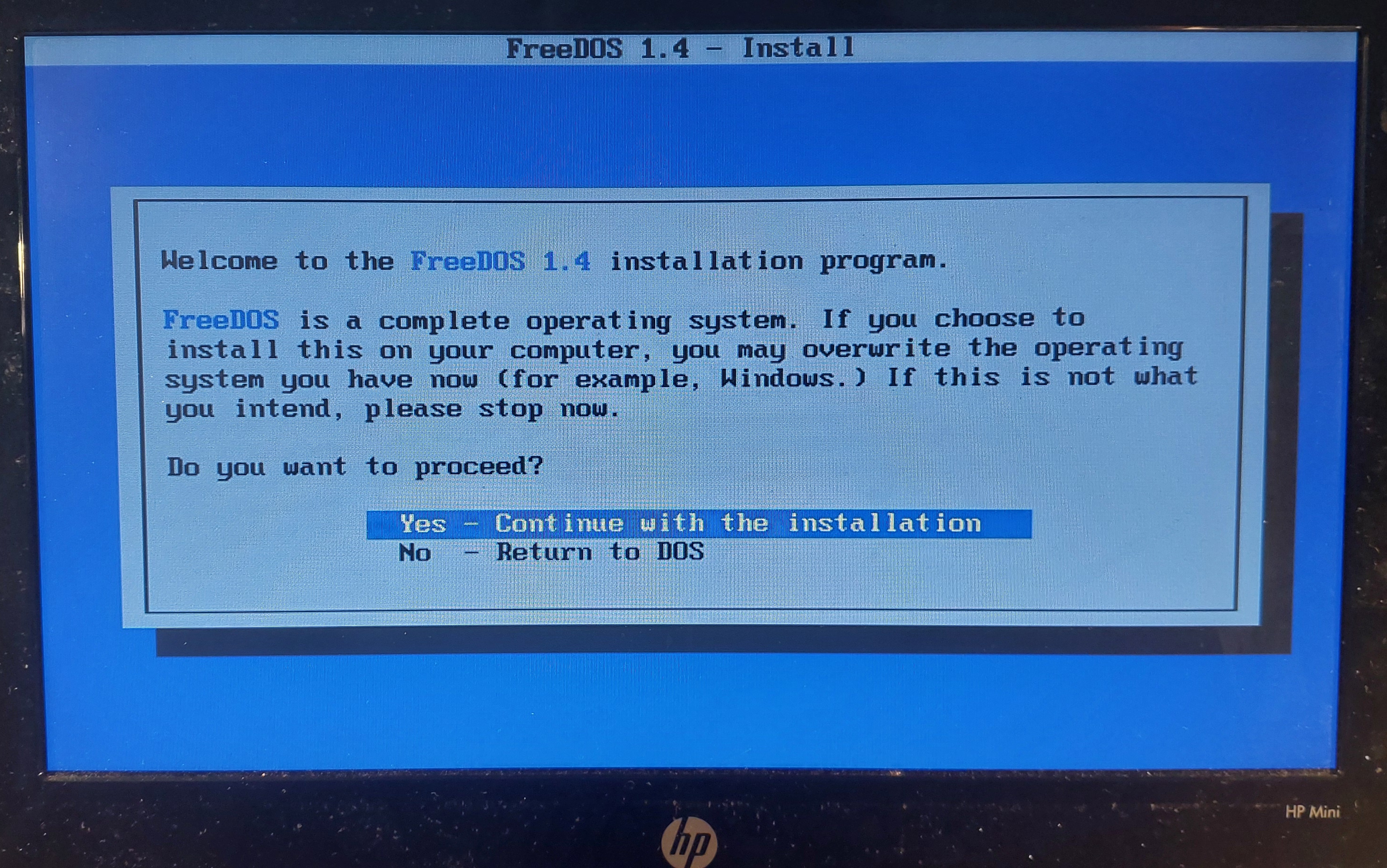
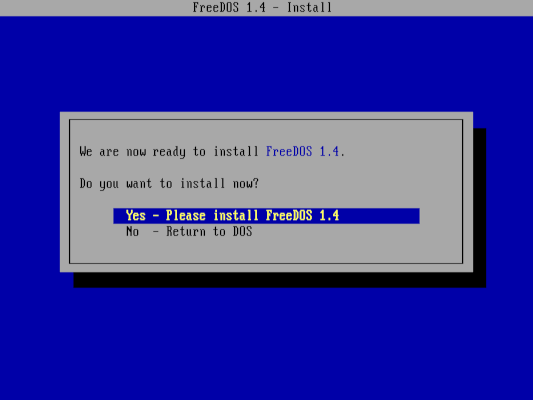
The FreeDOS installation screen
Where do I want to go today?

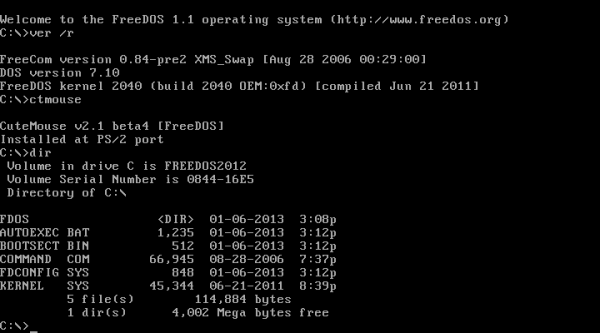
I don’t think I’ve used a pure DOS machine as anything but an occasional retrocomputing curio since some time in the late 1990s, because the Microsoft world long ago headed off into Windows country while I’ve been a Linux user for a very long time. But DOS hasn’t gone away even if Microsoft left it behind, because the FreeDOS project have created an entirely open-source replacement. It’s not MS-DOS, but it’s DOS. It does everything the way your old machine did, but in a lot of cases better and faster. Can I use it as one of my Daily Drivers here in the 2020s? There is only one way to find out.

With few exceptions, an important part of using an OS for this series is to run it on real hardware rather than an emulator. To that end I fished out my lowest-spec PC, a 2010 HP Mini 10 netbook that I hold onto for sentimental reasons. With a 1.6 GHz single core 32 bit Atom processor and a couple of gigabytes of memory it’s a very slow machine for modern desktop Linux, but given that FreeDOS can run on even the earliest PCs it’s a DOS powerhouse. To make it even more ridiculously overspecified I put a 2.5″ SSD in it, and downloaded the FreeDOS USB installer image. Continue reading “Jenny’s Daily Drivers: FreeDOS 1.4”

Running FreeDOS And 8086tiny On The Game Boy Advance Because You Can

How many people haven’t looked at their Game Boy Advance (GBA) handheld gaming device and wondered how much better it might be if it could run FreeDOS. Inside an 8086 emulator. If you’re like [ZZAZZ] and similarly suffer intrusive project-related thoughts, then this might be a moment of clear recognition, somewhat like sharing one’s story at a Programmers Anonymous meeting, but we digress.

In the video, the basic premise of making even the 8086tiny emulator work on the GBA seemed improbable on the outset – courtesy of the rather limited memory environment provided by the GBA – before even daring to look at things like disk access.

However, letting silly things like segmented memory and mismatched memory addresses deter us from pleasing said intrusive thoughts would be beyond the pale. Ergo we get a shining example of how days of rewriting code, stripping code, debugging code, fixing alignment issues in code and writing work-arounds for newly discovered issues in code can ultimately lead to the proud moment where FreeDOS boots on the GBA.

Granted it takes over an hour to do so, and has to be started from a butchered Pokémon Emerald save file, courtesy of a well-known exploit in that game, thankfully preserved in counterfeit cartridges.

Admittedly we’re not sure what practical applications there are for FreeDOS on the GBA, but that’s never stopped hackers from taking on impossible projects before, so there’s no sense letting it get in the way now.

Continue reading “Running FreeDOS And 8086tiny On The Game Boy Advance Because You Can”

FreeDOS 1.4 Released

Even in 2025 there are still many applications for a simple Disk Operating System (DOS), whether this includes running legacy software (including MS-DOS games & Windows 3.x), or (embedded) systems running new software where the overhead of a full-fat Linux or BSD installation would be patently ridiculous.

This is where the FreeDOS project provides a modern, fully supported DOS, with the recent 1.4 release adding a whole range of features and updates to existing components like the FreeCOM command shell. This is the first stable release since 1.3 was released in 2022.

FreeDOS saw its first release in 1994 and has become the de facto replacement for MS-DOS — featuring many improvements to make it work well on modern hardware and a package manager to manage installed software much like on Linux & BSD. The new kernel didn’t quite make it into this release, but it and some other items will be available in the monthly test builds.

You can download the new 1.4 release here, with live & installer CD images, a USB installer and even a Floppy Edition available. System requirements include an (Intel) x86 CPU, a BIOS (or legacy UEFI mode), 640 kB of RAM and 20 MB of storage.

When It Comes To DOS, Don’t Forget DR-DOS.

Despite the latest and greatest Intel-derived computers having multi-core 64-bit processors and unimaginably fast peripherals, at heart they all still retain a compatibility that goes back  to the original 8086. This means that they can, in theory at least, still run MS-DOS. The venerable Microsoft 16-bit OS may now be long discontinued, but there is still enough need for DOS that the open-source FreeDOS remains in active development. The Register are here to remind us that there’s another open-source DOS on the block, and that it has a surprising history.

SvarDOS is an open source DOS distribution, and it’s interesting because it uses a derivative of the DR-DOS kernel, an OS which traces its roots back to Digital Research’s CP/M operating system of the 1970s. This found its way briefly into the open source domain courtesy of the notorious Caldera Inc back in the 1990s, and has continued to receive some development effort ever since. As the Reg notes, it has something FreeDOS lacks, the ability to run Windows 3.1 should you ever feel the need. They take it for a spin in the linked article, should you be curious.

It’s something which has surprised us over the years, that aside from the world of retrocomputing we still occasionally find FreeDOS being distributed, usually alongside some kind of hardware maintenance software. Even four decades or more later, it’s still of value to have the simplest of PC operating systems to hand.

It’s worth pointing out that there’s a third open-source DOS in the wild, as back in April Microsoft released MS-DOS version 4 source code. But as anyone who used it will tell you, that version was hardly the pick of the bunch.

Header: Ivan Radic, CC BY 2.0.

Nearly 30 Years Of FreeDOS And Looking Ahead To The Future

Blinky, the friendly FreeDOS mascot.

The first version of FreeDOS was released on September 16 of 1994, following Microsoft’s decision to cease development on MS-DOS in favor of Windows. This version 0.01 was still an Alpha release, with 0.1 from 1998 the first Beta and the first stable release (1.0, released on September 3 2006) still a while off. Even so, its main developer [Jim Hall] and the like-minded developers on the FreeDOS team managed to put together a very functional DOS using a shell, kernel and other elements which already partially existed before the FreeDOS (initially PD-DOS, for Public Domain DOS) idea was pitched by [Jim].

Nearly thirty years later, [Jim] reflects on these decades, and the strong uptake of what to many today would seem to be just a version of an antiquated OS. When it comes to embedded and industrial applications, of course, a simple DOS is all you want and need, not to mention for a utility you boot from a USB stick. Within the retro computing community FreeDOS has proven to be a boon as well, allowing for old PCs to use a modern DOS rather than being stuck on a version of MS-DOS from the early 90s.

For FreeDOS’ future, [Jim] is excited to see what other applications people may find for this OS, including as a teaching tool on account of how uncomplicated FreeDOS is. In a world of complicated OSes that no single mortal can comprehend any more, FreeDOS is really quite a breath of fresh air.

A Web Server, The Sixteen Bit Way

If you were to talk about sixteen bit computing in retrocomputing circles, misty-eyed reminiscences of the ST or Amiga would emerge. Both fine platforms, but oddly the elephant in the 16-bit room has become a victim of its own success. DOS, the granddaddy of all PC operating systems, seems oddly overshadowed by its 68000-based competitors in a way it certainly wasn’t back in the day. Perhaps it’s the often-atrocious graphics when cards designed for business graphics were pressed into gaming service, but it’s easy to forget that DOS PCs were the powerhouses of their day. They still pack a punch even in 2023, as [Lunduke] is here to show us by running a DOS web server. Take that, nginx! Continue reading “A Web Server, The Sixteen Bit Way”