Salvaged Flight Stick Controls A/V System, Triggers “Emergency Party System”

av_controller_party_switch

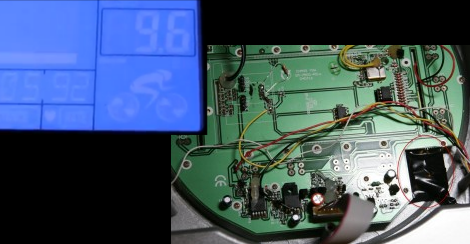
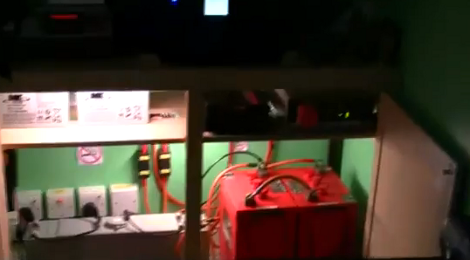
After seeing a writeup online that demonstrated how to build an “Emergency Party Button”, [spikec] knew that he had to have one of his own. He happened to have a USAF B-8 stick grip from an A-10A aircraft laying around, and figured it would be perfect for controlling the A/V system in his basement.

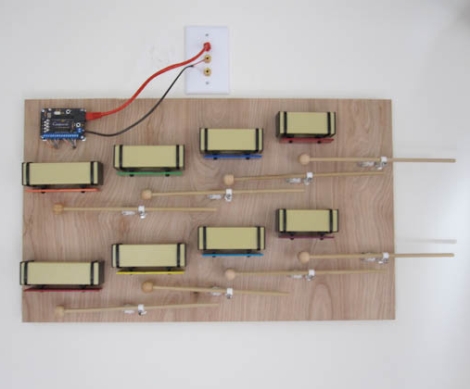
The control stick was mounted to the top of a cheap cigar humidor, and crammed full of any electronic component he could get his hands on. It contains not one, but two Arduinos. The first is tasked with reading the flight stick’s inputs and the IR control of his various appliances, while another triggers the overhead lighting in his bar along with the X10 controlled Emergency Party System. He contemplated combining all of the functionality into one device, but splitting the tasks in two was easier for this self-declared electronics novice.

The various buttons on the control stick can be used to power all of his A/V appliances on and off, control volume levels, and select which songs stream from his digital jukebox. If the action ever starts to wind down, a quick turn of his “arming” key and the flick of a switch sends his basement into full-on party mode, which includes more lighting and lasers than any one person should be allowed to own.

[spikec] says that his wife’s eyes were rolling like “uncaged gyros” when he unveiled his controller for the first time – a sign of a job well done. Don’t take our word for it though, check out a video of his control stick and Emergency Party System in action after the jump.

Continue reading “Salvaged Flight Stick Controls A/V System, Triggers “Emergency Party System””

3G Connected Hotspot Hangs Out At Your House

[Drug123] made the most out of this inconspicuous gray box on the gable end of his father’s home. It serves up a 3G Internet connection that was otherwise unavailable..

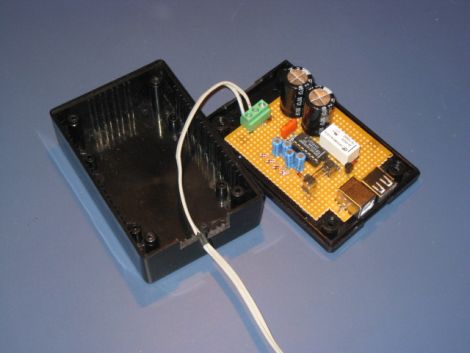
The project idea was sparked by the absence of wired or fiber optic broadband in the community where his dad lives. He knew some neighbors were using 3G connections, but he couldn’t get it to work inside the house. So he set about developing an external installation that would both communicate with the cellular network, and provide a WiFi connect to it. Hardware for that is relatively expensive; a USB 3G modem and a WiFi router with a USB port.

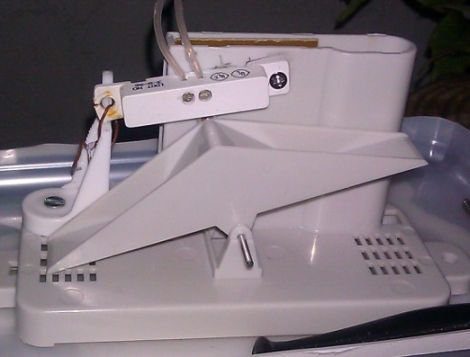
The box itself is made of plastic, but even without the Faraday cage effect that would have been formed by using a metal housing, the 3G modem’s internal antenna just doesn’t do the job. You can see that [Drug123’s] solution was an external antenna which is mounted at the peak of the roofline. Inside the box there’s an exhaust fan to cool things off when they get too hot, as well as some power resistors which provide a heat source on the coldest nights. The low-cost build certainly fits the bill, and it’s not too hard on the eyes either.

DIY Thermostat Keeps The Harsh Winter Cold At Bay

diy_attiny_thermostat

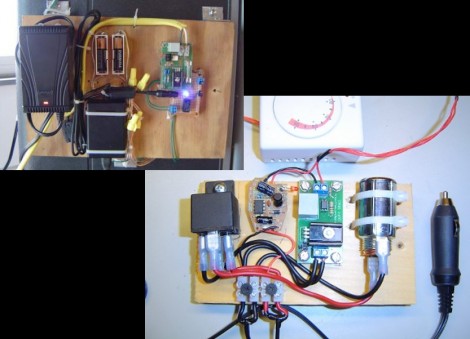
[Phil’s] parents grow their own organic food, but the harsh Ukraine winters make storing it a difficult proposition. Since it can drop to -30°C on occasion, they asked him to find a way to keep their storeroom at around 5-7°C above zero. He decided to construct his own programmable thermostat to keep things in check, and has been documenting the process as he goes along.

The thermostat uses a DS18B20 temperature sensor to monitor the room, and the logic is handled by an ATtiny2313. When the temperature dips low enough, the ATtiny triggers the room’s heater via a standard 240v relay. He can check the current temperature via a small 7-segment display mounted on the control board, which also contains three microswitches for controlling the heater.

It looks like a pretty solid build so far, and while he hasn’t finished coding the thermostat just yet, [Phil] says that those details are forthcoming. He has published a schematic however, so you can get a jump start on building your own if you’re looking to warm things up this winter.

Continue reading to see a video overview of the thermostat’s design.

Continue reading “DIY Thermostat Keeps The Harsh Winter Cold At Bay”

Extend Your Personal Weather Station’s Reporting Capabilities

This Nexus wireless weather station has an array of weather sensors that you mount outside and monitor on the LCD screen. It also has the ability to stream the data over USB, but that feature is only supported in Windows and the companion software leaves a lot to be desired. Here’s a technique that will let you unlock the potential of the data by streaming it to your Linux box or directly to the Internet.

It turns out that grabbing the data via Linux has been made quite easy thanks to a package called TE923 (translated). With the base unit connected via USB, the software will pull down a string of colon-separated data which will be easy to parse using your favorite scripting language. But what if you don’t want to tether this to a computer?

The project goes one step further by using a Carambola board. This is a WiFi board with a USB port on it. It runs OpenWRT so getting TE923 going is as simple as building the package. The best part is, any wireless router that runs OpenWRT (or DD-WRT, etc.) and has a USB port can substitute for this board. With the module connected to the station, data is pushed to the Pachube website to serve as a custom web readout.

[Thanks Saulius]

PopCARD Vending Machine Enhancement Gets Upgraded

[Alex] wrote in to let us know he just completed a pretty major upgrade to his PopCARD RFID vending machine system. You may remember that earlier this year he added an Arduino based RFID reader to a soda machine so that thirsty patrons could pay with plastic instead of cold hard cash. That system worked, but at the beginning of the video after the break [Alex] goes over some of its flaws. There was a button to add cash from the card to the machine in $1 increments, rather than the system just knowing how much to charge you. Also, if you accidentally selected something that was out of stock you were out of luck and were charged anyway.

The new system does away with the button, and knows what product is sold out. The control hardware was upgraded to an Arduino mega to gain extra I/O pins. The device now sits in between the machine’s buttons and its own controller. When cash is used, the Arduino sits passively and lets the machine do its thing. But when a card is scanned, it takes over control of the buttons, sensing your selection, then simulating coin and button presses to vend accordingly. The new setup also uses an Ethernet shield which allows [Alex] to tell what items are running low without being at the machine itself.

Continue reading “PopCARD Vending Machine Enhancement Gets Upgraded”

POE Home Automation Control Panel

poe_home_automation_control_panel

[Scott] wrote in to share a project he is currently working on, a home automation system that relies on Power over Ethernet. While he’s not completely finished, he’s made some great progress, and the work he has done so far definitely piqued our interest.

Part of [Scott’s] design relies on some reverse engineered Blackberry screens we showed you a while back. He has constructed a small control panel for his apartment, which incorporates one of the aforementioned Blackberry screens, along with 10 tactile switches and a PIR sensor. The panel is built to be mounted in a wall or as a standalone unit, allowing him to control various lights and appliances throughout his home.

[Scott] spent a lot of time working on the communications protocol and UI for his control panel. As it sits now, the panel takes advantage of a VNC-like protocol he designed, which allows him to interact with a Java application residing on his desktop computer.

Things are looking awesome so far, and [Scott] already has a handful of improvements planned for the near future. We can’t wait to check it out when it’s finished.

Building Your Own Replacement Refrigerator Thermostat

refrigerator_thermostat_repair

[Ron’s] refrigerator broke shortly after he came home from his weekly grocery trip, and since this was his second dead fridge in three years, he wanted to fix it rather than buy a new one…again. It turns out that the thermostat was toast, and a replacement would cost him $80. That was well more than he was willing to pay, but his groceries were starting to get warm, so he had to do something.

Being the tinkerer he is, he figured he could rig up his own thermostat that would work at least as well as the one that died on him. He scavenged an ATmega328 from a failed project, and after digging around online, put together the most barebones Arduino setup he could find. The microcontroller is tucked away in the back of the refrigerator where the old thermostat used to live, and takes input from a TMP36 temperature sensor, triggering a relay to start the refrigerator’s compressor whenever the the temp goes above 4°C.

[Ron] says his fix is just about the “worst kludge ever”, but as he saved $80 in parts and $150 in labor, we’re inclined to think it’s a job well done.