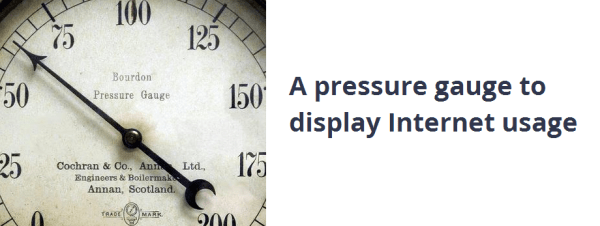
There’s a certain appeal to analog gauges in a vastly digital world. [Ed Konowal] is a Network Operations Supervisor for a school district in Florida — part of his job is to ensure a stable and fast internet connection, so he decided to make an internet usage gauge for his office.
What we really like about this hack is the fact that [Ed] had no idea how to do it. It’s a simple enough idea, right? Google was his friend and Ed started learning about all kinds of things. Raspberry Pi’s and Arduinos, wireless receiver/transmitters, servos and steppers, Python…
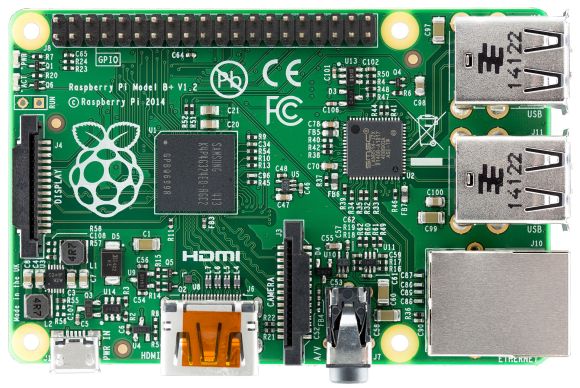
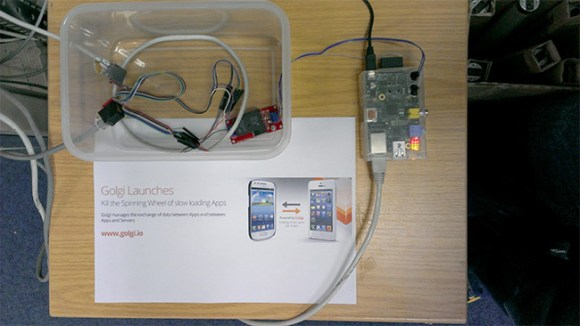
After quite a bit of trial and error, [Ed] eventually settled on a wired design which uses a Raspberry Pi running a Python program to poll the internet bandwidth, which in turn calculates the servo position for the dial and sends that number to the Arduino to move it into position. This repeats every 10 seconds. Pretty cool!
Kind of reminds us of this project to make custom gauges using a stepper motor breakout board!
[Thank Justin!]