[RobB’s] House Has No Light Switches

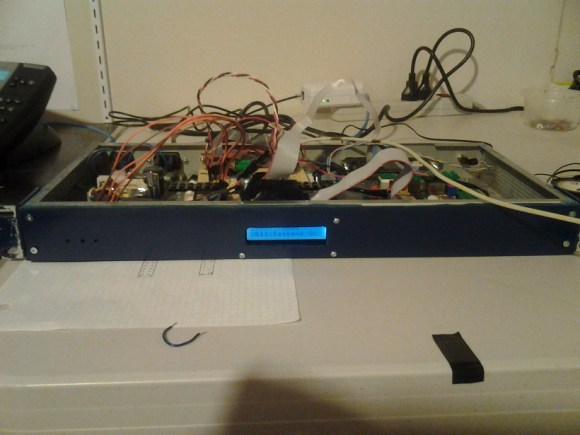
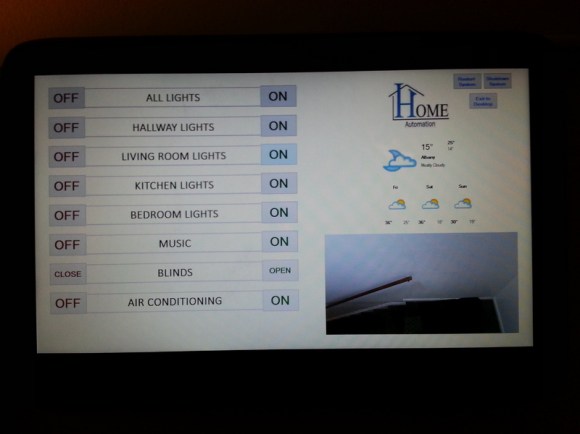
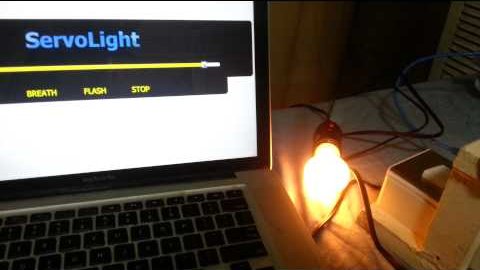
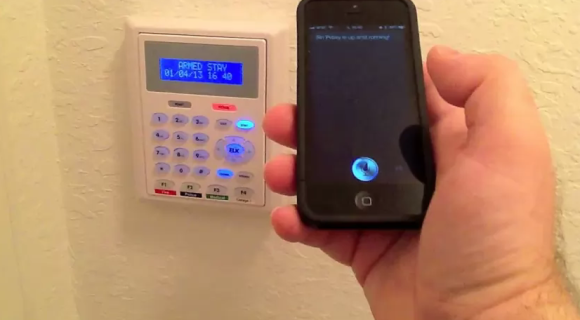
So [RobB] wanted to take out all the light switches in his house. His plan was to replace them with a system that could be operated from his smart phone. But his wife insisted that there still must be some way to control the lighting directly — we have to agree with her on that one. The solution was to develop a system that switches the lights via a touch sensor or by Bluetooth.

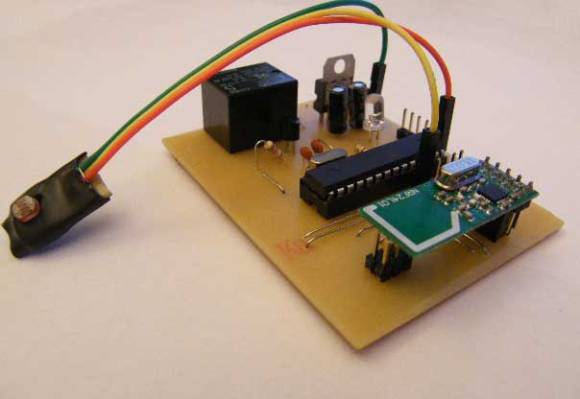
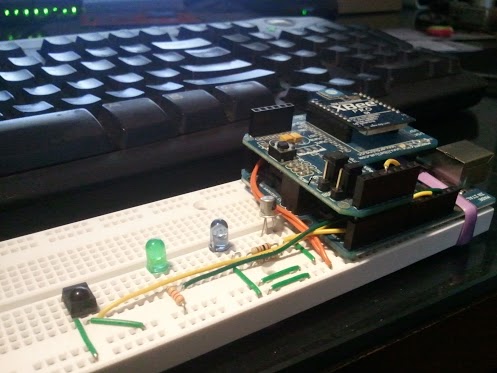
The touch part of the project is pretty easy. He coated the back of a blank outlet plate with tin foil and hooked it to a microcontroller with a couple of resistors. He’s using an ATtiny85, which can be programmed using Arduino sketches, so the software side is made easy by the CapSense Library. The chip also uses the software serial library to communicate with a Bluetooth module. You can see the result of both in the demo video after the break.

Of course you need to throw a relay in there to switch mains, and find a way to power the uC and Bluetooth module. [RobB] went with a tiny plug-in USB power converter and managed to fit everything in a single-gang switch.

Continue reading “[RobB’s] House Has No Light Switches”

Home Automation With RC Wall Plugs And Raspberry Pi

[Jake] took some cheap hardware and figured out a way to use it as a huge home automation network. He’s chose a Raspberry Pi board to connect the radio controlled power outlets to his network. He wrote about his project in two parts, the first is hacking the RC outlet controller and the second is using the Raspberry Pi to manipulate it.

These RC outlets are a pass-through for appliances that connect to mains (lamps, consumer electronics, christmas trees, etc). Often the protocol used by the cheap-as-dirt remote is difficult to work with, but [Jake] really hit it out of the part on this one. In addition to simulating button presses for up to fifteen devices on the remote, he replaced the DIP switch package. This lets him change the encoding, essentially allowing the one device to control up to 32 sets of outlets. Theoretically this lets him command 480 devices from the Raspberry Pi. Since that board is a web server it’s just a matter of coding an interface.

Some of the inspiration for this hack came from the whistle-controlled appliance hack.

Surround Sound System Controller Replacement Includes Home Automation

[Neoxy] always wanted surround sound for his computer, and one day he managed to get a hold of a dead 5.1 system. Why buy one when you can repair someone’s rubbish, right? That turned out to be easier said than done, but after several false-starts he managed to resurrect the audio system by replacing the microcontroller.

We find his trouble-shooting technique interesting. The amp would power up without a hitch but no sound would come out of it. So he took a headphone cable and used the L and R conductors as probes. That cable was fed from an MP3 player, and by touching the probes to the audio inputs for the pre-amp and amplifier circuits he could get great sound out of the speakers. Reasonably certain that those boards were working fine he narrowed down the troubles to three chips that mix, select inputs, and control the system.

A lot of prototyping with an ATmega328 and an Arduino led him to the functionality you see in the video after the break. Not only did he get the system working, but he’s using the Arduino to add Internet control for the device.

Continue reading “Surround Sound System Controller Replacement Includes Home Automation”

Automating Household Devices With Google Calendar

[Shane] is building a new house and wants some, “subtle home automation” as he calls it. His first project is hooking up a small heater to the Internet, and judging from his demo video everything is going swimmingly.

[Shane]’s project is built around an mbed microcontroller that connects to the Internet via an Ethernet connection. The mbed has a temperature controller and a solid state relay to turn the heater on an off; simple enough, but we really like how easily [Shane] connected his project to Google Calendar.

After looking over the Google API, [Shane] was understandably overwhelmed. He figured out that by syncing the mbed’s clock to network time and sending a GET request for one minute in the future, the mbed would always know what was scheduled with a minimal delay.

Now, all [Shane] does to turn on his heater is schedule a time and temperature in Google Calendar. He can do this from across the globe or country and makes for a really slick part of a home automation system.

Continue reading “Automating Household Devices With Google Calendar”

Reinventing The Clapper With A Knock-based Home Automation Controller

Clap On!… Clap Off!… was super awesome when The Clapper came out in the mid-eighties. Now [Mathieu Stephan] is trying to make the concept much more functional. He put together a controller that lets you knoch on walls to control things around the house. It’s called the Toktoktok project and uses small boxes to receive user input and control items like lamps and computers.

A piezo element picks up the noises made by a user. Above [Mathieu] demonstrates how sensitive the element is, picking up scratching and knocking anywhere along this wall and displaying it as a waveform on the computer monitor. Clever processing and filtering of these noises lets the device convert them into different commands. He covers all of this in the video after the break, then demonstrates a bunch of functionality such as waking up and starting audio playback from a computer just by tapping on the coffee table.

This isn’t the first time we’ve seen the concept. One of our favorites is this door lock which listens for the secret knock. But [Mathieu] is trying to extend the functionality and bring it to a more general market. Continue reading “Reinventing The Clapper With A Knock-based Home Automation Controller”

CAN Bus For Home Automation

Here’s one node on the new home automation system on which [Black Rynius] is working. So far he’s testing out the system with just two nodes, but plans to build more as the project progresses. He’s chosen to use the CAN bus for communications; a protocol which is most commonly found in automotive applications.

The biggest plus about using the CAN bus is that it requires just one pair of wires for communications. As you can see, there’s an old doorbell included on this board and he’s hoping to use the existing doorbell wire to connect between nodes. Each unit includes a PIC 18F4580 which has a CAN engine built into it for easy protocol translation. There is also an MCP2551 which handles the transmissions. You can read a bit more about the hardware choices in his breadboarding post.

So far almost everything is working as planned. He’s able to send and receive data between the two boards including temperature from a sensor and time from a DS1305 RTC chip. The one thing that vexes him is that doorbell. It draws too much current for the wall wart that’s powering the board, browning out the microcontroller and causing a reset. That’s not a hard fix and we look forward to more developments in the near future.

[via Dangerous Prototypes]

Robot Overlords Require Chores In Return For Technological Access

Looks like you might not be fully immersed in the digital world if you didn’t complete your chores. The members of the LVL1 Hackerspace have put together a lot of automation for their lair, but nothing drives home the utility of the system they call MOTHER like the shenanigan-preventing trash removal system. Or in layman’s turns, being nagged by MOTHER until you empty the trash can.

So here’s a bit of background first. Remember that sensor array that just had way too many environmental sensors on it? That is just one way that the automation system (MOTHER) measures its surroundings. It seems the hackerspace has been building a pile of scripts to interface with just about every aspect of the community.

For instance, the night before trash colletion the system starts by letting members know it’s trash night and someone needs to empty the garbage. There’s a pressure sensor under the can which alerts MOTHER to the fact that it has been moved. But what if nobody moves the can? Say goodbye to Google. Yep, it’ll block all Google searches until the chore is done. And that’s just one punishments in its bag of tricks.

So what if you just move the can and don’t take it out? No dice. MOTHER is also monitoring the garage door which needs to be open to get the extra-large can out to the dumpster. You’ve got five minutes to do that before she starts getting nasty.

[Thanks Jonathan]