It looks as though the Mars Ingenuity flight team is starting to press the edge of the envelope a bit. The tiny rotorcraft, already 280-something sols into a mission that was only supposed to last for about 30 sols, is taking riskier flights than ever before, and things got particularly spicy during flight number 17 this past week. The flight was a simple up-over-and-down repositioning of the aircraft, but during the last few meters of descent at its landing zone, Ingenuity dipped behind a small hill and lost line-of-sight contact with Perseverance. Without the 900-MHz telemetry link to the rover, operators were initially unable to find out whether the chopper had stuck the landing, as it had on its previous 16 flights. Thankfully, Perseverance picked up a blip of data packets about 15 minutes after landing that indicated the helicopter’s battery was charging, which wouldn’t be possible if the craft were on its side. But that’s it as far as flight data, at least until they can do something about the LOS problem. Whether that involves another flight to pop up above the hill, or perhaps even repositioning the rover, remains to be decided.
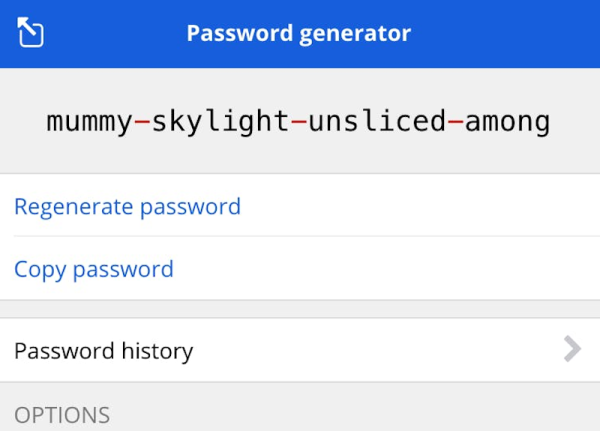
Thinking up strong passwords that are memorable enough to type when they’re needed is never easy, and probably contributes more to the widespread use of “P@$$w0rD123” and the like than just about anything. But we got a tip on a method the musically inclined might find useful — generating passwords using music theory. It uses standard notation for chords to come up with a long, seemingly random set of characters, like “DMaj7|Fsus2|G#9”. It’s pretty brilliant, especially if you’ve got the musical skills to know what that would sound like when played — the rest of us can click here to find out. But since we can’t carry a tune in a bucket, we’ll just stick with the “correct horse battery staple” method.
Looks like you can only light so many roofs on fire before somebody starts to take an interest in what’s going on. At least that seems to be the case with Tesla, which is now under investigation by the US Security and Exchanges Commission for not keeping its shareholders and the public looped in on all those pesky solar array fires it was having back in the day. The investigation stems from a 2019 whistleblower complaint by engineer Steven Henkes, who claims he was fired by Tesla after pointing out that it really would be best not to light their customers’ buildings on fire with poorly installed solar arrays. It’s interesting that the current investigation has nothing to do with the engineering aspects of these fires, but rather the financial implications of disclosure. We discussed some of those problems before, which includes dodgy installation practices and seems to focus on improperly torqued MC4 connectors.
Staying with the Tesla theme, it looks like the Cybertruck is going to initially show up as a four-motor variant. The silly-looking vehicle is also supposed to sport four-wheel steering, which will apparently make it possible to drive diagonally. We’ve been behind the wheel for nearly four decades at this point and can count on no hands the number of times diagonal driving would have helped, and while there might be an edge case we haven’t bumped into yet, we suspect this is more about keeping up with the competition than truly driving innovation. It seems like if they were really serious about actually shipping a product, they’d work on the Cybertruck windshield wiper problem first.
And finally, as I’m sure you’re all aware by now, our longtime boss Mike Szczys is moving on to greener pastures. I have to say the news came as a bit of shock to me, since I’ve worked for Mike for over six years now. In that time, he has put me in the enviable position of having a boss I actually like, which has literally never happened to me before. I just thought I’d take the chance to say how much I appreciate him rolling the dice on me back in 2015 and giving me a chance to actually write for a living. Thanks, Mike, and best of luck with the new gig!