A USB-C Bench Power Supply

A bench power supply is one of those things that every hacker needs, and as the name implies, it’s intended to occupy a place of honor on your workbench. But with the addition of USB-C support to his DPH5005 bench supply, [Dennis Schneider] is ready to take his on the road should the need ever arise.

The build started with one of the common DPH5005 bench power supply kits, which [Dennis] says he was fairly happy with aside from a few issues which he details in the post on his blog. Even if you aren’t looking to modify your own kit with the latest and greatest in the world of Universal Serial Bus technology, it’s interesting to read his thoughts on the power supply kit if you’ve been considering picking one up yourself.

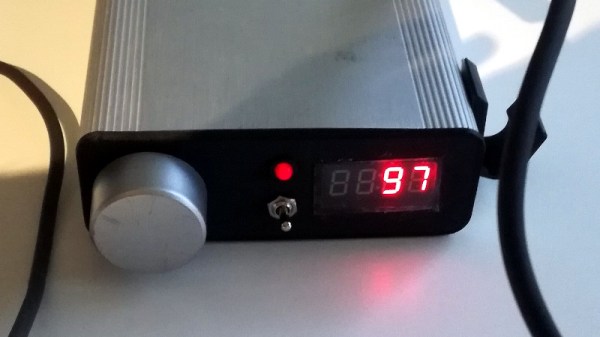
Under normal circumstances you are supposed to give the DPH5005 DC power via the terminals on the back panel of the supply, which in turn is regulated and adjusted via the front panel controls. To add support for USB-C, all [Dennis] had to do was install a USB-PD trigger module configured to negotiate 20 VDC in the back of the case and connect it to the DC input. To hold it in place while isolating it from the metal case, he used a piece of scrap PCB carefully cut and wrapped in Kapton tape.

This actually isn’t the first portable bench power supply we’ve seen. Last year we saw one that got its input power from Makita portable tool batteries, but we think all things considered, the USB-C option is probably a bit more convenient.

Improbably Cheap Pocket Welder Gets An ESP32 Makeover

If you move in certain shady circles, you may have noticed the crop of improbably cheap “pocket welders” popping up on the market these days. They’re all variations on a theme, most with wildly optimistic specs minimal accessories of the lowest possible quality. But their tiny size and matching price make them irresistible to the would-be welder, as well as attractive to hardware hackers.

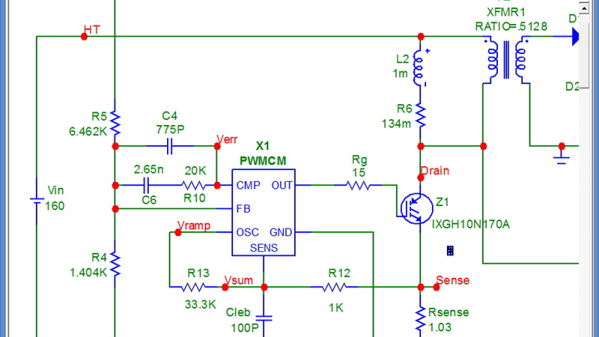
With a 220-V outlet in the garage waiting to be filled and well-knowing the risks, [Mr. RC-Cam] purchased one of these diminutive welding machines. Its shortcomings were immediately apparent, and a complete rework of the welder was undertaken. After addressing safety issues like the lack of a ground connection, [Mr. RC-Cam] added a color-matched 3D-printed hood to house a fancy new LCD touchscreen display. Backing that up is an ESP32 with Bluetooth, which supports remote control via a key fob. He also added a current sense board that uses the welder’s current shunt to measure welding current. Expediently calibrated using a waffle iron and a milli-ohmmeter, the sensor showed that the 200A max advertised for the welder was more like 100A. He tried adding some big electrolytics to fix the current issues, but no dice. With a decent stinger and ground clamp, the modified welder is good enough for his needs, and much was learned in the process. We call that a hacking win.

As an aside, [This Old Tony] recently did a review on a similar welder if you want more details on the internals. We also covered the conversion of a buzz-box to a TIG welder recently, should that be more your style.

Continue reading “Improbably Cheap Pocket Welder Gets An ESP32 Makeover”

Adding USB-C To The TS100

The TS100 is a popular entry into the new breed of small temperature-controlled soldering irons that, at least for some of us, have started to replace the bulky soldering stations of old. Unfortunately, one downside of this particular model is the need to plug it into a fairly ungainly laptop-style power supply, which certainly hinders its otherwise portable nature. But [Dennis Schneider] has come up with a very slick solution to that problem by adding a USB-PD module to his TS100.

The idea here is very simple: just remove the original DC barrel connector, and in its place install a USB-PD trigger module. In practice it took more than a little fiddling, cutting, persuasion, and creative soldering (ironically, with a soldering station), but the end result does look quite professional.

It helps that the USB-PD module [Dennis] used was almost the exact same width as the TS100 PCB, meaning that the modified iron could go back into its original case. Though as we saw not so long ago, there’s a growing community of 3D printed replacement cases should you select a trigger module that doesn’t so neatly fit the footprint of the original board. Or if you didn’t want to modify the iron at all, you could always just make an external adapter.

Those that have some experience with these irons might be wondering what the point of modifying the TS100 to take USB-C is when we already have the TS80. As it turns out, while the TS80 is using a USB-C connector it doesn’t actually use USB-PD, so its not taking advantage of the enhanced power delivery capabilities. We know, it’s all kind of confusing.

Multimeter Display Perked Up With Nixies, LEDs, And Neon Tubes

Just because something is newer than something else doesn’t automatically make it better. Of course the opposite is also true, but when it comes to displays on bench multimeters, a fancy LCD display is no guarantee of legibility. Take the Hewlett Packard HP 3478A multimeter; the stock transflective display with its 14-segment characters is so hard to read that people usually have to add a backlight to use it.

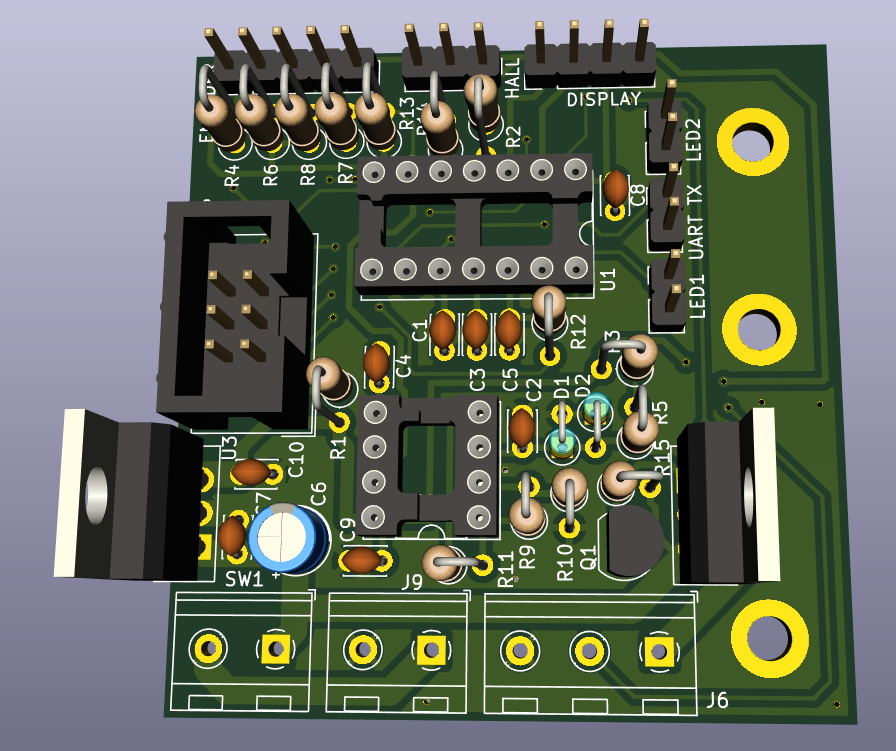
That wasn’t good enough for [cyclotronboy], though, who chose to completely replace the stock 3478A display with Nixie tubes. He noticed that with a little modification, six IN-17 tubes just fit in the window vacated by the LCD. He sniffed out the serial data stream going to the display with a collection of XOR gates and flip-flops, which let him write the code for a PIC18F4550. The finished display adds a trio of rectangular LEDs for the + and – indicators, and an HDLO-1414 four-character alphanumeric display to indicate units and the like. And the decimal points? Tiny neon bulbs. It already looks miles better than the stock display, and with the addition of a red filter, it should look even better.

If you’re stuck with a lame LCD multimeter but Nixies don’t quite do it for you, worry not – an LED conversion is possible too.

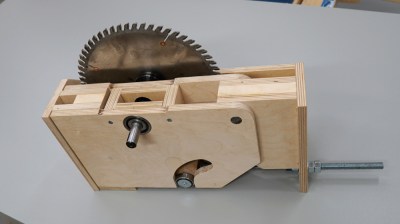
Scratch Building A Lathe From Pieces Of Granite

As hackers, we’re well accustomed to working with what we have on hand. That’s the name of the game, really. A large majority of the projects that have graced these pages are the direct result of trying to coerce a piece of hardware or software into doing something it was never designed to do, for better or for worse.

But even still, attempting to build a functional lathe using scrap pieces from granite countertops is a new one for us. [Nonsense Creativity] has spent the last several months working on this build, and as of his latest video, it’s finally getting to the point at which the casual observer might recognise where he’s going with it.

We won’t even hazard a guess as to the suitability of thick pieces of granite for building tools, but we’re willing to bet that it will be plenty heavy enough. Then again, his choice of building material might not be completely without precedent. After all, we once saw a lathe built out of concrete.

Building a lathe out of what you’ve got laying around the shop is of course something of a tradition at this point., but if you’re not quite up to the challenge of cutting your own metal (or granite, as the case may be), [Quinn Dunki] has put together a lathe buying guide that you may find useful.

Continue reading “Scratch Building A Lathe From Pieces Of Granite”

3D Printing New Cases For The TS100 Soldering Iron

About a year back, [BogdanTheGeek] found himself in need of a new case for this TS100 soldering iron. Unfortunately, while the product is often billed as being open source friendly (at least in the firmware sense), he was surprised to discover that he couldn’t find the detailed dimensions required to 3D print his own replacement case. So he took it upon himself to document the case design and try to kick off a community around custom enclosures for the popular portable iron.

The main goals while designing the replacement case was to make it printable without support, and usable without additional hardware. He also wanted it to be stronger than the original version, and feature a somewhat blockier design that he personally finds more comfortable. The case was designed with PLA in mind, and he says he’s had no problems with the lower-temperature plastic. But if you’re still concerned about the heat, PETG would be an ideal material to print yours in.

It took him many attempts to get the design to where it is today, and still, there are improvements he’d like to make. For one, there’s no protective cover over the iron’s OLED screen. He’d also like to make the switch from SolidWorks over to FreeCAD so the project is a bit more accessible, and says he’d appreciate anyone who wants to chip in. We’re excited to see what develops once the hacking world realizes that there are accurate open source CAD files for the TS100 floating around out there.

Our very own [Jenny List] put the TS100 through its paces not so long ago, and found a decidedly solid little tool. While it won’t replace your high-end soldering station, it’s very convenient for quick repairs and simple tasks, especially if you find yourself away from the workbench proper.

Restoring A Rusty Rebar Cutter

We’ve all probably come across hunks of junk that used to be tools, long-neglected and chemically welded into a useless mass of solid rust. Such items are available for a pittance at the local flea market, or more likely found in an old barn or rotting on a junk pile. They appear to be far beyond salvage, but with the proper application of elbow grease and penetrating lubricants, even a nasty old seized-up rebar cutter can live again.

We honestly almost passed up on the video below when it came across our feed. After all, a rebar cutter is a dead-simple device, and half the fun of restoration videos like those made by [my mechanics] is seeing all the parts removed, restored, and replaced. But it ended up being far more interesting than we expected, and far more challenging too.

The cutter was missing its original handle and looked for all the world like it had been cast from a solid piece of iron oxide. [my mechanics] was able to get the main pivot bolts free with a combination of leverage, liberal application of penetrating oil, drilling, and the gentle persuasion of a hydraulic press.

These efforts proved destructive to both bolts, so new ones were made on the lathe, as were a number of other parts beyond saving. New cutters were fabricated from tool steel and a new handle was built; before anyone comments on anyone’s welding skills, please read [Jenny]’s recent article on the subject.

The finished product is strikingly dissimilar to the starting lump of oxidized junk, so there’s going to to be some debate in calling this a “restoration” in the classical sense. The end result of a [my mechanics] video is invariably a tool or piece of gear that looks far better than it did the day it was made, and any one of them would get a place of honor on our shelf. That said, he’d probably be swiftly shown the door if he worked at the Smithsonian.

Whatever you want to call these sort of videos, there are tons of them out there. We’ve featured a few examples of the genre, from the loving rehabilitation of classic Matchbox cars to rebuilding an antique saw set. They’re enough to make us start trolling garage sales. Or scrap yards.

Continue reading “Restoring A Rusty Rebar Cutter”