He calls it the Glowtape, and it uses a dense array of UV LEDs and a long strip of glow-in-the-dark material to display the time and date, as well as images and long strings of text written out horizontally to create an impromptu banner. It looked phenomenal in person, with the energized areas on the tape glowing brightly during the evening festivities in the alleyway.
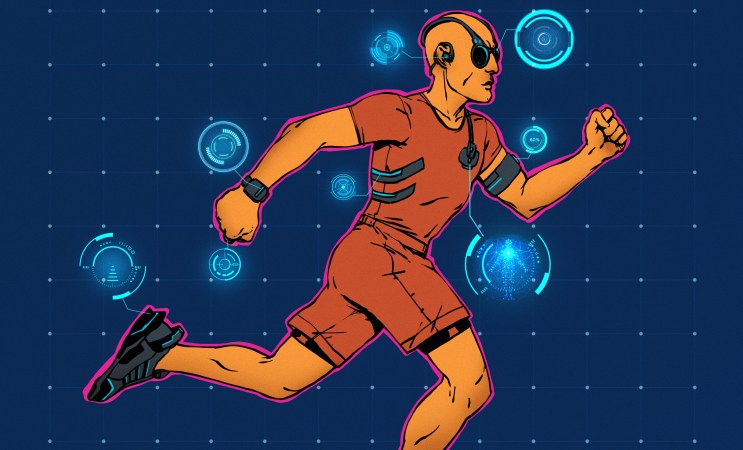
The ever-shrinking size of electronics and sensors has allowed wearables to help us quantify more and more about ourselves in smaller and smaller packages, but one major constraint is the size of the battery you can fit inside. What if you could remotely power a wearable device instead?
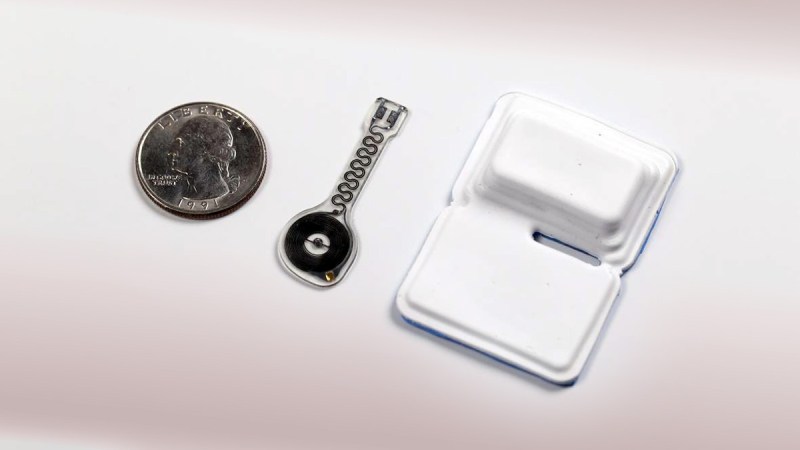
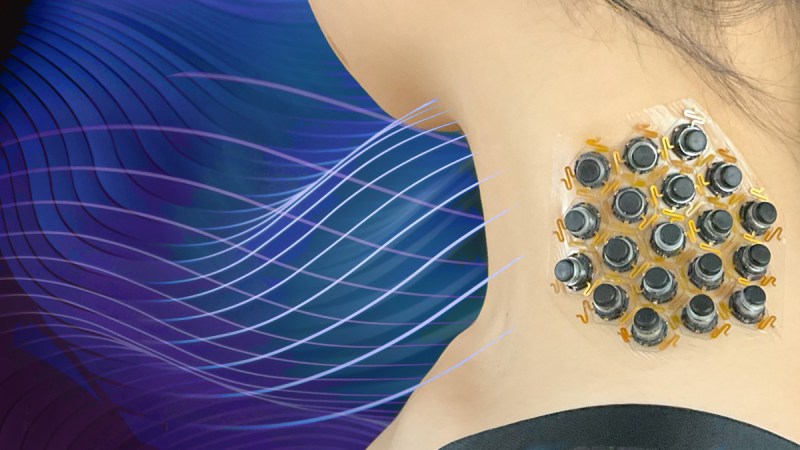
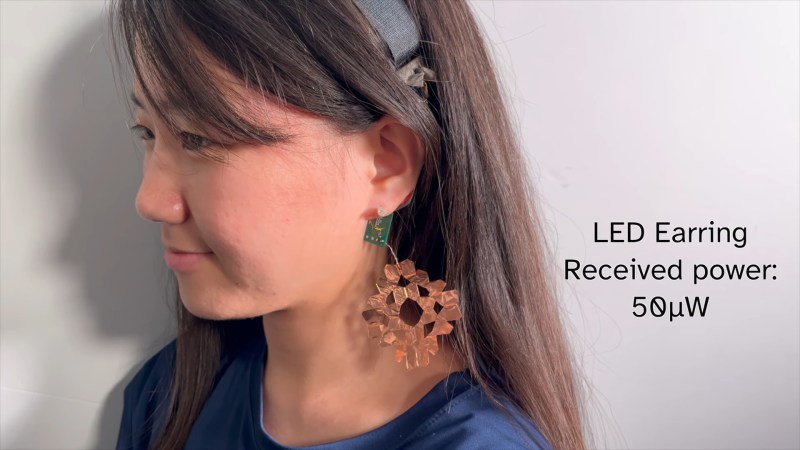
Researchers at Carnegie Mellon University were able to develop a power transmitter that lets power flow over human skin to remote devices over distances as far a head-to-toe. The human body can efficiently transmit 40 MHz RF energy along the skin and keeps this energy confined around the body and through clothing, as the effect is capacitive.
The researchers were able to develop several proof-of-concept devices including “a Bluetooth
ring with a joystick, a stick-and-forget medical patch which logs data, and a sun-exposure patch with a screen — demonstrating user input, displays, sensing, and wireless communication.” As the researchers state in the paper, this could open up some really interesting new wearable applications that weren’t possible previously because of power constraints.
If you’re into pushing tech boundaries from home, this one’s for you. Redditor [mi_kotalik] has crafted ‘Zero’, a custom pair of DIY augmented reality (AR) glasses using a Raspberry Pi Zero. Designed as an affordable, self-contained device for displaying simple AR functions, Zero allows him to experiment without breaking the bank. With features like video playback, Bluetooth audio, a teleprompter, and an image viewer, Zero is a testament to what can be done with determination and creativity on a budget. The original Reddit thread includes videos, a build log, and links to documentation on X, giving you an in-depth look into [mi_kotalik]’s journey. Take a sneak peek through the lens here.
Creating Zero wasn’t simple. From designing the frame in Tinkercad to experimenting with transparent PETG to print lenses (ultimately switching to resin-cast lenses), [mi_kotalik] faced plenty of challenges. By customizing SPI displays and optimizing them to 60 FPS, he achieved an impressive level of real-time responsiveness, allowing him to explore AR interactions like never before. While the Raspberry Pi Zero’s power is limited, [mi_kotalik] is already planning a V2 with a Compute Module 4 to enable 3D rendering, GPS, and spatial tracking.
Unless you spend all your time lounging on the sofa, you probably own at least one pair of shoes. But have you ever thought to make your own to improve some aspect of your life? YouTube channel Answer in Progressset out to do precisely that, but it didn’t quite work out.
When you (well, other people) get into running, it’s tempting to believe a lot of the shoe company hype and just drop hundreds of dollars on the latest ‘super shoe’ and hope that will help you break your target time. But do you actually need to buy into all this, or can you make something yourself? The project aimed to get the 5k time down significantly, at any cost, but primarily by cheating with technology. The team set out to look at the design process, given that there is indeed a fair amount of science to shoe design. Firstly, after a quick run, the main issues with some existing shoes were identified, specifically that there are a lot of pain points; feet hurt from all the impacts, and knees take a real pounding, too. That meant they needed to increase the sole cushioning. They felt that too much energy was wasted with the shoes not promoting forward motion as much as possible; feet tended to bounce upwards so that a rocker sole shape would help. Finally, laces and other upper sole features cause distraction and some comfort issues, so those can be deleted.
A thicker mid-sole allows for a rolled shape
The plan was to make a ‘sock’ shoe style, with an upper in one piece and stretchy enough to slip on without laces. The process started by wrapping the foot in cling film and then a few layers of duct tape to fix the shape. This was split down the top to extract the foot, open out the pattern, and transfer it to some nylon fabric. The outer profile was transferred and cut out with simple hand tools in a fashion that would allow the shape to be reconstructed as it was glued to a sole. It sounds simple, but it’s pretty fiddly work. Continue reading “Can You Homebrew A Running Shoe?”→
[Christina Ernst] executed a fantastic idea just in time for Halloween: her very own Remy the rat (from the 2007 film Ratatouille). Just like in the film Remy perches on her head and appears to guide her movements by pulling on hair as though operating a marionette. It’s a great effect, and we love the hard headband used to anchor everything, which also offers a handy way to route the necessary wires.
Behind Remy are hidden two sub-micro servos, one for each arm. [Christina] simply ties locks of her hair to Remy’s hands, and lets the servos do the rest. Part of what makes the effect work so well is that Remy is eye-catching, and the relatively small movements of Remy’s hands are magnified and made more visible in the process of moving the locks of hair.
Originally Remy’s movements were random, but [Christina] added an MPU6050 accelerometer board to measure vertical movements of her own arm. She uses that sensor data to make Remy’s motions reflect her own. The MPU6050 is economical and easy to work with, readily available on breakout boards from countless overseas sellers, and we’ve seen it show up in all kinds of projects such as this tiny DIY drone and self-balancing cube.
Want to make your own Remy, or put your own spin on the idea? The 3D models and code are all on GitHub and if you want to see more of it in action, [Christina] posts videos of her work on TikTok and Instagram.
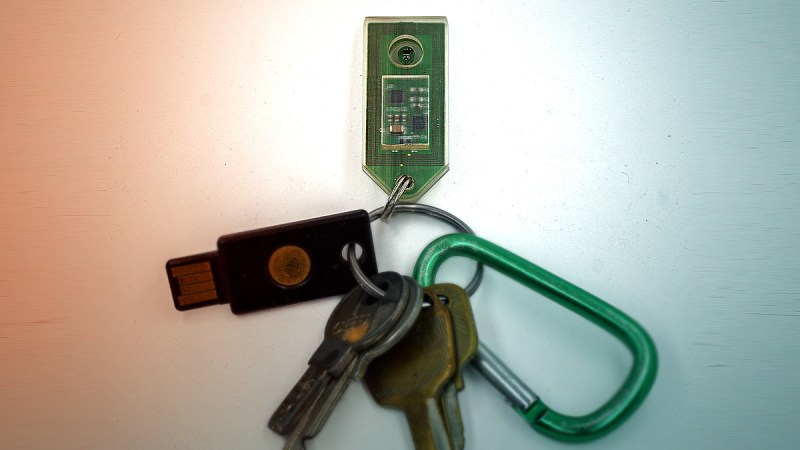
Today, you likely often authenticate or pay for things with a tap, either using a chip in your card, or with your phone, or maybe even with your watch or a Yubikey. Now, imagine doing all these things way back in 1998 with a single wearable device that you could shower or swim with. Sound crazy?
These types of transactions and authentications were more than possible then. In fact, the Java ring and its iButton brethren were poised to take over all kinds of informational handshakes, from unlocking doors and computers to paying for things, sharing medical records, making coffee according to preference, and much more. So, what happened?
The Bigscreen Beyond is a small and lightweight VR headset that in part achieves its small size and weight by requiring custom fitting based on a facial scan. [Val’s Virtuals] managed to improve fitment even more by redesigning a facial interface and using a 3D scan of one’s own head to fine-tune the result even further. The new designs distribute weight more evenly while also providing an optional flip-up connection.
It may be true that only a minority of people own a Bigscreen Beyond headset, and even fewer of them are willing to DIY their own custom facial interface. But [Val]’s workflow and directions for using Blender to combine a 3D scan of one’s face with his redesigned parts to create a custom-fitted, foam-lined facial interface is good reading, and worth keeping in mind for anyone who designs wearables that could benefit from custom fitting. It’s all spelled out in the project’s documentation — look for the .txt file among the 3D models.