Tweet Your BBC Basic Code To The Cloud

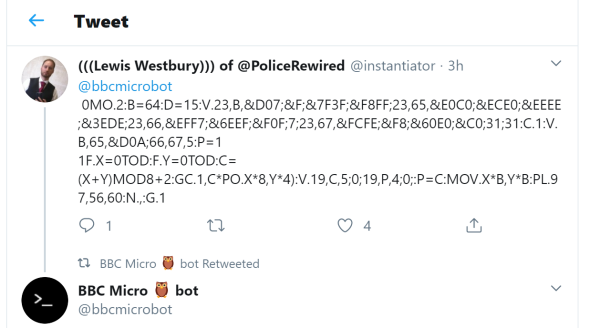
From the “things we like, but can’t explain why file” comes the BBC-Micro-bot twitter robot. BBC Basic was a staple in the UK and if you tweet a BBC Basic program to @bbcmicrobot you’ll get a reply with a 30 second video of your program being emulated in all its glory.

As you can see in the above tweet, the code can get a bit terse, but if you look at the bot’s feed you can find some more legible examples. As the author, [@Dominic Pajak] said:

You might want to use fewer and smaller line numbers, fewer spaces and check out the minimum abbreviations for BBC BASIC keywords to achieve this.

Continue reading “Tweet Your BBC Basic Code To The Cloud”

Farewell SETI@Home

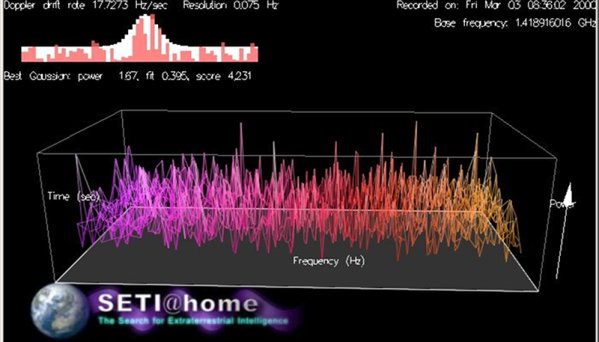
It was about 21 years ago that Berkley started one of the first projects that would allow you to donate idle computing time to scientific research. In particular, your computer could help crunch data from radio telescopes looking for extraterrestrial life. Want to help? You may be too late. The project is going into hibernation while they focus on analyzing data already processed.

According to the home page:

We’re doing this for two reasons:

1) Scientifically, we’re at the point of diminishing returns; basically, we’ve analyzed all the data we need for now.

2) It’s a lot of work for us to manage the distributed processing of data. We need to focus on completing the back-end analysis of the results we already have, and writing this up in a scientific journal paper.

Continue reading “Farewell SETI@Home”

Arduino Drives Astronomy Dome

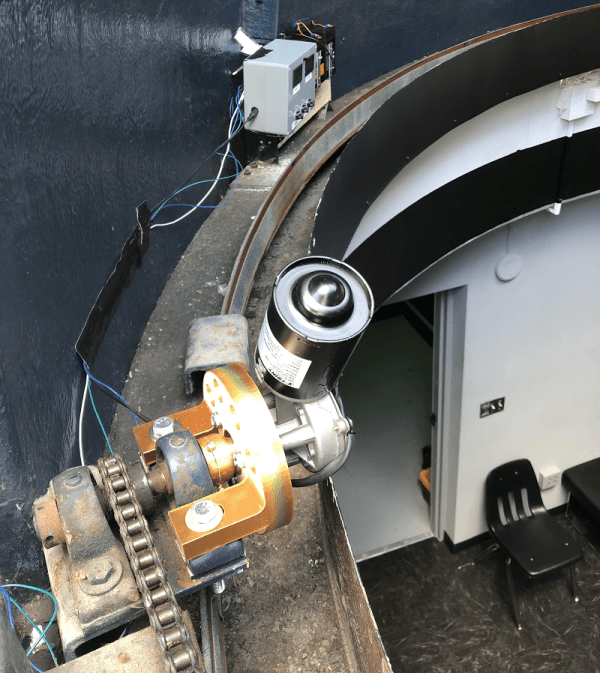
The South Florida Science Center recently added a new ten-inch telescope and turned to [Andres Paris] and his brother to replace the hand-cranked dome door system. They turned to an Arduino along with some beefy motor drivers. You can see some videos of the beast in operation, below.

According to a Reddit post, the brothers picked up a 5A 12V motor but decided to overdesign and selected an H-bridge that would handle 20A peak current. An IR remote allows the operator to open and shut the door and reed switches sense the extremes of the door’s motion.

Continue reading “Arduino Drives Astronomy Dome”

The Last Scientific Calculator?

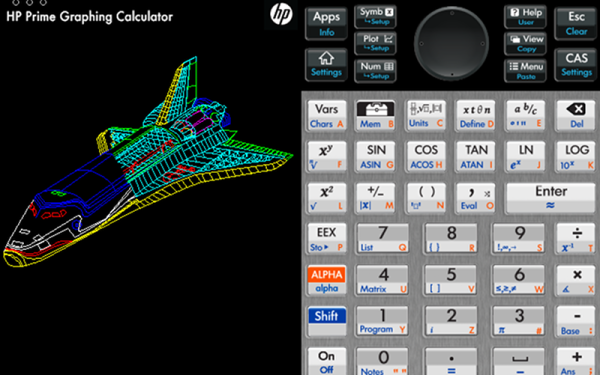
There was a time when being an engineering student meant you had a sword. Well, really it was a slide rule hanging from your belt, but it sounds cooler to call it a sword. The slide rule sword gave way to calculators hanging from your belt loop, and for many engineers that calculator was from HP. Today’s students are more likely to have a TI or Casio calculator, but HP is still in there with the HP Prime. It is hard to call it a calculator since the latest variant has a 528 MHz ARM Cortex A7, 256 MB of RAM, and 512 MB of ROM. But if you can’t justify a $150 calculator, there are some cheap and even free options out there to get the experience. To start with, HP has a free app that runs on Windows or Mac that works just like the calculator. Of course, that’s free as in no charge, not free as in open source. But still, it will run under Wine with no more than the usual amount of coaxing.

You might wonder why you need a calculator on your computer, and perhaps you don’t. However, the HP Prime isn’t just your 1980s vintage calculator. It also has an amazing number of applications including a complete symbolic math system based on xCAS/Giac. It is also programmable using a special HP language that is sort of like Basic or Pascal. Other applications include plotting, statistics, solvers, and even a spreadsheet that can hold up to 10,000 rows and 676 columns.

Portability

It is easy to think that HP provides the free PC software so you’ll go out and buy the real calculator, and that may be part of it. However, you can also get official apps for Android and iOS. They aren’t free, but they are relatively inexpensive. On iOS the cost right now is $25 and on Android it is $20. There are also “lite” versions that are free.

Continue reading “The Last Scientific Calculator?”

Converting An Atari 2600 Into A Home Computer; Did That Ever Work?

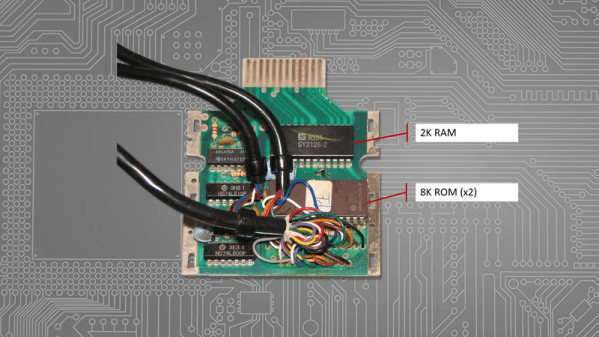
[Tony] posted an interesting video where he looks at the Atari 2600 and the way many companies tried to convert it into a real home computer. This reminded us of the ColecoVision, which started out as a video game but could expand to a pretty reasonable computer.

It might seem silly to convert a relatively anemic Atari video game into a computer, but keep in mind that computers were pretty expensive in those days. Not to mention, the Atari itself was a fair investment back then, too.

Continue reading “Converting An Atari 2600 Into A Home Computer; Did That Ever Work?”

Desktop PCB Mill Review

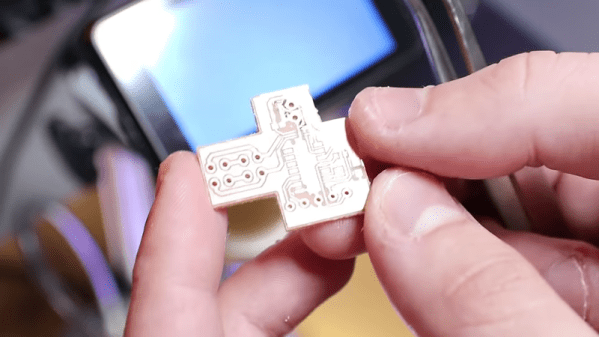
[Carl] wanted to prototype his circuits quickly using printed circuit boards. He picked up a Bantam Tools Desktop PCB Mill and made a video about the results. His first attempt wasn’t perfect, as you could notice under the microscope. A few adjustments, though, and the result was pretty good.

Be warned, this mill is pretty expensive — anywhere from $2,500 to $3,000. The company claims it is a better choice than a conventional cheap mill because it uses a 26,000 RPM spindle and has high-resolution steppers. Because of its low backlash and high accuracy and repeatability, the company claims it can easily mill boards with 6 mil traces.

Continue reading “Desktop PCB Mill Review”

Casual Tetris Comes In At $9

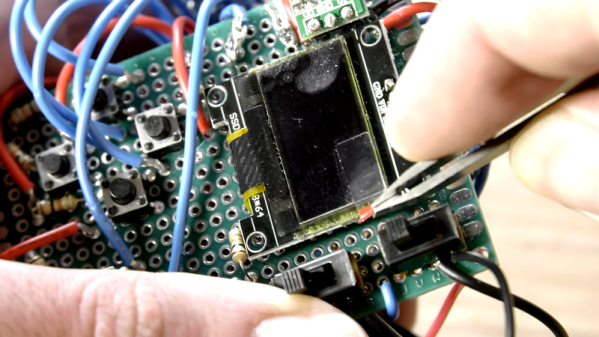
[Michael Pick] calls himself the casual engineer, though we don’t know whether he is referring to his work clothes or his laid back attitude. However, he does like to show quick and easy projects. His latest? A little portable Tetris game for $9 worth of parts. There is an Arduino Pro Mini and a tiny display along with a few switches and things on a prototyping PC board. [Michael] claims it is a one day build, and we imagine it wouldn’t even be that much.

Our only complaint is that there isn’t a clear bill of material or the code. However, we think you could figure out the parts pretty easy and there are bound to be plenty of games including Tetris that you could adapt to the hardware.

Continue reading “Casual Tetris Comes In At $9”