


Recently [Bits und Bolts] stumbled over a pair of Dragon 3000 branded 3dfx Voodoo 2 cards in his unfixed cards pile, and decided that the best course of action was to not only fix them, but also run them in SLI for some sweet Unreal Tournament action. Naturally, these cards being in the broken cards pile meant that he first had to figure out why they were broken and fix all issues.
The advantage of having two identical Voodoo 2 cards is of course that any missing components, like some resistors on one card, could be referenced on the other card. Beyond that it was mostly a matter of reflowing clearly corroded pins on the ICs and replacing damaged resistors and resistor arrays before the first tests could be run.
Using the mojo utility it was easy enough to spot that there were still some lingering issues, with clear issues visible in 3D games as well. These were tracked down to a dodgy pin on one of the texture mapping units (TMUs) that needed some more reflowing, and a very sneaky resistor array that was cracked but not obviously so until prodded with a multimeter.
With both cards now making happy noises when individually tested, it was time to go full SLI, fire up the Pentium 2 system and enjoy the glory of 24 MB of VRAM at high resolutions in Unreal Tournament. Considering that the bloke who had sent in these cards had found them while cleaning up a shed, it’s quite amazing how little rework was needed to once again party like it’s 1999.
Continue reading “Repairing A Pair Of Voodoo 2 GPUs For Some SLI Action”

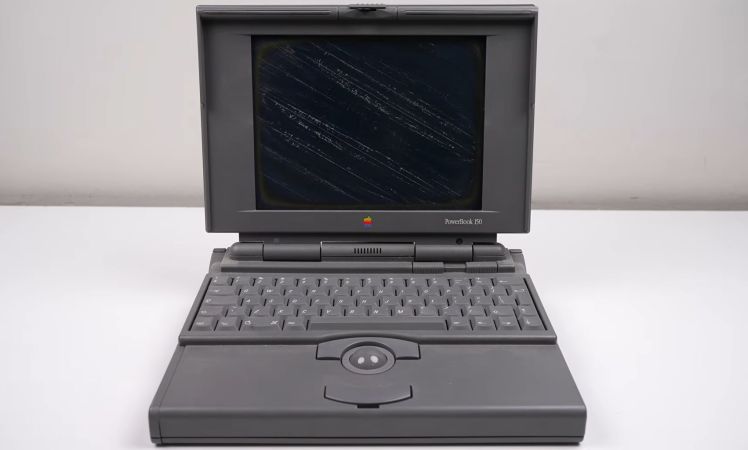
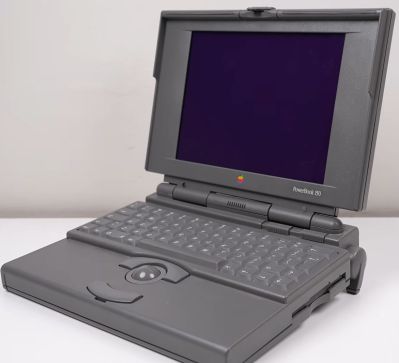 Without a functioning display there was little point in continuing, so the disassembly started there, revealing many broken plastic clips. The cause of the vinegar symptom is the degrading polarizer, which with some finesse can be removed like a thick screen protector. Fortunately, here it’s put on top of the glass layer of the display, so after peeling it off the remaining glue can be safely dissolved and scraped away.
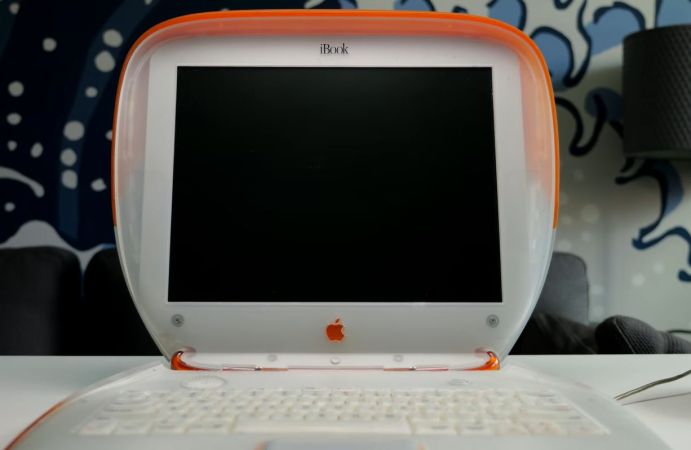
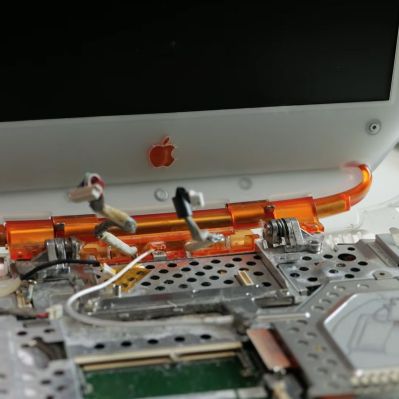 Before the Apple MacBook there was the Apple iBook, fruity 1999 colors included. These PowerPC-based laptops targeted low-cost PC-compatible laptops much like the iMac did, albeit it the latter with more success. That said, these laptops are said to be a nightmare to repair, so when [This Does Not Compute] got his hands on a shiny first generation, 300 MHz PowerPC powered, tangerine-colored one, he











