Creating A Commodore 64 Cartridge On Single-Sided Stripboard

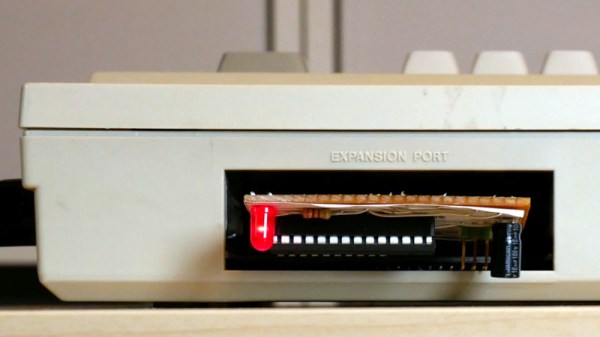
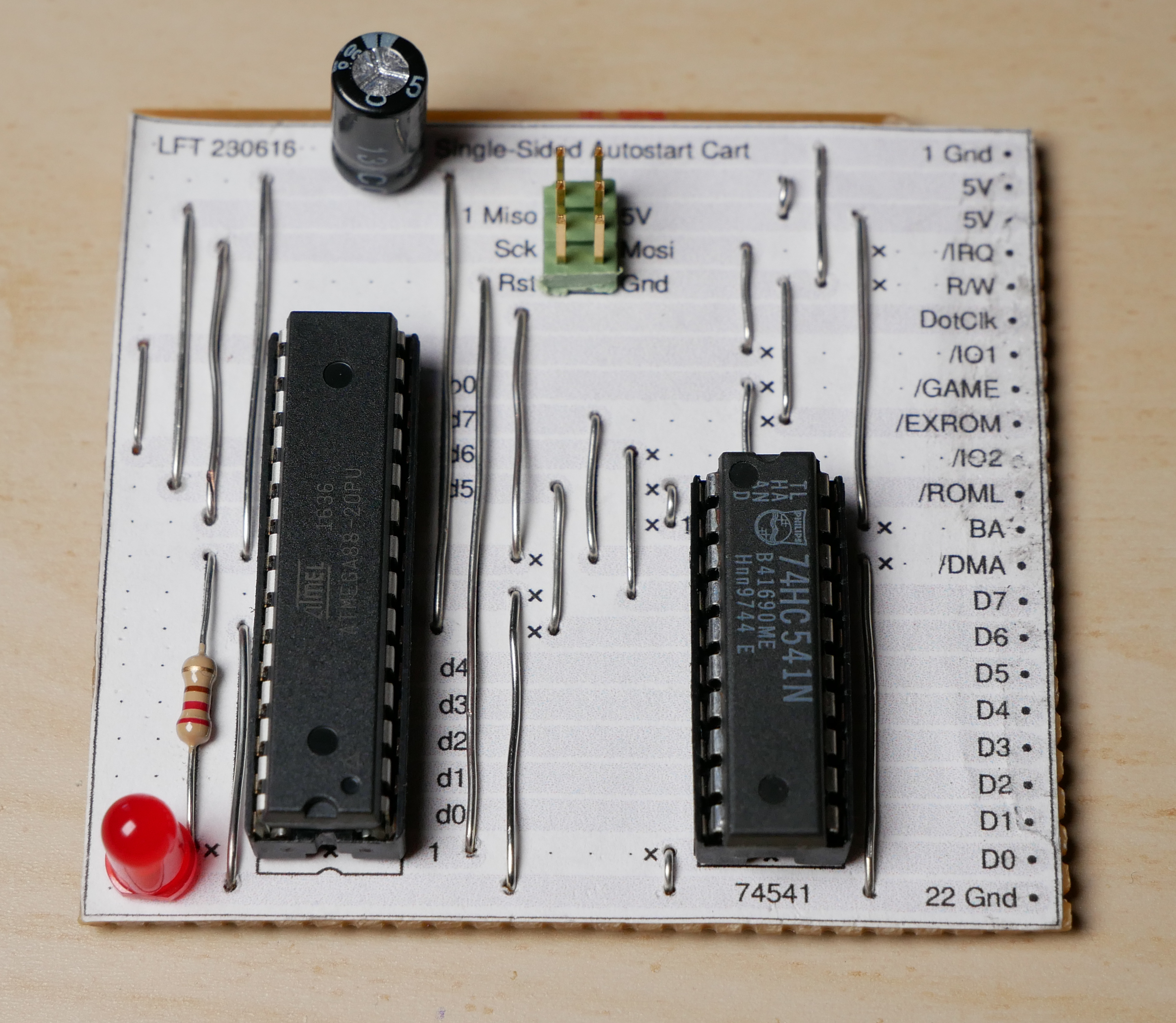
The DIY Commodore 64 cartridge. (Credit: Linus Åkesson)

When you want to write software for a system like the Commodore 64, the obvious and safe choice is to create an image that can be used with a tape or floppy drive emulator. Yet these come with the obvious disadvantage of loading time and manual steps, much like with the original hardware. Unfortunately, if you crave that instant-on experience that cartridges offer – courtesy of them being plugged directly into the system’s CPU bus – you better get an EE diploma to figure it all out. Or maybe not, as [Linus Åkesson] found out when he created a custom cartridge to boot his Commodordian project from.

For the core of the cartridge a bit of stripboard was sufficient to interface with the C64’s cartridge slot. Despite being single-sided, all the required signals were on one side of the slot. These include the EXROM line that informs the system that a cartridge is present, the ROML line that informs the cartridge when the system is trying to read from it, and of course the data bus. After this the interaction gets somewhat interesting, due to the use of the single-sided stripboard, as the address bus and other signals are on the non-connected side.

Working around this was the biggest challenge, but by creatively using the ROML and DotClk lines and by disabling the display output, the ATmega88 and 74HC541-based cartridge a working solution was created. There is still room for improvement here, naturally, but it would appear that if the goal is simply to autoload software on boot, this is definitely a workable solution. One could also splurge on double-sided stripboard, but that would strip away most of the fun of this solution.

Vintage Computer Festival Southwest: Bil And Al’s Excellent Adventure

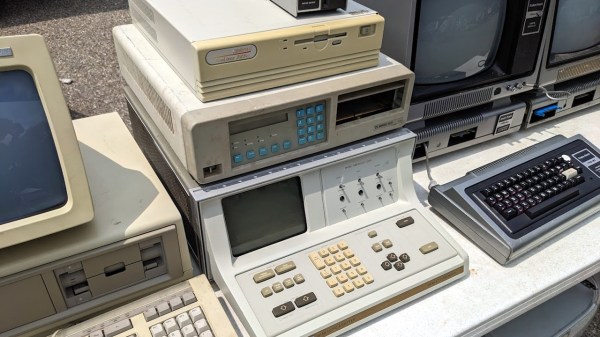
There was a time when seeing an actual computer was a big deal. They were in air-conditioned rooms with raised floors and locked doors. Even at a university, you were likely only to get access to a keypunch machine or a terminal. Then small computers came out, but computer stores were few and far between. Now you can go to any local store that sells electronics and put your hands on hardware that would have been black magic in those days. But the computers back then were also much easier to understand completely. Look at your main computer today. Do you know all the assembly language instructions for it? Can you access the GPU and the MMU? Could you build your own memory for it? Sure, you don’t have to do those things, but it was fun knowing that you could. That seemed to be the overwhelming sentiment among the attendees we spoke to at the Vintage Computer Festival last weekend: We like computers that we can completely understand and troubleshoot.

If you weren’t one of the 900 or so attendees, we can help. Check out our video summary, dive into even more interviews with Bil Herd and guests on our YouTube channel, or just keep reading. The festival happens at several locations throughout the year, but this was the first time one has been in the Southwest for about ten years!

Continue reading “Vintage Computer Festival Southwest: Bil And Al’s Excellent Adventure”

Forgettable Computer, Great Keyboard. Now Available In USB

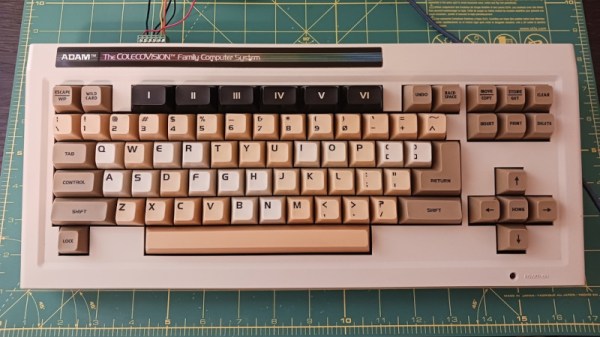
The Coleco Adam is one of the great might-have-beens of the 8-bit home computer era, with an impressive bundle and on-paper spec let down by bugs, hardware issues, and poor availability. It’s something of a footnote today but it seems Coleco did get something right as it had a great keyboard. [Nick Bild] has one, and he’s brought it into the 21st century with a USB interface.

The interfacing is courtesy of a Teensy microcontroller board as in so many other keyboard projects, but what makes this extra-interesting is the way the Coleco keyboard speaks to the world. Instead of merely being a matrix peripheral as were so many of its contemporaries, Coleco created their own custom serial bus for Adam desktop peripherals called AdamNet, and thus the keyboard contains its own 6801 microcontroller to perform the interfacing. The Teensy then is a USB-to-AdamNet interface, and could we’re guessing be made to talk to other Coleco peripherals if they exist.

You can see the keyboard in action below the break, and as you can see it fits quite nicely into 2023.  We’ve not featured much about the Adam before here at Hackaday, but the ColecoVision console which sits at its heart has even seen a new version.

Continue reading “Forgettable Computer, Great Keyboard. Now Available In USB”

VCF’s Swap Meet Experiment Helps Support Expansion

There was a time when those looking for tech bargains had to either try their luck at the local flea market, or make the pilgrimage out to a dedicated swap meet. But with the rise of websites like eBay and Craigslist these parking lot meetups started to fall out of favor, to the point that they became all but extinct over the last couple decades.

So there was some risk involved when the Vintage Computer Federation decided to dust off the concept as a way of sidestepping New Jersey’s COVID-era limitations on indoor meetups. But as VCF Vice President [Jeffrey Brace] explained during our visit earlier this month, the experiment has more than paid off. Each swap meet has brought in buyers and sellers from all over the Mid–Atlantic region, helping to not only raise money for the VCF’s ongoing preservation efforts, but spread awareness of the organization and their goals.

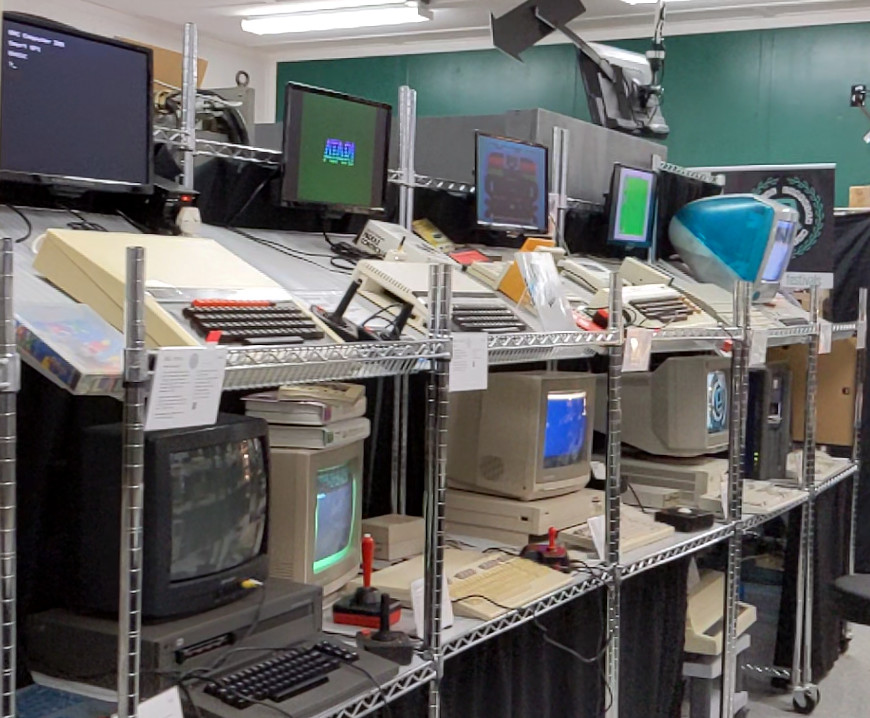
The VCF hopes to expand their existing museum.

During our chat, [Jeffrey] goes over the origins and growth of the VCF swap meet, and how it compares to their annual Vintage Computer Festival. He also speaks about the Federation’s desire to expand their already impressive museum space into a far larger climate-controlled area that will allow for even more classic computer hardware to be put on display.

We visited the VCF swap meet back in 2021, and came away with the distinct impression that [Jeffrey] and the rest of the team had a winning idea on their hands. We’re happy to report that as of 2023 the areas where we saw room for improvement — namely the lack of on-site refreshment and a somewhat overly narrow focus on vintage hardware — have both been addressed. In its current form, this is truly a must-see event for anyone with an interest in computers, radio, or even just general electronics who happens to live within driving distance of the Jersey shore.

While eBay certainly makes it easy to bid on a piece of gear, you’re unlikely to make a new friend while doing so. Events like this are more than just a way to buy and sell hardware, but provide a chance for like-minded individuals to connect and build a community. We’re glad to see the event grow larger each year, and hope it inspires similar revivals elsewhere.

Continue reading “VCF’s Swap Meet Experiment Helps Support Expansion”

Microsoft BASIC For The Dragon 64 Recovered

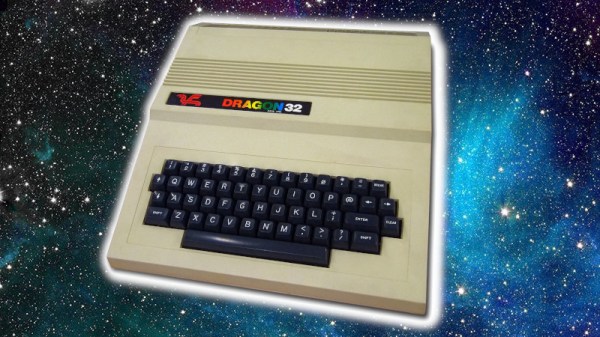
There are a great many pieces of software of yesteryear that are no longer readily accessible. It’s now possible to cross Microsoft BASIC for the Dragon 64 off that list, with the source code now posted for all to enjoy on GitHub.

The repository concerns the Microsoft 16K BASIC Interpreter as built for the Motorola 6809, as used in the Dragon 64 computer. This is also known as BASIC-69 or Extended Color Basic.

Hilariously, the source code was recovered from 340 pages of fan-fold tractor paper stored in four bundles. The output of a Motorola assembler was printed back in 1983 at Dragon Data’s R&D facility in Wales, and was recently recovered after being stored in an attic for much of the last four decades. The paper was carefully scanned at the 2022 Dragon Meetup, before passing the resulting images through OCR software. The output was then manually corrected and the source code was complete for both the 32K and 64K mode ROMs. There are some differences between the scanned source and what Microsoft shipped, which is outlined in the repository.

We’ve seen other heroic retrocomputer recovery efforts before, too, like the work to save the Polish CROOK OS. If you’ve been working on similar feats, be sure to let us know.

Commodore Floppy Drive Fixing Chaos

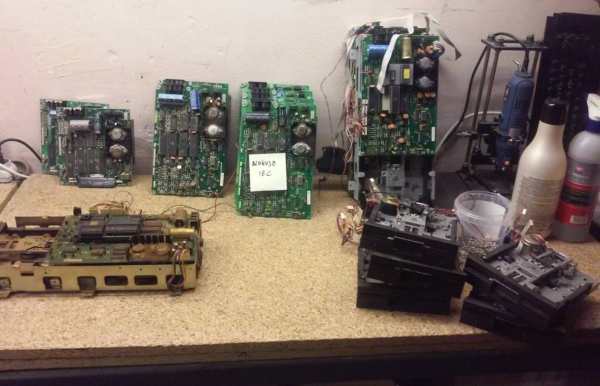
One of the best parts of retrocomputing is that you can obtain so many broken systems and peripherals for repairing and other assorted fun. This was the wholesome activity that [Drygol] embarked on recently with a gaggle of Commodore floppy disk drives that he obtained, involving a lot of cleaning, soldering, calibrating and other assorted entertainment. This follows cold on the heels of an earlier repair session of a stash of Commodore 1541 FDDs.

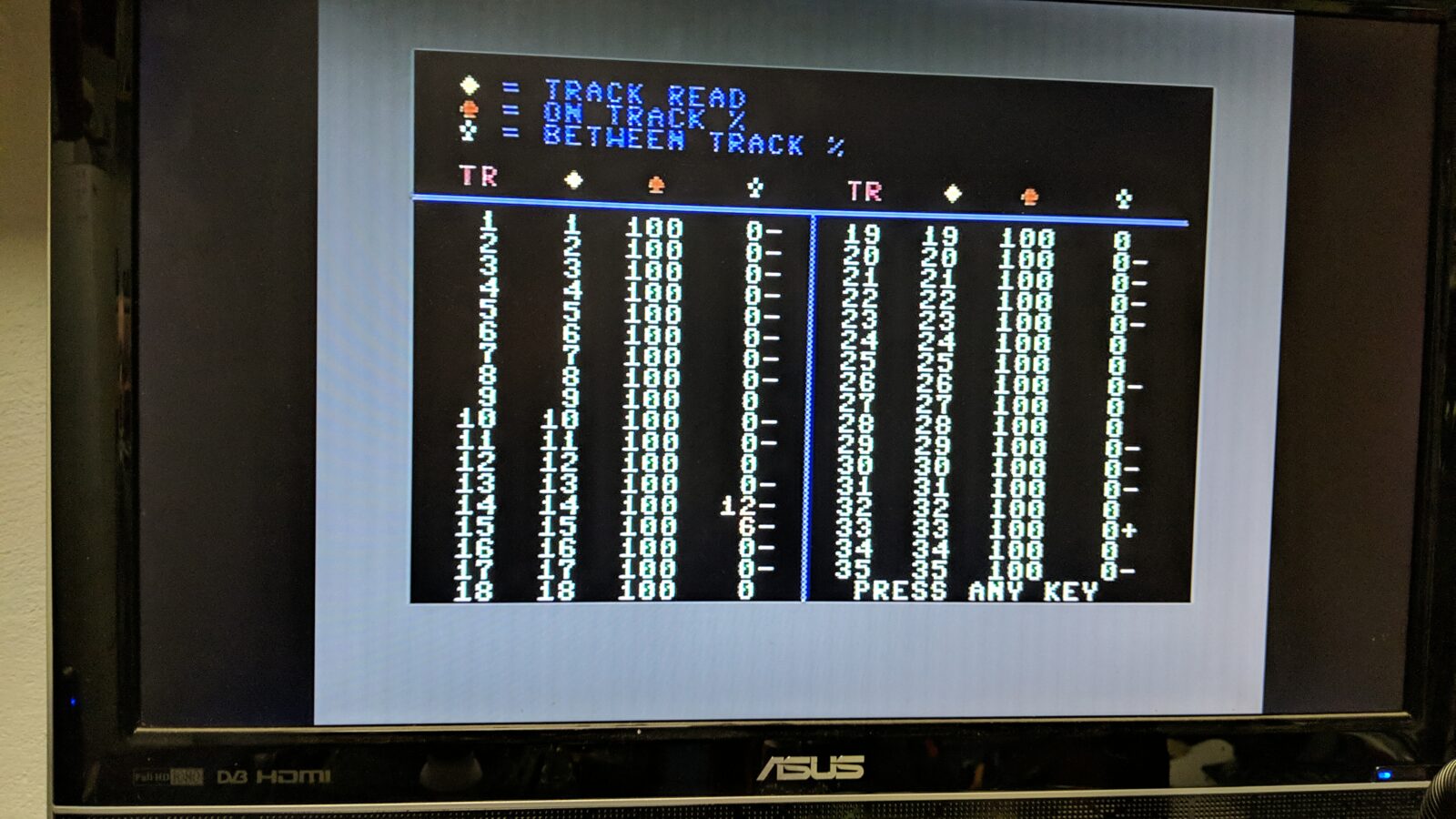
Testing Commodore FDD head alignment using the 1541 diagnostic cartridge.

As with any such devices, the first thing to do is to clean the heck out of them, to remove forty-odd years of dust and other debris, followed by testing of functionality, replacing dead ICs and the usual round of (electrolytic) capacitor replacement. Retrobrighting gives it that fresh-out-of-packaging look, which leaves just the calibrating of these drives. This procedure is essential to make sure the read/write head is aligned with the tracks on the disks, and is the most fiddly part of the process.

What helps a lot here is the 1541 diagnostic cartridge by [World of Jani] that displays real-time information on the drive while you are tweaking its speed and head alignment. All you have to do is tweak the speed potentiometer, and adjust the position of the drive motor, which takes a bit of patience and a steady hand. After this repair session a few Mitsumi drives unfortunately remained dead due to busted coils. Despite a valiant repair attempt on the heads by manually rewinding the coils, this remains a topic for a potential part III.

Adapter Lets Digital Gamepads Work On The Tandy Color Computer

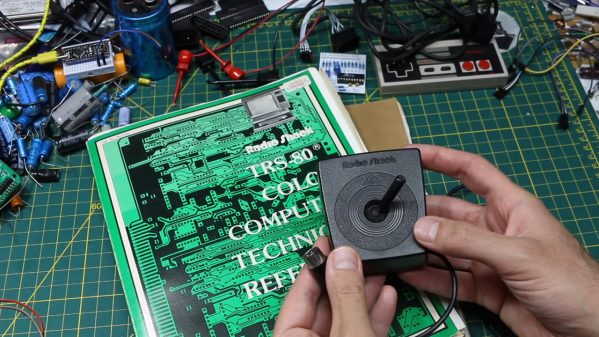
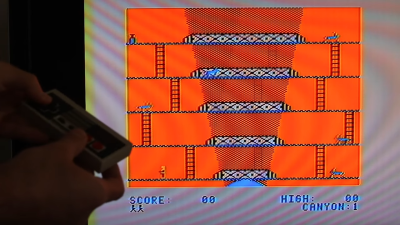
The Tandy Color Computer came with analog joysticks, quite unlike most computers and consoles of the early 1980s. Many games of the era actually worked best with digital input, so [Gadget Reboot] whipped up a converter board to allow Nintendo gamepads to work with the computer.

The build relies on an earlier breakout board that [Gadget Reboot] built in order to read early Nintendo gamepads and output a digital 5 V signal. Meanwhile, the Tandy Color Computer is expecting variable o-5 V signals from the X and Y axis pots in its standard joysticks. To convert the gamepad button presses into voltages for the CoCo, the build uses a CD4066 analogue switch IC. When no controller buttons are pressed, the 4066 is set up to output 2.5 V on both the X and Y axes. Pressing up or down, or left or right on the D-pad, outputs 0 V or 5 V respectively as required. This essentially lets the controller’s D-pad act as a digital joystick for a computer that never actually had one.

It’s a neat hack that might make playing certain games on the Color Computer significantly easier. It’s also just neat to interface a different controller to the old hardware. In the early 80s, computers were simple enough that this could all be achieved with a minimum of dumb circuitry.

Continue reading “Adapter Lets Digital Gamepads Work On The Tandy Color Computer”