Live Train Departure Screens Keep You Abreast Of Transit Developments

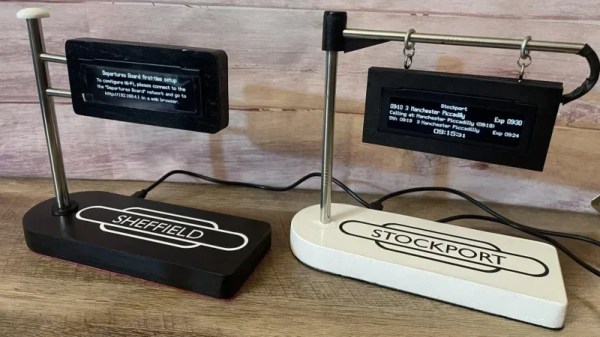
If you want to know when the train is coming, you could pull up a webpage on your phone, or walk all the way to the station to look at the displays there. Or, like [eastfamilyreddish], you could build a neat little train info display to decorate your desktop instead.

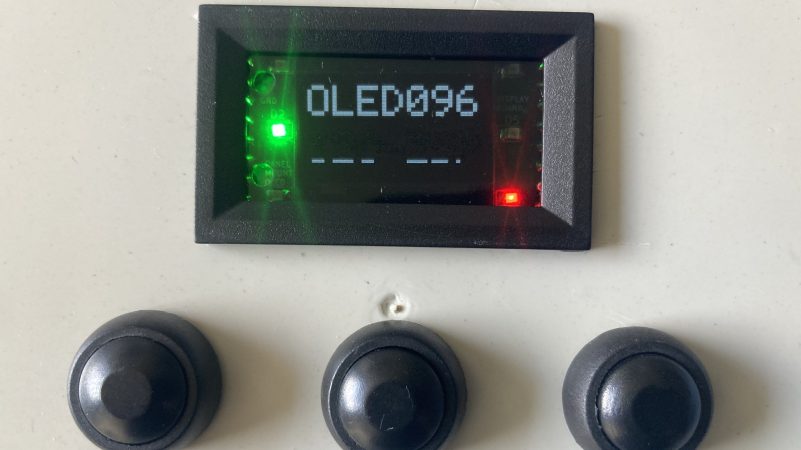
The build is based on the work of [gadec-uk]—who developed a train information display some time ago. It’s based around an ESP32 D1 Mini, paired with a 256 x 64 OLED screen to display relevant train information. It accesses a National Rail API for train status information—known as the Darwin LDBWS (Live Departure Board Webservice). Configuration is via a web GUI hosted by the ESP32 itself.

[eastfamilyreddish] took the concept further by adapting this hardware into a more pleasing form. The ESP32 and OLED screen are built into a neat little hanging sign setup that apes one you might expect to see at a real railway station. You might expect that 3D printing was involved, but instead, this was achieved with lasercut parts and resin casting to create something with a beautiful finish. They even went so far as to include a wireless phone charging module in the base, making the device extra useful to really earn its place on the desktop.

The fact is, around these parts we love both trains and the displays you find around them. If you’ve got a railway-adjacent project, or you’ve just built your own awesome railway, don’t hesitate to let us know on the tipsline!

Wear This RISC V, RPN Calculator Watch For Maximum Nerd Cred

Once upon a time, owning a calculator watch was the epitome of cool. Well, for a very specific subset of the population with our own definition of “cool” anyway. The only thing cooler than wearing a calculator watch? Making a calculator watch, of course! If you do it as part of developing your own SDK for a popular RISC V microcontroller, all the better. That’s what [Miroslav Nemecek] did with his Antcalc watch, which is one of the demo projects for the CH32Lib SDK, which is currently under development at version 0.35 as this is written.

It appears as though the solid core wire on the back of the homemade PCB is used to hold the watch band, a nice little hack.

As you might guess, CH32LibSDK is targeting the super-cheap CH32 series of RISC V microcontrollers. Perhaps because the SDK is so early in development, there’s not much documentation outside of the example projects. The examples are all worth looking at, but our tipster wanted us to cover the Antcalc calculator watch specifically.

The Antcalc watch uses the SOP16-packaged CH32V002A4M6 to drive a small OLED display while taking input in Reverse Polish Notation from a dozen small buttons. We’re not sure how the cool kids feel about RPN these days, but that’s got to be worth extra nerd cred. Using a RISC V chip doesn’t hurt in that department, either.

For something so small– 30 mm x 55 mm–it’s looks like a decent little calculator, with 10 registers holding a mantissa of 21 digits and exponents up-to +/-99 in binary coded decimal. Seven layers on the dozen-key input pad mean most of the scientific functions you could ask for are available, along with the ability to record and replay upto 10 macros. There are also ten memory slots, all of which go into the chip’s onboard flash so are non-volatile during a battery swap. (Of which many will be necessary, since this appears to run on a single coin cell.)

If you get bored of wrist-mounted calculating, you could always repurpose this microcontroller to play MOD files on your wrist. Some people couldn’t imagine ever getting bored by a wrist-mounted calculator, and just for them we have this teardown of a beautiful 1975 model and a this article on the history of the calculator watch.

Thanks to [James Bowman] for the tip.

RTINGS 10-Year Equivalent TV Longevity Update With Many Casualties

For the past two-and-half years Canadian consumer testing outfit RTINGS has been running an accelerated aging experiment across a large number of TVs available to a North-American audience. In their most recent update, we not only  find out about the latest casualties, but also the impending end of the experiment after 18,000 hours — as the TVs are currently failing left and right as they accelerate up the ascending ramp of the bathtub curve.

Some of these LEDs are dead, others are just wired in series. (Credit: RTINGS.com)
Some of these LEDs are dead, others are just wired in series.

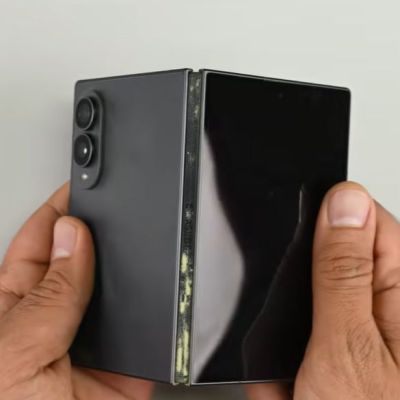
The dumbest failure type has to be the TVs (such as the Sony X90J) where the failure of a single dead backlight LED causes the whole TV to stop working along with series-wired LED backlights where one dead LED takes out a whole strip or zone. Other failures include degrading lightguides much as with our last update coverage last year, which was when edge-lit TVs were keeling over due to overheating issues.

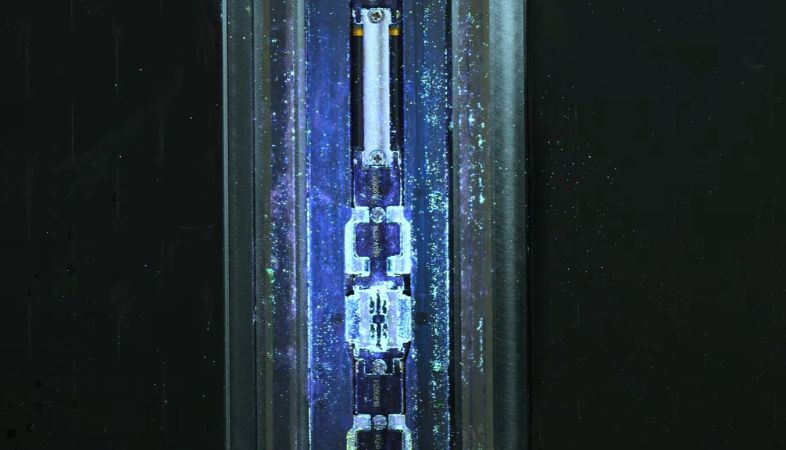
Detailed updates can be found on the constantly updating log for the experiment, such as on the failed quantum dot diffusor plate in a TCL QLED TV, as the quantum dots have degraded to the point of green being completely missing. Although some OLEDs are still among the ‘living’, they’re showing severe degradation – as pictured above – after what would be the equivalent of ten years of typical usage.

Once the experiment wraps up it will be fascinating to see who the survivors are, and what the chances are of still using that shiny new TV ten years from now.

Continue reading “RTINGS 10-Year Equivalent TV Longevity Update With Many Casualties”

The Impending CRT Display Revival Will Be Televised

Until the 2000s vacuum tubes practically ruled the roost. Even if they had surrendered practically fully to semiconductor technology like integrated circuits, there was no escaping them in everything from displays to video cameras. Until CMOS sensor technology became practical, proper video cameras used video camera tubes and well into the 2000s you’d generally scoff at those newfangled LC displays as they couldn’t capture the image quality of a decent CRT TV or monitor.

For a while it seemed that LCDs might indeed be just a flash in the pan, as it saw itself competing not just with old-school CRTs, but also its purported successors in the form of SED and FED in particular, while plasma TVs  made home cinema go nuts for a long while with sizes, fast response times and black levels worth their high sale prices.

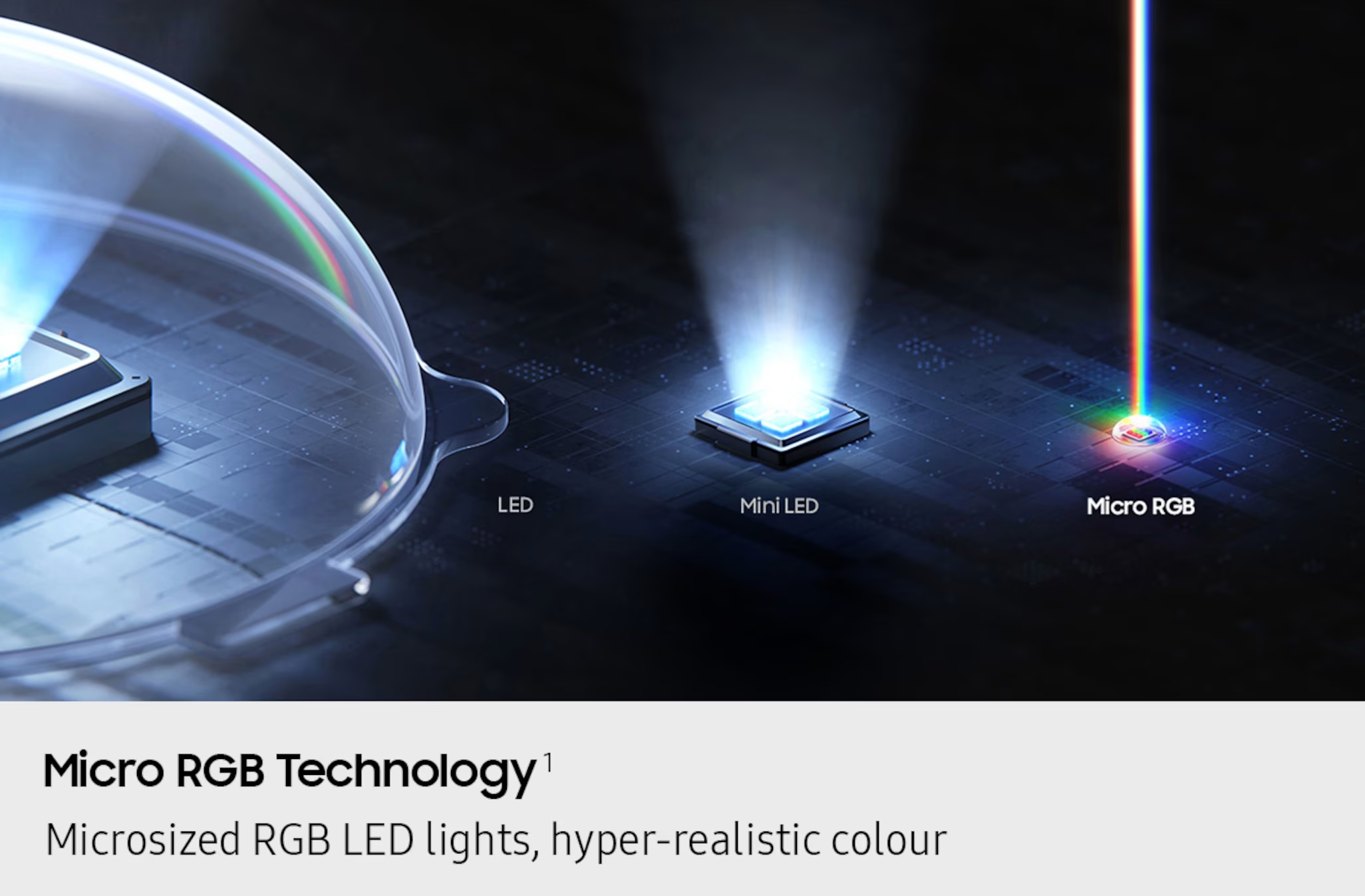
We all know now that LCDs survived, along with the newcomer in OLED displays, but despite this CRTs do not feel like something we truly left behind. Along with a retro computing revival, there’s an increasing level of interest in old-school CRTs to the point where people are actively prowling for used CRTs and the discontent with LCDs and OLED is clear with people longing for futuristic technologies like MicroLED and QD displays to fix all that’s wrong with today’s displays.

Could the return of CRTs be nigh in some kind of format?

Continue reading “The Impending CRT Display Revival Will Be Televised”

A Web-Based Graphics Editor For Tiny Screens

These days, adding a little LCD or OLED to your project is so cheap and easy that you can do it on a whim. Even if your original idea didn’t call for a display, if you’ve got I2C and a couple bucks burning a hole in your pocket, why not add one? Surely you’ll figure out what to show on it as the project develops.

But that’s where it can get a little tricky — in terms of hardware, adding a screen just takes running a few extra wires, but the software side is another story. Not only do you have to contend with the different display libraries, but just creating the image assets to display on the screen can be a hassle if it’s not something you do regularly. Enter Lopaka, a graphics and user interface editor for electronic projects created by [Mikhail Ilin].

Continue reading “A Web-Based Graphics Editor For Tiny Screens”

The guts of a cyberpunk Walkman.

Cyber Walkman Does It In Style

One of the best things about adulthood is that finally we get to, in most cases, afford ourselves the things that our parents couldn’t (or just didn’t for whatever reason). When [Yakroo108] was a child, Walkmans were expensive gadgets that were out of reach of the family purse. But today, we can approximate these magical music machines ourselves with off-the-shelf hardware.

A cyberpunk Walkman.Besides the cyberpunk aesthetic, the main attraction here is the UNIHIKER Linux board running the show. After that, it’s probably a tie between that giant mystery knob and the super-cool GUI made with Tkinter.

We also like the fact that there are two displays: the smaller one on the SSD1306 OLED handles the less exciting stuff like the volume level and the current time, so that the main UNIHIKER screen can have all the equalizer/cyberpunk fun.

Speaking of, this user-friendly GUI shows play/stop buttons and next buttons, but it looks like there’s no easy way to get to the previous track. To each their own, we suppose. Everything is enclosed in a brick-like 3D-printed enclosure that mimics early Walkmans with orange foam headphones.

If you want an updated Walkman with keyboard switches (who wouldn’t?), check this out.

DIY Handheld Is An Emulation Powerhouse

If you’re into handheld gaming, you’ve got a wide array of hardware options to choose from these days that are capable of running everything from console classics to full-fledged PC titles. But that doesn’t mean there aren’t enterprising gamers out there who are still building their own custom handhelds —  like the Retro Lite CM5.

For this project, [StonedEdge], [GinKage], and [notime2d8] set out to create a powerful enough handheld that could emulate games spanning the PlayStation 2, GameCube, and 3DS eras. Using a Radxa Rk3588s compute module as a base, the build navigates the design and construction of things like the carrier board, custom controllers, and the enclosure.

Continue reading “DIY Handheld Is An Emulation Powerhouse”